

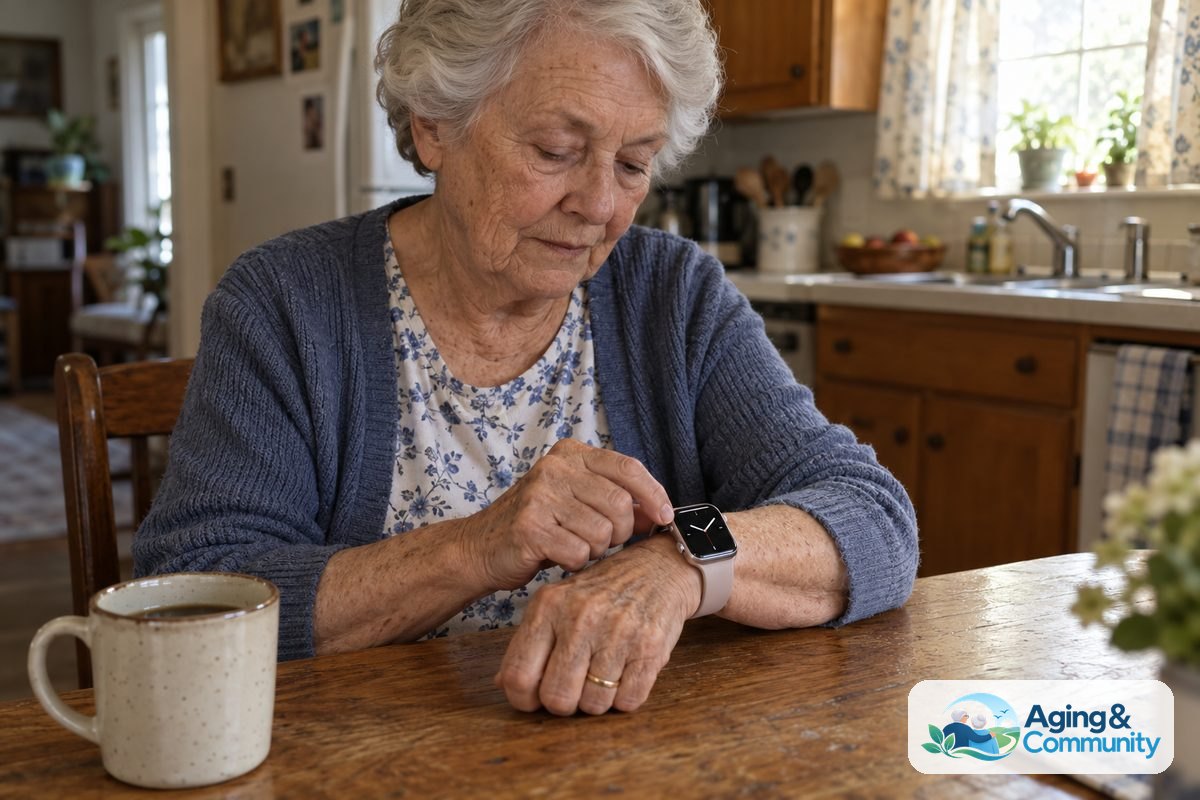
Finding the easiest smartwatch for seniors usually means choosing a device with a bright display, simple menus, and reliable safety tools. The right watch should feel comfortable on the wrist and work without confusing daily adjustments. When technology stays out of the way, a wearable watch can offer peace of mind for you and your loved ones.
What Makes an Easy to Use Smartwatch for Seniors
Modern technology often tries to do too much at once. Tiny icons, hidden menus, and sensitive touchscreens can make standard watches frustrating to use. An easy to use smartwatch for seniors focuses on clarity, large text, and straightforward physical controls.
When you look at different models, several basic features make a big difference in daily comfort:
- High contrast screens: Crisp black text on white backgrounds or bright letters on dark screens make reading the time and messages simple in direct sunlight.
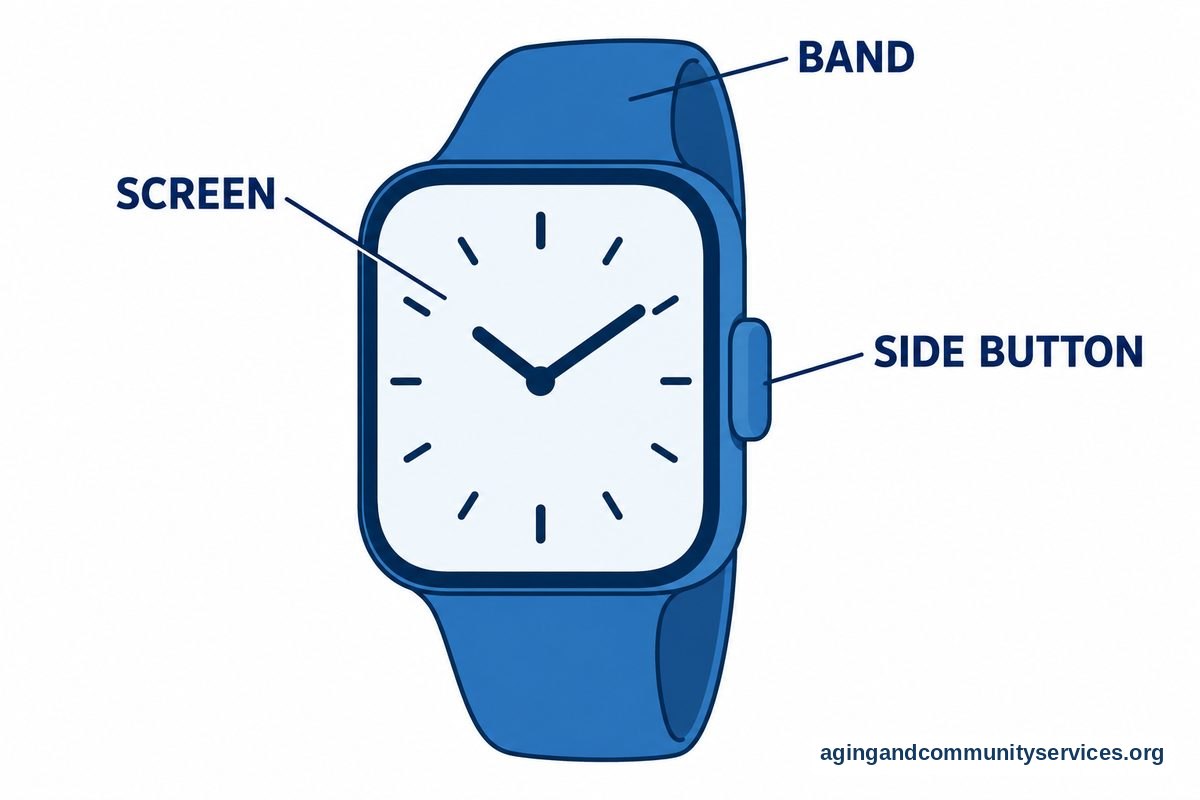
- Physical buttons: Having at least one real side button helps return to the home screen without needing precise finger taps.
- Audio volume and vibration: Strong vibration motors and clear speaker sound help ensure you never miss a reminder or an incoming call.
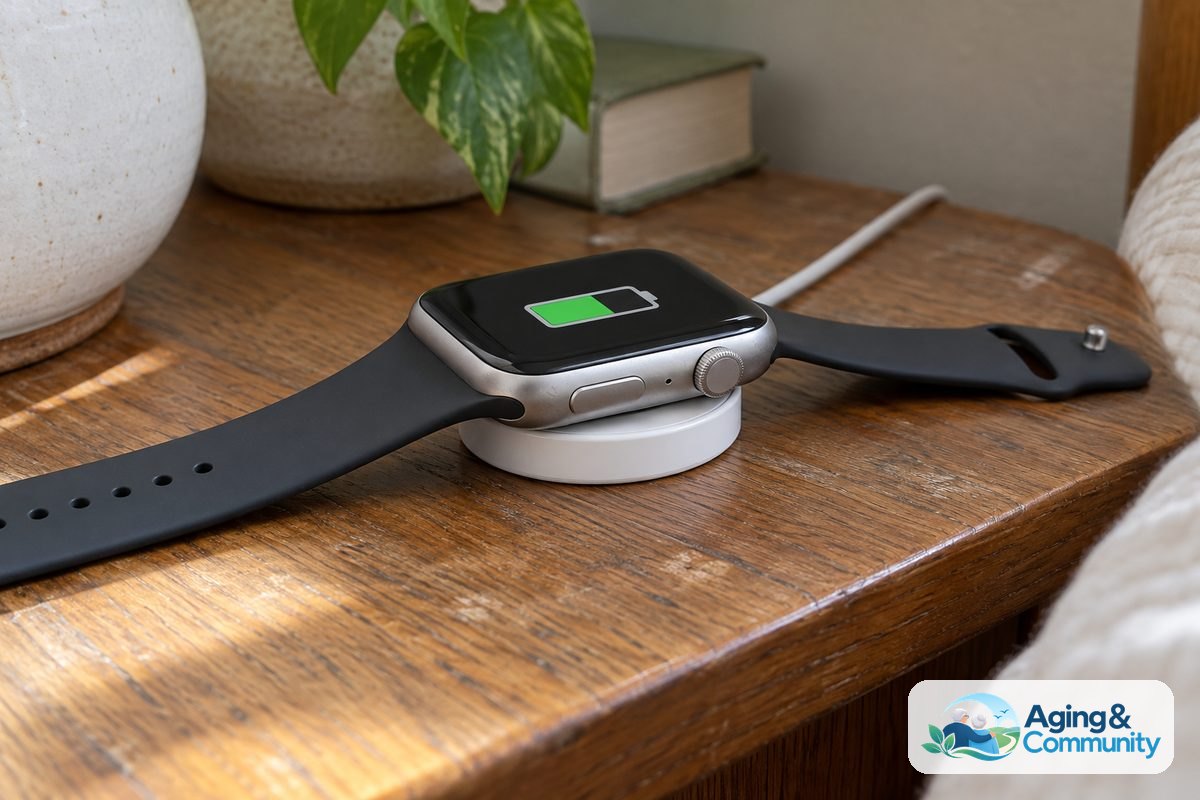
- Simple charging: Magnetic charging docks or drop-in cradles remove the need to plug tiny cords into small ports.
For many families, supportive technology is an essential part of aging in place safely. Choosing hardware that does not cause frustration helps ensure the watch stays on the wrist rather than inside a drawer.
Medical Alert Watches vs Traditional Smartwatches
One major decision is whether to choose a standard commercial smartwatch or a dedicated medical alert device. Both have unique strengths depending on your daily routine, tech comfort, and lifestyle.
Standard smartwatches from mainstream tech brands connect to a smartphone. They let you check text messages, monitor daily step counts, and track sleep patterns. However, they usually require regular software updates and daily charging. They can also present menus that are easy to tap by mistake.
Dedicated alert devices work differently. A smart med alert watch is built primarily for safety. These watches often feature a single emergency button that connects directly to a live monitoring center. Many include built-in cellular service, so they work outside the house without needing a companion smartphone nearby.
| Feature | Standard Smartwatch | Medical Alert Watch |
|---|---|---|
| Primary focus | Communication and daily habits | Safety and emergency response |
| Smartphone required | Yes, for most functions | No, usually works alone |
| Battery life | One to two days | Two to five days |
| Response service | Calls 911 or emergency contacts | Connects to professional monitoring centers |
Safety Features: Fall Detection and Emergency Help
Safety tools are often the main reason families explore wearable devices. Sudden slips and balance issues can happen at home or in the yard. Research from the National Institute on Aging: Falls and Falls Prevention page highlights that staying active and addressing home hazards are key steps in staying safe. Wearable tools add another layer of contact if you cannot reach a telephone.
Automatic sensors look for the rapid motion and sudden stop common in a fall. If a fall is sensed, the watch can sound an alert and ask if you need help. If you do not tap the screen to cancel the prompt, it can contact your family or call local emergency dispatchers automatically.
If emergency safety is your top reason for buying a device, explore options specifically designed around watches for seniors fall detection to see how different sensors perform. A dedicated medical alert smartwatch with fall detection can provide direct two-way voice communication right through the watch face, allowing you to speak to an operator anywhere you have cell coverage.
Health Tracking Without the Confusing Menus
Many people appreciate having gentle health tracking features on their wrist. Daily activity goals, heart rate checks, and medication alerts can encourage healthy routines. The key is finding a watch that displays this information clearly without cluttering the screen with dense charts.
Some modern wearables also offer casual wellness readings. For instance, people interested in circulatory health often ask about smartwatches for seniors blood pressure tracking. While consumer watches can show general trends, they are not replacements for clinical blood pressure cuffs. Always discuss unexpected readings with a doctor before making any changes to your medication or daily schedule.
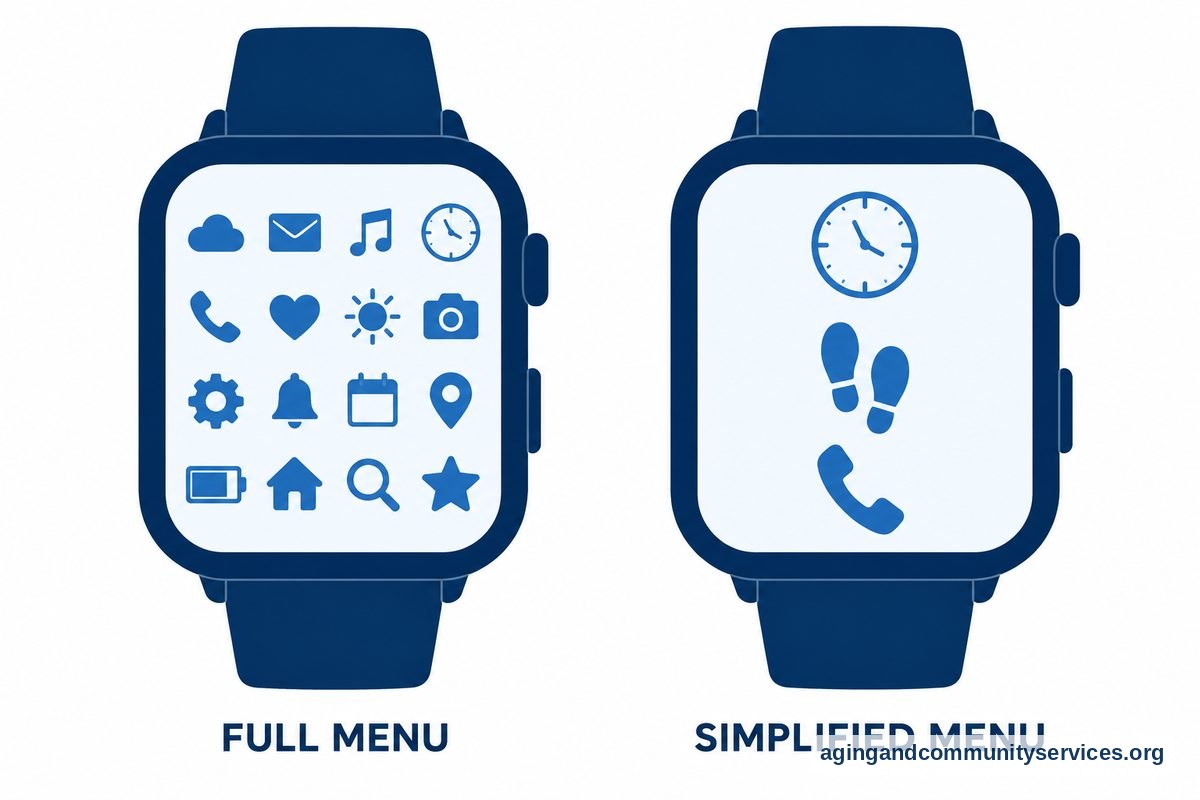
To keep the experience simple, turn off features you do not plan to use. Most companion apps on a phone or tablet let you hide apps like social media notifications, weather forecasts, or stocks. Hiding unused screens leaves only the time, steps, and emergency tools visible on the watch face.
Battery Life and Simple Charging Solutions
A safety watch cannot help you if it is sitting on a dresser with a dead battery. Battery life is one of the most practical factors to consider before choosing a device.
Bright color screens with constant health sensors tend to use more power. These watches typically require a charge every 24 to 48 hours. If remembering to charge a device every night feels like a burden, consider a simpler watch with an e-paper or low-power screen. Some simplified models can run for several days or even a full week on a single charge.
Look closely at how the charger connects. Traditional plug-in cables require good vision and steady fingers to plug into small ports. Cradle chargers or flat magnetic pucks are much easier to manage. You simply rest the watch onto the base, and a chime or vibration confirms that it is charging correctly.
Practical Steps for Choosing and Setting Up a Watch
Taking a few thoughtful steps before and during setup will ensure your new watch is a pleasure to wear every day.
- Assess your primary goal: Decide whether the watch is meant for daily fitness and text messages, or strictly for emergency contact and safety.
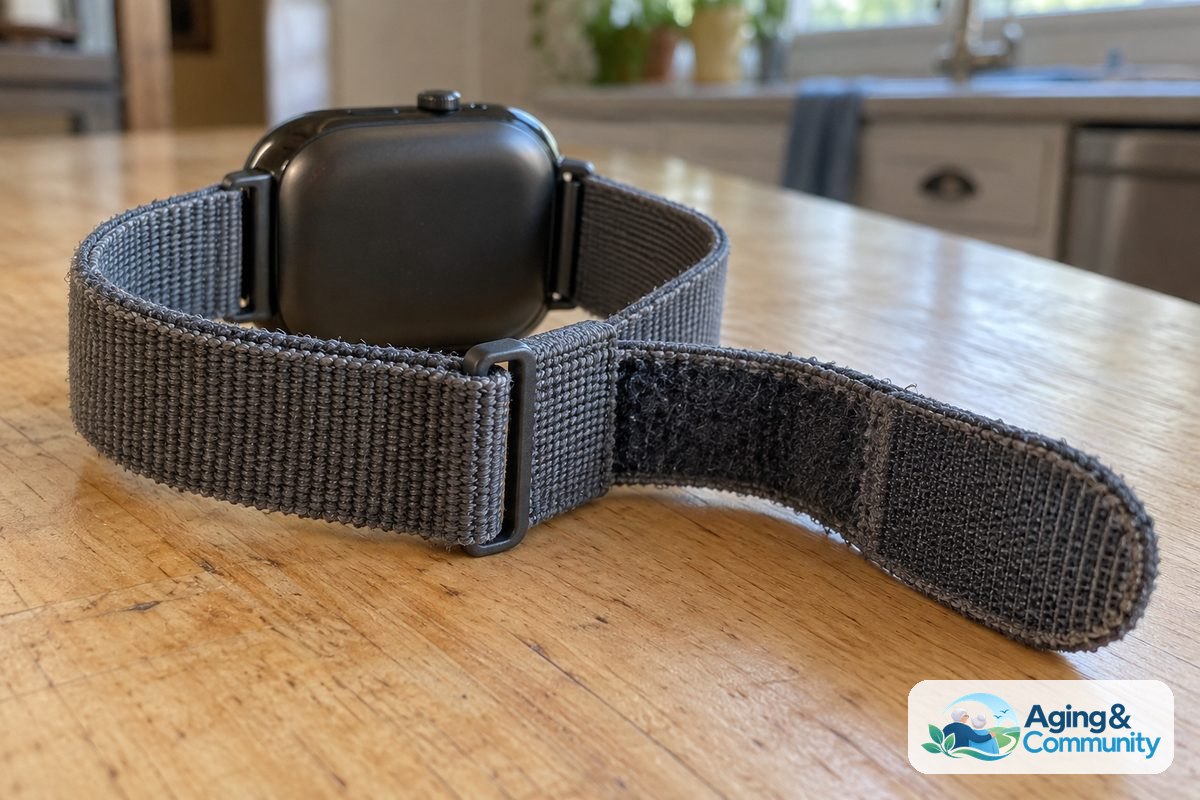
- Check wrist comfort: Look for soft silicone or breathable fabric bands with velcro closures. Avoid stiff metal links or tricky clasp buckles that pinch the skin.
- Simplify the display: After unboxing, set the text size to large and adjust the screen brightness so it is easy to view indoors and outdoors.
- Silence extra chimes: Turn off non-essential notifications from smartphone apps. Constant buzzing can cause stress and drain the battery faster.
- Practice using it: Make a test call to a family member or trigger a practice alert so everyone knows what happens when the emergency button is pressed.
- Seek local guidance: If you need advice on community living resources or support services, contact the Eldercare Locator to speak with specialists in your area.
Frequently Asked Questions
What is the most basic smartwatch available for an older adult?
The most basic models are dedicated medical alert watches. Instead of complex menus and dozens of apps, they typically feature an easy-to-read clock face and one large emergency button. These devices keep communication simple and do not require pairing with a smartphone.
Can a senior use a smartwatch without a smartphone?
Yes. Many smartwatches come with built-in cellular service. These standalone models make phone calls, send alerts, and track location independently through their own cellular plan, making them ideal for individuals who do not own or carry a mobile phone.
How tight should a safety smartwatch be worn on the wrist?
The watch band should fit comfortably snug against the skin. It should sit about one finger width above the wrist bone. If it is too loose, health sensors and automatic fall detection may not register properly. If it is too tight, it can cause skin irritation.
Do these watches replace regular medical alert systems?
A wearable alert watch can often take the place of a traditional home base unit and pendant, especially for active individuals who leave the house often. However, because watches need regular charging, some people choose to keep a traditional plug-in system at home as well.
Can I speak directly into the watch during an emergency?
Most dedicated safety watches include a built-in microphone and speaker. When the emergency button is pressed, you can speak directly through the wrist unit to an operator or designated family contact without needing a separate phone nearby.