

Learning how to choose a medical alert system starts with understanding your daily routine, your home layout, and the type of help you want nearby. The right device connects you quickly to a caring response team whenever you need assistance, whether you spend most of your time in your living room or out in the neighborhood. By looking at a few clear features, you can pick a tool that gives everyone quiet confidence every day.

Decide Between an In-Home Setup and a Mobile Device
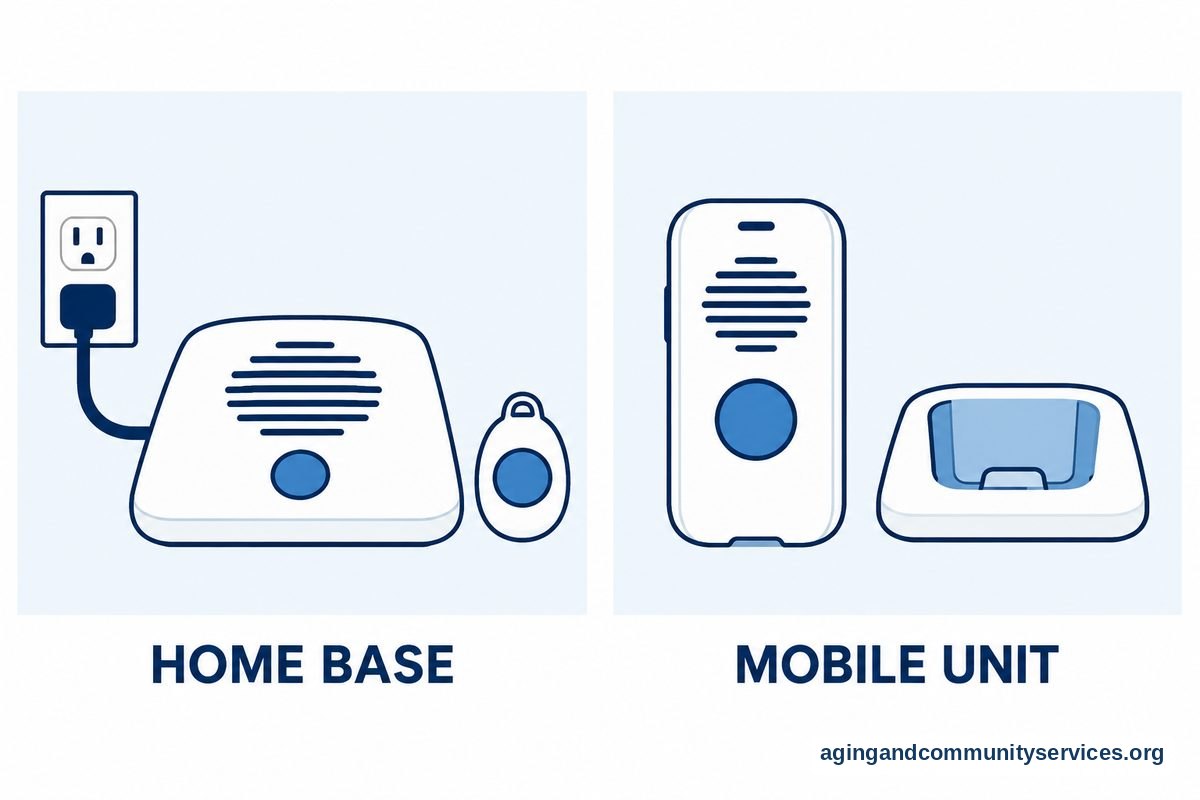
The first major choice you will face is where the system needs to work. Home-based units are designed specifically for people who spend the vast majority of their time inside the house or out in a small yard. These systems typically use a central base unit connected to a landline or a cellular signal, paired with a lightweight helper button.
Mobile systems, on the other hand, are built for people who run errands, volunteer, or enjoy walks around the neighborhood. These portable units use built-in cellular service and satellite location tracking to find you wherever you travel. If you want something modern that blends in with regular accessories, you might consider a medical alert smartwatch with fall detection to track your steps and offer quick contact while you are away from home.
Here is a quick overview of how these two main options compare:
| Feature | In-Home System | On-the-Go Mobile System |
|---|---|---|
| Best For | Spending most days inside the house | Active routines away from home |
| Connection Type | Landline telephone or land-based cellular | Nationwide cellular network |
| Location Tracking | Physical home address on file | Built-in satellite location finder |
| Battery Care | Base stays plugged in; button lasts years | Unit requires regular recharging |
Understand How Fall Detection Works
Automatic fall detection is an optional feature available with many personal buttons today. Small internal sensors measure rapid movement, tilt, and impact to sense when someone might have slipped. If the sensor registers a sudden drop followed by immobility, it calls the dispatch center on its own.
It is helpful to remember that no automated sensor can catch every single incident. Sometimes a quick sit on a low sofa can register as a fall, or a slow slide to the floor might not trigger the motion sensor at all. Resources like the National Institute on Aging: Falls and Falls Prevention provide useful education on home safety and movement checks that complement personal alert gear. You can always press the manual call button whenever you need someone to answer.
Look at Wearable Styles and Comfort
A safety button is only useful if someone feels good about wearing it throughout the day. If a pendant is bulky or heavy, it often ends up sitting on the nightstand instead of resting on the chest. Finding a comfortable style that matches personal preferences is one of the most important parts of your decision.
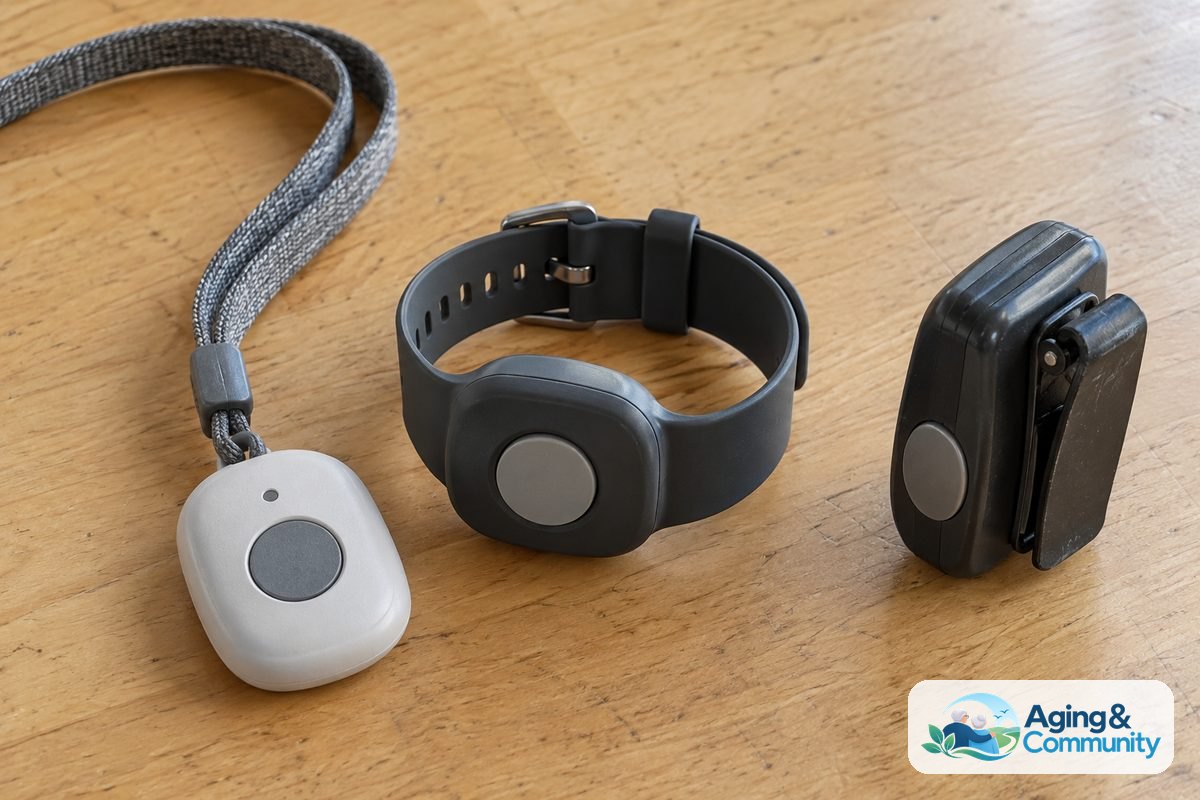
Manufacturers make a variety of shapes and styles today. You can select a traditional lanyard worn around the neck, a clip that attaches to a belt, or a soft wristband. Exploring a dedicated wearable medical alert for seniors helps you find lightweight, water-resistant designs that work well in the bath or shower, where wet surfaces often require extra care.
Evaluate Response Centers and Everyday Features
When you press a help button, the quality of the person answering your call makes a big difference. Top alert companies use monitoring centers that are certified by third-party testing organizations to ensure staff members answer quickly and remain on the line until help arrives. You should look for services that train their dispatchers in clear, patient communication.
You will also want to check the practical, day-to-day details of the equipment:
- Water resistance: Check that the button can be safely worn in the shower and tub without damage.
- Range from the base: Make sure an in-home button can reach the base unit from every corner of your home, garage, and porch.
- Battery life: Consider how simple the unit is to keep charged, especially if someone forgets regular daily charging tasks.
- Family apps: Look for systems that offer a smartphone portal so loved ones can check battery health or confirm location.
Review Contracts, Fees, and Company Policies
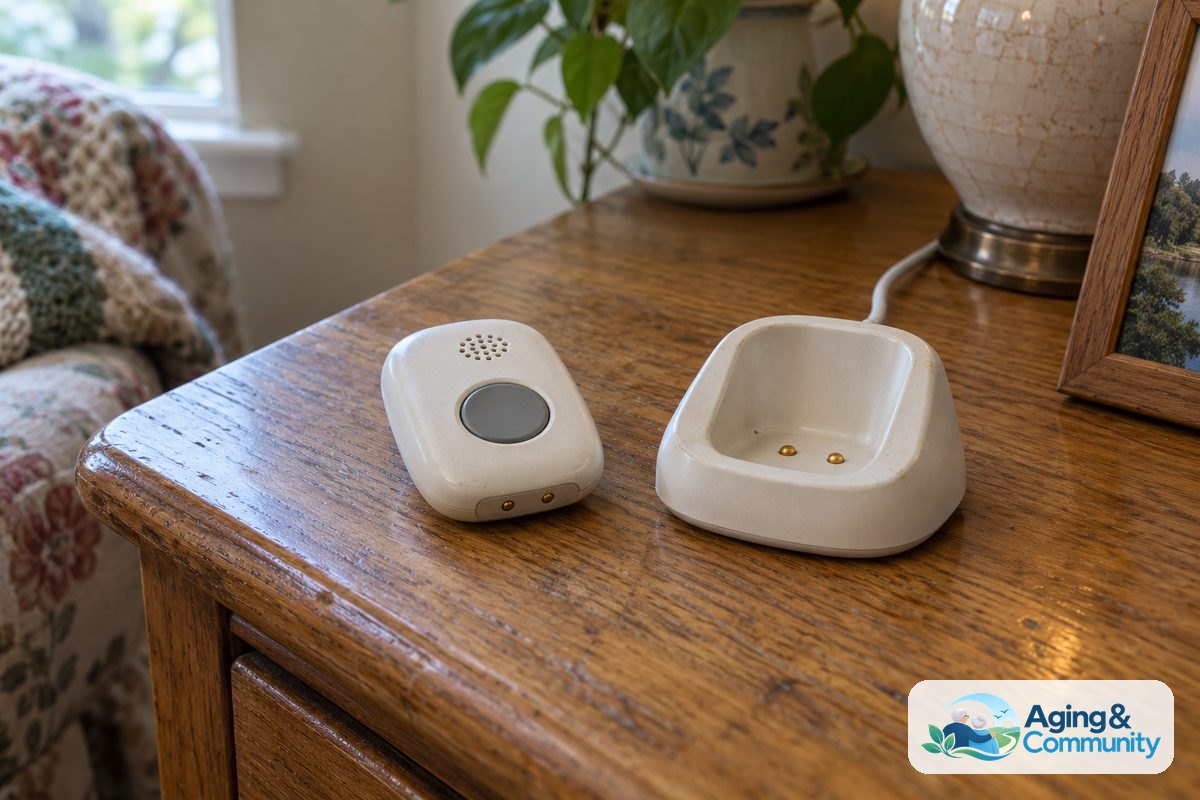
Before placing an order, look closely at the agreement terms and ongoing service costs. Reputable companies provide straightforward billing without locking families into multi-year contracts. You should always look for month-to-month payment plans that allow you to cancel service whenever your needs change.
Ask about activation fees, shipping costs, and cancellation guidelines before signing up. Reliable companies often offer a trial period so you can test the speaker volume and button fit right in your living room. Evaluating different elderly alert systems side by side gives you a good sense of standard business terms and customer support reputations.
What You Can Do Next
Choosing an alert device is just one part of creating a secure living space. Here are simple, practical steps you can take today to get your home ready:
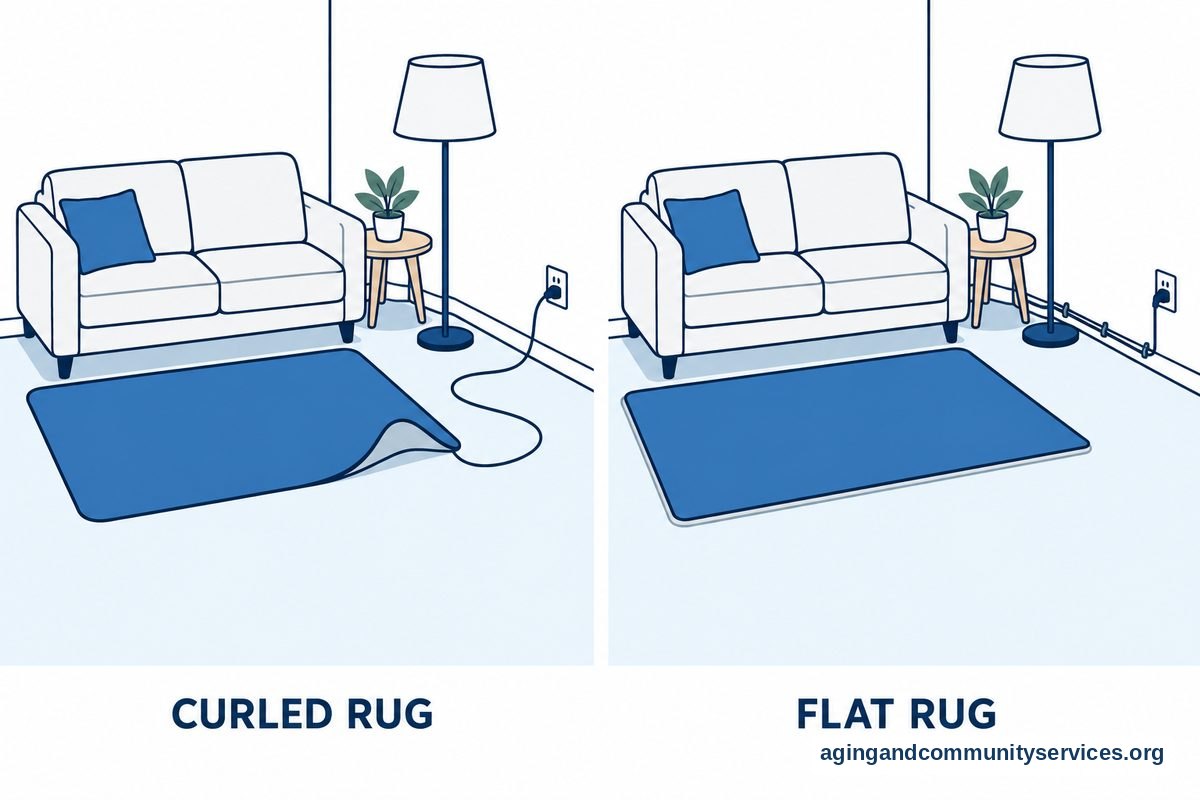
- Walk through your home: Look for loose rugs, dim stairways, or cluttered walkways that might benefit from better lighting or non-slip mats.
- Check cellular reception: Check your mobile phone signal in key areas like the basement or bathroom to see which cellular carriers have strong coverage in your house.
- Reach out for local community resources: Contact the Eldercare Locator to find supportive community programs, home assessment help, and family caregiver resources in your town.
- Talk with a healthcare professional: Bring up your safety goals with a primary care doctor, physical therapist, or occupational therapist, who can offer tailored guidance on mobility and daily routines.
Frequently Asked Questions
How to choose medical alert system options that fit a modest budget?
Look for providers that avoid upfront equipment charges and offer simple monthly agreements. Sticking to a standard in-home cellular unit rather than adding optional add-ons can keep your ongoing monthly cost manageable while still providing direct contact with an emergency center.
How to choose a medical alert system consumer reports style?
To evaluate equipment using the practical approach favored by independent product evaluators, focus on measurable factors rather than marketing slogans. Check independent reviews for rapid response times, clear two-way audio through the speaker, water resistance, and fair cancellation policies that do not penalize you for returning the hardware.
Can I wear my alert pendant into the shower?
Most modern alert pendants and wristbands are designed to be water-resistant so you can wear them while washing. Because bathroom floors can be slippery, keeping your button on while bathing is generally recommended. Always check the manufacturer guidelines to verify the water rating of your specific model.
Do these units replace calling emergency services directly?
A safety system connects you to a dedicated monitoring dispatcher rather than directly to local municipal operators. The dispatcher can assess your situation, contact family members for minor concerns, or contact your local emergency department if urgent support is required. You can also explore options for senior emergency alert systems to learn how different dispatch centers handle family notifications alongside local first responders.