

Finding an Android watch for seniors with fall detection can provide extra peace of mind for daily routines at home and in the community. These wearable devices use smart motion sensors to notice a hard tumble and call for assistance automatically. Choosing the right option makes staying connected simple, comfortable, and reliable without adding unnecessary complexity to your day.
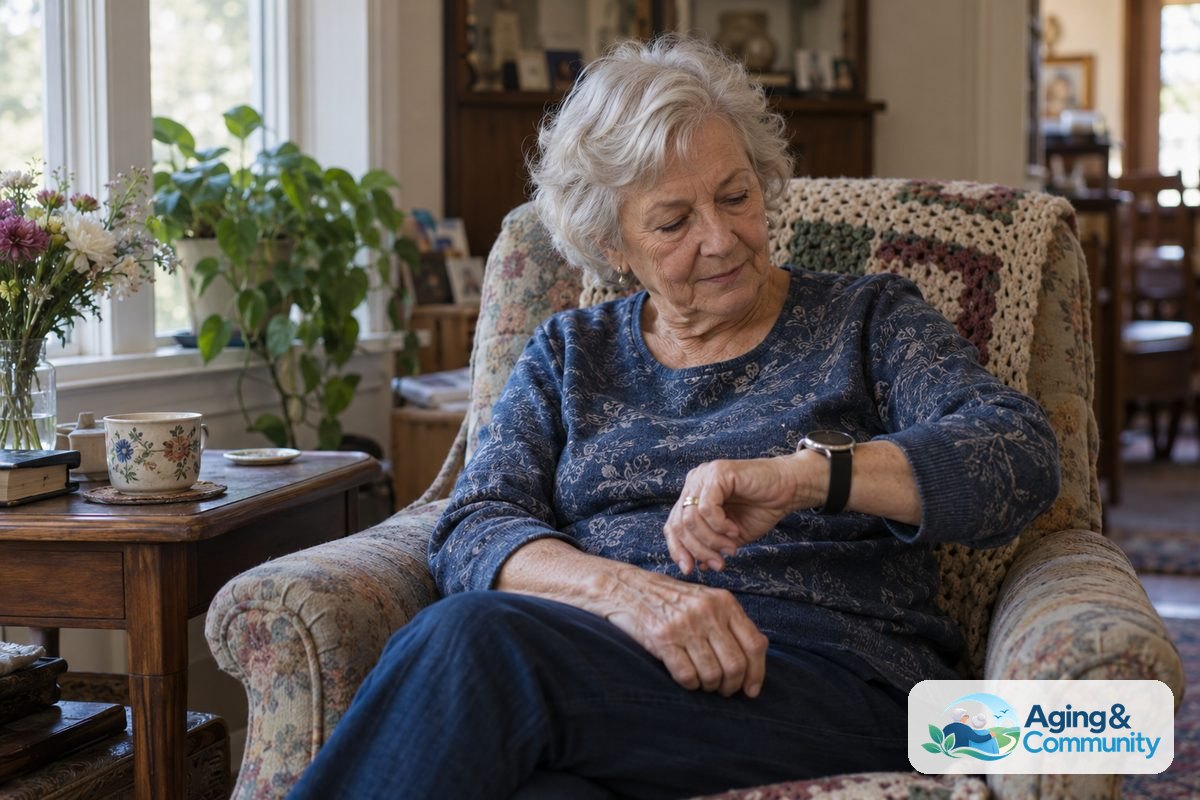
How Fall Detection Works on Android Watches
Modern smart devices use tiny internal tools called accelerometers and gyroscopes to sense sudden movement. When you wear a watch, these sensors continuously track speed, direction, and posture changes. If the software recognizes a rapid drop followed by an abrupt stop and a period of stillness, it registers the event as a potential fall.
Once a fall is sensed, the watch usually vibrates, beeps loudly, and displays an alert screen. This gives you a brief window, usually thirty to sixty seconds, to tap the screen and cancel the alert if you are unhurt. If you do not respond in time, the watch can dial emergency contacts or emergency dispatch services through your connected phone or an independent cellular link.
While this technology is very helpful, no sensor is completely perfect. Soft falls or slow slides out of a chair might not always trigger an alert. Because of this, learning about falls and falls prevention from the National Institute on Aging is a great way to stay safe alongside using a watch.
Popular Android Watch Options to Consider
Several major manufacturers make wrist wear powered by Google Wear OS or specialized Android platforms. Each model offers different strengths, depending on how comfortable the user is with technology.
- Samsung Galaxy Watch Series: Recent generations feature built-in hard fall detection that can share your location with personal emergency contacts. You can adjust the sensitivity setting so that it watches for falls during daily walks or all day long.
- Google Pixel Watch Series: These devices include fall detection that connects directly to local emergency services if you do not cancel the prompt. The bright screen and smooth interface make it readable and pleasant to navigate.
- Dedicated Alert Watches: Some devices run on custom Android systems designed specifically for health monitoring. Choosing a specialized android medical alert watch can provide dedicated monitoring center access rather than standard phone notifications.
If you prefer a simpler experience without complex apps, exploring the easiest smartwatch for seniors can help you choose an interface that feels intuitive from day one.
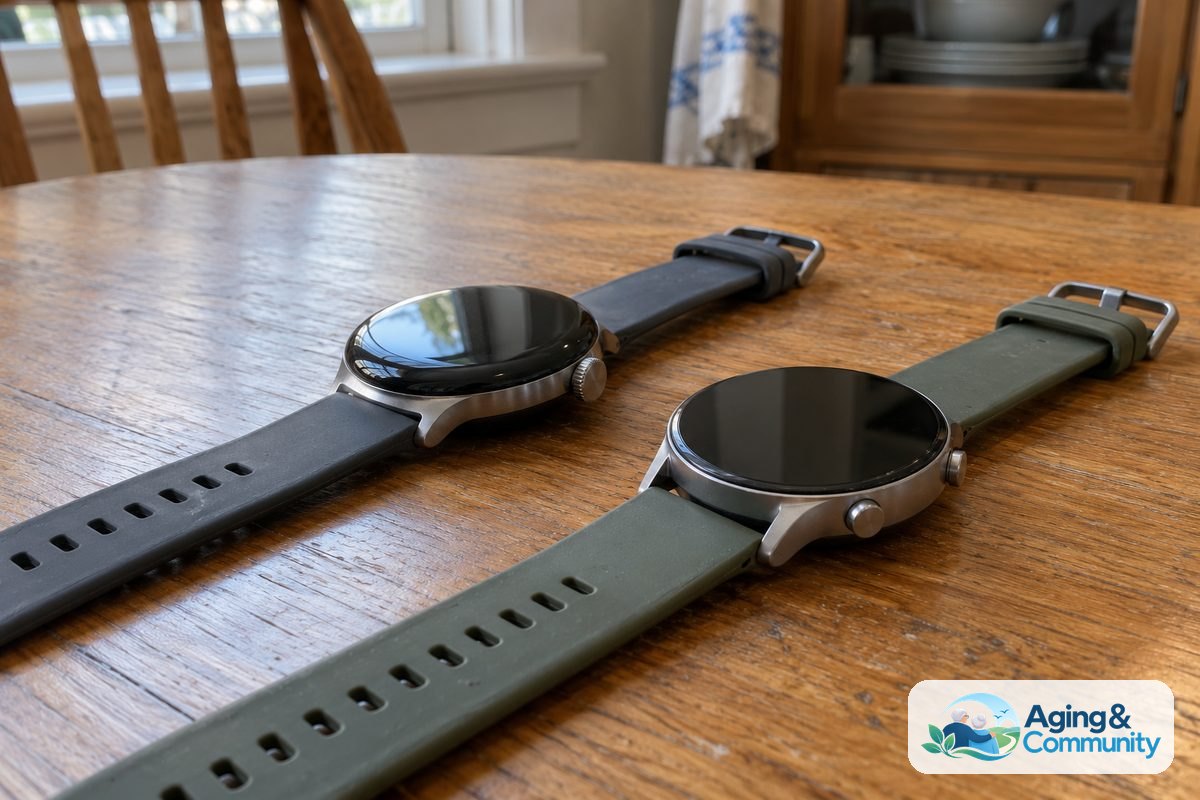
Key Features to Compare Before Choosing
Not every wearable fits every lifestyle. Reviewing a few core features helps ensure the watch fits comfortably into your daily habits.
| Feature | What to Look For | Why It Matters |
|---|---|---|
| Cellular Connection | Built-in LTE or 4G capability | Allows calls and alerts to work even if your smartphone stays behind at home. |
| Battery Life | At least 24 to 48 hours per charge | Ensures the device stays powered through the day and charges during a quick routine. |
| Water Resistance | Safe for showering and washing hands | Many slips happen in the bathroom, so keeping the watch on while bathing adds safety. |
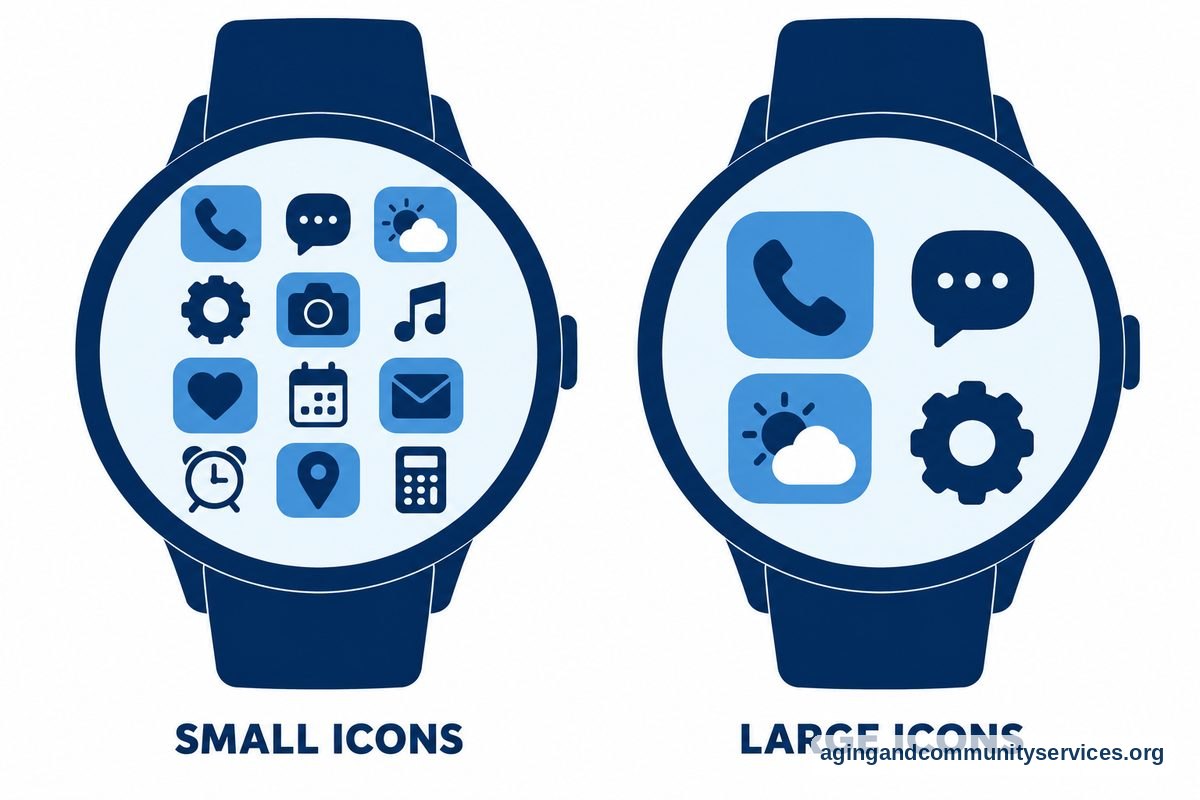
| Screen Readability | High contrast with large fonts | Makes reading time, battery status, and emergency prompts easy on the eyes. |
Taking time to compare different watches for seniors fall detection allows you to match physical comfort with the exact safety tools you need.
Everyday Smartwatch Versus Dedicated Medical Alert Watch
When shopping, you will encounter two main styles of devices: mainstream consumer smartwatches and dedicated medical alert devices. Both have clear benefits, but they serve slightly different needs.
A mainstream Android watch integrates seamlessly with standard Android smartphones. It tracks steps, sends text messages, shows weather updates, and handles phone calls. However, when an alert triggers, it usually calls 911 or personal family contacts directly from your phone plan. This means family members must be ready to answer quickly.
A specialized medical alert smartwatch with fall detection often links directly to a professional, trained response center. Operators remain on the line with you, assess the situation, and notify family members and local dispatchers as needed. Deciding between a family-managed system and a professionally monitored device comes down to your personal comfort level.
Tips for Setting Up and Using Your Device
Once you bring your new device home, setting it up correctly ensures it performs well when you need it most. Follow these basic practices for a smooth start:
- Turn on detection features: On most Android devices, fall sensing is turned off by default to save battery. Open the companion watch app on your phone, navigate to safety settings, and switch detection on.
- Fill in emergency contacts: Add trustworthy contacts who live nearby and answer their phones consistently. Make sure their contact cards include full names and mobile numbers.
- Practice canceling false alerts: Test how the cancel button works so you feel calm if the watch buzzes after a sudden clap or dropped book. Knowing how to swipe or tap the screen prevents accidental calls.
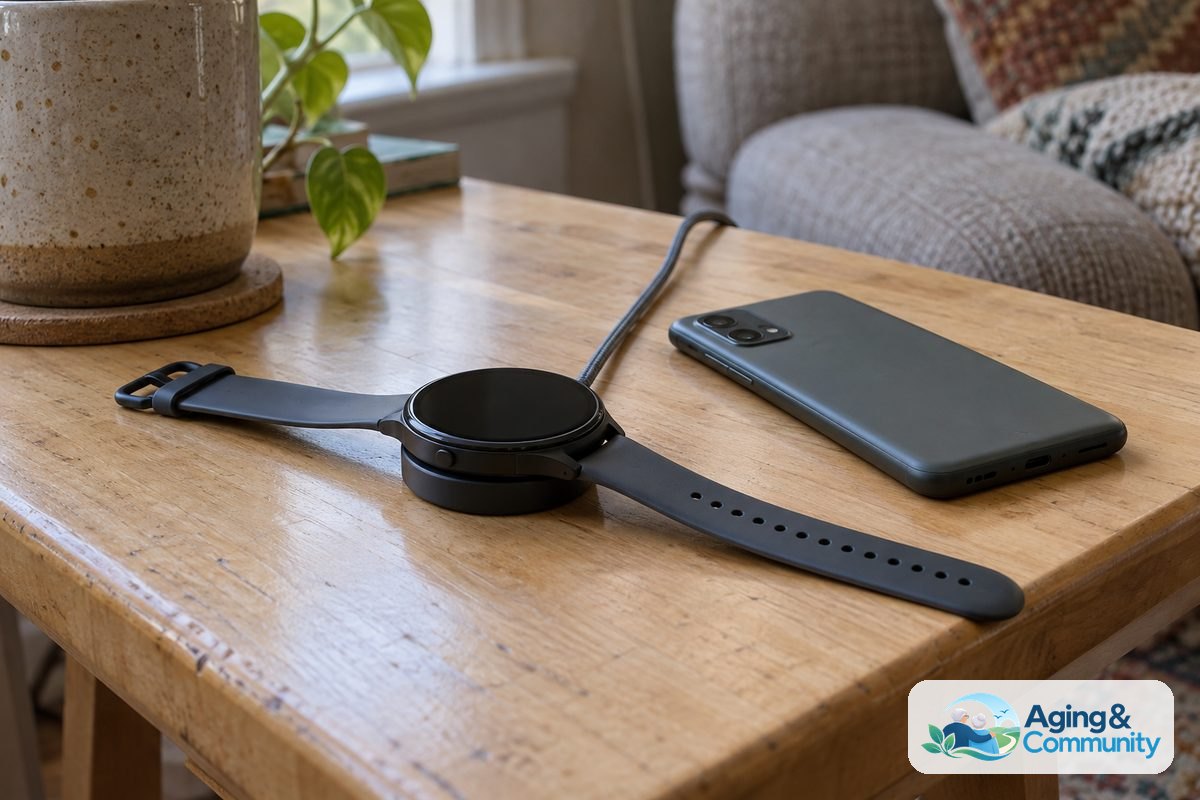
- Establish a charging habit: Set a regular time each day to charge the device, such as while sitting down for breakfast or reading in the evening. This ensures the battery stays full during busy hours.
What You Can Do Next
Technology is only one part of staying secure and independent. You can take several practical steps today to make your home and daily routine even safer:
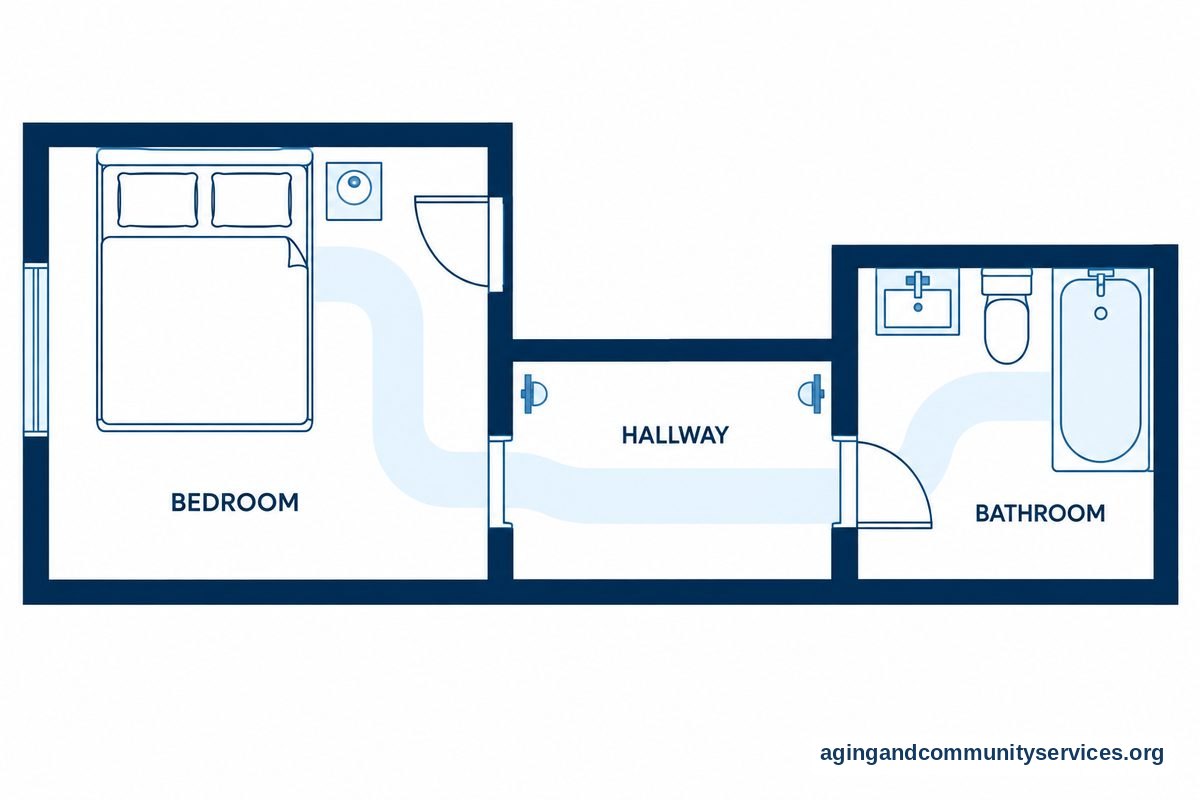
- Review your living spaces: Look through your home for loose throw rugs, clutter in hallways, and poor lighting along paths to the bathroom. Removing small hazards makes moving around much easier.
- Talk to health professionals: Schedule a conversation with a doctor or physical therapist about balance and strength exercises. They can review your medications to see if any cause mild dizziness.
- Consult an occupational therapist: An occupational therapist can inspect your home environment and recommend practical tools like grab bars or non-slip bath mats.
- Connect with community resources: Organizations like the Eldercare Locator can connect you with local support, safety assessments, and wellness programs in your neighborhood.
Frequently Asked Questions
Does fall detection on an Android watch call 911 automatically?
Yes, many Android watches can dial emergency services if you do not cancel the alert within the countdown period. Some devices can also be configured to alert designated family members or personal caregivers first instead of dispatch centers.
Do you need a separate cellular plan for fall alerts to work?
You do not always need a separate cellular plan if your watch stays connected via Bluetooth to a smartphone you carry nearby. However, having a watch with an active cellular connection allows emergency calls to go through even if your phone is out of reach or turned off.
Can an Android watch detect every type of fall?
No device can detect every single fall. Very slow, controlled slips onto the floor may not produce the sudden impact motion required to trigger the internal sensors. It is always wise to keep the emergency call button accessible manually as well.
Are Android watches waterproof enough to wear in the shower?
Most modern Android watches carry water resistance ratings that allow you to wear them in the shower or during hand washing. Since wet surfaces present slip hazards, wearing your water-resistant device while bathing is a sensible choice.