

Elderly fall alert devices are tools that can call for help or send an alert when a fall is detected or when the wearer presses a button. They do not replace personal care, medical advice, or a safer home setup, but they can be one helpful part of a fall response plan.
These devices come in several forms, including pendants, wrist watches, wall buttons, home sensors, and wearable airbags. The right choice depends on daily routine, comfort, home layout, budget, and whether the person will wear or use the device every day.

What Elderly Fall Alert Devices Do
An elderly fall alert device is made to help someone get attention after a possible fall. Some devices need the person to press a help button. Others include elderly fall detection that may sense a sudden drop, impact, or lack of movement and then start an alert.
Most systems send the alert in one of two ways. A monitored system connects to a response center, while an unmonitored system contacts family, neighbors, or another chosen helper. Some devices can do both, depending on the setup.
Common features may include:
- Help button: A button on a pendant, bracelet, watch, wall unit, or base station.
- Fall detection: Sensors that may notice a fall-like movement and start an alert.
- Two-way talk: A speaker and microphone so the user can speak with a responder.
- GPS location: A way to help locate someone when away from home.
- Caregiver alerts: Texts, app notices, or calls to chosen contacts.
No device can sense every fall. A person may still need to press a button, and some alerts may happen when there was no fall. It helps to read the device instructions and talk through what to do when an alert sounds.
Types of Elderly Fall Alarm and Alert Options
An elderly fall alarm can be simple or more advanced. The best fit is usually the one the person will actually use. Comfort, ease of charging, button size, and privacy all matter.
Here are common options to compare:
| Device Type | How It Helps | Good To Consider |
|---|---|---|
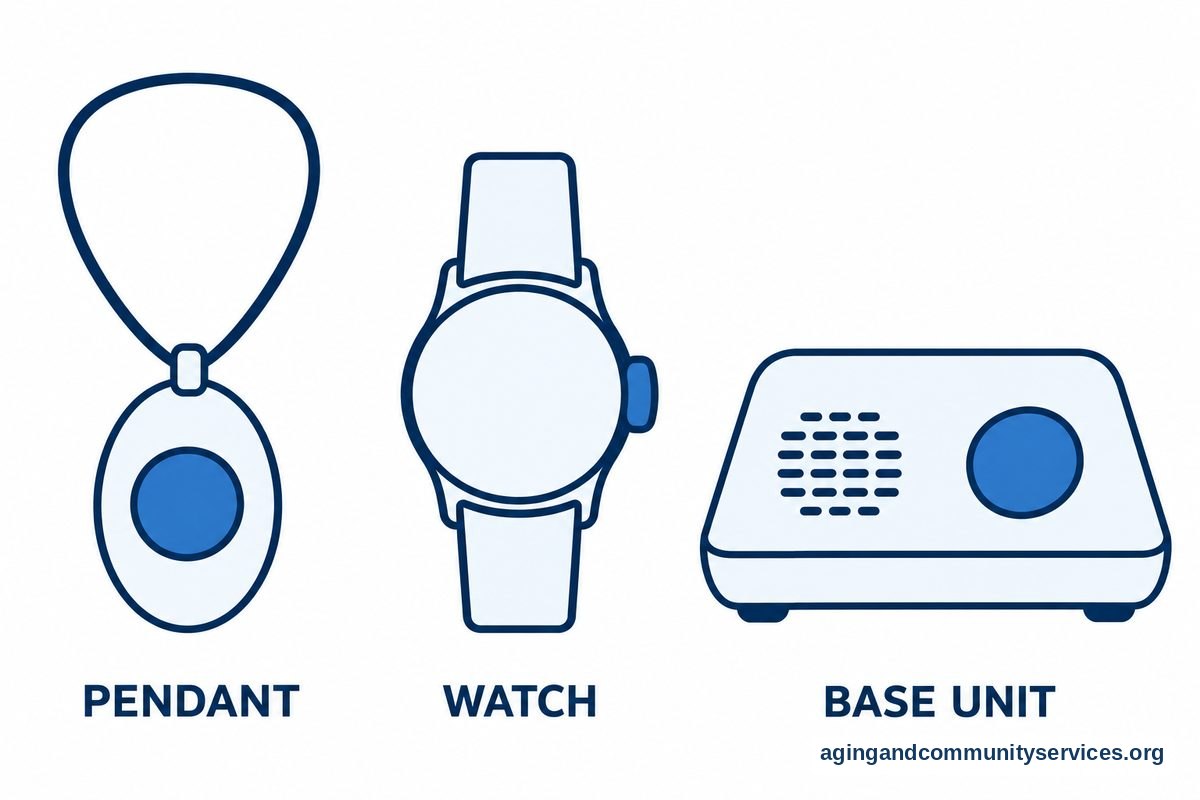
| Pendant or necklace | Worn around the neck and often has a help button with optional fall detection. | Easy to reach, but some people dislike wearing something around the neck. |
| Bracelet or watch | Worn on the wrist and may include alerts, fall detection, location, and reminders. | Useful for people who already like watches, but charging may be needed often. |
| Home base unit | Connects to a help button or sensor and may allow two-way talk. | Works well at home, but range limits should be checked. |
| Wall buttons | Placed in rooms where a fall is more likely, such as a bathroom or bedroom. | Helpful backup, but the person must be close enough to press one. |
| Room sensors | May notice unusual movement patterns or a possible fall without being worn. | Can help if wearables are not used, but privacy and placement matter. |
Some families start with elderly alert systems because they want a broad view of button-based and monitored options. Others prefer fall detection watches when the person is comfortable wearing and charging a wrist device.
If the person often goes outside, drives, walks a pet, or visits friends alone, a mobile device with location sharing may be useful. If most time is spent at home, a home-based system with good room coverage may be enough.
Fall Detection Is Helpful, But Not Perfect
Elderly fall detection uses motion sensors and software to look for patterns that may match a fall. For example, a device may sense a sudden downward movement followed by stillness. If it thinks a fall happened, it may vibrate, beep, call a response center, or contact a caregiver.
This can be helpful when a person cannot reach a button. Still, fall detection has limits. A slow slide from a chair, a trip into soft furniture, or a fall where the device is not worn may not be detected.
False alerts can also happen. A device may mistake a quick arm movement or a dropped device for a fall. Many systems give the user a short time to cancel the alert if they are fine.
When comparing elderly fall alert options, ask these questions:
- Does fall detection work at home, away from home, or both?
- Does the person need to wear the device for detection to work?
- How does the device alert before calling for help?
- Can the user cancel an alert easily?
- Who gets contacted first?
- What happens if the battery is low?
For more privacy-focused homes, ambient fall sensors may be worth reviewing. These systems are usually placed in rooms and may reduce the need to wear a device, though they still need careful setup.
Fall Prevention Devices and Home Equipment
Fall prevention devices for elderly homes are different from alert devices. Alert devices are about getting help after a possible fall. Fall prevention equipment for elderly households is about making daily movement steadier and the home easier to use.
The National Institute on Aging says changes such as reviewing medicines with a health professional, checking vision, staying active in safe ways, and making the home safer can lower the risk of falls. You can read more from the National Institute on Aging about fall risks and practical home steps.
Common elderly fall prevention equipment may include:
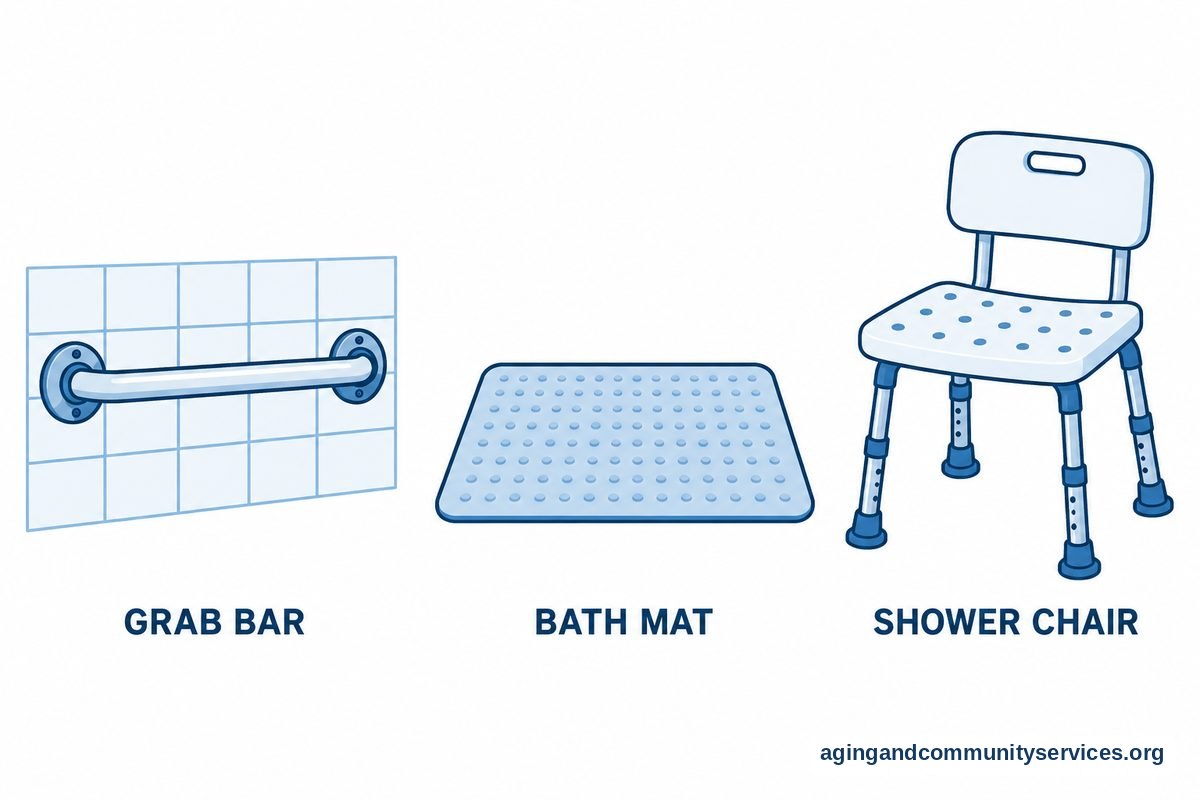
- Grab bars: Often placed near toilets, tubs, and showers.
- Non-slip bath mats: Used inside and outside bathing areas.
- Raised toilet seats: May make sitting and standing easier for some people.
- Bed rails or transfer handles: Can support safer movement in and out of bed when used correctly.
- Better lighting: Motion lights, night lights, and bright bulbs can make paths easier to see.
- Stair rails: Rails on both sides can offer steadier support.
It is wise to ask a doctor, physical therapist, or occupational therapist before choosing mobility supports or installing equipment. The right height, placement, and fit matter. A device that is not suited to the person or home can be hard to use.
Fall prevention for seniors device searches often include canes, walkers, transfer poles, bed alarms, and floor mats. These products are not all alike. Some support movement, some remind a person to wait for help, and some alert a caregiver that someone is getting up.
If the main need is a loud or simple way to call for help, personal alarms for elderly users may be easier to understand than a full system. If the goal is around-the-clock emergency contact, emergency alert systems may be a better topic to compare.
What About Elderly Fall Airbag Products?
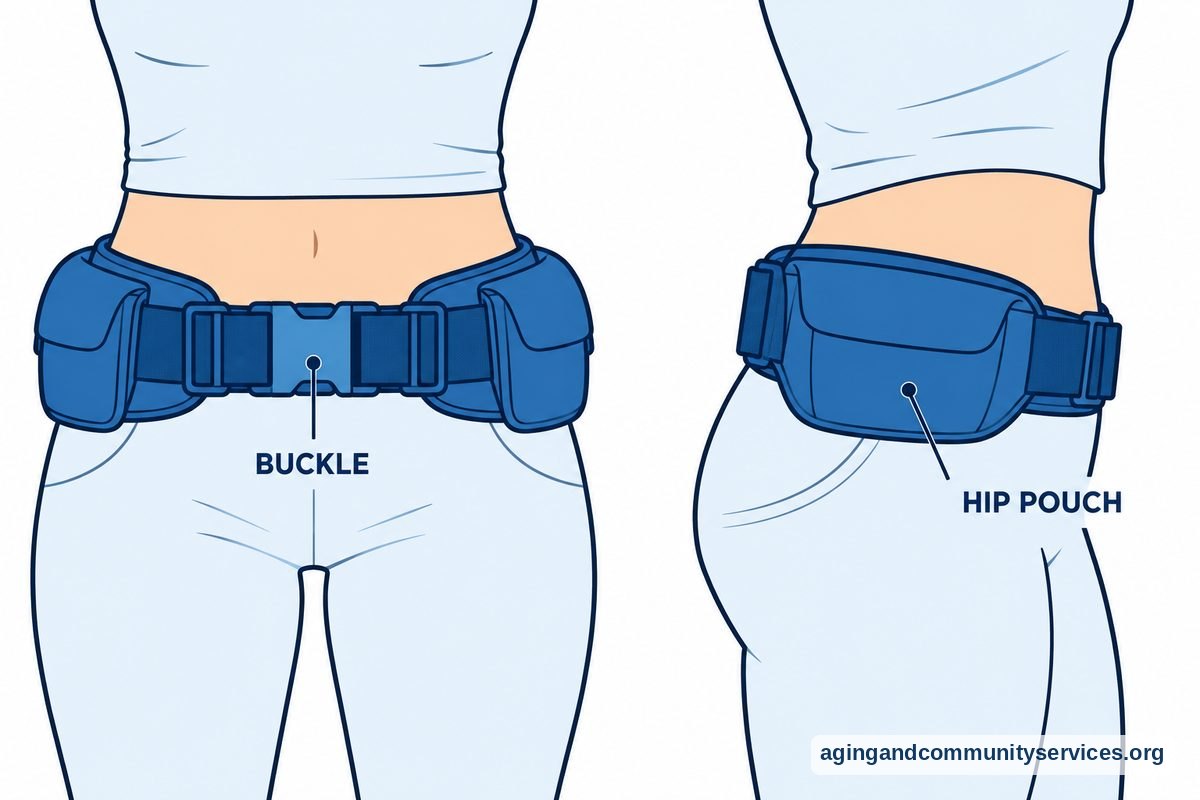
An elderly fall airbag is a wearable product made to inflate when it senses a fall-like motion. These products are usually worn around the waist or hips. The idea is to add cushioning during a fall, but they are not the same as an alert system.
Some airbag products may include alerts, while others focus only on cushioning. If you are considering one, check whether it detects falls, sends alerts, needs replacement parts after inflation, and fits under or over clothing.
Comfort is especially important. A product that feels bulky, hot, or hard to put on may sit unused. It may help to ask an occupational therapist whether the design fits the person’s body, balance, dressing routine, and home setup.
Also check daily upkeep. Some devices need charging, careful folding, or cartridge replacement after use. A family member or caregiver may need to help with these steps.
How To Choose a Fall Alert for Elderly Use
A good fall alert for elderly use should match the person, not just the feature list. Think about where falls are most likely, who should be contacted, and whether the person is willing to wear a device.
Start with these practical questions:
- Where is help needed? Home only, outside the home, or both?
- Who should answer? A response center, family member, neighbor, or caregiver?
- Will the person wear it? A comfortable device is more useful than a feature-rich one left on a table.
- Is charging easy? Daily charging may be fine for some people and frustrating for others.
- Can the person hear it? Alerts, voices, and instructions should be clear.
- Is the button easy to press? Small buttons can be difficult for hands with stiffness or low vision.
For a person with memory changes, a wearable may not stay on. A room sensor, wall button, or caregiver alert may be worth discussing. For a person who is active outside the home, location features may matter more.
Ask about water resistance, especially for bathing areas. Many falls happen in or near bathrooms, and a device that cannot be worn there may leave a gap. Follow the product instructions closely, since water resistance varies.
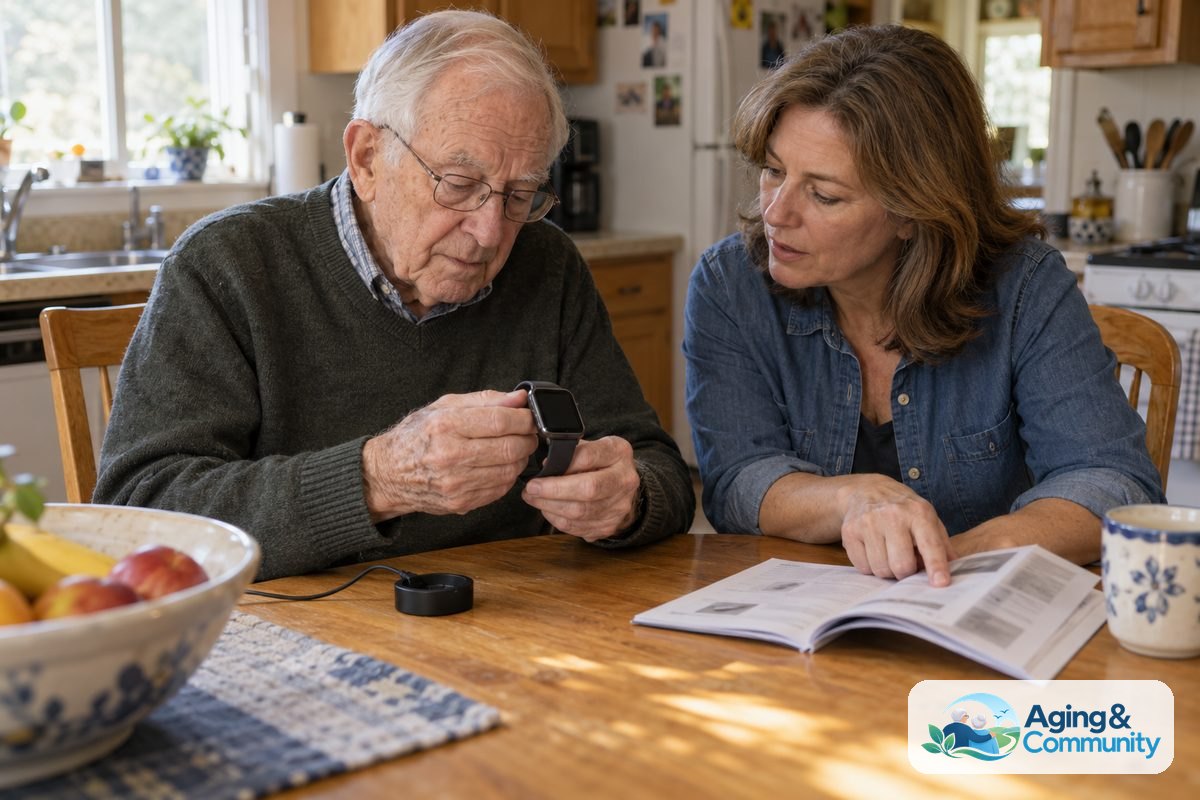
It is also helpful to practice. Press the button during setup if the company allows a test call. Make sure the person knows what will happen, what the device sounds like, and who will respond.
What You Can Do Next
You do not need to solve everything at once. A calm walk-through of the home and daily routine can show which device or equipment might help most. If there has been a recent fall, new dizziness, weakness, or a change in walking, contact a doctor or other qualified health professional.
- List the main concern. Is the worry about getting help, bathroom safety, stairs, nighttime walking, or being alone outside?
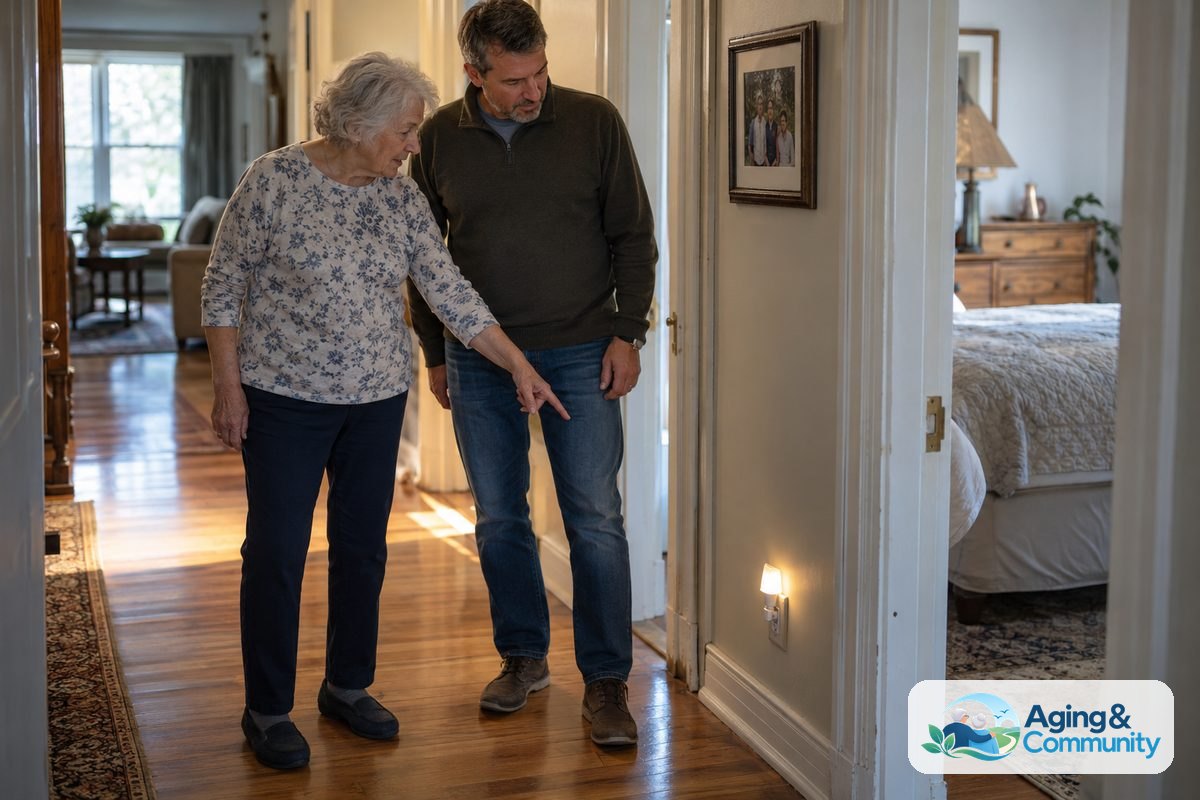
- Walk the home path. Look from bed to bathroom, kitchen to favorite chair, and door to mailbox.
- Remove simple trip points. Loose rugs, cords, clutter, and poor lighting are common places to start.
- Ask for a professional view. A physical therapist or occupational therapist can suggest safer ways to move and use equipment.
- Compare alert choices. Decide whether a pendant, watch, wall button, or room sensor fits the routine.
- Practice the plan. Make sure everyone knows who gets alerts and what to do next.
The National Council on Aging also explains why a full fall risk plan can include health checkups, activity, home changes, and support from trained professionals.
If you need local help finding home safety services, caregiver support, or community programs, the Eldercare Locator can point you toward resources in your area.
Frequently Asked Questions
What is an elderly fall alert device?
An elderly fall alert device is a wearable or home-based tool that sends an alert when the user presses a help button or when the device senses a possible fall. It may contact a monitoring center, family member, caregiver, or other chosen contact.
How does an elderly fall alarm work?
An elderly fall alarm usually works through a button, sensor, or both. When activated, it may make a sound, call a response center, open two-way talk, or send a message to selected contacts.
What are common elderly fall prevention devices?
Common options include grab bars, shower chairs, non-slip mats, raised toilet seats, bed transfer handles, stair rails, better lighting, canes, and walkers. A doctor, physical therapist, or occupational therapist can help decide what is appropriate.
Are alerts for elderly falls automatic?
Some alerts for elderly falls are automatic, but not all. Devices with fall detection may send an alert after a fall-like motion, while basic alarms usually require the person to press a button.
Is a fall prevention for seniors device the same as a fall alert?
Not exactly. A fall alert is mainly for calling help after a possible fall. Fall prevention equipment is used to support safer movement and can lower the risk of falls when chosen and installed with proper guidance.
Should I choose a watch, pendant, or home sensor?
Choose based on daily habits. A watch may suit someone who likes wrist devices, a pendant may be simple to reach, and a home sensor may help when a wearable is not used consistently.