

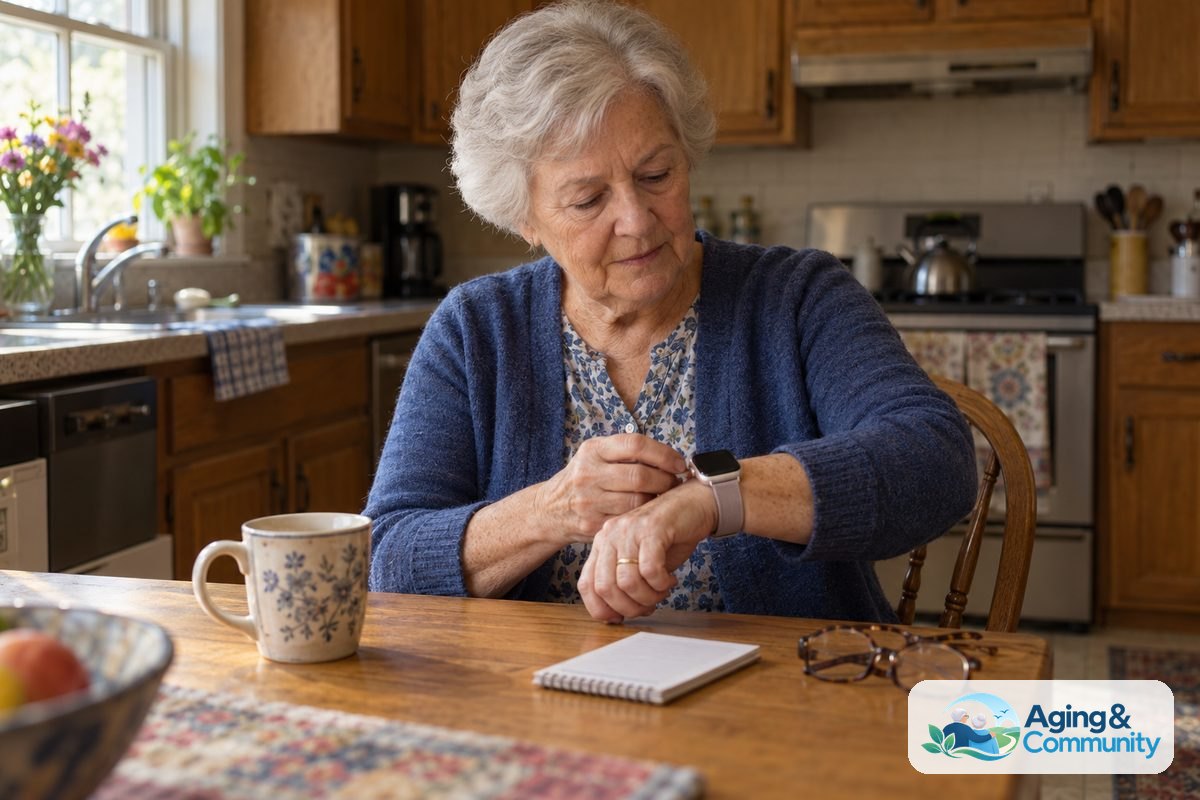
Fall detection on Apple Watch can notice signs of a hard fall and help start an emergency call if the wearer does not respond. For older adults and the family members who help them, the main value is simple: it can add one more way to call for help when a phone may not be nearby.
It is not a medical device, and it cannot promise to catch every fall. It is best viewed as one part of a practical safety plan that may also include home changes, regular check-ins, and advice from a doctor, physical therapist, or occupational therapist.
What Fall Detection On Apple Watch Means
Apple Watch fall detection uses the watch sensors to look for motion that may match a hard fall. If the watch thinks a hard fall happened, it can tap the wrist, sound an alert, and show a message on the screen.
The wearer can choose that they are okay, or they can start a call to emergency services. If the watch senses little or no movement for a short time after the alert, it may start the emergency call on its own.
When emergency calling starts, the watch may also share the wearer’s location, depending on settings, service, and local availability. If Medical ID and emergency contacts are set up, contacts may receive a message after the emergency call.
This feature is meant for urgent help after a possible fall. It does not tell why someone fell, judge injury, or replace a care plan from a health professional.
Which Apple Watch Models Have Fall Detection
Fall detection is available on many newer Apple Watch models, including Apple Watch SE and Apple Watch Series models from Series 4 and later. It is also available on Apple Watch Ultra models.
If someone is asking about fall detection Apple Watch Series 11 or fall detection on Apple Watch Series 11, the same basic question applies: check Apple’s settings on the exact watch and iPhone. Model names can change, but the important step is to confirm that Fall Detection appears in the Emergency SOS settings.
To check, open the Watch app on the paired iPhone, then look for Emergency SOS. If Fall Detection is listed there, the feature is supported on that watch.
Cellular service also matters. A GPS-only Apple Watch often needs the paired iPhone nearby to place a call. A cellular Apple Watch may be able to call from the watch when it has service and the plan is active.
| Question | What To Check |
|---|---|
| Does the watch support fall detection? | Look in the Watch app under Emergency SOS. |
| Can it call without an iPhone nearby? | Check whether the watch has cellular service active. |
| Will contacts be notified? | Review Medical ID and emergency contact settings. |
| Will it work everywhere? | Emergency calling and location sharing depend on service and location. |
How To Turn On Fall Detection On My Apple Watch
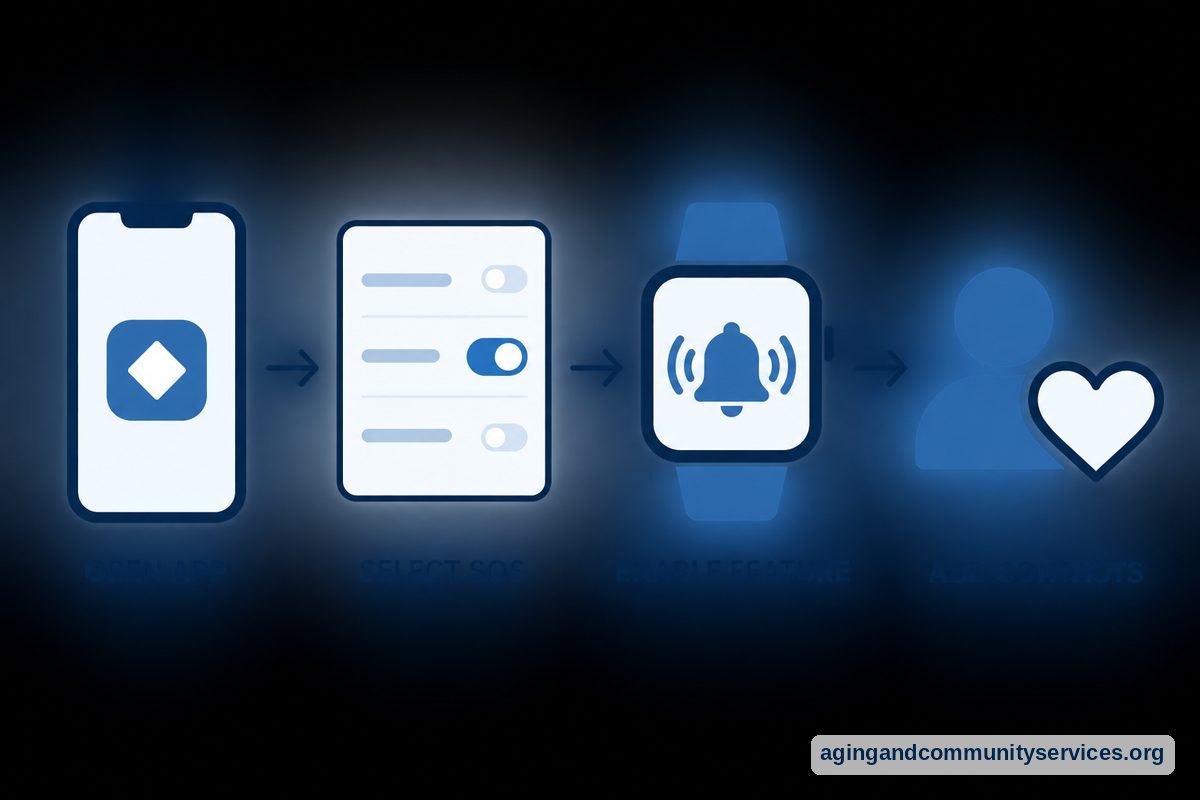
To turn on fall detection on my Apple Watch, use the paired iPhone. The steps are usually simple, but it is worth doing them slowly so the emergency settings are correct.
- Open the Watch app on the iPhone.
- Tap Emergency SOS.
- Turn on Fall Detection.
- Choose whether it is on all the time or only during workouts, if that option appears.
- Open the Health app and review Medical ID.
- Add emergency contacts, if the wearer wants them listed.
For someone who may forget passcodes or have trouble with small screens, a family member can sit nearby and read each setting out loud. The wearer should still be part of the choice when possible, especially when emergency contacts and shared information are involved.
After setup, make sure the watch fits snugly enough to sense wrist movement. It should be comfortable, but not so loose that it slides around during daily activity.
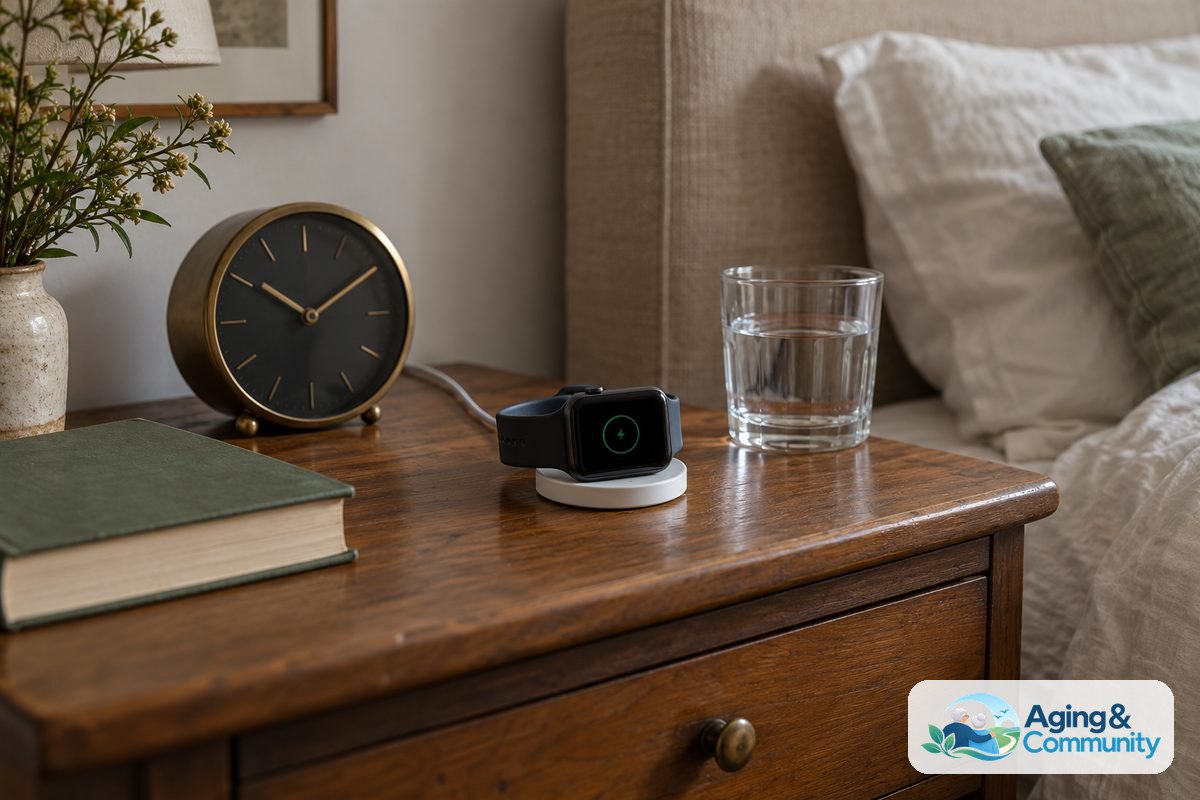
It also helps to keep the watch charged and worn. Fall detection cannot help from a nightstand, a purse, or a charger in another room.
What Happens After A Possible Fall
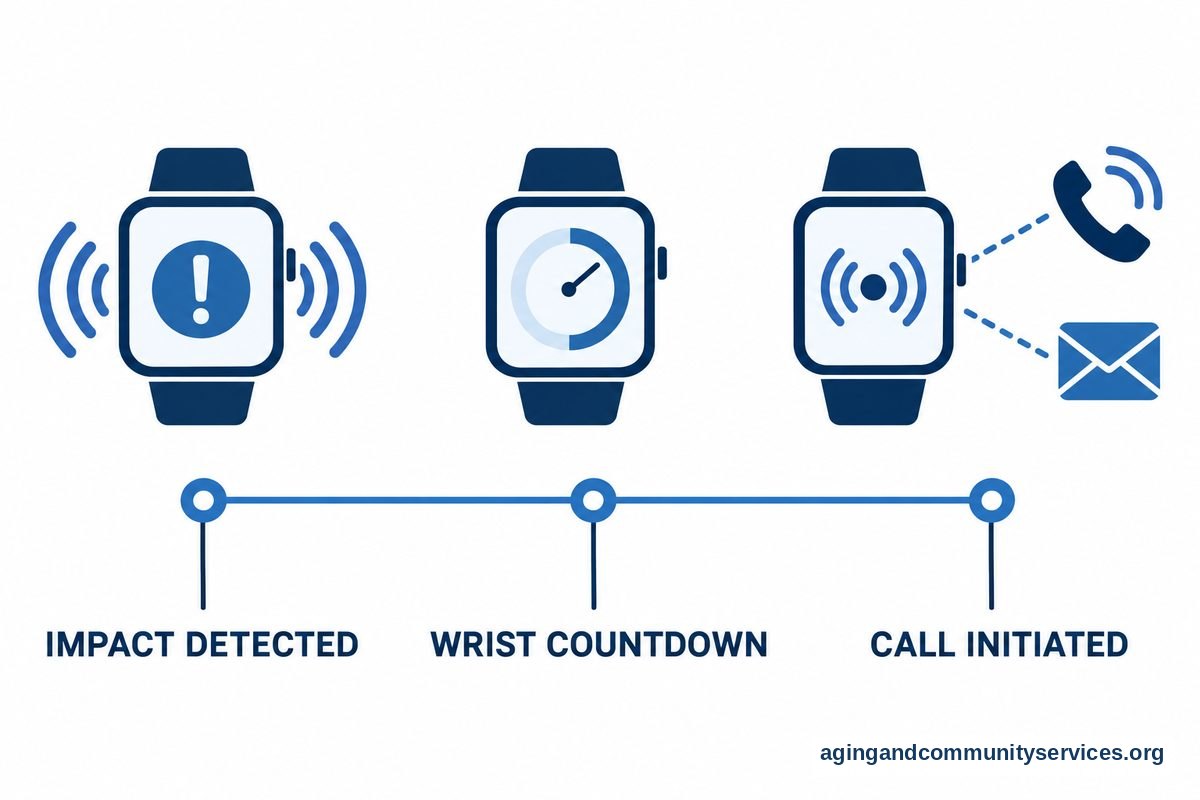
If Apple Watch notices a possible hard fall, it shows an alert. The wearer can tap that they are okay, or they can drag the Emergency SOS slider to call for help.
If the wearer does not respond and the watch senses little movement, it may begin a countdown. After that, it can call emergency services and play an audio message that says a hard fall was detected.
The watch may send a message to emergency contacts after the call, if those contacts are set up in Medical ID. This can help family know that something happened, but it should not be treated as a full caregiving system by itself.
There can be false alerts. A hard drop, certain sports, or quick movements may trigger the feature. There can also be missed falls, especially if the motion does not match what the sensors expect.
That is why an Apple Watch with fall detection works best as one layer. Families comparing choices may also want to read about watches with fall detection, especially if the main need is quick access to help.
Apple Watch Fall Detection Review: Strengths And Limits
A fair Apple Watch fall detection review should look at both convenience and limits. For many people, the biggest strength is that the watch is already useful for calls, messages, timers, activity tracking, and reminders.
Another strength is that it can be worn outside the home. A wall button or room sensor may help in one area, while a watch can travel with the wearer.
There are also clear limits. The watch needs to be charged, worn correctly, and connected in a way that allows emergency calling. The wearer may also need to understand alerts well enough to cancel a false alarm or start a call.
Some people do not like wearing a smartwatch. Others may find the screen too small, the menus too busy, or the charging routine hard to remember. In those cases, a simpler alert button or home-based option may be a better fit.
If the concern is help inside the home without wearing a device, families can compare ambient fall detection sensors. If the goal is a broader emergency button setup, a guide to medical alert systems may be more useful.
How It Fits Into Fall Risk Planning
Fall detection is about getting help after a possible fall. It is different from steps that can lower the risk of falls in the first place.
The National Institute on Aging shares practical fall safety guidance, including talking with a health professional, reviewing medicines, checking vision, and making the home safer. You can read its overview of falls and falls prevention for more detail.
The National Council on Aging also explains common risk factors and everyday steps that may help. Its page on falls prevention facts is a helpful plain-language resource.
Simple home steps may include better lighting, removing loose rugs, clearing cords, and adding grab bars where needed. A physical therapist or occupational therapist can suggest changes based on the person’s home, balance, strength, and daily routines.
If you are building a plan beyond the watch, this guide to fall prevention at home can help you organize practical next steps.
What You Can Do Next
Start with the basics. Confirm that the Apple Watch supports fall detection, turn it on, and make sure Emergency SOS, Medical ID, and emergency contacts are correct.
- Check that the watch is updated and paired with the correct iPhone.
- Review whether the watch can call when the iPhone is not nearby.
- Set a daily charging routine that is easy to remember.
- Make sure the band fits well and feels comfortable.
- Talk through what the alert looks and sounds like, without placing a test emergency call.
- Ask a doctor, physical therapist, or occupational therapist about fall risk concerns.
It can also help to write down a simple response plan. For example, list who gets called first, who has a key, and what information emergency contacts should know.
If the wearer lives alone or often forgets to wear the watch, consider a backup option. Families who want more comparison points can look at emergency alert systems to see how watch-based and button-based setups differ.
Frequently Asked Questions
Apple Watch What Is Fall Detection?
Fall detection is a safety feature that uses Apple Watch sensors to look for signs of a hard fall. If the watch detects one, it can show an alert and offer a way to call emergency services.
If the wearer does not respond and the watch senses little movement, it may start the call automatically. It is not a diagnosis tool and it does not replace in-person help.
How Do I Turn On Fall Detection On Apple Watch?
Open the Watch app on the paired iPhone, tap Emergency SOS, and turn on Fall Detection. Then review Medical ID and emergency contacts in the Health app.
If you do not see Fall Detection in settings, check the watch model and software. Some older models do not include the feature.
Is Apple Watch Fall Detection For Elderly Family Members Reliable?
It can be helpful, but it is not perfect. It may miss some falls, and it may react to movements that are not falls.
Think of it as one support, not the whole plan. Fit, charging, cellular service, and comfort with the watch all affect how useful it may be.
Does Fall Detection Apple Watch Series 11 Work Differently?
The main idea is the same: the watch looks for signs of a hard fall and can help start an emergency call. The exact settings and options may vary by model, software, and service plan.
The safest approach is to check the Emergency SOS area in the Watch app. That screen shows the options available for the exact watch being used.
Can Apple Watch Fall Detection Call Family Instead Of Emergency Services?
Fall detection is designed around emergency calling. After an emergency call, it may notify emergency contacts if they are set up in Medical ID.
For non-emergency family check-ins, use regular calls, messages, location sharing, or another caregiving tool. Make sure everyone understands what each feature does.
What Is A Practical Fall Detection Apple Watch Review?
A practical review looks at daily use, not just the feature name. Ask whether the person will wear it, charge it, keep it connected, and respond to alerts.
Also compare it with simpler alert buttons or home sensors if wearing a smartwatch is not a good fit. The right choice is the one the person can use consistently and comfortably.