

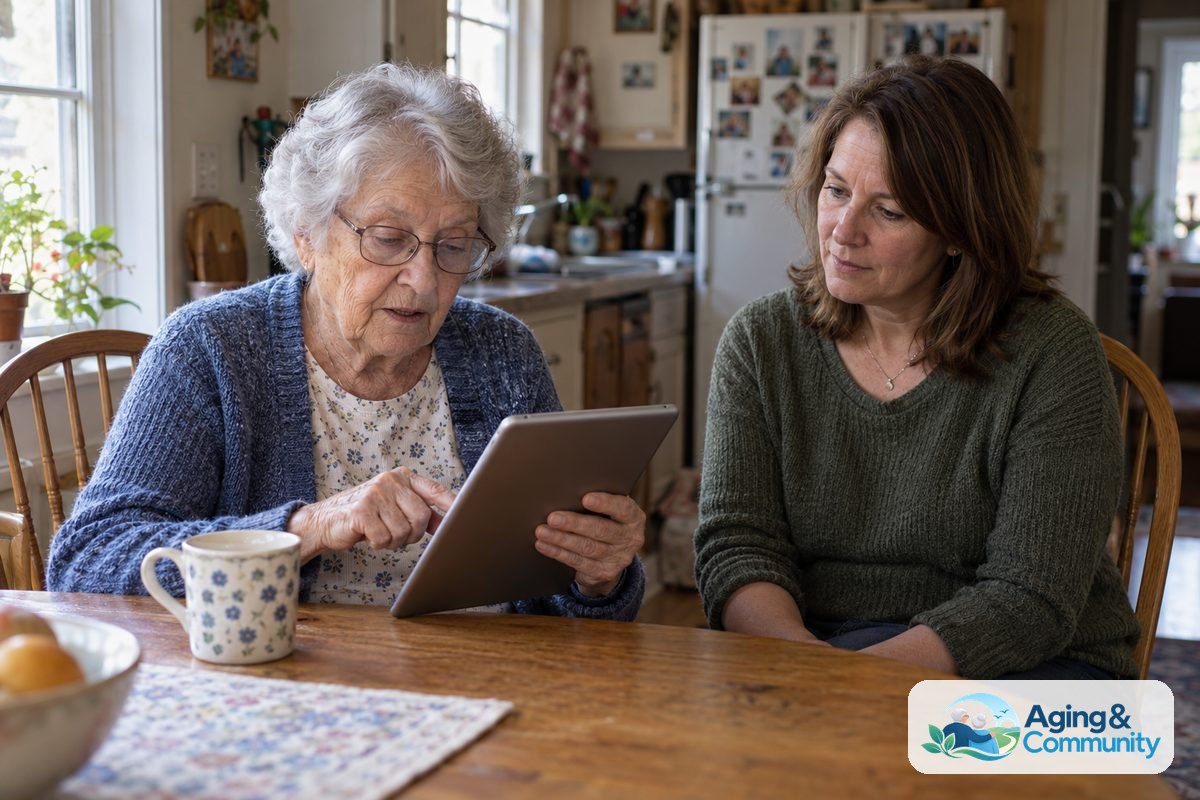
Technology services for seniors help with everyday tasks like using a phone, setting up internet, joining video calls, managing reminders and staying connected with family. These services can include in home setup, classes, remote help, device support and tools that make a home easier to manage.
The right help depends on comfort level, budget, home setup and what the person wants to do. A calm plan works better than buying many devices at once. Start with one or two goals, such as sending photos, booking rides, reading messages or using a video visit.
What Technology Services Can Include
Technology help is not just one product. It can be a person who teaches a skill, a service that sets up devices or an app that supports a daily routine. Many families use a mix of simple tools and patient instruction.
Common services include:
- Device setup: Help setting up a phone, tablet, computer, printer or smart speaker.
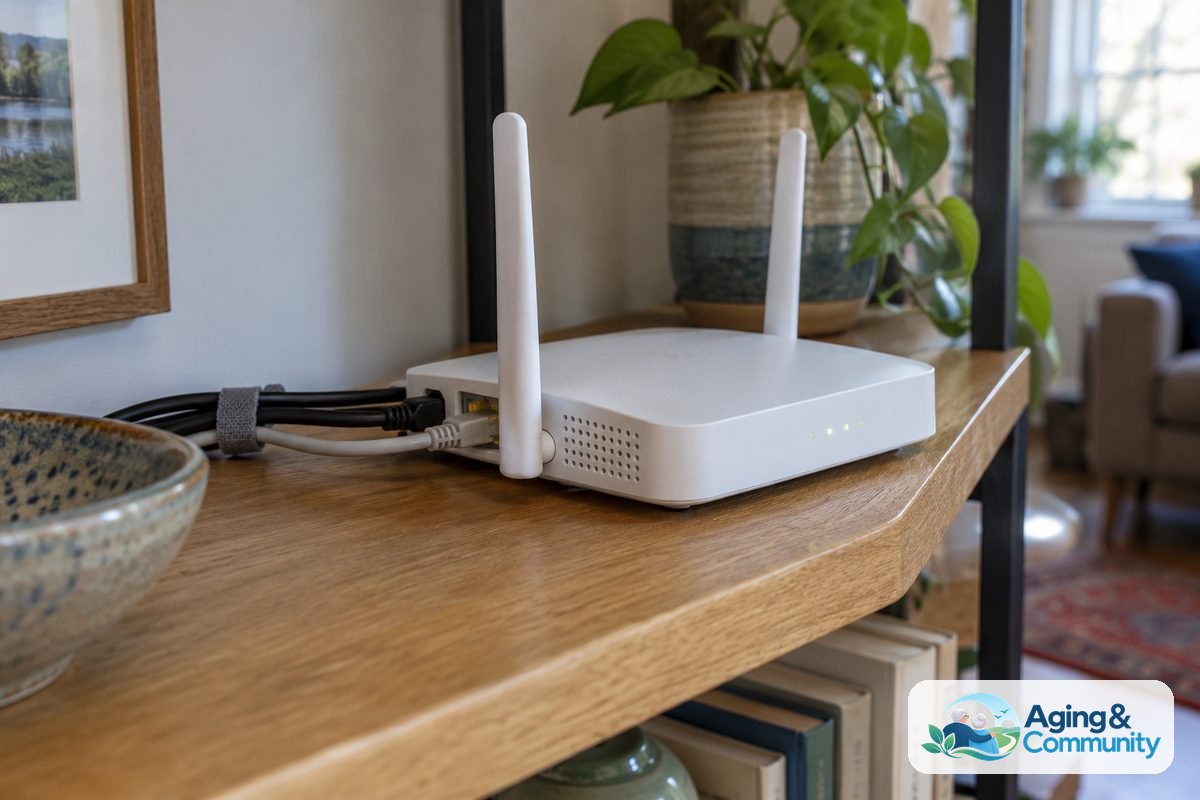
- Internet support: Help choosing service, connecting devices and placing equipment in a useful spot.
- Training: Lessons on texting, email, video calls, photos, passwords and safe browsing.
- Remote help: Support by phone or video when a question comes up later.
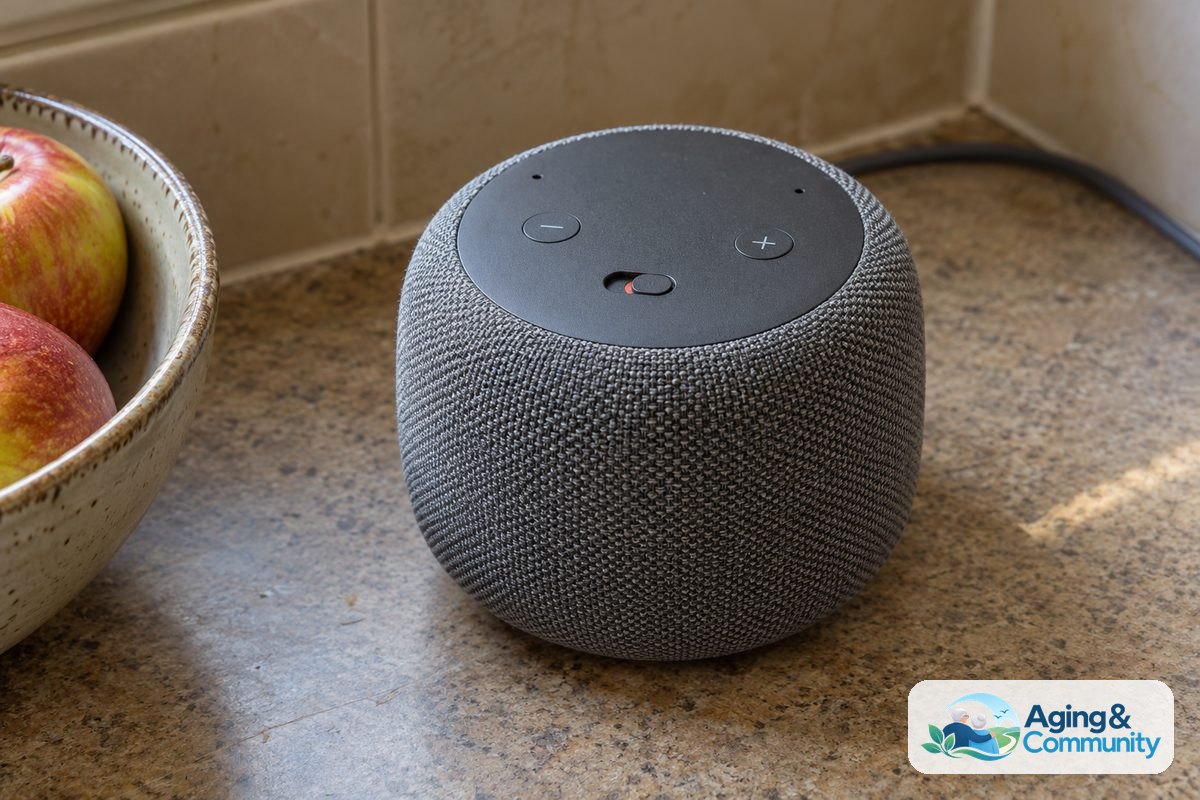
- Home technology: Setup for smart lights, doorbell cameras, voice assistants or simple sensors.
- Care coordination tools: Shared calendars, reminder apps and family communication apps.
If the goal is broader home support, a guide to technology for elderly care can help families think through options without rushing into complex systems.
How to Choose the Right Kind of Help
Begin with the task, not the gadget. Ask what would make the week easier. The answer may be as simple as larger text on a phone, a clearer contact list or a shortcut for calling family.
Useful questions include:
- What task feels frustrating right now?
- What device is already in the home?
- Is the person comfortable learning alone, with family or in a class?
- Will support be needed again after setup?
- Does the tool need to work during travel or only at home?
A good service should explain things in plain language and let the learner practice. The helper should not take over the device and move too fast. It is reasonable to ask for written steps, larger print notes or a short list of common actions.
For families who want outside help, a page on technology support for seniors can offer ideas for what support may look like and how to match it to daily needs.
Helpful Services for Communication and Connection
Many people first seek technology help because they want easier contact with family, friends, faith groups or community programs. A phone or tablet can feel less stressful when the home screen is simple and the most used contacts are easy to find.
Helpful communication services may set up:
- Video calling apps with clear contact names.
- Text size, volume and screen brightness settings.
- Photo sharing with family members.
- Email folders and spam controls.
- Voice dictation for people who dislike typing.
It helps to practice one task at a time. For example, spend a session learning how to answer a video call, then another session learning how to start one. Repeating the same steps builds comfort.
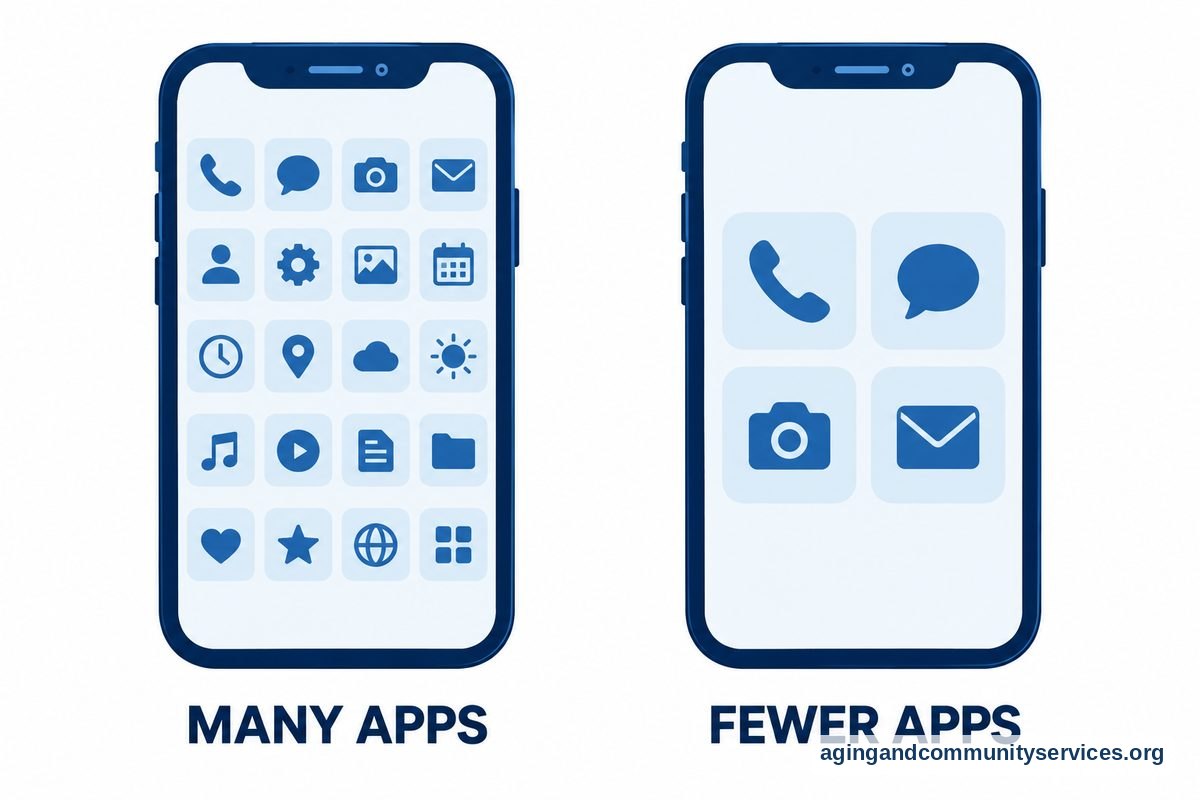
Family members can also agree on simple rules. For example, use one app for family messages and another for appointments. Fewer choices often makes the device easier to use.
Services That Support Daily Routines at Home
Technology can support reminders, schedules and home tasks. It should make life simpler, not add more steps. Choose tools that fit current habits, such as a phone reminder for a person who already keeps the phone nearby.
Daily routine services may include:
- Shared calendars for visits, errands and appointments.
- Medication reminder setup, with guidance from a pharmacist or doctor when needed.
- Grocery delivery account setup and simple reorder lists.
- Ride app setup, if available in the local area.
- Voice assistant routines for weather, timers and reminders.
- Simple note apps for lists, names and instructions.
Apps can be useful when they solve a real problem. A resource on apps for elderly care may help families compare common uses, such as reminders, shared notes and communication.
If a tool touches health information, medicine schedules or physical safety, bring in the right professional. A doctor, pharmacist, physical therapist or occupational therapist can explain what is appropriate for the person and the home.
Home Safety and Aging in Place Technology
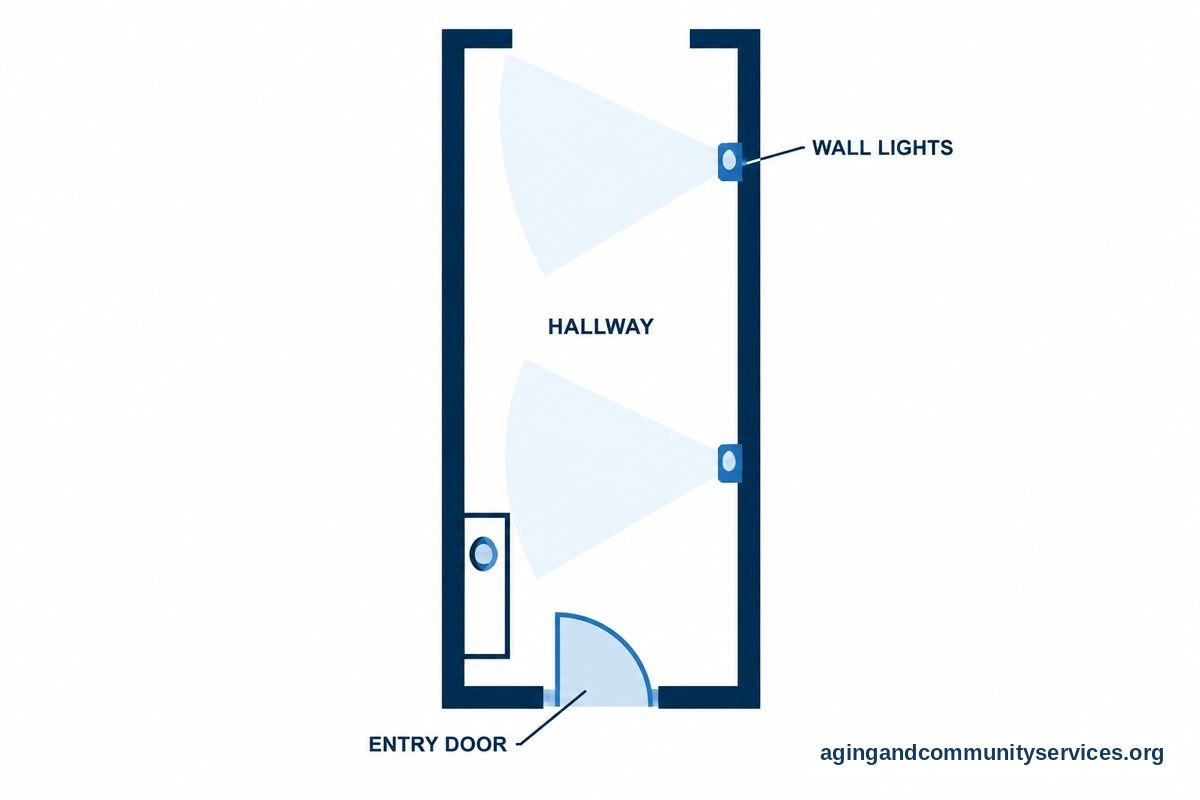
Some services focus on making the home easier to use. This can include smart lights, simple motion lighting, doorbell cameras, automatic shutoff devices or emergency contact features on a phone or watch. These tools should be chosen with privacy, comfort and ease of use in mind.
The National Institute on Aging explains that home changes and planning can support aging in place. Technology may be one part of that plan, along with lighting, clear walkways, railings and support from trusted people.
Fall related tools deserve careful thought. The National Institute on Aging says exercise, home changes and medication review can lower the risk of falls for some people. A doctor, physical therapist or occupational therapist can help decide which steps make sense.
Home technology should never replace judgment or emergency planning. It can support routines, send alerts or make it easier to ask for help. The person using it should know what it does, who can see information and how to turn it off if needed.
Privacy, Scams and Safe Setup
Safety online is part of good technology service. A helper should explain passwords, privacy settings and common scam signs in a calm way. The goal is confidence, not fear.
Basic safety steps include:
- Use strong, unique passwords for important accounts.
- Turn on account recovery options with a trusted contact if appropriate.
- Keep devices updated when updates are available.
- Do not share codes sent by text or email with unknown callers.
- Review app permissions before installing new apps.
- Write down where passwords are stored, but keep that record secure.
It is also wise to decide who is allowed to help with accounts. Family members can support setup, but the device owner should stay in control as much as possible. If someone needs help managing accounts, use official account sharing tools when available rather than sharing every password.
For teaching support, a guide on how to teach elderly to use technology can help family members slow down, use clear steps and avoid taking over.
What the Reader Can Do Next
Start small. Pick one goal that matters this week, such as making a video call, enlarging text, organizing contacts or setting one reminder. Success with one task builds trust for the next task.
- Make a short wish list: Write down three things technology should help with, such as calls, rides, photos or reminders.
- Check current devices: Note the phone, tablet, computer, internet service and passwords already in use.
- Choose one support path: Ask a patient family member, local class, library program, community group or paid service for help.
- Request written steps: Keep simple instructions near the device, using large print if helpful.
- Practice often: Repeat the same task a few times over several days.
- Review privacy: Confirm who can access accounts, apps, cameras or shared calendars.
Local agencies may know about classes, transportation help and home support programs. The Eldercare Locator can help connect families with community resources in their area.
If a class feels more comfortable than one to one help, a page about technology classes for seniors may help you think about what to look for in a patient, practical learning setting.
Frequently Asked Questions
What are older adults technology services?
They are services that help a person use digital tools in daily life. This may include phone setup, computer help, internet support, app lessons, video calls, smart home setup or coaching on online safety.
What technology services are most useful at home?
The most useful services are the ones tied to real needs. Common choices include help with phone settings, video calls, shared calendars, reminders, grocery ordering, online accounts and simple home devices such as smart lights.
How can a family member help without taking over?
Ask what the person wants to learn first. Sit beside them, let them hold the device and explain each step slowly. Write down the steps and practice the same task more than once.
Are technology classes better than private help?
It depends on learning style. Classes can be good for basic skills and social comfort. Private help may be better for personal devices, passwords, home setup or questions that need more time.
What should I ask before hiring technology help?
Ask what tasks they support, whether they provide written instructions, how they handle passwords and whether follow up help is available. Also ask if they have experience teaching at a slow, respectful pace.
How do I keep technology simple?
Use fewer apps, remove clutter from the home screen and keep the most important contacts easy to find. Choose tools that match current habits, and add new features only when they are truly needed.