

AI for the elderly can mean simple tools that help with daily routines, reminders, reading, communication, safety checks, and staying organized. For older adults and families, the goal is not to replace people, but to make everyday tasks a little easier and to support more confidence at home.
AI is already built into many common devices, such as phones, smart speakers, tablets, watches, cameras, and some home sensors. The most useful approach is to start small, choose tools that solve a real need, and keep privacy and comfort at the center.
What AI Means In Everyday Life
AI, short for artificial intelligence, is software that can follow patterns, respond to voice or text, sort information, and make suggestions. It may answer a question, read text aloud, create a reminder, translate words, or notice a change in a home sensor.
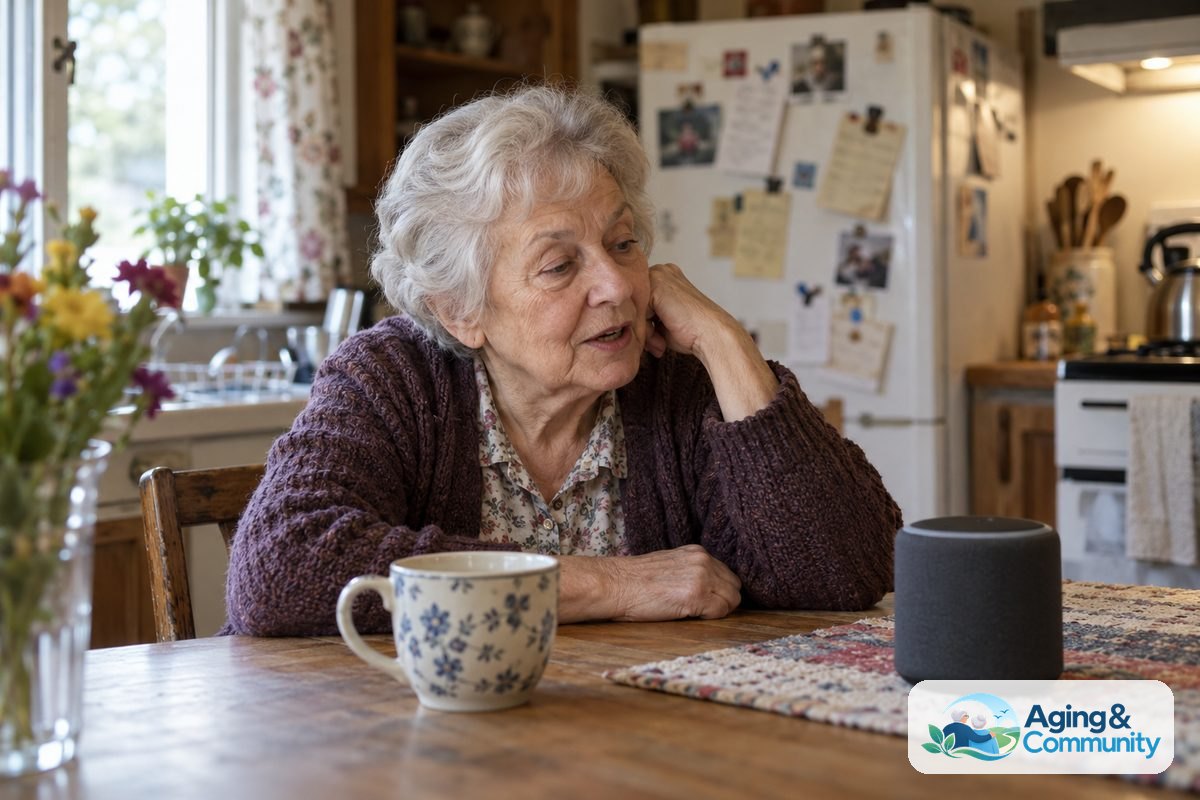
For many families, AI sounds more complex than it feels in daily use. If someone asks a smart speaker for the weather, uses voice typing, gets a medication reminder from an app, or uses a phone camera to read a label, they may already be using AI.
Helpful AI for elderly care should be easy to understand and simple to turn off. A good tool should support the person using it, not make them feel watched, rushed, or confused.
Common Ways AI Can Help At Home
AI for older people is most useful when it supports a clear daily task. It can help with memory cues, communication, reading, home comfort, and light organization.
- Reminders: Voice assistants and apps can remind someone about appointments, meals, water, chores, or taking a list to the store.
- Communication: Some devices make video calls easier by using large screens, voice commands, or simple contact lists. A guide to video calling devices can help families compare options.
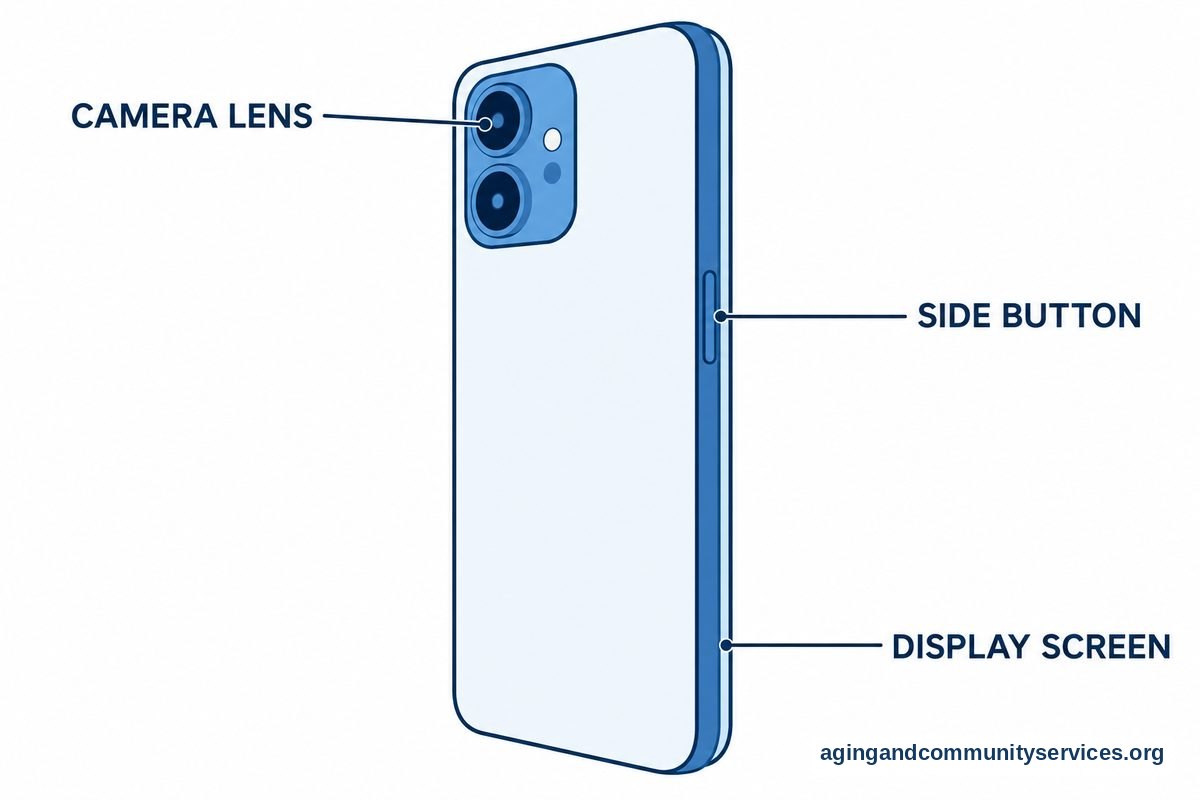
- Reading support: Phones, tablets, and some glasses can read printed text aloud, enlarge words, or describe parts of a scene.
- Home routines: Smart plugs, lights, and thermostats can follow schedules or respond to voice commands.
- Organization: AI chat tools can help draft a shopping list, summarize a letter, or turn a set of notes into a simple checklist.
The best use is usually narrow and practical. For example, a person may only want help making calls, while another may want reminders and a shared family calendar.
AI In Elderly Care And Aged Care
AI in elderly care can include tools used at home, in assisted living, or by care teams. In plain terms, these tools may help people notice patterns, send alerts, or make daily support easier to coordinate.
AI in care for seniors is not the same as medical care. It should not be used to diagnose a symptom or decide whether a person is safe without human judgment. If a device raises a concern, it is wise to speak with a doctor, physical therapist, occupational therapist, or other qualified professional, depending on the situation.
Families may see AI in aged care through monitoring systems, wearable devices, fall sensing tools, and communication platforms. For example, elderly monitoring systems can help families understand what types of alerts and check-ins are available.
Some tools use motion sensors rather than cameras. Others use a button, watch, pendant, phone, or room device. If falls are a concern, the National Institute on Aging has plain guidance on falls and balance, including steps that can lower the risk when guided by the right professional.
Choosing AI Tools Without Feeling Overwhelmed
Aged care and AI can feel like a big topic, so it helps to start with one question: What is the problem we are trying to solve? A tool is easier to judge when the need is clear.
Use these questions before buying or setting up anything:
- Does the person want this help, and do they understand what it does?
- Can it work with large text, clear sound, and simple controls?
- Can a family member help set it up without taking over daily choices?
- What information does it collect, and who can see it?
- Can alerts be changed so they are useful without being too frequent?
- Is there a simple way to turn it off or pause it?
For low vision needs, some devices can identify text, labels, or objects through a camera. A plain comparison of AI smart glasses may help you see what features are common.
For health related tracking, wearables may collect information such as activity, sleep patterns, or heart rate. These numbers can be useful notes for a conversation, but they are not a diagnosis. A guide to AI health wearables can help explain the types of devices families often consider.
Privacy, Consent, And Trust
AI and the elderly should always include a clear talk about privacy. A device may be helpful, but it should not make a person feel like they have lost control in their own home.
Start by naming what the device can hear, see, store, or share. If it uses a camera, say where the camera points. If it sends alerts, say who receives them. If it records voice commands, check whether recordings can be deleted.
Consent is not a one-time step. A person may agree to a reminder app but not a camera. They may want a family member to receive urgent alerts but not daily reports. These choices should be respected and reviewed over time.
Good privacy habits include using strong passwords, turning on two-step sign-in when available, updating devices, and removing old users from accounts. If a tool has settings that are hard to understand, ask the company, a trusted family member, or a local technology helper to review them with you.
Simple Examples Of How To Use AI
How to use AI for seniors often begins with voice commands or a phone app. Start with a low pressure task, such as asking for the weather, setting a timer, or making a grocery list.
Here are a few simple examples:
- Ask a smart speaker to set a reminder for trash day.
- Use a phone camera tool to read a menu, label, or letter aloud.
- Ask an AI writing tool to make a long message shorter and clearer.
- Use a shared calendar to remind family members about rides or visits.
- Set smart lights to turn on at the same time each evening.
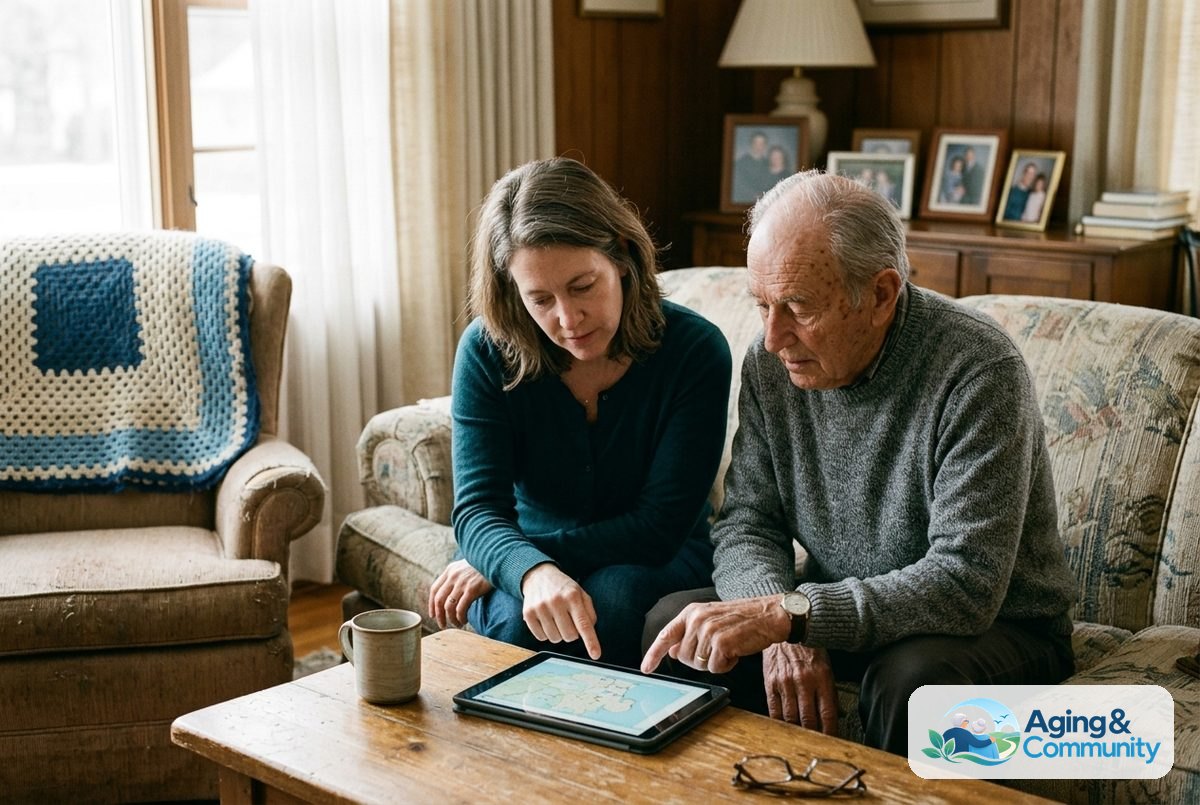
How to use AI for elderly relatives should include patience and choice. Let the person try one feature at a time. Write down the steps in large print. Keep the setup simple, and do not add more features until the first one feels familiar.
If the goal is to age at home, it can help to pair technology with simple home changes, regular check-ins, and local support. The National Institute on Aging explains practical ideas for aging in place, including planning around the home, transportation, and help with daily tasks.
What You Can Do Next
You do not need to choose every device at once. A calm plan can make AI feel more useful and less confusing.
- Pick one need: Choose one area, such as reminders, calls, reading help, or home alerts.
- Ask for preferences: Talk about what feels helpful, what feels intrusive, and what should stay private.
- Try a familiar device first: A phone or tablet may already have voice commands, magnification, dictation, and reminders.
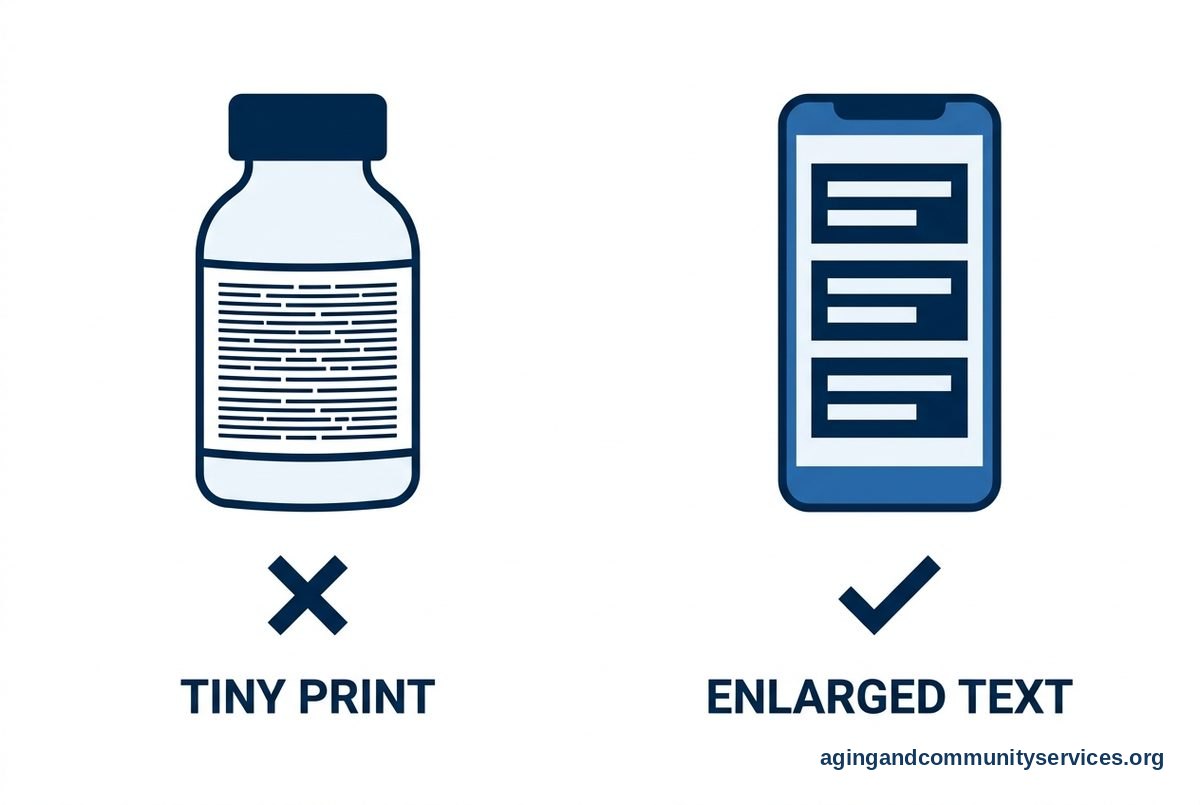
- Write down the steps: Use a short printed guide with plain words, large text, and only the needed buttons.
- Review settings: Check privacy, alerts, contacts, passwords, and update options.
- Bring in a professional when needed: For walking, balance, vision, hearing, memory, or daily activity concerns, ask a doctor, physical therapist, or occupational therapist for guidance.
If the need involves home safety alerts, compare options carefully. Some families look at AI fall detection sensors because they may work without a wearable button, but each home and person is different.
Local programs may also help with rides, meals, caregiver support, and home services. The Eldercare Locator can help connect families with support in their area.

Frequently Asked Questions
What Is AI For Older People?
AI for older people means technology that can respond, organize, remind, read, or alert based on patterns and commands. It may be inside a phone, speaker, watch, sensor, or app. The best tools are simple, respectful, and matched to a real daily need.
How Can AI For Older Adults Help At Home?
AI for older adults can help with reminders, calls, lists, reading text aloud, home lighting, and shared calendars. It can also help family members coordinate support. It should not replace regular check-ins, personal choice, or professional advice when health or safety concerns come up.
What Should Families Know About AI For Elderly Care?
AI for elderly care can support routines, alerts, and communication, but it has limits. Families should understand what the tool collects, who gets alerts, and how to change settings. If a device suggests a concern, use it as a prompt to ask a qualified professional, not as a final answer.
Is AI In Aged Care Private?
AI in aged care can be private when settings are chosen carefully, but every device is different. Check whether it uses cameras, microphones, cloud storage, shared accounts, or location tracking. The person using the tool should know what is shared and be able to say no to features they do not want.
How Do You Start Using AI For Senior Citizens?
Start with one easy task, such as a voice reminder, a video call, or a phone tool that reads text aloud. Practice at a quiet time, keep instructions short, and repeat the same steps until they feel familiar. Add new features only when the first one is comfortable.