

Using modern AI wearables for elderly care can help families support daily safety, comfort, and independence at home. These small devices use smart learning to notice subtle patterns in activity, sleep, and movement without feeling intrusive. By understanding how these tools work, you can decide if they fit the daily routines of your loved ones.

How Artificial Intelligence Changes Wearable Technology
Traditional alert buttons have helped families for decades, but they usually require someone to push a button during an emergency. Newer devices use artificial intelligence to learn a person’s everyday habits. They track typical walking paces, resting heart rates, and daily activity levels over time.
When something changes significantly, the software can spot the difference. For instance, if an individual usually walks to the kitchen by eight in the morning but remains still much longer than usual, the system can flag that pattern. Many families look into AI health wearables for seniors to gain quiet peace of mind throughout the day.
These devices do not replace human connection or caregiving. Instead, they act as an extra layer of awareness. They allow family members to check in gently when patterns shift, rather than constantly calling or hovering.
Key Types of Wearables Available Today
Technology comes in many shapes and sizes to match personal comfort. Not everyone likes wearing the same type of item, so variety makes adoption much easier.
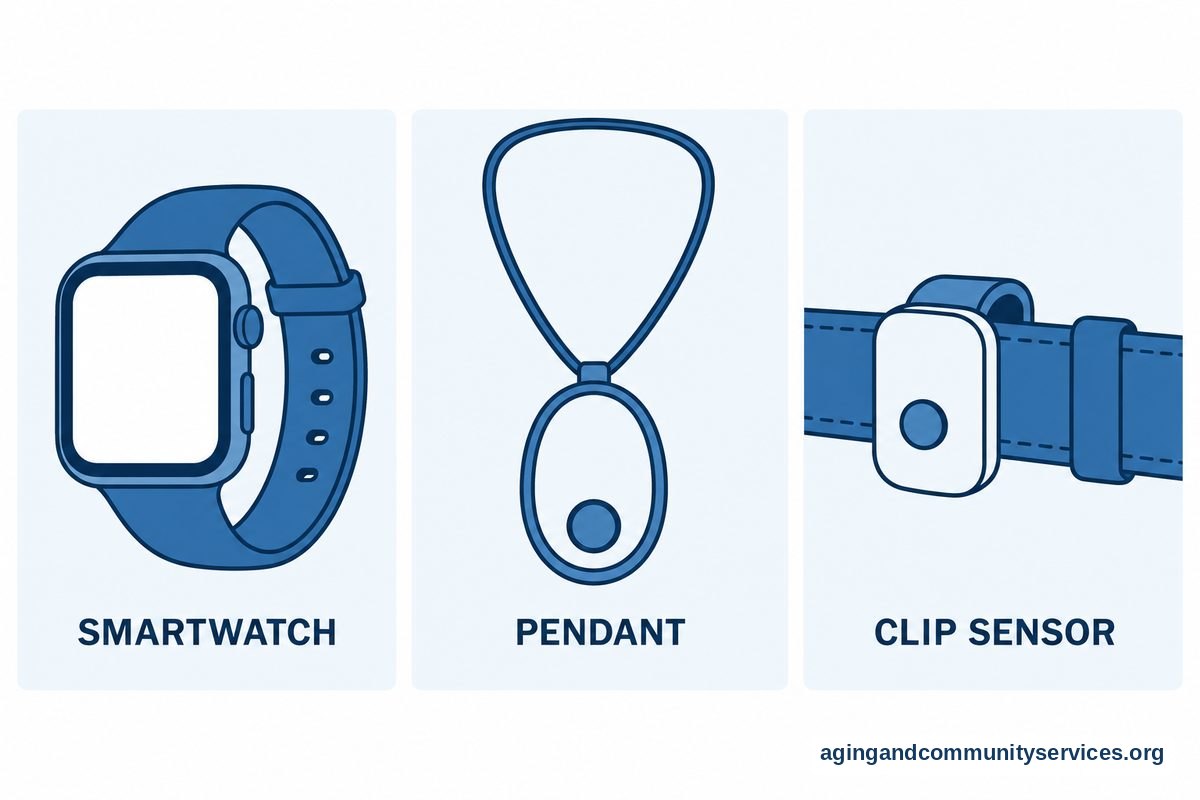
- Smartwatches and Wristbands: These look like regular watches and often track steps, sleep quality, and daily movement. They are popular because they feel familiar and do not draw unwanted attention.
- Pendant Alarms: Worn around the neck, a modern wearable medical alert for seniors often includes built-in location tools and automatic response features.
- Smart Eyewear: Specialized frames, such as AI smart glasses for low-vision seniors, use tiny cameras and audio cues to read text aloud or identify household objects.
- Clip-On Sensors: Small tags that attach to a belt or shoe can measure balance and walking stability during daily strolls.
Choosing the right form depends heavily on what the wearer already feels comfortable putting on each morning.
Fall Detection and Movement Monitoring
Falls are a common concern for families, and rapid help is essential if one occurs. The National Institute on Aging: Falls and Falls Prevention resources highlight how common balance changes can be as we age.
Wearable devices use sensors called accelerometers and gyroscopes to measure speed and direction. When paired with smart algorithms, the device can tell the difference between dropping onto the sofa and an actual slip or trip. If a fall occurs, the device can alert a monitoring center or loved ones automatically.
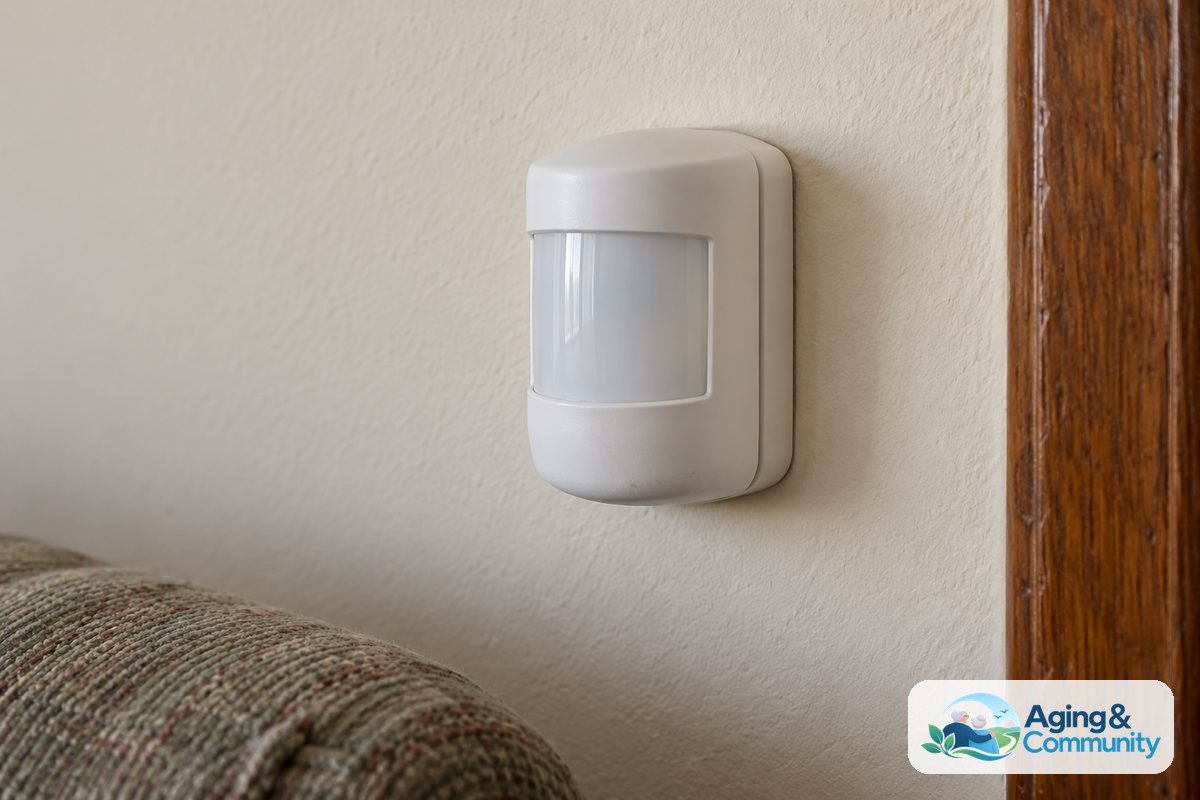
Some individuals prefer not to wear items while sleeping or bathing. In those situations, families sometimes combine wearables with wall-mounted options like AI ambient fall detection sensors to keep rooms covered without wristbands.
Everyday Health Pattern Tracking
Beyond emergency alerts, smart devices help monitor gradual trends in overall wellness. Many people rely on dedicated wearable health monitors for seniors to observe resting heart rates, estimated oxygen levels, and nighttime sleep stages.
These numbers do not provide a medical diagnosis, but they can highlight gradual shifts. For example, poor sleep over several nights might explain why someone feels unusually tired or unsteady during the day. Having this information helps individuals have more detailed, productive conversations with their primary doctor.
Before making changes to exercise routines or daily health management based on device data, always speak with a doctor or physical therapist. They can interpret trends safely within the context of overall medical history.
Privacy, Comfort, and Daily Usability
A helpful device is one that actually gets worn. If a watch is too heavy, pinches the skin, or needs charging every few hours, it will likely end up forgotten in a drawer.
| Feature | What to Look For | Why It Matters |
|---|---|---|
| Battery Life | Multiple days per charge | Reduces the chance of forgetting to put it back on. |
| Water Resistance | Safe for showers | Bathrooms are common places for balance slips. |
| Screen Display | High contrast, large fonts | Makes reading time and messages easy on the eyes. |
| Data Privacy | Clear account sharing rules | Ensures personal details stay between family and care teams. |
Privacy is another essential topic to discuss openly. Wearers should always know what information is being shared and with whom. Respecting personal boundaries builds trust and makes using new technology a shared, positive choice.
Practical Next Steps for Families
Introducing new technology works best when approached as a collaborative, respectful project. Here are straightforward ways to start the process together:
- Have an Open Conversation: Talk about daily goals and worries. Focus on how a device can support safe independence, rather than framing it as monitoring or supervision.
- Assess Daily Habits: Notice whether a wristband, pendant, or clip fits current dressing routines. If someone already wears a wristwatch every day, a smartwatch is often the easiest transition.
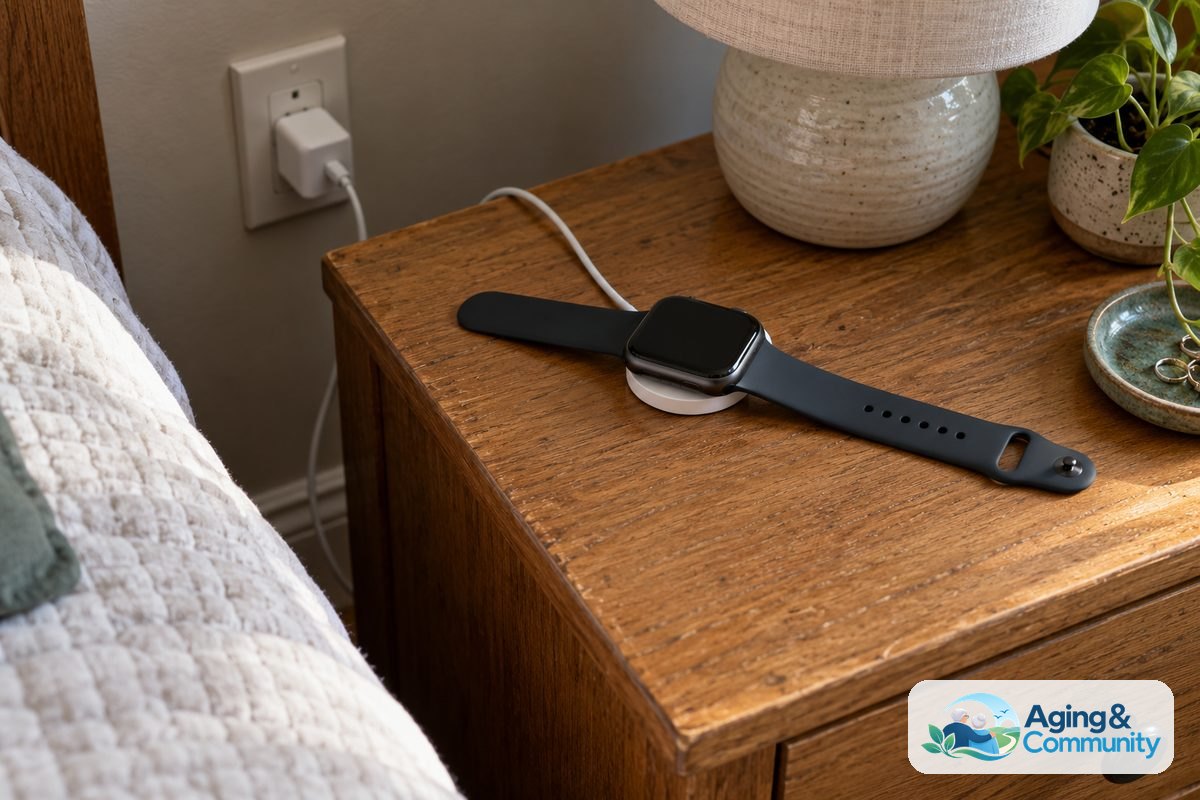
- Review Home Internet and Power: Check that the home has reliable Wi-Fi or strong cellular reception, and set up a charging station near the bedside table.
- Explore Community Supports: The National Institute on Aging: Aging in Place guide offers valuable ideas for setting up a safe living space. You can also contact the Eldercare Locator to find local assistance and family support programs.
- Consult Healthcare Providers: Ask an occupational therapist or primary care doctor which features would be most practical for personal physical needs.
Frequently Asked Questions
Do these devices require a smartphone to work?
Not all devices need a paired phone. Some smartwatches and alert pendants come with built-in cellular connections that work on their own. Others connect directly to home Wi-Fi networks, which is convenient for those who do not carry a mobile phone.
How accurate is automated fall detection?
Modern software has improved significantly, but no system detects every single fall. Very slow slides from a chair, for example, may not trigger the motion sensor. It is always wise to keep a manual button available as a backup option.
Are wearables comfortable to sleep in?
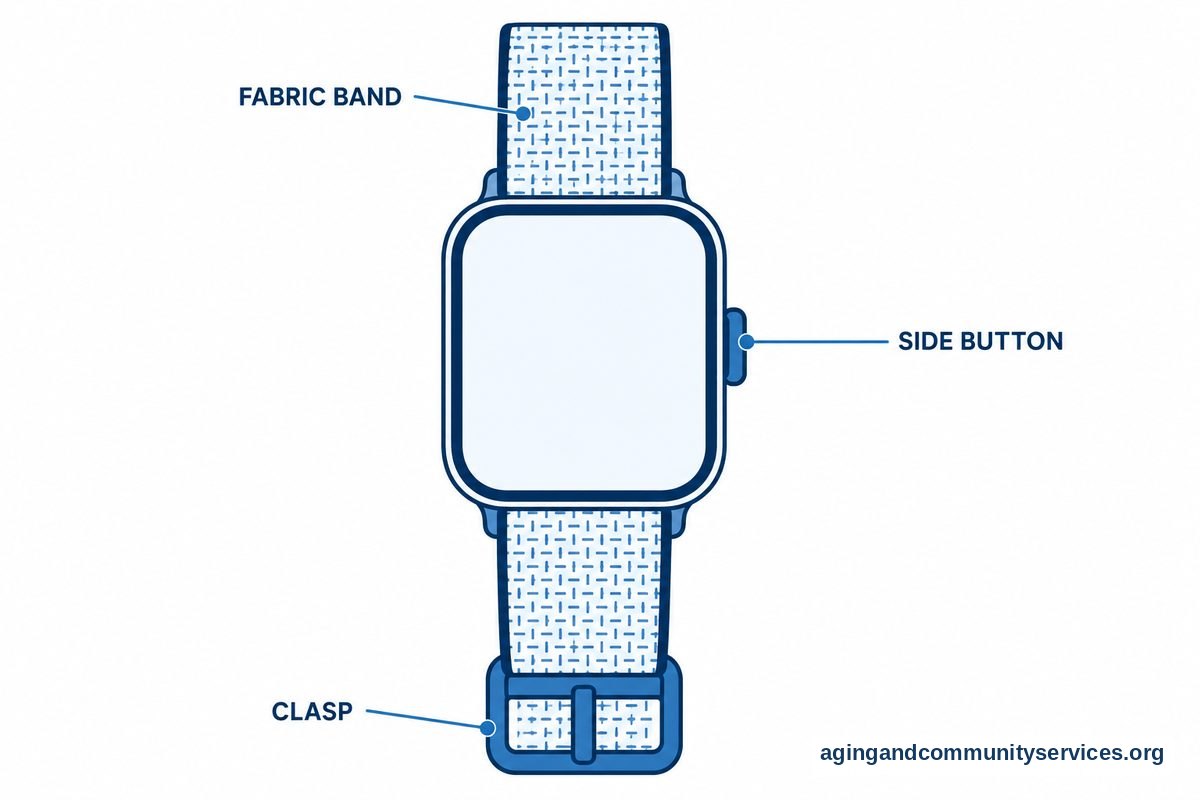
Comfort varies by person and device size. Many lightweight fitness bands and smaller watches are designed for overnight wear, while larger smartwatches might feel bulky. Using soft fabric bands instead of stiff silicone can make night wear much more comfortable.
Can family members check the information from another city?
Yes, many systems include a companion mobile app for designated family members. These apps allow caregivers to view daily activity levels, receive emergency notifications, and check device battery levels from anywhere with internet access.