

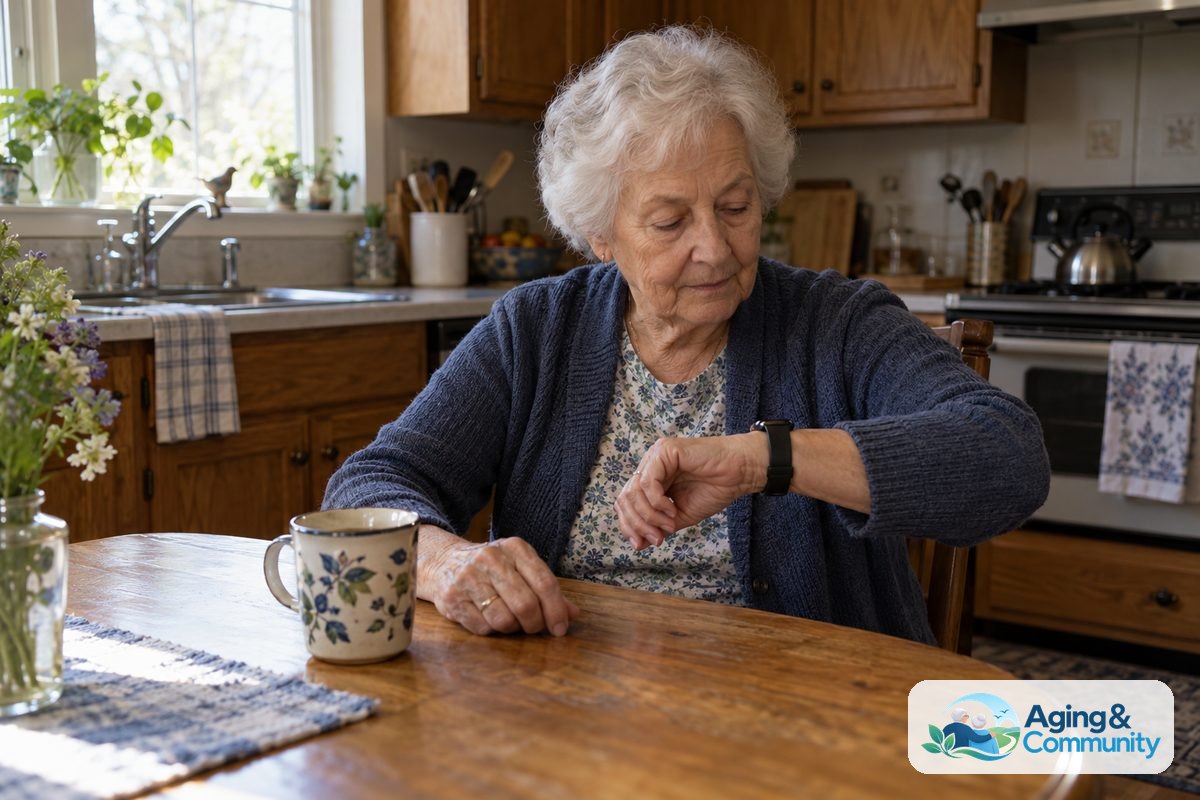
Wearable health monitors for seniors are devices worn on the wrist, neck, belt, or body that can track health signals, activity, and safety alerts. They may help a person notice patterns, share information with family or a care team, and feel more supported during daily routines.
These devices are not a replacement for medical care. They are tools for everyday awareness, reminders, and communication. The right choice depends on comfort, ease of use, health goals, and how much help the person wants from family or caregivers.
What Wearable Health Monitors Can Do
A wearable health monitor is a small device that collects information while a person goes about the day. Some look like watches. Others are pendants, clips, rings, or patches. The features vary, so it helps to focus on the tasks that matter most.
Common features include:
- Heart rate tracking: Measures pulse during rest, walking, exercise, or sleep.
- Step and activity tracking: Counts movement and may show daily activity trends.
- Fall detection: May notice a hard fall and offer a way to contact help.
- Emergency buttons: Let the wearer call a response center, caregiver, or emergency contact.
- Sleep tracking: Gives general information about time asleep and wake periods.
- Medication or appointment reminders: Sends simple alerts at chosen times.
Some models also track blood oxygen, skin temperature, or blood pressure trends. These readings can be useful to discuss with a doctor, but they should not be used alone to make care decisions. If a reading seems unusual or does not match how the person feels, it is wise to contact a health professional.
For a broader look at device styles, a guide to a wearable for seniors can help compare simple bands, smartwatches, and alert devices.
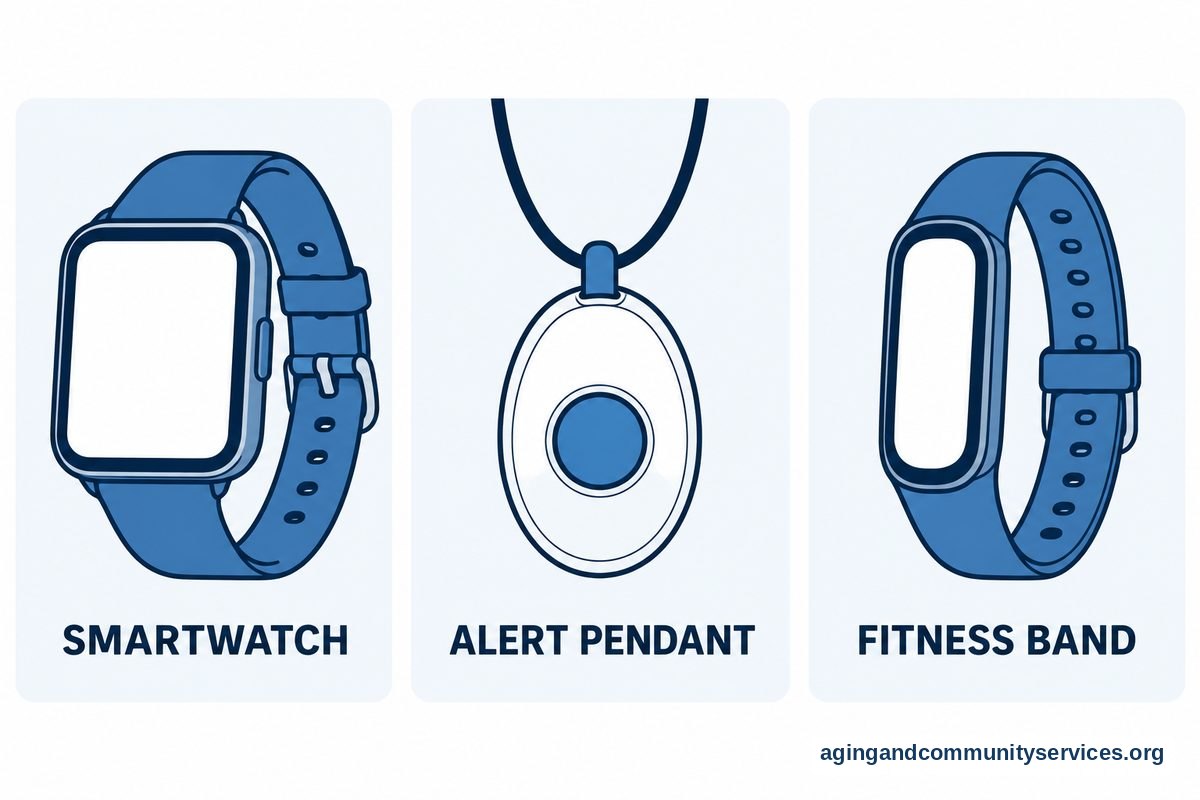
Types of Wearable Tech for Senior Health Monitoring
There is no single device that fits every person. Some people want a simple safety button. Others want a smartwatch with health trends and family sharing. A good match is one the person will actually wear and charge.
| Type | What It Usually Offers | Good Fit For |
|---|---|---|
| Smartwatch | Heart rate, activity, reminders, calls, apps, and sometimes fall detection | People comfortable with screens and charging often |
| Medical alert wearable | Help button, response service, location sharing, and sometimes fall detection | People who want a clear way to call for help |
| Fitness band | Steps, heart rate, sleep, and simple alerts | People who want light tracking with fewer features |
| Smart ring | Sleep, heart rate trends, and activity in a small form | People who dislike watches but can manage a small device |
| Health patch or sensor | Specific tracking for a limited time or care plan | People using it with guidance from a doctor or care team |
Some wearables are made for daily wellness tracking. Others are built around safety and support. A wearable medical alert may be better when the main need is a quick way to reach help, rather than detailed fitness data.
Newer devices may include software that looks for patterns in movement, sleep, or heart rate. If you are comparing those options, information about AI health wearables can help explain what these tools may notice and what they cannot promise.
How to Choose a Wearable Heart Rate Monitor
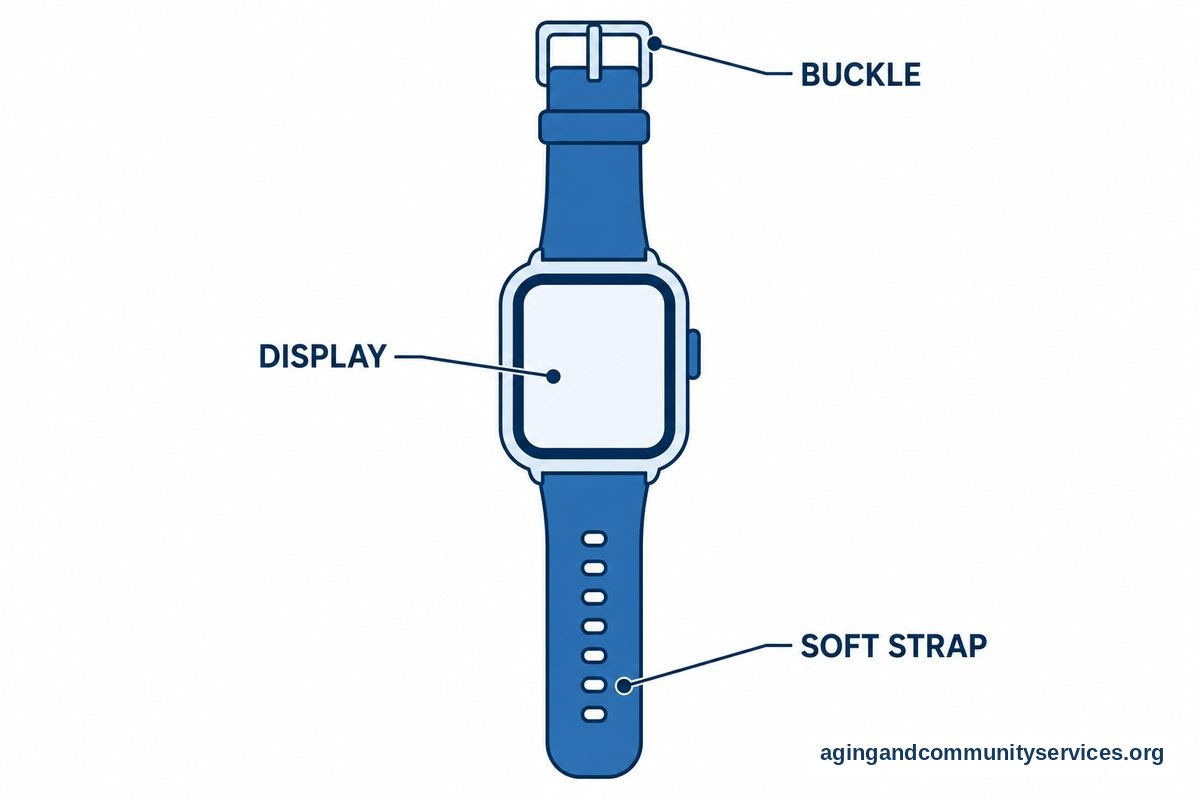
A wearable heart rate monitor for seniors should be easy to put on, easy to read, and comfortable enough for daily use. Wrist watches and bands are common, but some people get a better fit from a chest strap or ring. Comfort matters because a device sitting loose or worn only sometimes may give less useful information.
Look for these practical features:
- Clear display: Large numbers, strong contrast, and simple menus help reduce frustration.
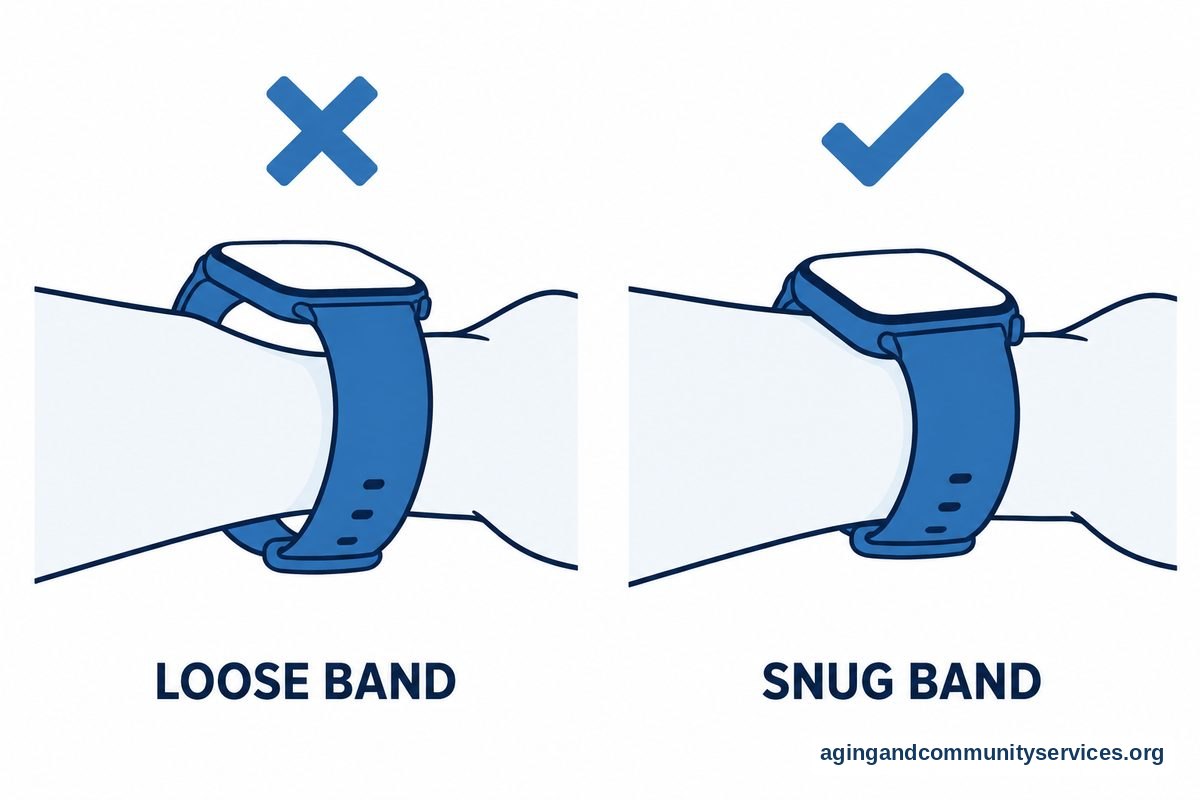
- Comfortable band: Soft, adjustable straps are easier for sensitive skin or stiff fingers.
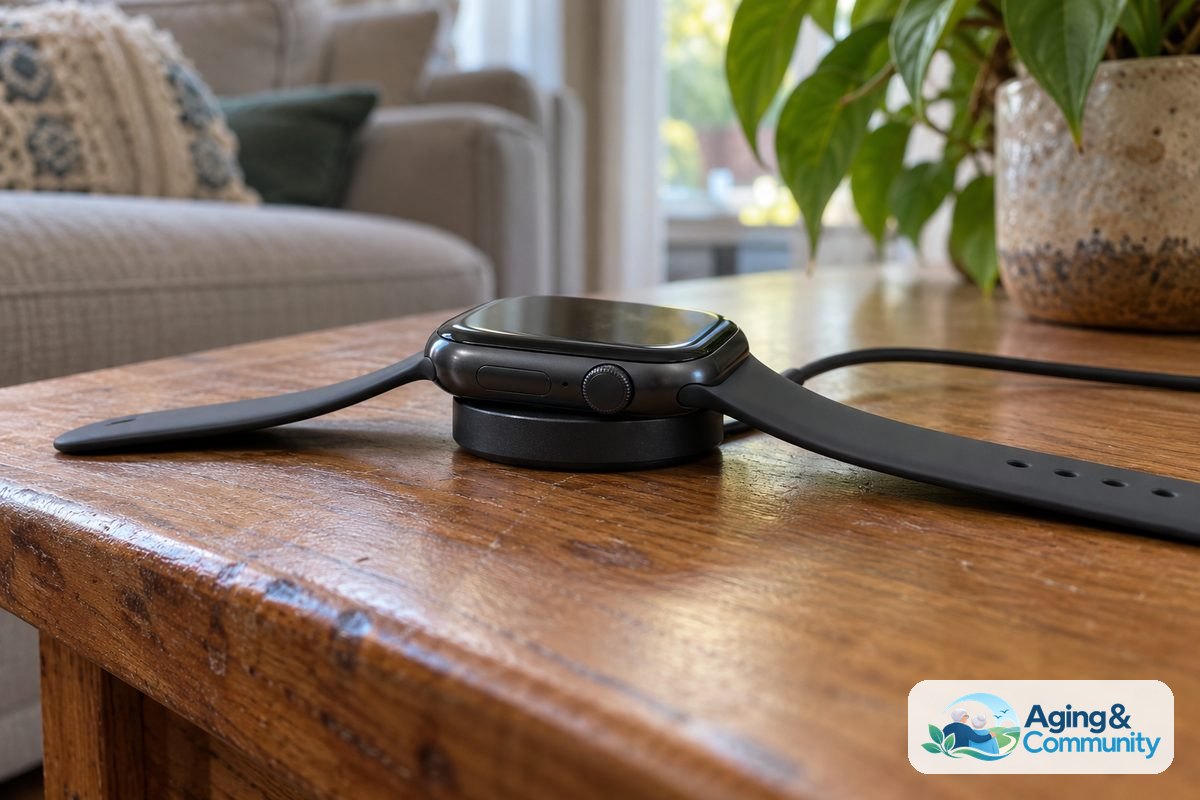
- Simple charging: A magnetic charger or charging dock may be easier than small plugs.
- Long battery life: Fewer charges can make the routine easier to keep.
- Easy sharing: Some apps allow a family member or doctor to see trends with permission.
- Reliable alerts: The device should make reminders clear through sound, vibration, or both.
Heart rate readings can vary based on fit, movement, skin contact, and device design. If the person has a heart condition, takes heart medicines, or has symptoms such as chest discomfort, shortness of breath, fainting, or new dizziness, speak with a doctor about what to monitor and when to seek care.
Some smartwatches also offer blood pressure features or support for paired cuffs. A guide to smartwatches for blood pressure can help you understand the difference between general tracking and readings that should be reviewed with a clinician.
Safety Features, Fall Detection, and Emergency Help
Many families look at wearable tech because they want a simple way to support safety at home and out in the community. Fall detection, location sharing, and emergency buttons can be helpful, but no device catches every event. It is best to treat these tools as one part of a wider plan.
The National Institute on Aging explains practical ways to reduce fall risk, including home changes, regular vision checks, and talking with a health care provider about medicines and balance concerns in its guidance on falls prevention. A wearable can support that plan, but it does not replace good lighting, safe footwear, and clear walking paths.
When reviewing fall detection, ask these questions:
- Does the device call a response center, a family contact, or emergency services?
- Can the wearer cancel a false alert easily?
- Does it work away from home?
- Does it need a phone nearby to send alerts?
- Is location sharing included, and who can see it?
- What happens if the battery is low?
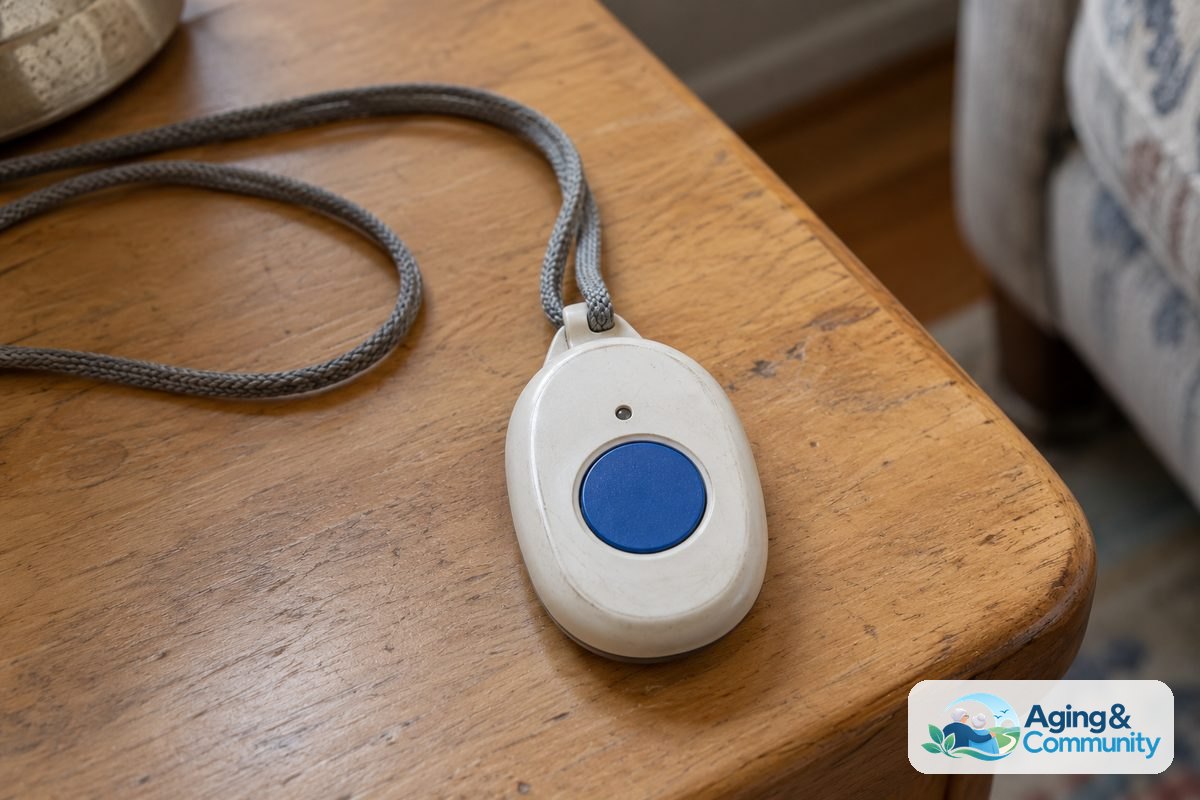
A smartwatch with fall detection may be a good option for someone who wants watch features and an emergency button in one device. A pendant or clip may be better for someone who does not like touchscreens.
Privacy, Comfort, and Daily Use
Health data is personal. Before setting up a device, decide who can see the information, how alerts will be shared, and what should happen if a reading looks unusual. The person wearing the device should be part of these choices whenever possible.
Read the privacy settings in the app. Look for options to turn off features that are not needed, such as location sharing or social activity sharing. If family members will receive alerts, agree on what they should do before there is a problem.
Comfort also affects success. A device that pinches, feels heavy, or needs frequent charging may end up in a drawer. Try to choose a style that fits the person’s routine, clothing, skin needs, and hand strength.
For people who are planning to stay in their home, wearable devices may be one part of a larger support plan. The National Institute on Aging offers practical ideas for aging in place, including help with home setup, transportation, and daily needs.
Setting Up a Wearable Without Frustration
Setup can feel like the hardest part. A calm, step by step approach helps. Start with the most important feature, such as the help button or heart rate screen, before adding extra alerts or apps.
- Charge the device fully. Set it on the charger and wait until the battery is ready.
- Install only the needed app. Avoid adding extra apps unless they serve a clear purpose.
- Set up contacts. Add the right family member, caregiver, or response service if the device supports it.
- Adjust alert settings. Choose sounds, vibration, and reminder times that are easy to notice.
- Practice once. Review how to read the screen, start a call, and cancel an alert.
- Write down the routine. Note when to charge it and where the charger stays.
Keep the first week simple. Too many alerts can become annoying, and the person may stop wearing the device. After a few days, adjust the settings based on what is helpful and what is not.
If the person has memory changes, vision loss, hearing loss, arthritis, or balance issues, consider asking an occupational therapist or physical therapist for advice. They can suggest ways to make devices and daily routines easier to manage.
What You Can Do Next
Start with the person’s real daily needs, not the longest feature list. A simple device worn every day is usually more useful than a complex one that feels hard to manage.
- Write down the top two goals, such as heart rate tracking, emergency help, or activity reminders.
- Ask the person what they are willing to wear: watch, pendant, ring, or clip.
- Check whether the device needs a smartphone, home internet, or a monthly service plan.
- Review privacy settings and decide who receives alerts or reports.
- Talk with a doctor about which readings matter for that person’s health history.
- Plan a charging habit, such as placing the device on the charger during a regular daily routine.
If you are not sure what local services may help with home safety, transportation, or caregiver support, the Eldercare Locator can point families to community resources.
Frequently Asked Questions
What is a wearable heart rate monitor for seniors?
A wearable heart rate monitor for seniors is a device that measures pulse while it is worn. It may be built into a watch, band, ring, or chest strap. The goal is to show heart rate trends during rest, movement, or sleep.
These readings can be useful for discussion with a doctor, especially if the person has symptoms or a known heart condition. They should not be used by themselves to diagnose a problem or change medicine.
What is wearable tech for senior health monitoring?
Wearable tech for senior health monitoring includes devices that track health and safety information during daily life. Examples include smartwatches, medical alert pendants, fitness bands, smart rings, and some body sensors.
Depending on the device, features may include heart rate, steps, sleep, reminders, fall detection, emergency calls, or location sharing. The best fit depends on comfort, support needs, and how simple the device is to use.
Are wearable health monitors for seniors accurate?
Wearable health monitors for seniors can offer helpful trends, but accuracy varies. Fit, movement, skin contact, battery level, and the type of sensor can affect readings.
If a reading seems concerning, repeat it if the device allows and pay attention to how the person feels. For symptoms or repeated unusual readings, contact a doctor or other qualified health professional.
Do wearable health monitors need a smartphone?
Some do, and some do not. Many smartwatches and fitness bands need a smartphone for setup, updates, and viewing details. Some medical alert devices work on their own through a built in connection.
Before choosing a device, check whether it needs a phone nearby to call for help, send alerts, or share location. This is especially important for people who do not carry a phone at home.
Can a wearable monitor replace regular checkups?
No. A wearable monitor can collect information, show trends, and send reminders, but it does not replace regular care. Doctors and other health professionals can review symptoms, medicines, health history, and test results in a fuller way.
Bring useful device reports or notes to appointments if the person wants to discuss patterns. Keep the information simple, such as dates, symptoms, and what the device showed.
Which features matter most in wearable tech for senior health monitoring?
The most useful features are the ones that match the person’s needs and routine. For many families, that means easy charging, large text, a comfortable band, clear alerts, and a simple way to call for help.
If health tracking is the main goal, heart rate trends, activity, sleep, and easy sharing may matter most. If safety is the main goal, an emergency button, fall detection, location sharing, and reliable support may be more important.