

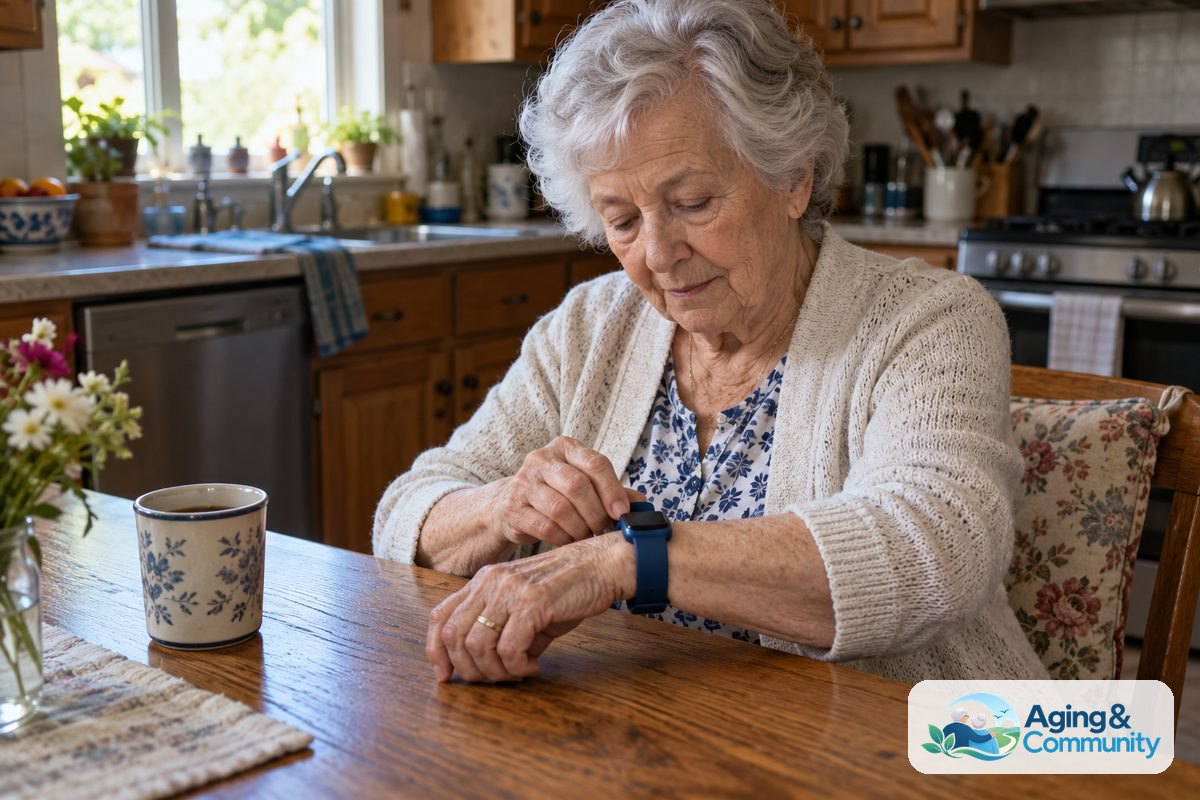
A wearable for seniors is a small device worn on the wrist, neck, belt, or clothing that can help with daily reminders, activity tracking, location sharing, or emergency alerts. The right choice depends on comfort, ease of use, battery life, and whether the person will actually wear it each day.
Some devices look like watches. Others are simple buttons or pendants. A good wearable should fit the person, not the other way around.
What Wearable Technology for Seniors Can Do
Wearable technology for seniors can support everyday routines in simple ways. Many devices are made to help a person stay connected, remember tasks, or call for help when needed.
Common features include:
- Emergency help button: Lets the wearer contact a monitoring center, caregiver, or emergency contact.
- Fall detection: May sense a hard fall and start an alert. No device is perfect, so it should not replace a safety plan.
- GPS location sharing: Can help a trusted contact find the wearer if they get turned around or need help.
- Medication or appointment reminders: Can send gentle prompts during the day.
- Heart rate or activity tracking: Can show general wellness trends, but should not be used to diagnose a health issue.
- Two way calling: Lets the wearer talk through the device, often without needing a phone in hand.
Some families also compare AI health wearables when they want a device that organizes more data or offers smarter reminders. These features can be useful, but they should still be easy to understand.
If a device gives health readings, treat them as general information. For questions about symptoms, readings, balance, or falls, speak with a doctor, physical therapist, or occupational therapist.
Types of Wearable Devices for Seniors
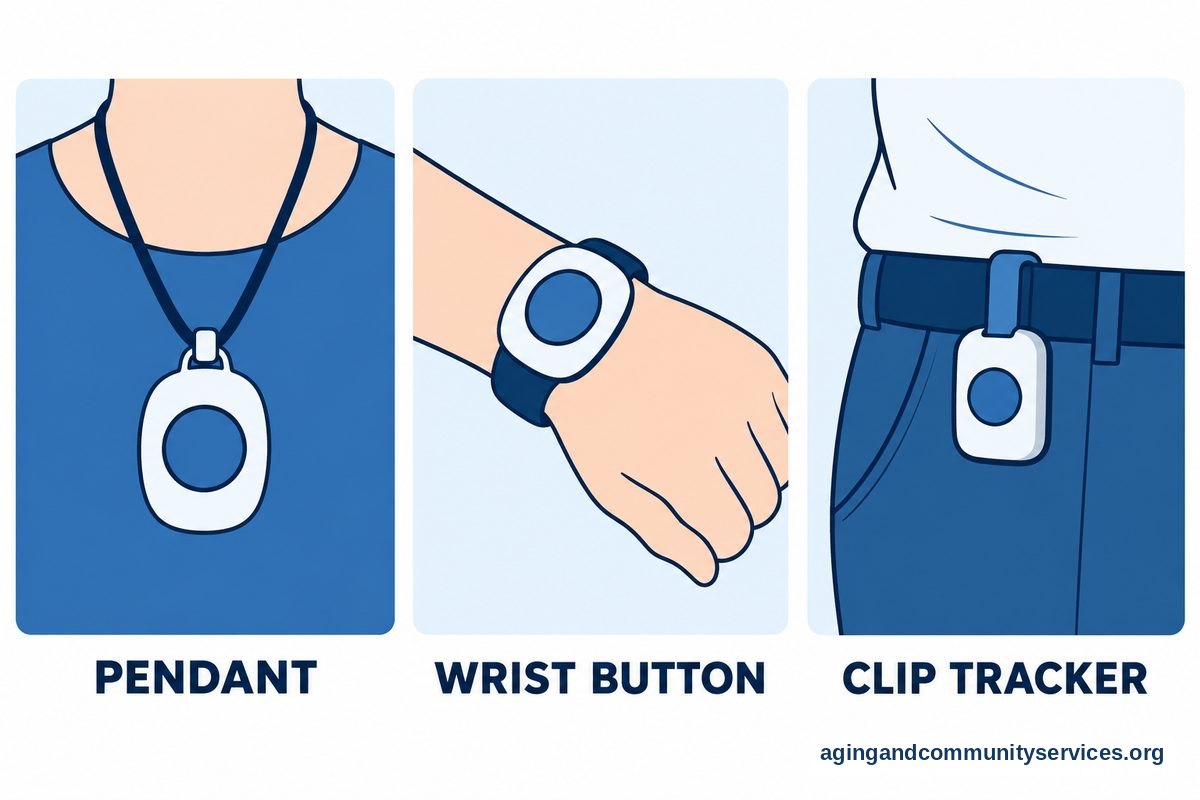
Wearable devices for seniors come in several styles. The best fit often depends on hand strength, vision, hearing, lifestyle, and comfort.
| Type | What It Is | May Fit Someone Who |
|---|---|---|
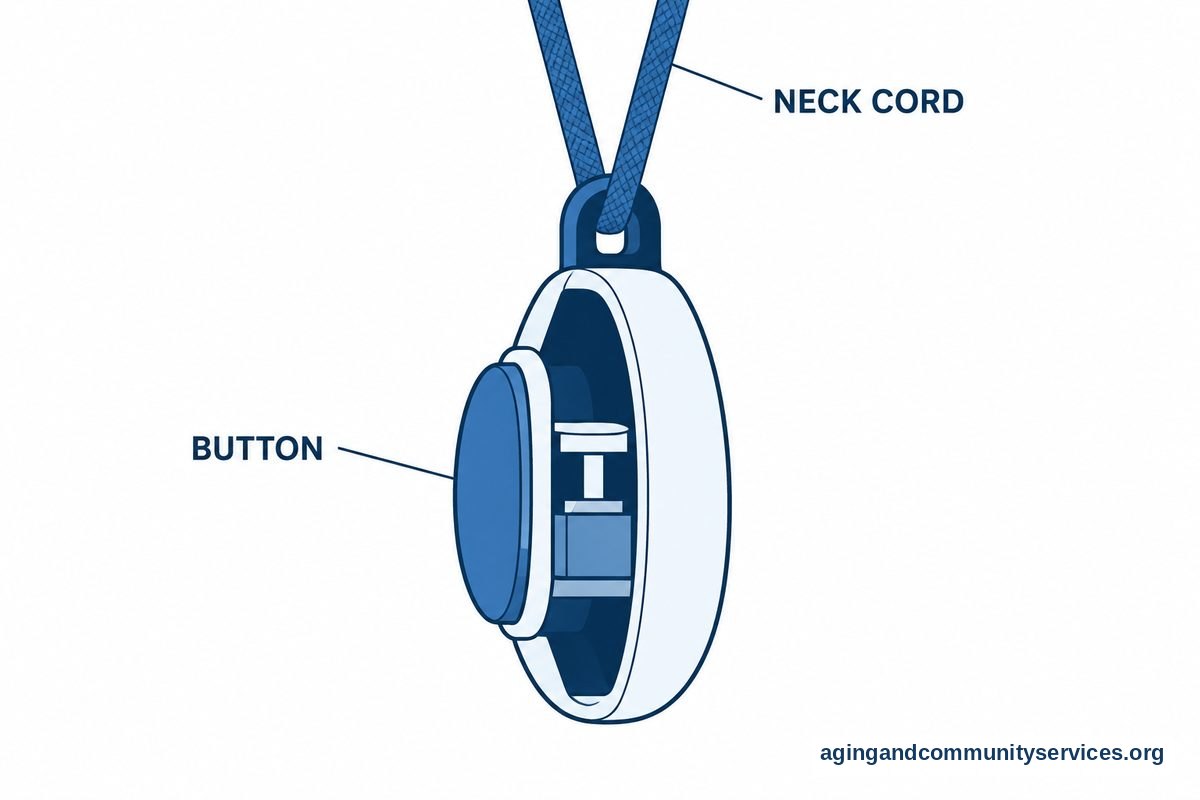
| Medical alert pendant | A button worn around the neck | Wants the simplest help button |
| Wrist medical alert | A watch style help button | Does not like necklaces |
| Smartwatch | A watch with apps, alerts, and tracking | Is comfortable with screens and charging |
| Clip on tracker | A small device clipped to clothing or a belt | Does not want a watch or pendant |
| GPS wearable | A device focused on location sharing | Needs trusted contacts to view location |
A medical alert pendant is often the easiest to use. It usually has one main button and fewer settings. A smartwatch can do more, but it may also require more setup, charging, and updates.
For someone interested in a watch style safety device, a medical alert smartwatch may be worth comparing. Look closely at how alerts work, who receives them, and whether a monthly service is required.
Features That Matter Most
It is easy to get distracted by long feature lists. Start with the basics that affect daily use.
- Comfort: The device should feel light and not pinch, rub, or get in the way.
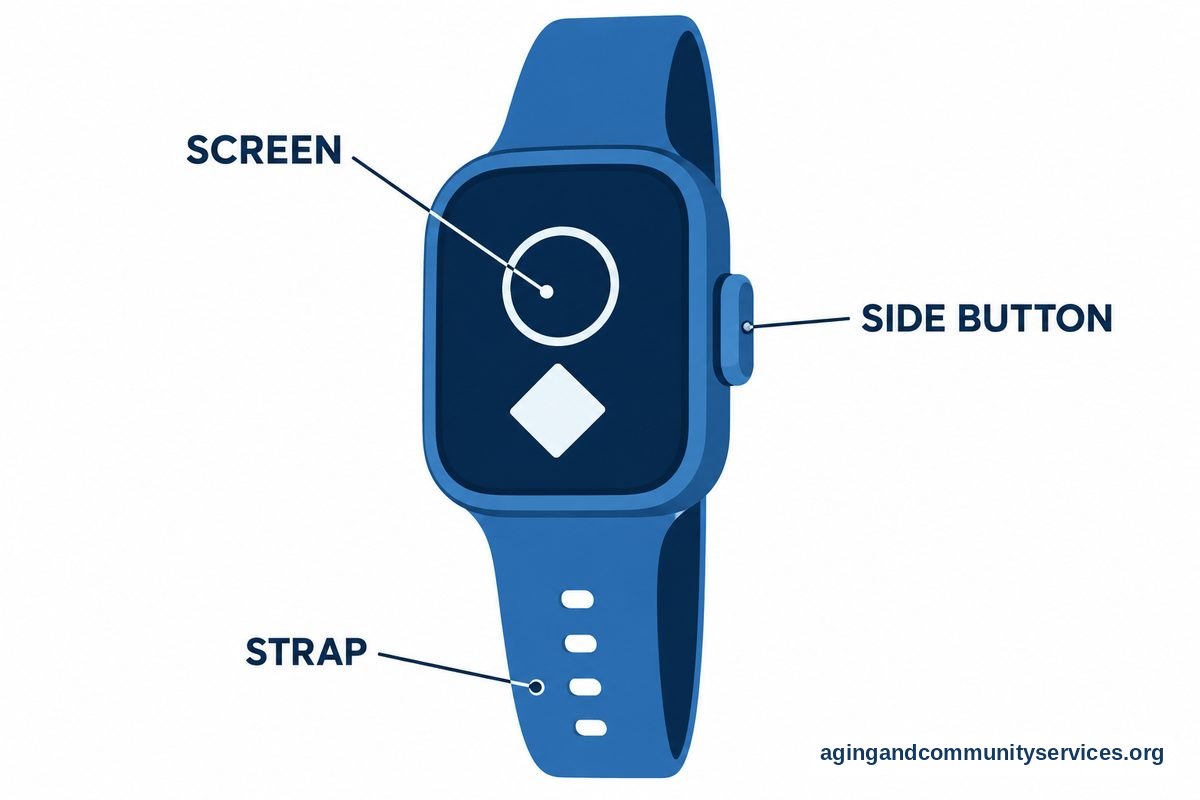
- Simple controls: Buttons should be easy to press. Text and icons should be easy to see.
- Clear sound: If it has calling, the speaker and microphone should work well for the wearer.
- Reliable charging: Battery life should match the person’s routine. A device that is hard to charge may sit unused.
- Water resistance: Some devices can be worn in the shower, where falls can happen. Check the product details carefully.
- Contact options: Know whether alerts go to family, a monitoring center, or emergency services.
- Location tools: GPS can help in some situations, but it may use more battery.
- Privacy controls: The wearer should know what information is shared and with whom.
If fall alerts are a key reason for shopping, compare how each device explains fall detection. Some devices only detect certain types of motion. Some ask the wearer to confirm before sending an alert.
The National Institute on Aging says steps such as checking vision, reviewing medicines with a clinician, and making the home safer can lower fall risk. A wearable can be one part of that plan, not the whole plan.
Families looking at watch based options may also want to compare watches with fall detection. The main question is not which device has the longest list of tools. It is which one the person can use calmly and consistently.
How to Choose the Best Wearable Device for Senior Citizens
The best wearable device for senior citizens is the one that matches real life. A person who dislikes screens may do better with a simple pendant. A person who already uses a smartphone may like a smartwatch.
Use this step by step approach:
- Start with the main purpose. Is the goal emergency calling, location sharing, reminders, activity tracking, or daily communication?
- Think about where it will be worn. Wrist, neck, belt, or clothing all feel different.
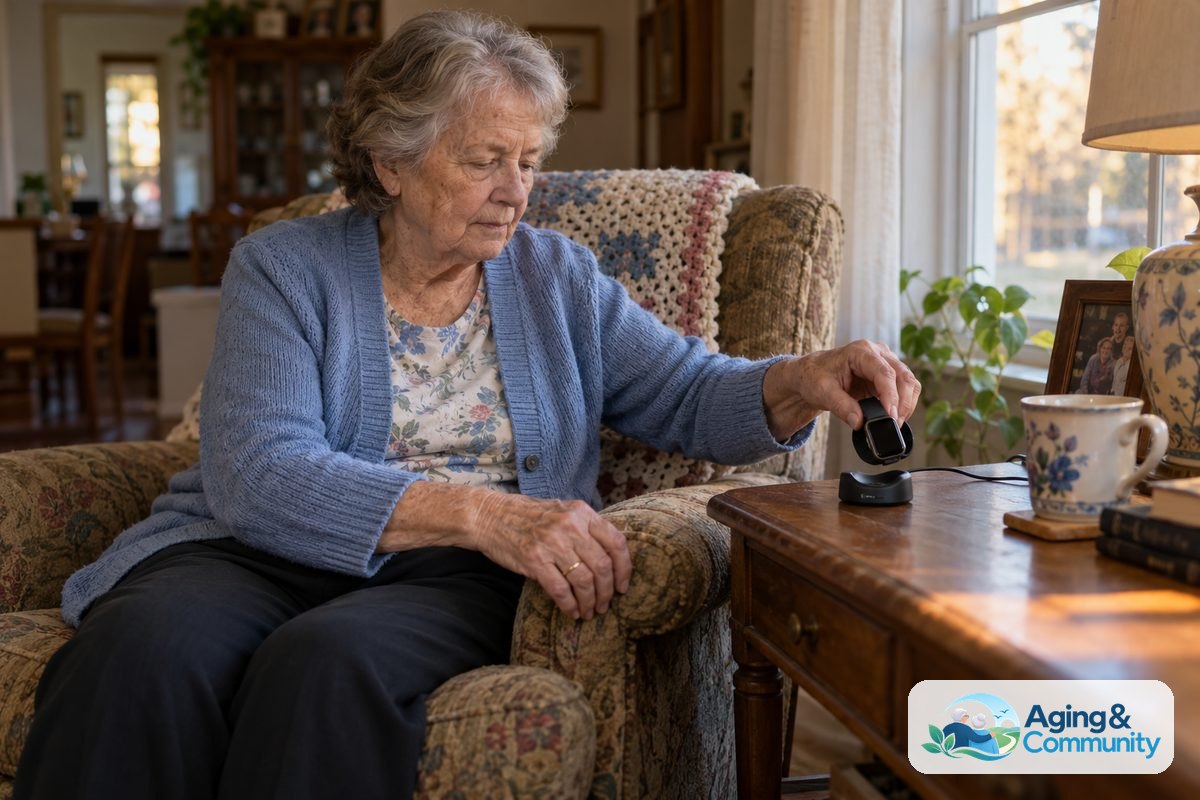
- Check the charging routine. Ask whether the wearer can place it on a charger without help.
- Review the alert path. Know who gets called, what happens if no one answers, and whether a service plan is needed.
- Look at the screen and buttons. Make sure the wearer can read, tap, and press without strain.
- Ask about comfort and style. If the person dislikes how it looks or feels, they may not wear it.
It can help to make a short list of must have features and nice to have features. Must have features might include a large button, water resistance, or caregiver alerts. Nice to have features might include step counts, weather, or extra watch faces.
If blood pressure tracking is important, review the product’s instructions and limits. Some watches estimate or record readings, but they are not a replacement for care from a clinician. You can compare smartwatches for blood pressure to understand what these devices may offer and what questions to ask.
Privacy, Setup, and Caregiver Access
Wearable technology for the elderly often includes apps, accounts, and shared access. This can be helpful, but it should be handled with respect.
Before setting up a device, talk through these questions:
- Who will receive alerts?
- Who can see location information?
- Who will manage passwords and app settings?
- How often will the device share data?
- What should happen if the battery is low?
- How will the wearer ask for changes?
The person wearing the device should be part of these choices whenever possible. A wearable should support independence, not feel like constant watching.
Write down the account email, password location, support contact, charging instructions, and alert contacts. Keep this note in a safe place that trusted helpers can find.
If the device connects to a phone, check whether it works with that phone model. Also check whether it needs Wi Fi, a cellular plan, Bluetooth, or a separate base station.
When a Simple Device May Be Better
More features are not always better. For some people, a simple help button is easier and more dependable than a smartwatch with many apps.
A simpler wearable may be a better fit if the person:
- Does not want to manage a touch screen
- Often forgets to charge devices
- Has trouble reading small text
- Needs one clear button for help
- Does not use a smartphone
- Feels stressed by too many alerts
A more advanced device may fit someone who enjoys technology, wants reminders, or already uses a phone. For example, some people like familiar watch features along with safety tools. If that is the case, comparing Apple Watch fall detection may help you understand one common option.
For aging at home, a wearable works best with other practical supports. The National Institute on Aging offers guidance on growing older at home, including planning ahead and making daily life easier.
What You Can Do Next
You do not have to choose a device in one sitting. A calm, step by step plan can make the decision easier.
- Ask the wearer what they want. Start with comfort, style, and what would make them feel supported.
- Pick the main job. Choose one top need, such as emergency calling, reminders, or location sharing.
- Measure daily habits. Think about charging, showering, sleeping, walking, and phone use.
- Compare two or three devices. Too many choices can make the process harder.
- Read the alert details. Confirm who is contacted, how quickly, and under what conditions.
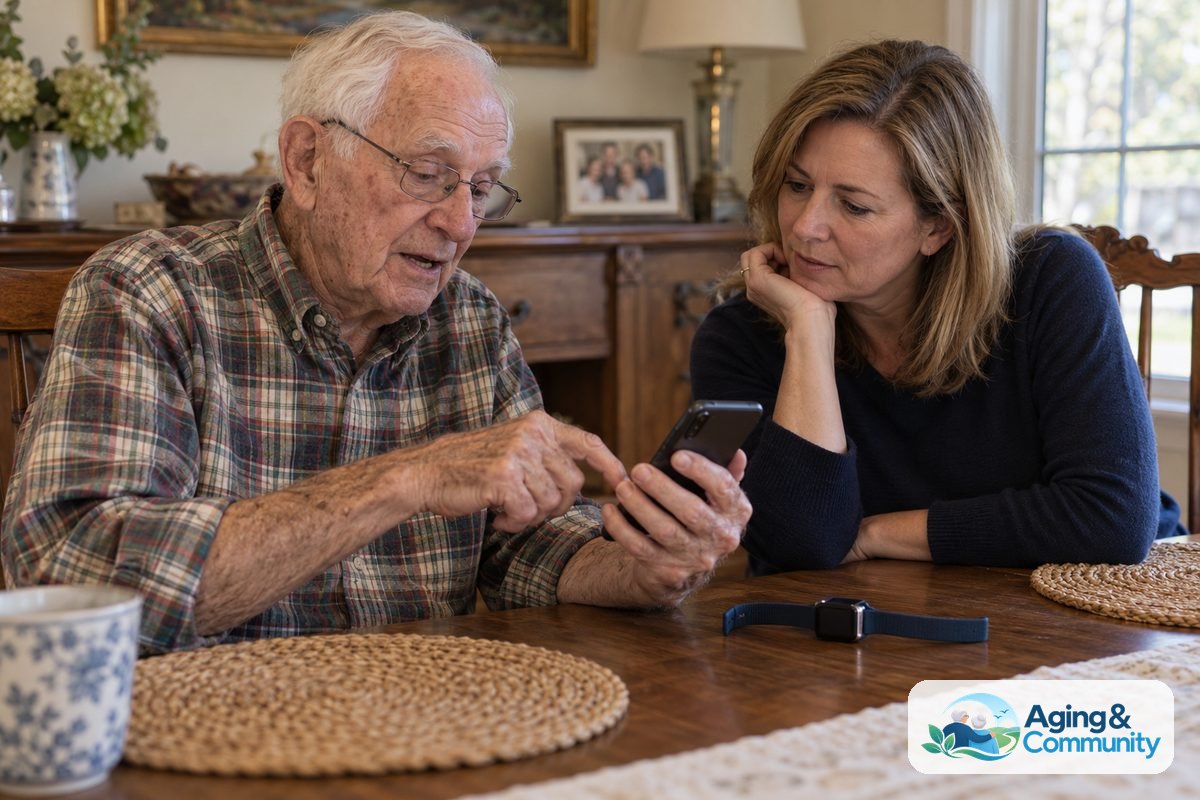
- Try the setup together. Practice pressing the button, answering a call, charging the device, and canceling a false alert.
- Review after a few weeks. Ask what is working, what is annoying, and what needs to change.
If there have been recent falls, balance changes, dizziness, or concerns about walking safely, talk with a doctor, physical therapist, or occupational therapist. They can help review home safety, mobility needs, and whether a wearable is only one part of a broader plan.
If you are not sure where to start with local support, the Eldercare Locator can help connect families with aging services in their area.
Frequently Asked Questions
What is wearable technology for seniors?
Wearable technology for seniors includes devices worn on the body, such as watches, pendants, wrist buttons, or clip on trackers. They may offer emergency alerts, reminders, activity tracking, calling, or location sharing.
The right device depends on the person’s comfort, daily routine, and ability to use the controls. Simple is often better if the main goal is quick access to help.
What is wearable technology for elderly family members used for?
Wearable technology for elderly family members is often used to support connection and daily routines. It may help a trusted contact receive alerts, see a location, or get a low battery notice.
It should be set up with the wearer’s knowledge and consent whenever possible. Privacy and dignity matter as much as features.
What are the best wearable devices for seniors?
The best wearable devices for seniors are the ones that are comfortable, easy to charge, simple to use, and matched to the main need. For one person, that may be a pendant with one button. For another, it may be a smartwatch with calling and reminders.
Before choosing, compare comfort, alert contacts, battery life, water resistance, setup steps, and support. Avoid paying for features the person will not use.
Are wearable devices for elderly adults hard to set up?
Some are easy to set up, while others take more time. A simple medical alert button may only need activation and contact information. A smartwatch may need an app, a phone connection, account settings, and regular updates.
Plan to set it up together. Practice common tasks, such as charging, pressing the help button, answering a call, and turning off a false alert.
What should I look for in seniors wearable technology?
Look for comfort, clear buttons, readable text, dependable battery life, and an alert system that makes sense for your family. If the device has fall detection or health readings, read the limits carefully.
Also check privacy settings, customer support, and whether the device needs a phone, Wi Fi, cellular service, or a base station.
How do I choose the best wearable device for senior citizens?
Start with the main reason for buying one. Then match the device to the person’s habits, vision, hearing, hand strength, and comfort with technology.
If safety at home, falls, or mobility are concerns, ask a doctor, physical therapist, or occupational therapist for guidance. A wearable can help with alerts and connection, but it works best as part of a practical daily support plan.