

Finding current ElliQ contact info is easy when you need help with setup, account questions, or daily features. The maker of this friendly device provides customer service by phone, email, and online support forms. Connecting directly with their care team helps ensure you get the answers you need without frustration.

How to Reach ElliQ Customer Support
Getting in touch with the company behind this technology is straightforward. The device is built by Intuition Robotics, and their team offers dedicated care representatives for users and their families. You can reach their main support team by calling 844-944-3554 during standard business hours on weekdays.
If you prefer writing, you can send an email to support@elliq.com. Email is often convenient if you have detailed questions about Wi-Fi connection, software updates, or account settings. The team usually replies within one to two business days with helpful instructions.
For people exploring an elliq companion robot for the first time, sales assistance is also available. You can reach the sales department by emailing sales@elliq.com or by submitting an inquiry directly on their official website.
Support Options for Daily Device Users
Once your device is set up at home, you do not always have to pick up a regular telephone to ask for help. The device itself is designed to make communication simple for older adults. You can often speak directly to your unit to ask basic operational questions or request assistance.
In addition to speaking with the device, the companion mobile application offers built-in help features. Family members or trusted friends who use the companion app can access help articles and submit service tickets right from their smartphones. This makes it easy for adult children to assist their parents from another city or state.
Many people research an ai companion for elderly family members to encourage daily engagement and social connection. Having multiple channels for customer support helps make sure the technology remains friendly and accessible every day.
What to Have Ready Before You Call
Preparing a few details before you contact customer care can save time and keep your call relaxed. Support representatives will want to make sure they are looking at the correct user file before they give advice. Gathering these details beforehand helps the call go smoothly.
- Account Name and Email: Have the primary subscriber name and the email address used during registration.
- Device Serial Number: Check the bottom of the device base or look inside the companion app under device settings.
- Wi-Fi Information: Know your home network name if your question involves internet connectivity.
- Description of the Issue: Note down any specific messages displayed on the screen or behaviors you observed.
If you are looking at an ai robot for elderly relatives, knowing who manages the subscription can also help resolve account questions much faster.
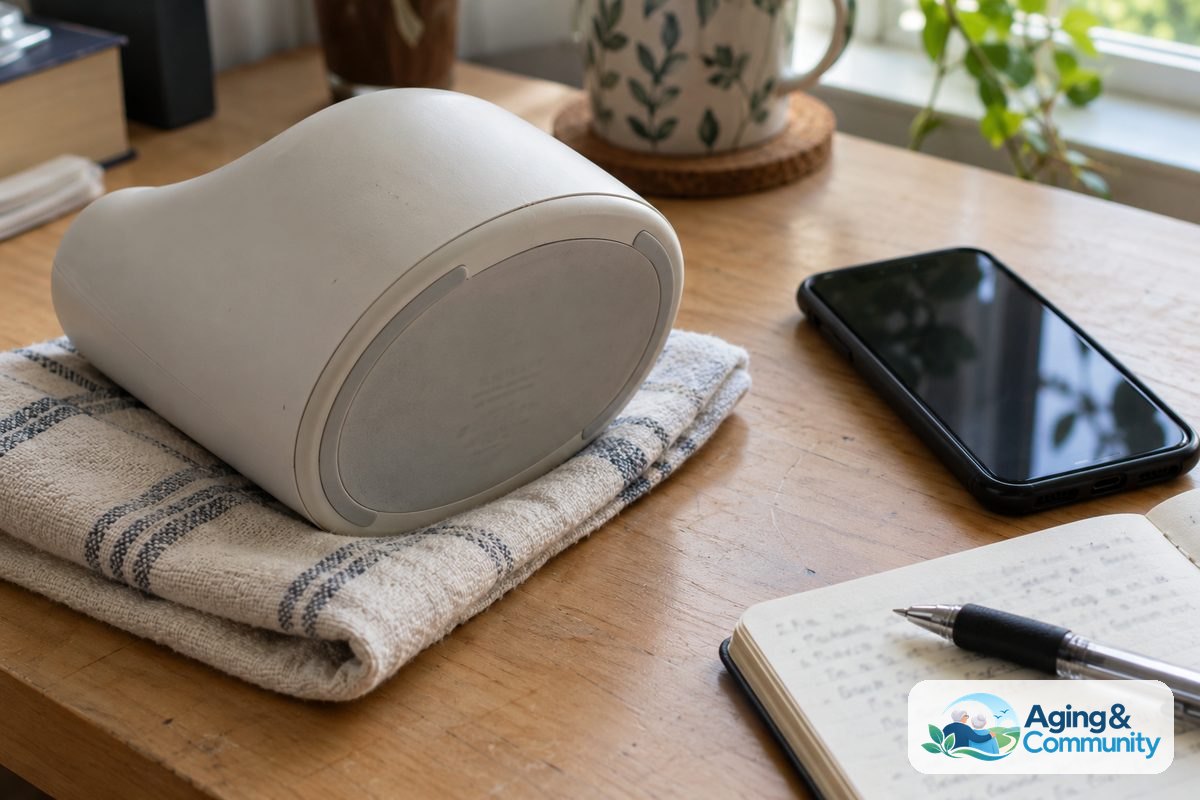
Ways ElliQ Supports Independence at Home
Helpful technology often plays a meaningful role in modern daily living. Many families turn to voice assistants and interactive devices to support routine daily check-ins, hydration reminders, and gentle wellness checkups. These interactive tools can help support routines that allow people to remain comfortable in their own homes.
According to the National Institute on Aging guidance on aging in place, having reliable support systems and assistive technologies can help people stay safe and independent. When tech support is easy to contact, maintaining those helpful home routines becomes much simpler.
Different devices serve different needs, and comparing the types of ai companions on the market helps families find the right fit for their household routines.
Community Resources and Local Support
Sometimes you need assistance that goes beyond tech support for a single device. Many local and state programs offer guidance on technology, social connection, and home wellness resources. These organizations work directly with community members to connect them with useful local programs.
You can contact the Eldercare Locator to find Area Agencies on Aging in your region. Local agencies often know about community programs that provide device training, volunteer visits, and local caregiver support groups. Combining helpful devices with caring local human contact creates a strong circle of support.
What You Can Do Next
If you want to get support or learn more about your options, taking a few organized steps can help. You do not need to solve everything all at once.
- Test your phone connection: Place a brief call to customer service to verify your account status and ask any immediate questions.
- Save support details in a safe spot: Write down the phone number and support email on a card kept near your home workstation or telephone.
- Check your home internet: Make sure your home Wi-Fi signal is strong in the room where your table device sits.
- Reach out to family: Talk with your family members about who will manage companion app updates and notifications.
- Consult professionals: If you have questions about overall physical wellness or home safety, speak with a doctor, physical therapist, or occupational therapist for personalized guidance.

Frequently Asked Questions
What are the customer service hours for ElliQ?
Customer support is typically available during standard weekday business hours, Eastern Time. If you reach out outside of these hours by email or voicemail, a representative will generally follow up on the next regular business day.
Can family members call support on behalf of a user?
Yes, designated family contacts listed on the account can speak with customer care. Having the primary user name and device details ready makes it easy for representatives to assist family members.
Is there a cost to speak with tech support?
Standard customer support is included as part of the ongoing service subscription. You can reach out by phone or email without paying an extra fee for everyday tech help or account guidance.
Where can I find my device serial number?
The serial number is located on the underside of the physical base unit. You can also view it inside the settings tab of the companion smartphone application linked to the account.