

An AI companion for elderly adults is a digital tool that can chat, give reminders, answer simple questions, and help someone feel more connected during the day. It may be an app, a smart speaker, a tablet feature, or a small robot, depending on what the person wants and can use comfortably.
For many families, the goal is not to replace people. The goal is to add a simple layer of support, especially for conversation, routines, and easy access to help with everyday tasks.
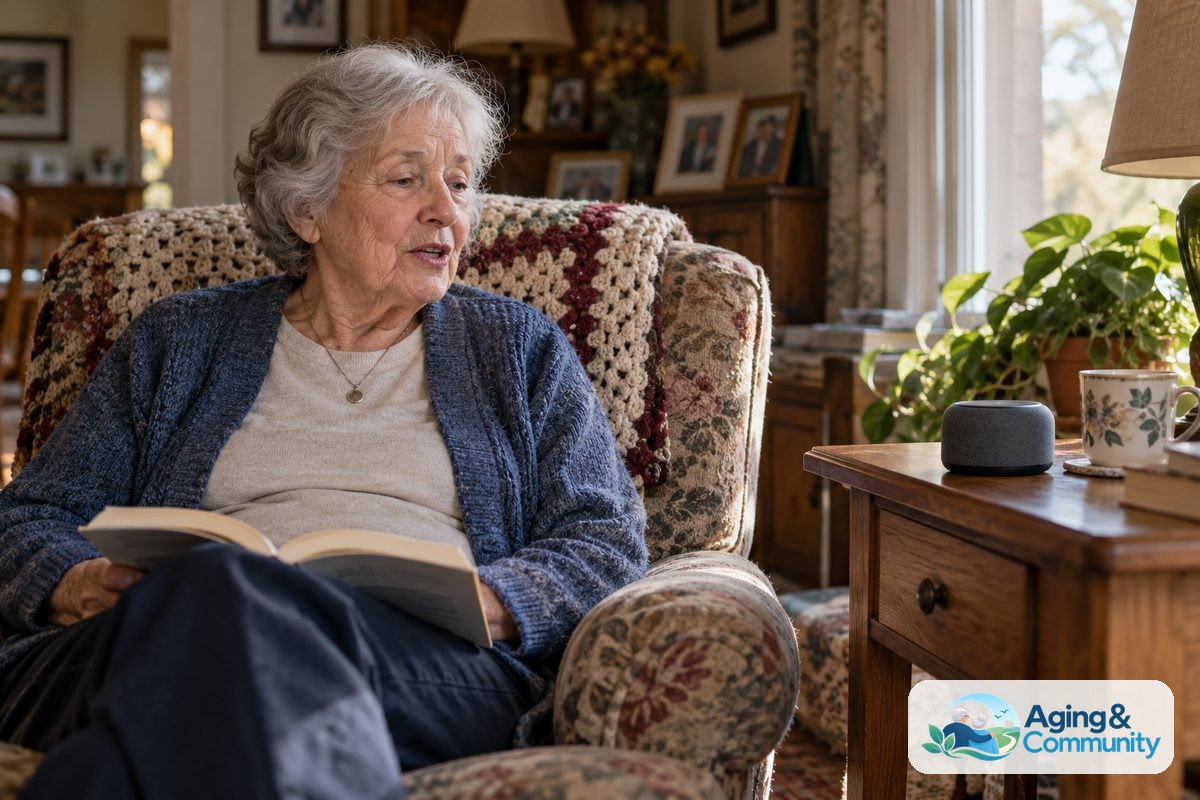
What an AI Companion Can Do
An AI companion for the elderly is usually built around conversation. A person can type or speak, and the tool answers in plain language. Some tools feel like an AI friend for elderly adults, while others are more like a helper for reminders and information.
Common uses include:
- Friendly chats about hobbies, memories, weather, music, or the day ahead
- Reminders for meals, appointments, calls, or daily habits
- Simple answers to questions, such as how to cook a food or spell a word
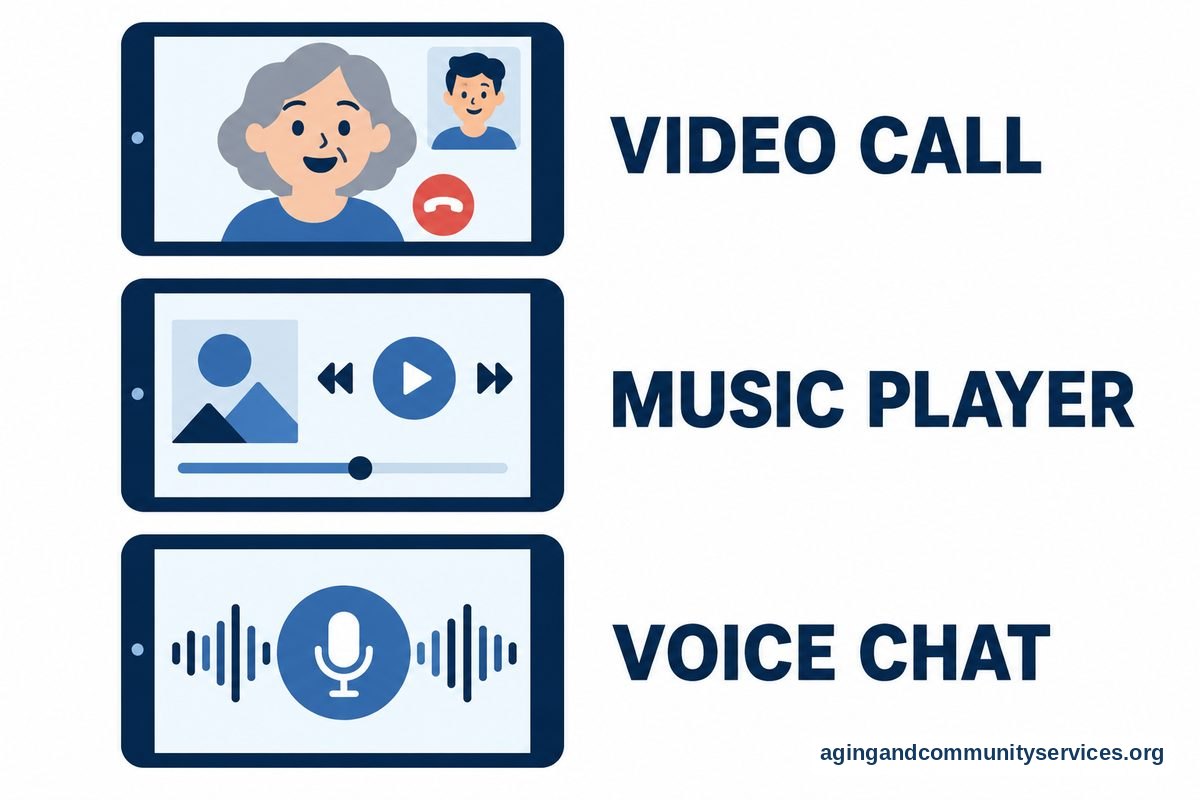
- Help starting a video call, message, or music playlist
- Reading aloud short text, news, or instructions
- Games, trivia, storytelling, or gentle brain teasers
Some families start with broader AI for the elderly tools before choosing a companion app. That can make it easier to see what feels useful and what feels confusing.
It helps to be clear about the job you want the tool to do. A companion for small talk is different from a device that gives voice reminders. A family check-in tool is different from an AI companion robot for elderly adults.
Types of AI Companions for Older Adults
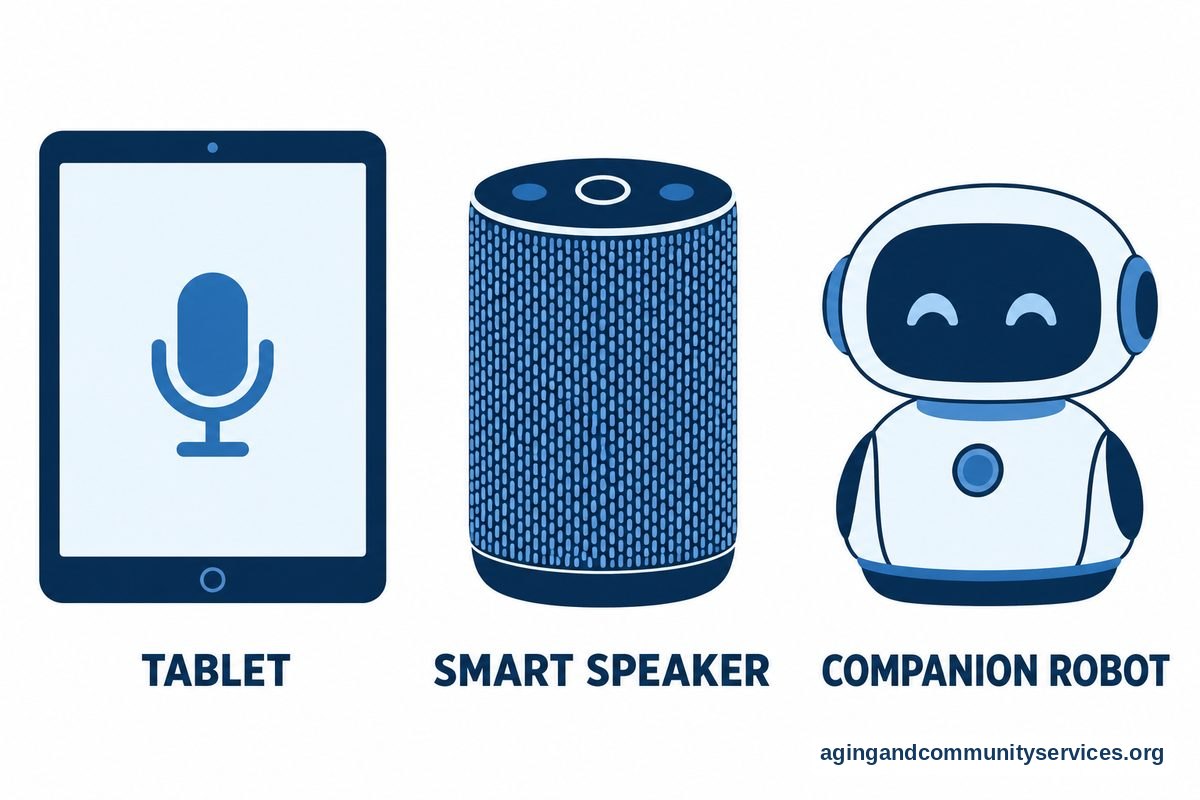
There are several kinds of AI companion for older adults. The right choice depends on comfort with technology, hearing, vision, hand strength, privacy needs, and home setup.
| Type | What It Is | May Fit When |
|---|---|---|
| Phone or tablet app | An AI companion app for adults that works through text or voice | The person already uses a phone or tablet |
| Smart speaker | A voice device that answers questions, plays audio, and can set reminders | Typing is hard, but speaking is comfortable |
| Video device | A screen for calls, prompts, and simple voice control | Family video chats are a priority |
| Companion robot | A physical device that may talk, move, or respond to touch | The person likes a more present, object-like companion |
| Built-in phone features | Voice assistant, reminders, dictation, and accessibility tools | You want to use what is already available |
A smart speaker can be a simple first step. If you are comparing voice options, a guide to Alexa for elderly parents may help you think through setup, privacy, and daily use.
For some households, a screen matters more than a chatbot. If staying in touch with family is the main need, a simple video call for elderly adults may be more useful than a full AI companion.
Benefits and Limits to Keep in Mind
An elderly AI companion can support routine and connection, but it has limits. It should not be treated as a medical provider, emergency service, or full-time caregiver.
Possible benefits include:
- Conversation: It can offer a ready voice or chat when family is not available.
- Routine support: It can remind someone about planned tasks or appointments.
- Confidence: It can answer simple questions without making the person feel rushed.
- Ease of access: Voice tools can be helpful when small screens are hard to use.
- Family support: Some tools can make check-ins and shared reminders easier.
There are also limits. AI can misunderstand speech, give wrong answers, or sound more certain than it should. It may not understand urgency, tone, or a change in behavior the way a person can.
If reminders involve medicine, mobility, food limits, memory changes, or fall concerns, ask a doctor, pharmacist, physical therapist, or occupational therapist what is appropriate. The National Institute on Aging says home changes and regular activity can lower fall risk, but any plan should fit the person and the home.
An AI friend for seniors can be pleasant, but it should not become the only source of company. Regular human contact, meals with others, clubs, faith groups, neighbors, family calls, and community programs still matter.
Privacy, Safety, and Trust
Privacy is one of the most important parts of choosing an AI companion for adults. These tools may collect voice, text, usage data, contacts, or location details. Some use that information to improve replies or personalize the service.
Before setting up a tool, review these points:
- What information does the app or device collect?
- Can voice recordings or chat history be deleted?
- Can family members see messages, reminders, or activity?
- Does the tool have ads or shopping features?
- Can purchases be blocked or protected with a code?
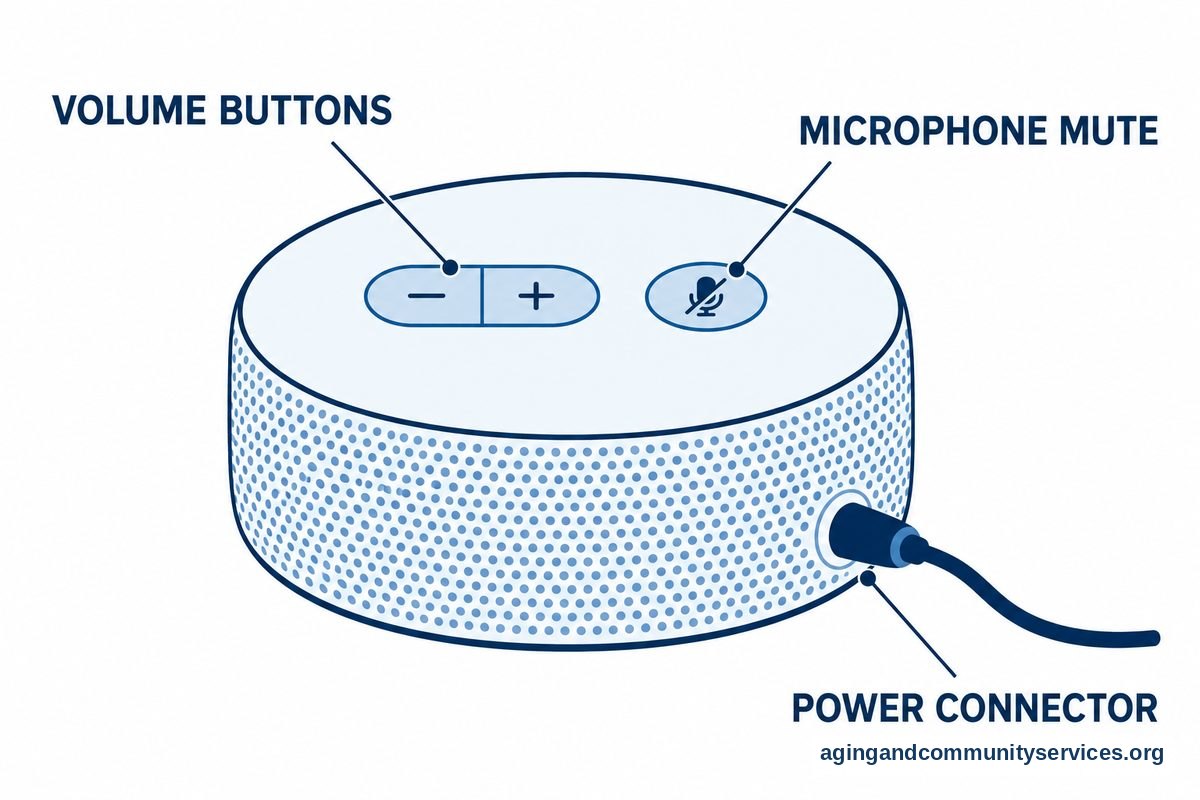
- How easy is it to turn the device off or mute the microphone?
Use plain language with the person who will use it. Explain that AI can be helpful, but it is not a person. It may make mistakes, and private details should be shared with care.
A good rule is to avoid entering Social Security numbers, banking details, passwords, medical record numbers, or private family information into any companion app. If the tool asks for sensitive details that do not seem needed, choose a different setup.
For a person who lives alone, an AI companion may be only one part of a wider support plan. A guide to elderly living alone can help families think about check-ins, home routines, and simple safety steps.

How to Choose an AI Companion App or Device
The best choice is the one the person will actually use. A tool with many features is not helpful if it feels annoying, hard to hear, or hard to understand.
Start with the person, not the product. Ask what they want help with and what they do not want. Some people enjoy conversation. Some only want reminders. Some dislike devices that feel too personal.
Look for these features:
- Simple controls: Large buttons, clear menus, and easy voice commands
- Good sound: Loud, clear speech with adjustable volume
- Readable text: Large type, high contrast, and simple screens
- Privacy controls: Clear settings for data, history, microphones, and sharing
- Family setup: A way for a trusted helper to assist without taking over
- Easy exit: A simple way to pause, mute, delete, or stop using it
If the person already uses a phone, start there. A free AI companion for adults may be enough for basic conversation, but free tools may have limits, ads, data sharing, or fewer privacy controls. Read the terms, check settings, and avoid linking sensitive accounts unless needed.
If voice is easier than typing, consider a smart speaker or voice assistant. If seeing family matters most, consider a video device. If the person enjoys physical objects, an AI companion robot for seniors may feel more natural, but it may also require more setup and care.
General technology for seniors guidance can also help you compare ease of use, setup, and support needs before buying or downloading anything.
AI Companions and Dementia: Use Extra Care
An AI companion for elderly with dementia needs special thought. Memory changes can affect how a person understands a device, remembers what it is, or reacts to its voice. What feels fun one day may feel confusing another day.
AI should not be used to diagnose, manage, or make care decisions for dementia. If there are changes in memory, mood, sleep, wandering, safety, or daily function, speak with a doctor or another qualified health professional.
When using an AI tool with someone who has dementia, keep the setup simple. Use familiar words, short prompts, and a calm voice. Avoid tools that pretend to be a real family member or blur the line between a person and a machine.
It is wise for a trusted person to be present during early use. Watch for frustration, worry, or repeated confusion. If the device causes stress, turn it off and choose a simpler support, such as music, photo calls, or recorded family messages.
For aging at home, the National Institute on Aging offers practical ideas for growing older at home. An AI companion can fit into that plan, but it should not replace personal care, home safety checks, or medical advice.

What You Can Do Next
You do not have to choose everything at once. A small trial with clear goals is often the easiest way to begin.
- Pick one need. Choose conversation, reminders, family calls, music, or simple questions.
- Use a familiar device first. Try a phone, tablet, or smart speaker already in the home.
- Set privacy basics. Turn off unneeded sharing, block purchases, and review history settings.
- Practice together. Write down simple phrases like, “Remind me at lunch,” or “Call my daughter.”
- Check comfort. Ask whether the tool feels helpful, annoying, confusing, or too intrusive.
- Keep people involved. Pair the AI tool with regular calls, visits, and community support.
If you need help finding local aging services, the Eldercare Locator can point families toward community resources. It is a useful place to start when technology is only one part of the support needed.
Make a short plan for what the AI companion should do and what it should not do. For example, it may remind someone about a planned appointment, but it should not decide whether a symptom is serious. It may help start a call, but it should not replace a real check-in when something seems off.
Frequently Asked Questions
What is an AI companion for seniors?
An AI companion for seniors is a digital tool that can talk, answer questions, give reminders, or offer simple activities. It may be an app, speaker, screen, or robot. It is meant to support daily life, not replace family, friends, caregivers, or medical care.
Is there a free AI companion for adults?
Yes, some AI companion apps for adults have free options. Free versions may have fewer features, ads, or different privacy settings. Before using one, review what data it collects and avoid sharing private financial, medical, or identity information.
What is the difference between an AI friend for seniors and a reminder device?
An AI friend for seniors is usually focused on conversation and companionship. A reminder device is more focused on tasks, such as appointments or daily routines. Some tools do both, but it helps to choose based on the main need.
Are AI companion robots for elderly adults useful?
An AI companion robot for elderly adults may be useful for someone who likes a device that feels more present than an app. Some can speak, respond, or offer routines. They may also need charging, setup, updates, and support from another person.
Can an AI companion help an elderly person with dementia?
An AI companion for elderly with dementia should be used carefully and with guidance from family and health professionals. It may help with simple prompts or familiar activities for some people, but it can also confuse or upset others. Watch the person’s response and keep the setup simple.
How do I choose an AI companion app for adults?
Choose an AI companion app for adults by matching it to one clear need, such as conversation, reminders, or calls. Check ease of use, sound, text size, privacy controls, and whether a trusted helper can assist with setup. Start small and adjust based on comfort.