

Finding dependable internet for seniors in rural areas can feel challenging when traditional cable lines do not reach your road. Fortunately, country residents have several practical ways to get online for family visits, telehealth, and daily news. Modern wireless and satellite networks make staying connected at home simple and accessible.

Common Ways to Get Online in the Country
Rural homes often rely on different technology than homes in large cities. Because underground cables are expensive to install across long distances, service providers deliver signals through the air or from space.
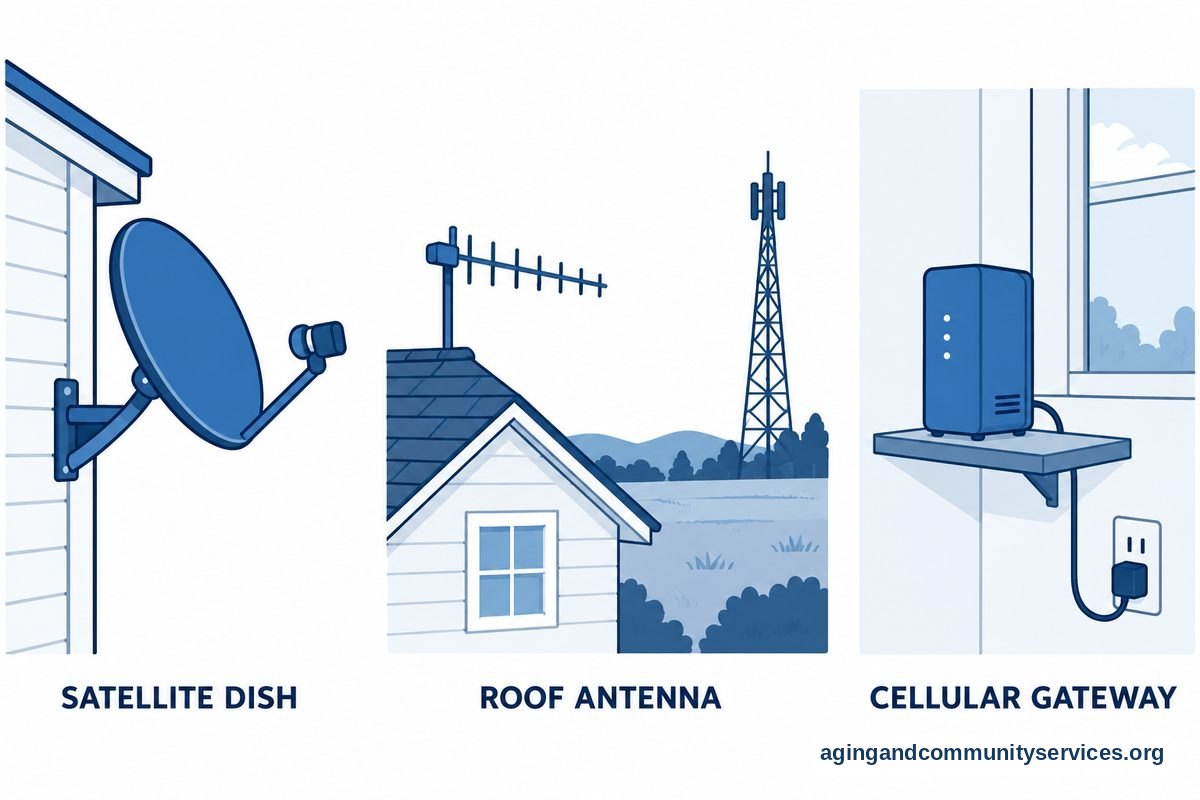
- Satellite Internet: Beams a signal directly to a small dish installed outside your home. It works almost anywhere with a clear view of the sky.
- Fixed Wireless: Uses local towers to send radio signals to an antenna on your roof. It requires a clear line of sight to a nearby tower.
- Cellular Home Internet: Delivers your home Wi-Fi signal through the same mobile networks that cell phones use. It simply plugs into a standard wall outlet.
- DSL: Runs through existing landline telephone wires. While slower than newer options, it remains widely available across many small towns.
Each system has unique features. Reviewing what works best for your daily habits helps you choose the right setup for your household.
Comparing Your Rural Connection Choices
Choosing the right setup depends on how you plan to use the web. Basic tasks like reading emails or checking local weather require far less speed than video calls with grandchildren.
| Connection Type | Good For | What to Keep in Mind |
|---|---|---|
| Satellite | Remote country homes with no towers nearby | Heavy storms can sometimes slow down the connection |
| Fixed Wireless | Homes within sight of a local radio tower | Trees and hills can occasionally block the signal |
| Cellular Internet | Homes with strong mobile phone reception | Speeds vary depending on cell tower traffic |
| DSL | Everyday email and reading news articles | Speeds depend on distance from the phone facility |
Checking which providers serve your specific road is usually the first step. Neighbors often know which service performs best in your immediate area.
Using Your Home Network for Everyday Needs
A reliable connection makes it easy to stay in touch with loved ones and manage personal affairs. Video calling lets you share stories with family members who live far away without traveling long distances.
Telehealth visits are another major advantage of having web access. Speaking with a doctor from your living room saves travel time on country roads, especially during harsh winter weather. If you manage health needs, you can review resources like the National Institute on Aging: Aging in Place guide to see how home support aids independence.
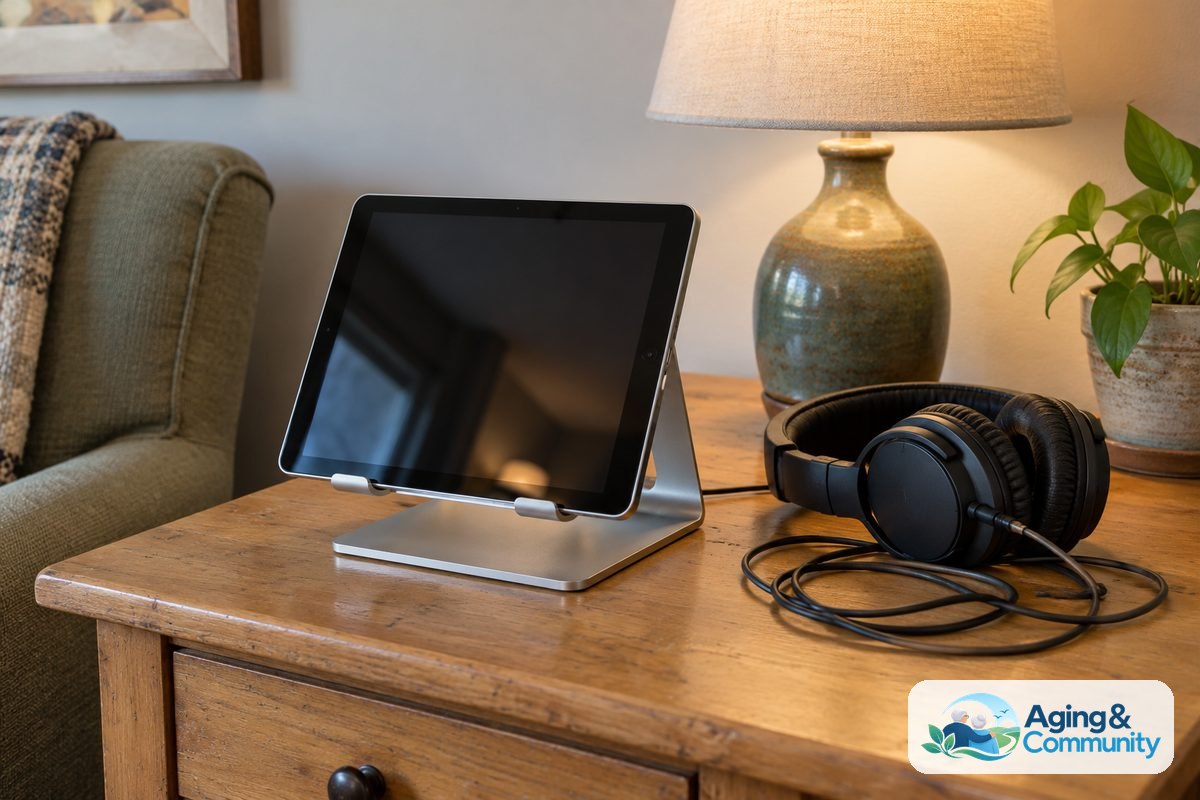
Many households also use their connection for entertainment. Listening to music, watching classic films, and reading community news can all happen through a steady home network.
How to Reduce Monthly Connection Costs
Monthly service bills can take up a large part of a fixed monthly budget. Fortunately, several assistance programs help lower monthly costs for qualifying households.
Many utility cooperatives and regional internet providers offer special rates. You can look into an internet for seniors discount to see if your local carrier has lower rates for older community members. Some companies offer basic plans designed specifically for light web browsing.
Government assistance programs also support rural households. Qualification is often based on household income or participation in programs like Medicaid or food assistance. Exploring options for internet for seniors low income households can help you locate state and federal aid programs. In some areas, support may even provide an internet for seniors free service tier through community grants.
You can also check options designed around age. Reviewing plans for internet for seniors over 65 often reveals unadvertised promotions that customer service representatives can apply to your account upon request.
Keeping Equipment Simple and Safe at Home
Setting up home equipment does not have to be complicated. Most companies provide a combined modem and Wi-Fi router in a single box that plugs directly into a standard power outlet.
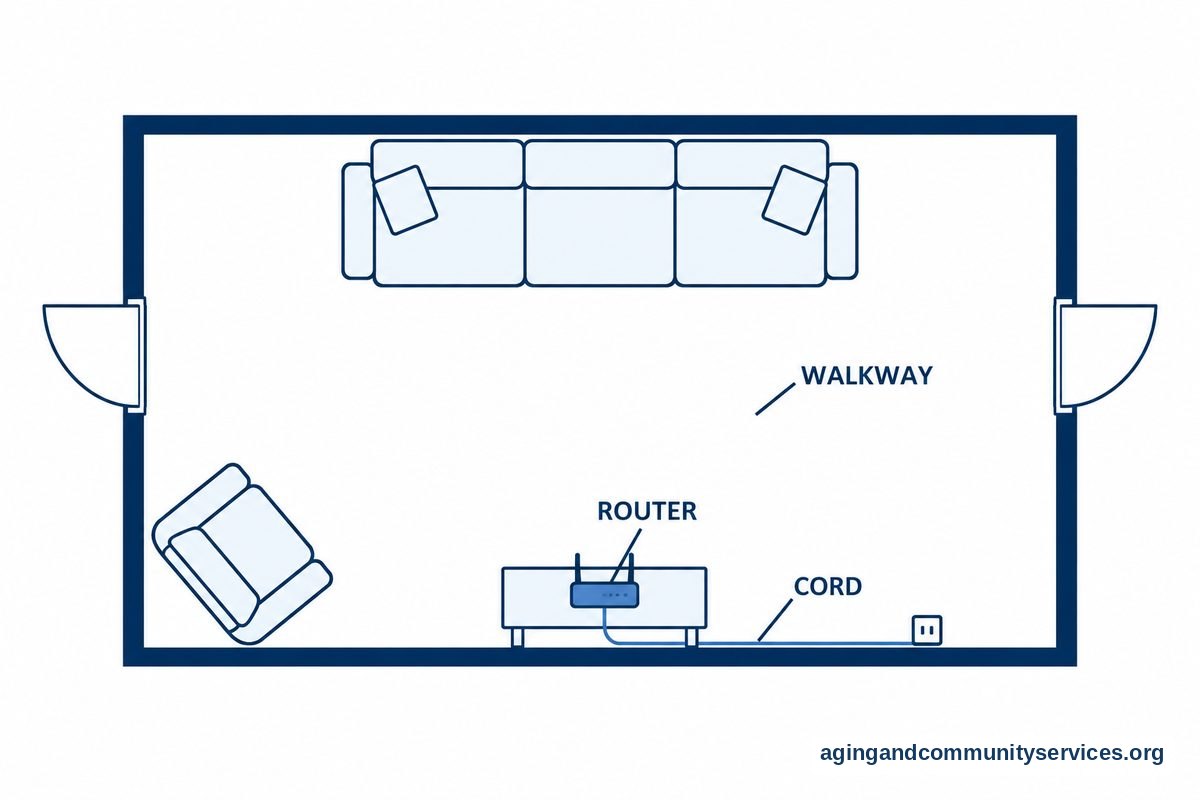
Place your router in an open, central spot in your home. Putting the device on a sturdy table or shelf helps the wireless signal reach bedrooms and living spaces evenly. Avoid tucking equipment into closed cabinets or behind metal furniture, as metal blocks the signal.
Make sure all power cords and connection cables stay tucked away along walls. Loose wires across walkways can create a tripping hazard. For helpful guidance on maintaining home safety, consult the National Institute on Aging: Falls and Falls Prevention resources. Safe cord placement keeps walkways clear while ensuring your equipment stays plugged in.
Practical Next Steps to Get Connected
Taking a few organized steps will help you establish service without confusion. You do not have to tackle everything in a single afternoon.
- Ask your neighbors: Find out which company delivers their service and whether they experience frequent outages during storms.
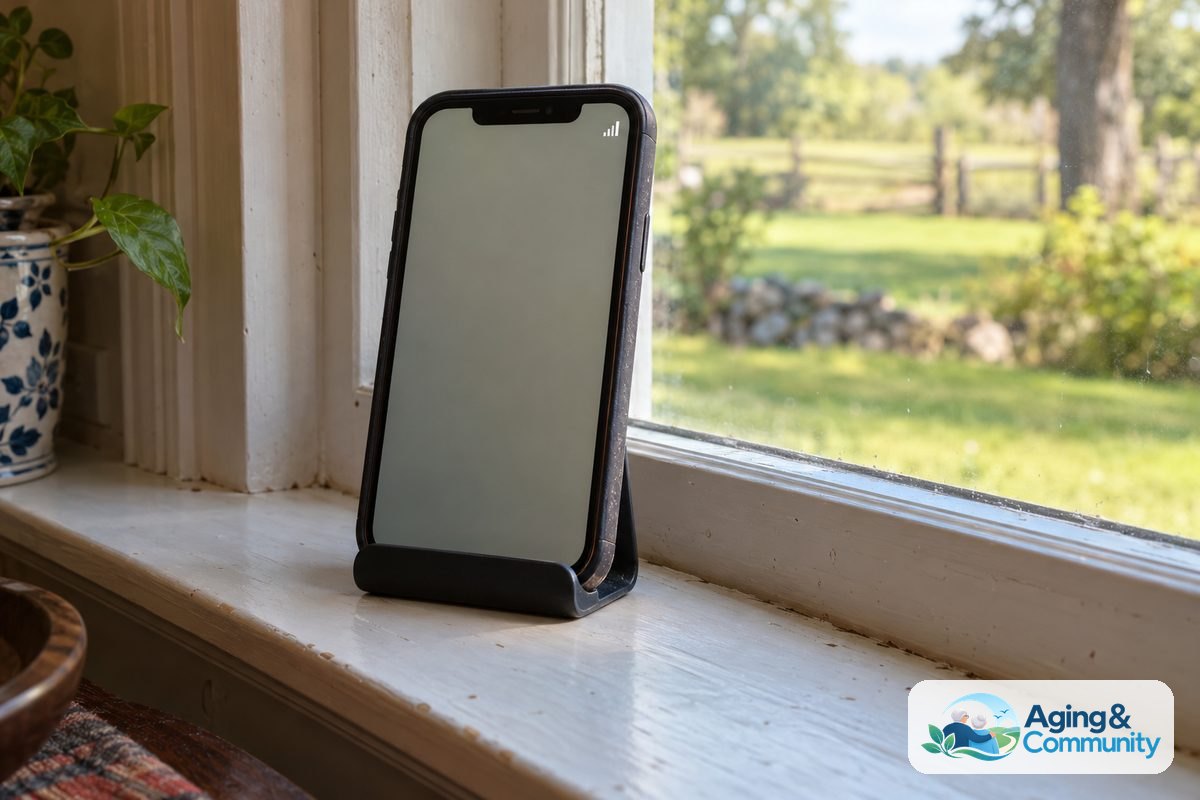
- Check cell phone reception: Look at your mobile phone inside your house. If you have multiple signal bars, cellular home internet could be an affordable, easy choice.
- Contact local community programs: Call your area agency on aging or use the Eldercare Locator to ask about digital access programs in your county.
- Call local providers: Contact two or three companies that serve your county. Ask them about equipment setup help and whether they offer low-cost tiers for retired residents.
- Ask a family member or friend for setup support: Having another set of hands makes unpacking boxes and connecting cords smooth and straightforward.
Frequently Asked Questions
Can I get internet without a home phone line?
Yes, you do not need a landline telephone to get online. Satellite, fixed wireless, and cellular home systems operate completely independently from traditional telephone copper wires.
What is the easiest service to install yourself?
Cellular home internet is generally the simplest option to set up. The provider mails you a single box that you plug into a wall outlet near a window, with no outside dish or wiring required.
Does bad weather affect country internet connections?
Heavy rain, thick snow clouds, and severe storms can temporarily interfere with satellite signals. Fixed wireless and cellular networks are typically less affected by everyday clouds, though severe wind can occasionally impact towers.
How much speed is needed for video calls?
A basic connection speed of five to ten megabits per second is usually plenty for clear video conversations with doctors and relatives. Sending emails and reading news articles requires even less speed.