

Internet for seniors low income needs is available through discount programs, lower cost plans, public access, and local help. The right choice depends on where you live, what you need to do online, and whether you already qualify for certain benefits. A careful plan can help you get connected without paying for extras you do not use.
Reliable internet can make daily life easier. It can help with video calls, online forms, banking, prescription refills, weather alerts, rides, and staying in touch with family. The goal is not to buy the fastest plan. The goal is to find a steady connection that fits your home, budget, and comfort level.

What Low Income Internet Help Usually Means
Low income internet help can mean several things. It may be a reduced monthly plan, a discount through a public or private program, a basic home connection, or free access at a library or community center. Some programs are offered by internet companies, while others are supported by local agencies or nonprofit groups.
Before you apply, it helps to know what kind of help you want. Some people need home internet for daily use. Others only need occasional access to check email, print forms, or attend an online appointment. A smaller plan may be enough if you mostly send messages, read news, or make short video calls.
Common types of help include:
- Discounted home internet: A lower cost plan for households that meet income or benefit rules.
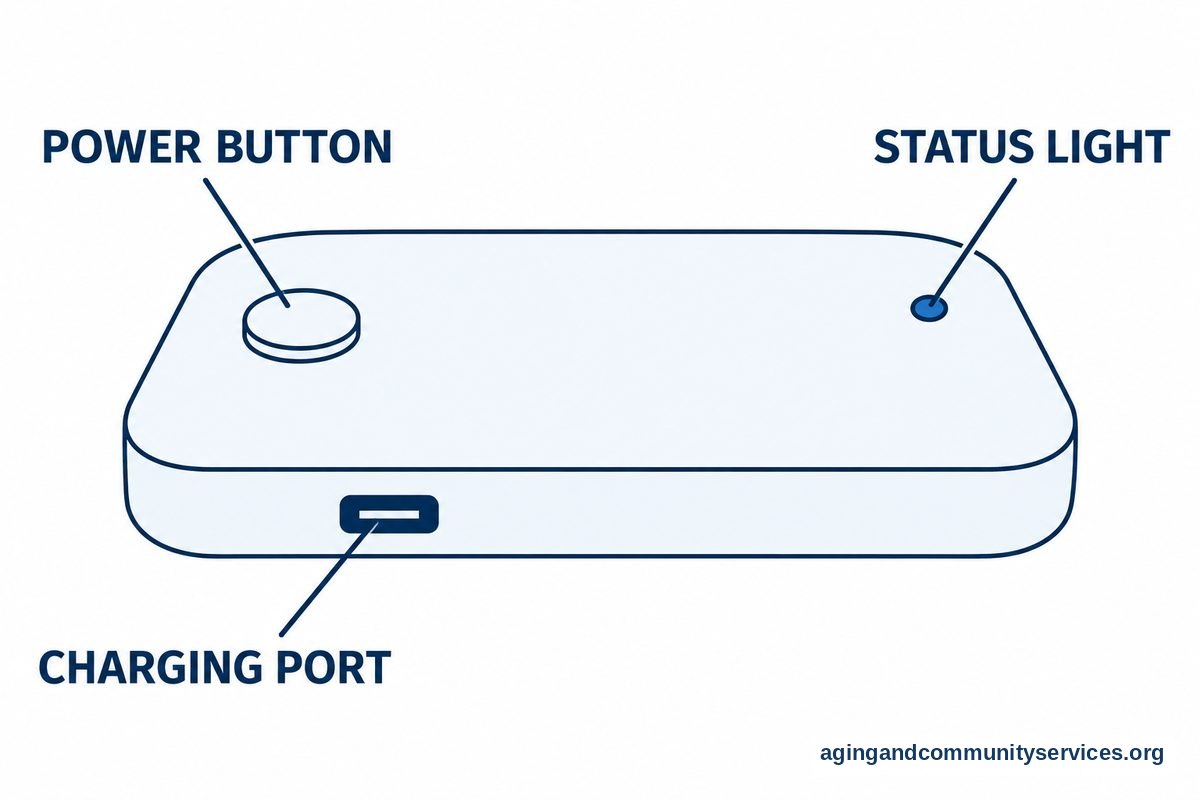
- Mobile hotspot access: A small device or phone feature that connects a tablet or computer to the internet.
- Library and community access: Computers, Wi-Fi, printing, and staff help in public spaces.
- Device support: Help finding or using a tablet, laptop, or simple computer.
- Digital skills classes: Lessons on email, video calls, online safety, and forms.
If you want a no cost option first, a guide to free internet options can help you compare public access, benefit-based programs, and community resources.
How To Check If You May Qualify
Many internet savings programs use income, household size, or participation in public benefit programs to decide eligibility. Rules can vary by provider and location. You may be asked to show proof, such as an award letter, benefit card, or other document that confirms eligibility.
Start by making a short list of what you already receive. This may include housing help, food assistance, Medicaid, Supplemental Security Income, Veterans benefits, or other public programs. You do not need to share private details widely. Only give documents through official provider or program channels.
When you contact an internet company or local agency, ask clear questions:
- Do you offer a reduced internet plan for low income households?
- What documents do I need to apply?
- Is there a contract, credit check, or early ending fee?
- Does the plan include equipment, installation, and Wi-Fi?
- What happens if my eligibility changes?
- Can I keep my current phone or TV service separate?
It is also useful to ask whether the plan can be changed later. Some people start with a basic plan, then adjust if video calls freeze often or more people in the home need internet at the same time. If the first person you speak with is unsure, ask for the department that handles affordability, assistance, or lifeline-style plans.

Where To Look For Affordable Internet
There is no single place that works for every home. Internet service depends on your address. One street may have several options, while another nearby street may have only one. Checking more than one source can save time and help you avoid paying for a plan that is more than you need.
Good places to start include:
- Your current provider: Ask if they have a lower cost plan or a hardship option.
- Other providers near you: Compare basic plans, not just advertised bundles.
- Public libraries: Many offer computers, Wi-Fi, printing, and help with online forms.
- Area agencies and local offices: They may know current programs in your county or city.
- Housing offices: Some senior housing communities know which providers serve the building.
- Community centers: Some offer computer rooms, classes, or appointment help.
For local referrals, the Eldercare Locator can connect people with nearby aging services and community resources. This can be helpful when online searches bring up too many ads or confusing results.
If you already have internet, do not cancel before you understand the replacement. Ask whether the new plan has the speed you need, how installation works, and whether any old equipment must be returned. If you rent your modem or router, ask whether using your own device is allowed and whether that would change support.
Choosing A Plan Without Paying For Extras
Internet plans can be hard to compare because companies use different words. Try to focus on the basics: speed, data limits, equipment, installation, contract terms, and total monthly cost. You do not need a large bundle if you do not watch streaming TV or have many devices in the home.
A simple home may only need a basic plan if one person checks email, reads websites, uses online banking, and makes occasional video calls. A larger household may need a stronger plan if several people stream video, work online, or use smart home devices at the same time.
Use this table to think through common needs:
| Need | What To Ask | Why It Matters |
|---|---|---|
| Email and websites | Is the basic plan enough? | Light use may not need a higher tier. |
| Video calls | Will calls be steady? | Clear calls help with family, services, and appointments. |
| Streaming shows | Are there data limits? | Streaming can use more data than email or browsing. |
| Several devices | How many devices can connect? | Phones, tablets, computers, and TVs may share the same Wi-Fi. |
| Apartment or senior housing | Is service already wired? | Some buildings have limited provider choices. |
Be careful with bundles. A bundle may include TV, phone, security tools, or streaming services that sound useful but raise the total cost. Ask for the internet-only price and ask whether taxes, fees, equipment, or installation are separate.
If a sales call feels rushed, pause before agreeing. You can say, “Please send the plan details in writing.” If you are helping a parent or relative, sit together and compare the plan terms. A calm second look often makes the choice clearer.

Getting Devices And Basic Tech Help
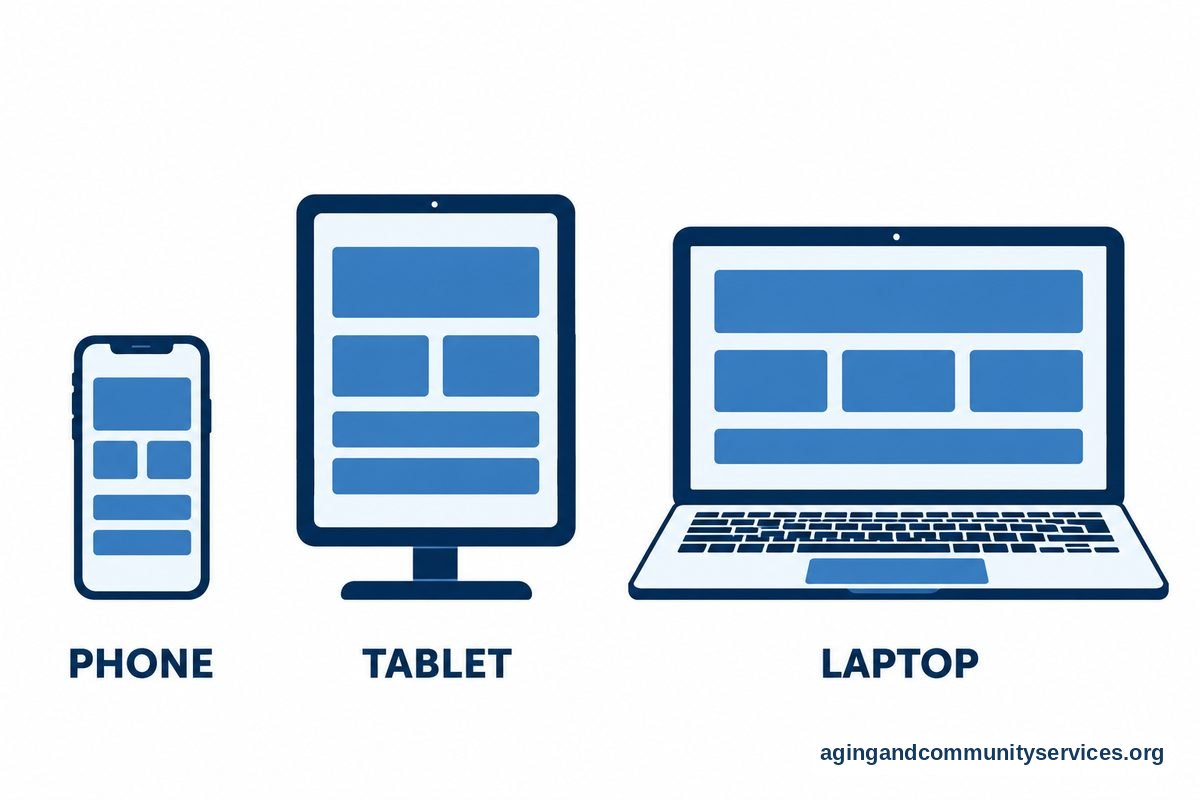
Internet service is only one part of getting online. You also need a device that works for your daily tasks. A phone may be enough for messages and quick searches, but a tablet or computer can be easier for long forms, video calls, reading, and printing.
If buying a new device is not possible, ask local libraries, community centers, housing offices, faith groups, and nonprofit programs about refurbished devices or shared computer access. Some places also help people set up email, learn passwords, and practice video calls. A guide to technology support services can point you toward common types of help.
Free or low cost classes can make internet use feel less stressful. Look for small classes that move slowly and allow questions. Topics may include using a browser, sending email, spotting scams, filling out forms, and joining a video call. You can also review free computer classes if you want help building basic skills.
For home use, keep the setup simple. Put the Wi-Fi name and password in one safe place. Use strong passwords that are not easy to guess. If remembering passwords is hard, ask a trusted helper about a password book kept in a secure drawer or a password manager that you both understand.
Some people only need email and do not want a full computer at home. In that case, options like tablets, shared computers, or simple phone setups may work. A page on email without a computer explains ways to stay connected with fewer devices.
Staying Safe And Comfortable Online
Getting connected should also feel manageable. Online safety does not require special knowledge, but it does take a few steady habits. The main idea is to slow down before sharing money, passwords, Social Security numbers, or personal documents.
Helpful habits include:
- Do not give passwords to callers or people who send unexpected messages.
- Type known website addresses yourself when possible.
- Ask a trusted person before responding to urgent money requests.
- Use privacy settings on social media and video call apps.
- Keep devices updated when updates come from the device itself.
- Write down support contacts from your provider and keep them near your router.
Online tools can also support daily routines at home. For example, the National Institute on Aging explains that home updates and planning can support aging in place. Internet access may help with arranging services, managing calendars, or staying in touch with helpers, but it should fit the person’s comfort and needs.
If internet use causes frustration, take breaks and practice one task at a time. It is fine to learn slowly. A trusted helper can write down step-by-step notes for common tasks, such as joining a video call or opening email.
What You Can Do Next
Start with a short plan instead of trying to solve everything at once. Write down the address where service is needed, the tasks the internet should support, and the amount that feels manageable for the household. Then compare only the plans that match those needs.
- List current benefits or programs that may help prove eligibility.
- Call the current internet provider and ask for low income or basic plans.
- Check one or two other providers that serve the address.
- Ask the library or local agency about public computers, Wi-Fi, and classes.
- Review the full plan in writing before agreeing.
- Set up one safe place for Wi-Fi details, passwords, and support numbers.
If you are helping someone else, include them in the choices as much as possible. Ask what they want to do online first. A simple setup that supports their goals is usually better than a complicated setup with features they do not want.
Frequently Asked Questions
What is internet for seniors and low income households?
It usually means lower cost internet service, free public access, or local help for people who meet income or benefit rules. The exact choices depend on the home address and the programs available nearby.
How do I find internet for seniors with low income near me?
Start with your current provider, then check other providers at the same address. Also ask the public library, local housing office, or aging services agency about nearby programs and computer access.
Can internet for low income seniors include Wi-Fi equipment?
Sometimes it can, but rules vary. Ask whether the plan includes a modem, router, installation, and in-home Wi-Fi. Also ask whether equipment is rented, included, or optional.
Is free internet for seniors low income families available?
Free options may be available through libraries, community centers, housing sites, or limited local programs. Home service is not always free, so it is important to ask about the full monthly cost and any equipment charges.
What documents are needed for low income internet programs?
Programs may ask for proof of income, proof of address, or proof that the household receives certain benefits. Use official application channels and keep copies of anything you submit.
What if I do not know how to use the internet yet?
That is common, and help is available in many communities. Ask about beginner classes, one-on-one support, or a trusted helper who can set up simple written steps for email, video calls, and online forms.