

Computer classes for seniors free are often available through libraries, community centers, local agencies, nonprofit groups, and some online learning programs. These classes can help with basic computer use, email, video calls, online forms, internet safety, and using a phone or tablet with more confidence.
The best choice depends on what you want to learn, how you like to learn, and whether you want in person help or a class you can take at home. A good class should move at a steady pace, welcome questions, and give you time to practice.
Where To Find Free Computer Classes
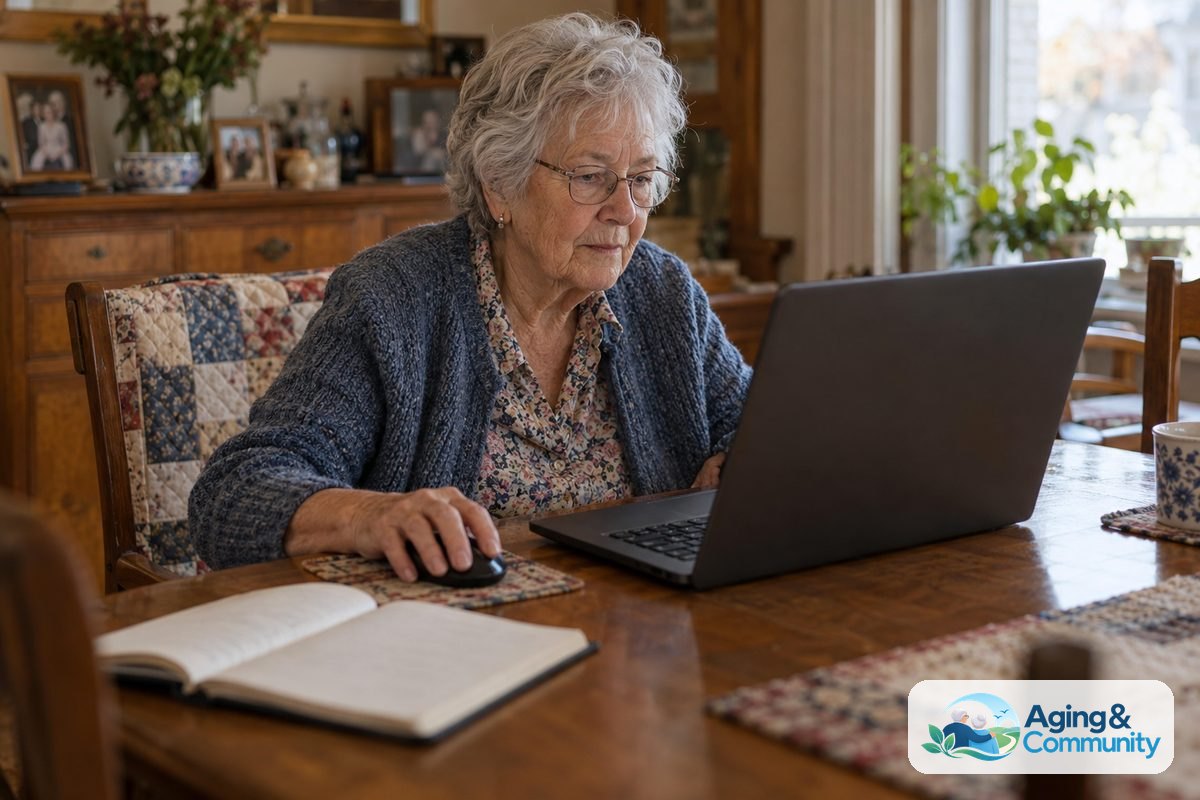
Start close to home. Many local places offer computer classes for seniors for free, especially for beginners. Some programs are small group classes, while others offer one to one help by appointment.
Your public library is often the easiest first stop. Libraries may have computer labs, basic internet classes, email lessons, device help days, or staff who can point you to nearby programs.
Community centers, recreation centers, and faith based groups may also offer senior computer classes free of charge. These classes often focus on practical needs, such as using a browser, printing a document, or joining a video call with family.
You can also check with your local Area Agency on Aging. The Eldercare Locator can help people find local aging services, including programs that may know about technology classes nearby.
- Public libraries and library branches
- Community centers and recreation centers
- Senior centers and local aging offices
- Adult education programs
- Nonprofit groups and volunteer programs
- Local colleges with community learning programs
If transportation is hard, ask whether the class is near a bus route, offers online options, or has volunteer help. If you are planning to learn from home, it may also help to review options for free internet for seniors before signing up.
What Free Computer Classes Usually Cover
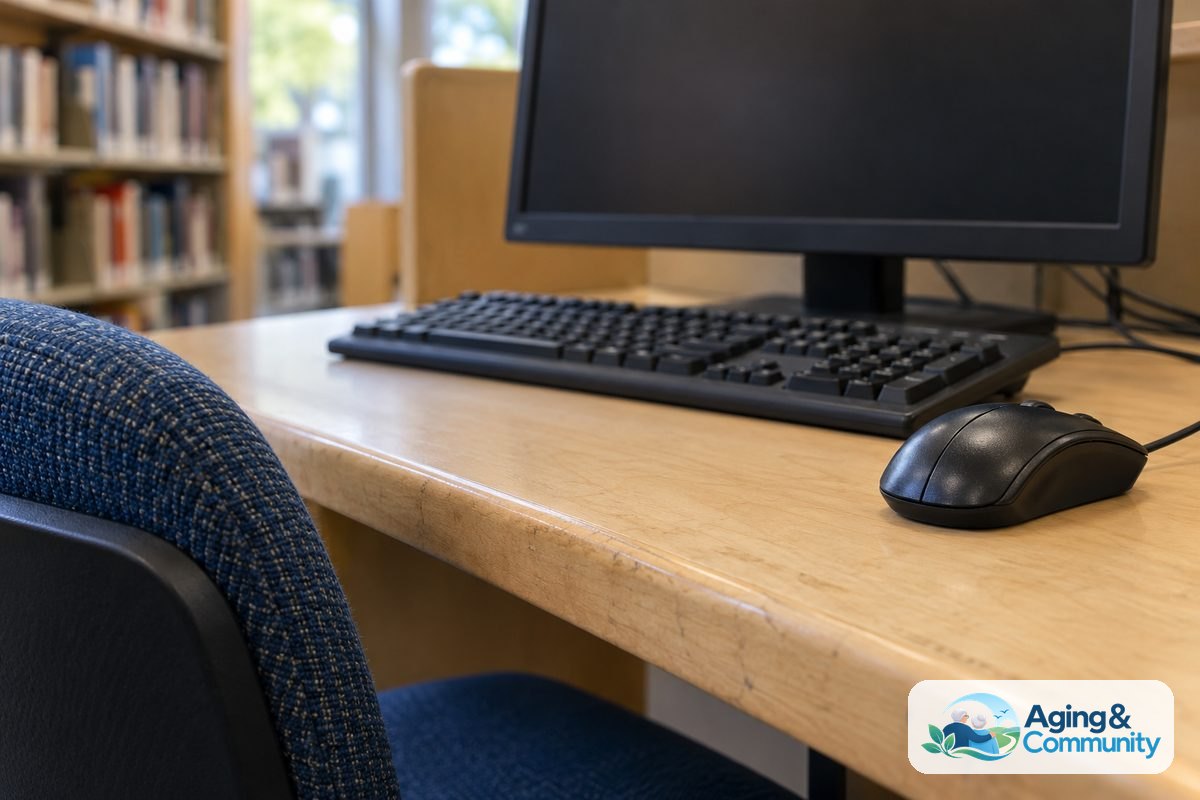
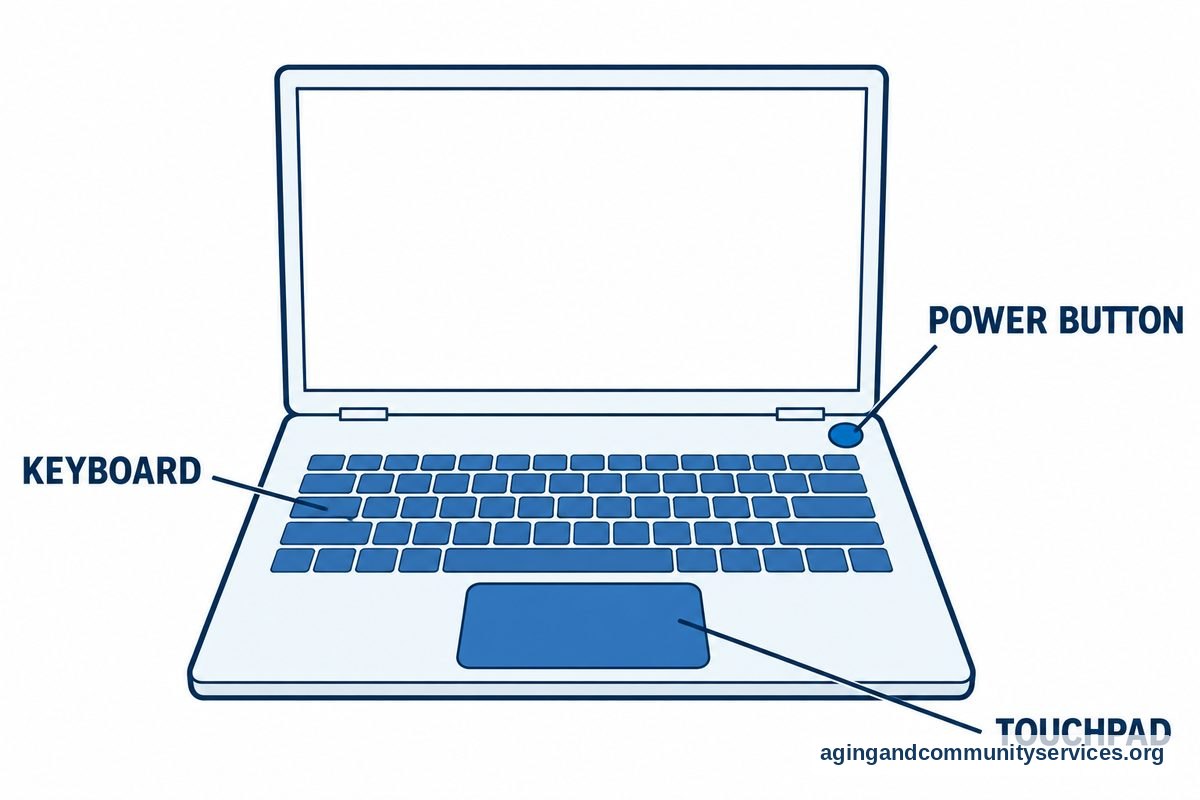
Computer classes for seniors often begin with the basics. That may include turning a device on and off, using a mouse or touchpad, typing, opening programs, and connecting to Wi Fi.
Many classes also teach internet skills. You may learn how to search the web, fill out forms, save a website, use maps, or understand what is safe to open. These lessons are useful because many daily tasks now happen online.
Email is another common topic. A class may show how to create an account, read messages, send photos, open attachments, and spot suspicious messages. If email is your main goal, a simple guide to email for seniors can help you practice between classes.
Some classes cover smartphones and tablets, not just desktop computers. Ask before you enroll if you want help with a specific device. A class called computers for seniors classes may still welcome people who bring a tablet or phone, but it is better to check.
| Class Topic | What You May Practice |
|---|---|
| Computer basics | Keyboard, mouse, files, folders, and settings |
| Internet basics | Searching, websites, forms, maps, and browser tools |
| Sending messages, adding photos, and avoiding scams | |
| Video calls | Joining a call, using sound, and turning video on |
| Online safety | Passwords, privacy, updates, and safe links |
If you are not sure where to begin, choose a beginner class even if you know a few things already. A slow start can make later lessons easier.
How To Choose A Class That Fits You
A helpful class should match your comfort level. You do not need to know the right words before you ask for help. It is fine to say, I want to learn how to use email, or I want to feel less confused when I use my laptop.
Ask how many people are in the class. Smaller classes may give you more time to ask questions. Larger classes can still work well if there are helpers in the room.
Ask whether you need to bring your own device. Some places provide computers. Others expect you to bring your laptop, tablet, or phone. If you bring your own device, remember to bring the charger too.
It can also help to ask whether the class is for beginners, intermediate learners, or people with a specific goal. Senior classes for computers may sound general, but each program can be different.
- Ask if the class is for true beginners.
- Ask what device the class uses.
- Ask if there is time to practice during class.
- Ask if printed instructions are available.
- Ask if you can repeat a class if needed.
- Ask whether a family helper may attend with you.
If you are helping a parent or relative, keep the focus on their goals. A short guide on teaching technology skills may help you support practice without taking over.
In Person Computer Classes For Seniors
Computer classes for seniors in person can be a good fit if you learn better with someone nearby. In person classes make it easier to point to the screen, ask a quick question, and get help when something does not look right.
In-person computer classes for seniors may be held at a library, senior center, community room, school, or nonprofit office. Some are weekly classes. Others are short workshops that focus on one skill, such as online safety or video calls.
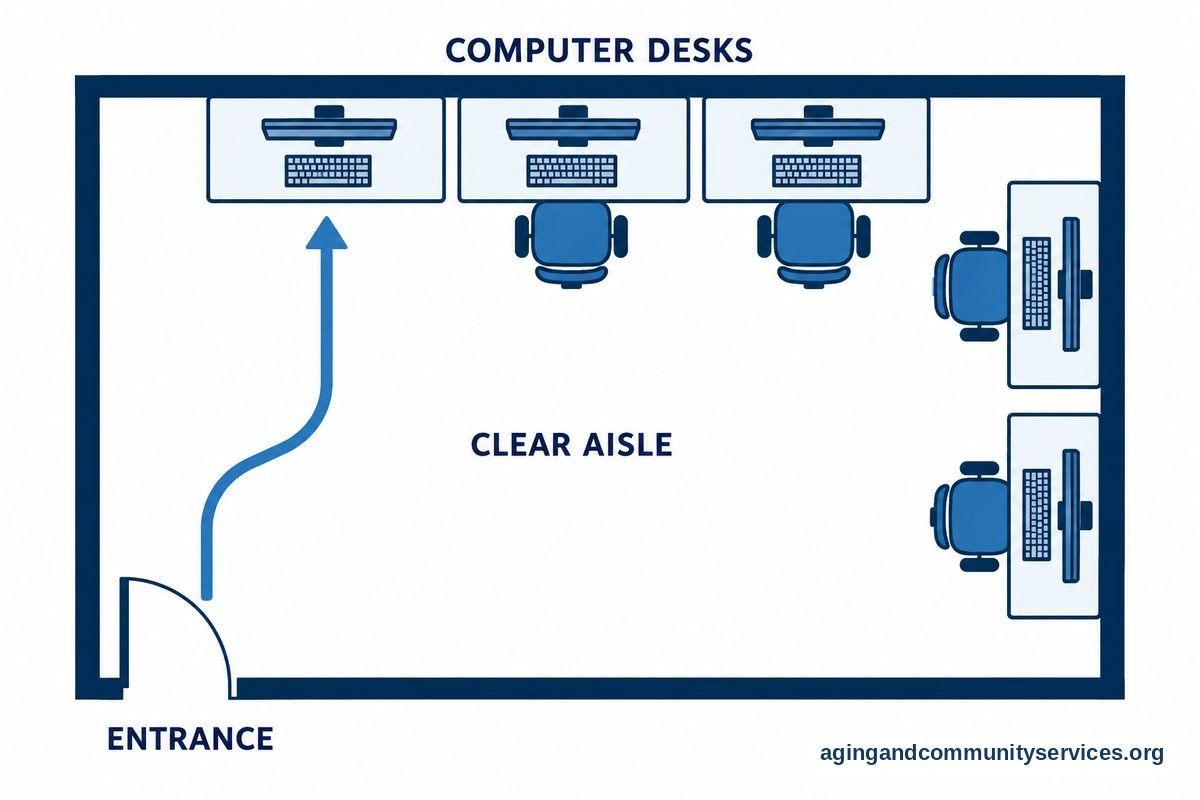
Before you go, ask about the room setup. Find out if there are stairs, parking, restrooms nearby, and space for walkers or wheelchairs if needed. If balance, pain, or mobility is a concern, consider asking a doctor, physical therapist, or occupational therapist about safe ways to carry a laptop bag or move around a class space.
Home safety and daily routines can affect how easy it is to keep learning. The National Institute on Aging shares practical information about aging in place, including ways people can think about support at home.
Bring a small notebook if you like written reminders. You can write down your password hints, class steps, and questions for next time. Do not write full passwords in a notebook that others can see.
Online Free Classes And Self Paced Options
If getting to a class is not easy, online learning may help. Many free computer classes are self paced, which means you can pause, repeat, and practice at your own speed.
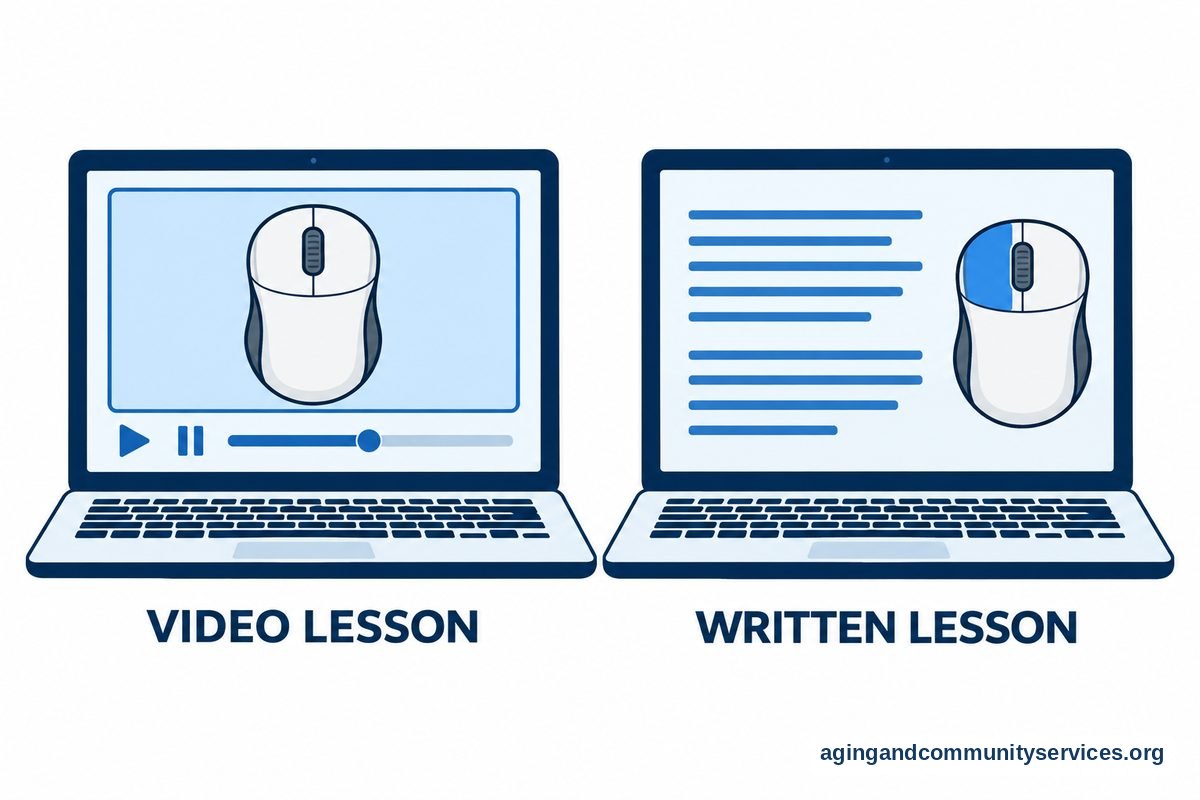
Online classes may use short videos, written lessons, practice activities, or live group sessions. A live online class may still feel personal, but you will need a working internet connection and a device that can join the meeting.
Self paced lessons are useful when you want privacy and time. They can be harder if you get stuck and no one is there to answer right away. If that happens, write down the exact step where you got confused and bring it to a library help desk or class.
Technology choices also matter. If your computer is very slow or hard to use, a class may feel more frustrating than it needs to. Reading about computer features for seniors can help you understand what to look for before buying or replacing a device.
Some people use both in person and online options. For example, you might take a library class, then practice at home with a free lesson. This can make learning feel more steady.
How To Prepare Before Your First Class
A little preparation can make the first class easier. You do not need to master anything before you go. The goal is simply to arrive with the items and questions that will help the teacher help you.
Write down what you want to learn in plain words. For example, I want to send photos by email, I want to join a video visit, or I want to pay a bill online. Clear goals help the instructor guide you to the right lesson.
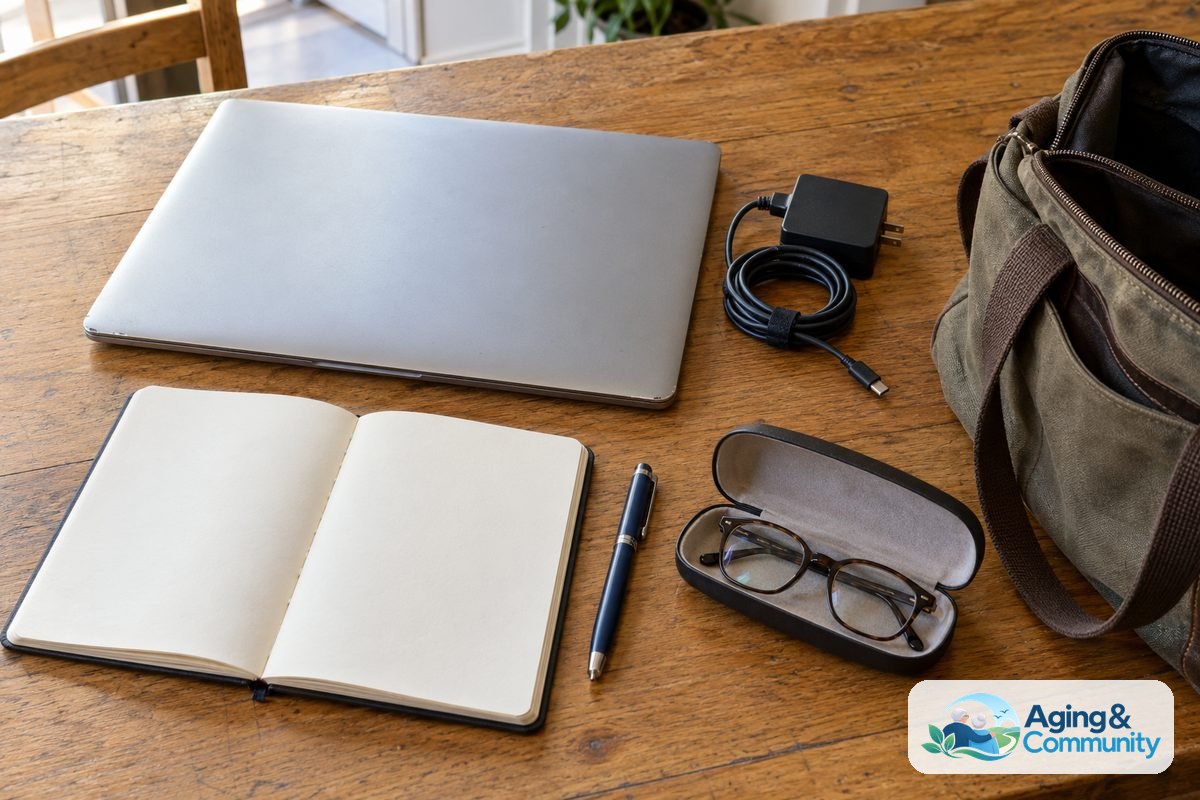
If the class allows your own device, charge it before you leave. Bring your charger, glasses if you use them, and any login information you need. If you do not know a password, ask the program whether they can still help you with basic practice.
It is also wise to learn a few safety habits early. Ask about strong passwords, updates, private information, and how to recognize messages that ask for money or personal details. A broad overview of technology for seniors can help connect computer skills with daily life.
- Bring your device and charger if asked.
- Bring a notebook and pen.
- Write down your main learning goal.
- Ask how to get help after class.
- Practice one small skill at home before the next class.
Try not to rush. Learning computer skills is like learning any new routine. Repeating the same steps several times is normal and helpful.
What You Can Do Next
Choose one practical step today. You do not have to find the perfect class right away. The best next step is the one you can complete without stress.
- Call or visit your local library and ask about beginner computer classes.
- Contact a nearby senior center or community center and ask about free technology help.
- Use the Eldercare Locator to find local aging services that may know about classes.
- Write down the top three skills you want to learn.
- Ask a trusted family member or friend to help you compare class options.
- Set aside short practice times after each lesson.
If you are helping someone else, let them guide the pace. It is respectful to ask what they want to do first, then practice that skill together. Small wins, such as sending one email or joining one video call, can build comfort over time.
Frequently Asked Questions
Where can I find computer classes for seniors for free?
Start with the public library, senior center, community center, local aging office, or adult education program. Ask for beginner computer classes, device help, or technology tutoring. If one place does not offer classes, ask who nearby does.
Are senior computer classes free at libraries?
Many libraries offer free computer help, but each library is different. Some have scheduled classes, while others offer drop in help or appointments. Call ahead and ask what topics are covered and whether you need to register.
What do computer classes for seniors teach?
Common topics include using a keyboard and mouse, searching the internet, sending email, joining video calls, saving files, printing, and staying safer online. Some classes also teach phone and tablet skills.
Are there computer classes for the elderly online?
Yes, some free classes are online or self paced. These can be helpful if travel is hard or you want to repeat lessons. If you are new to online learning, it may be useful to begin with one in person lesson first.
How do I find computer classes for seniors in person?
Search locally through libraries, community centers, senior centers, faith based groups, and adult learning programs. Ask about class size, parking, device rules, and whether the class is for beginners.
What should I bring to in-person computer classes for seniors?
Bring your device if the class asks for it, plus the charger, a notebook, and any login information you may need. Also bring your main question or goal so the instructor can help you focus.