

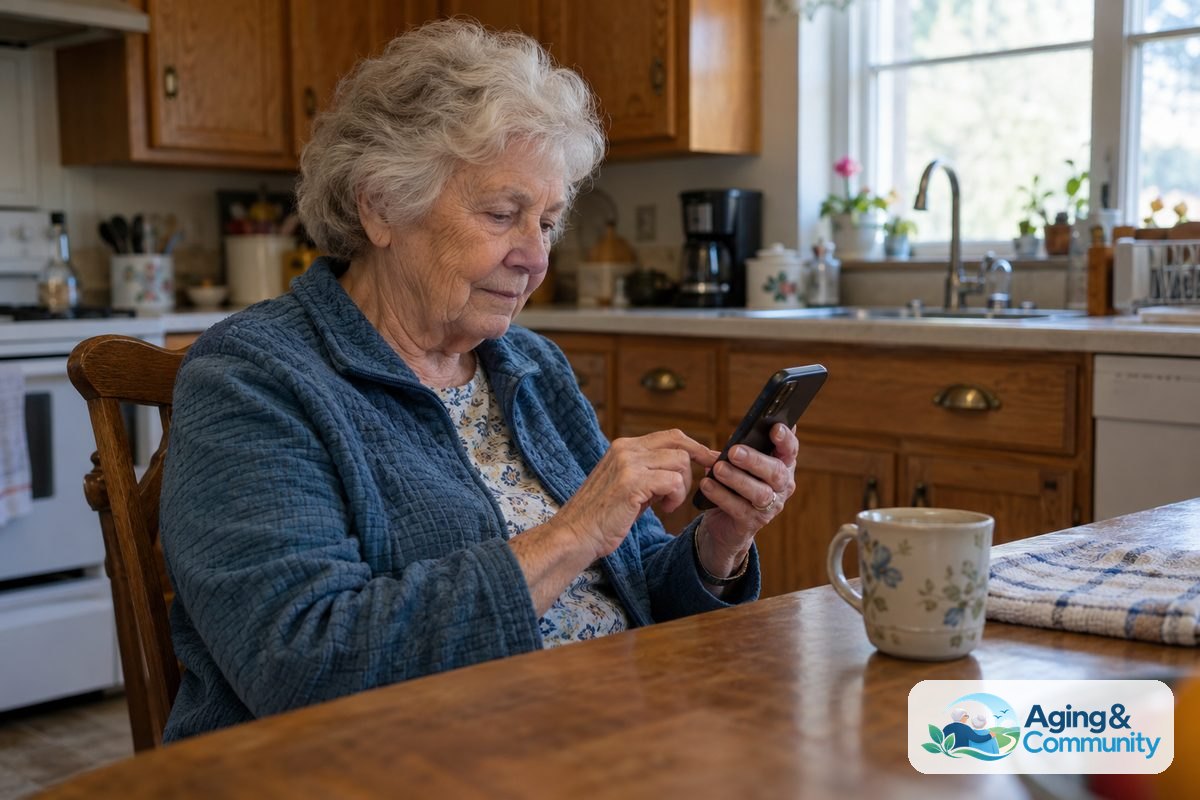
Finding smartphones for seniors with no contract is easier than ever today. You do not need to sign a multi-year agreement to enjoy clear calls, simple text messages, and family photo sharing. Prepaid and month-to-month plans let you pay only for the service you need while keeping complete control of your monthly budget.
How No-Contract Phone Plans Work
A no-contract plan simply means you pay for your service in advance each month. If your needs change down the road, you can switch plans or leave the carrier without paying hefty termination penalties. These arrangements are often called prepaid or flexible month-to-month plans.
Many smaller carriers buy space on the same major national networks that everyone uses. That means you get the exact same strong coverage and call quality at a fraction of the usual ongoing commitment. You can bring an existing unlocked device or buy a new one outright when you begin.
Staying connected with family is an important part of successful aging in place. Having a phone that works reliably without long paperwork gives both you and your loved ones genuine peace of mind.
Types of Phones Available Without a Long Commitment
You have a wide variety of hardware choices when you decide to skip the traditional carrier agreement. Many people wonder, is there a smartphone for seniors that does not feel overwhelming? The good news is that manufacturers now design devices with simplicity in mind.
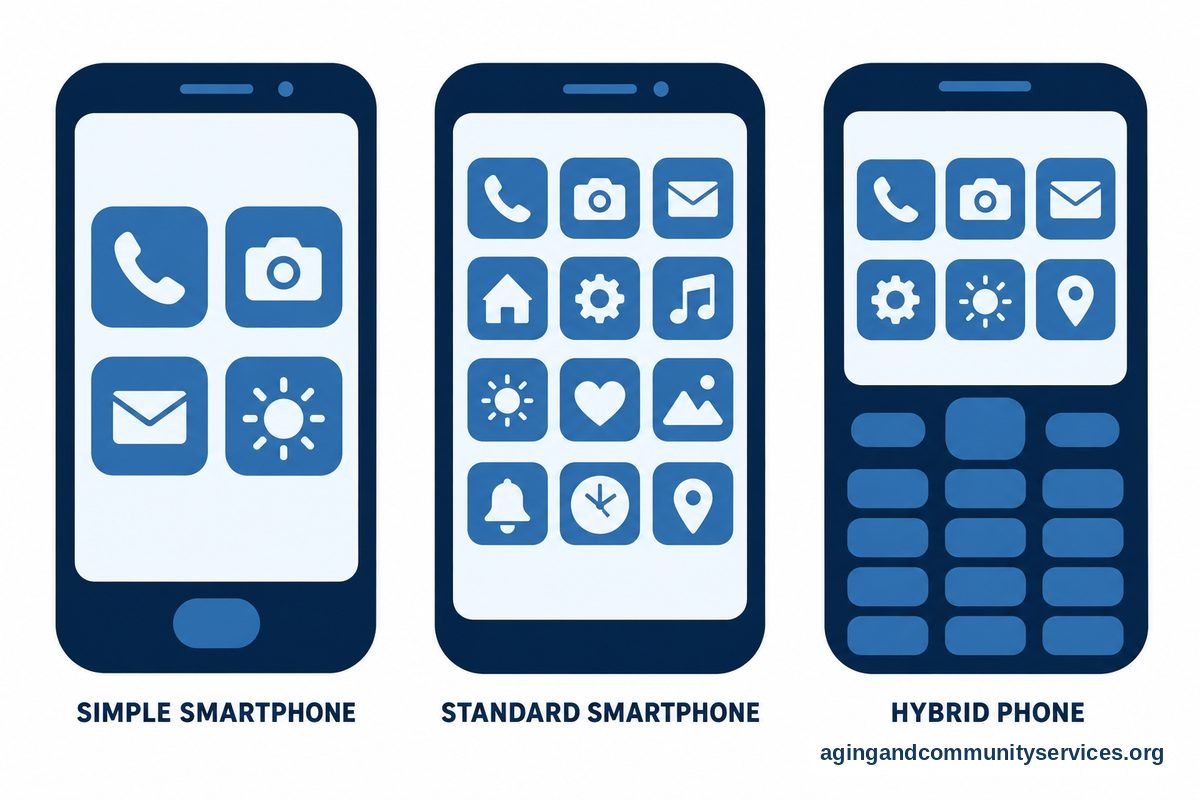
Here are the common categories you will encounter:
- Dedicated simple smartphones: These devices feature large icons, high-contrast menus, and direct buttons for emergency contacts.
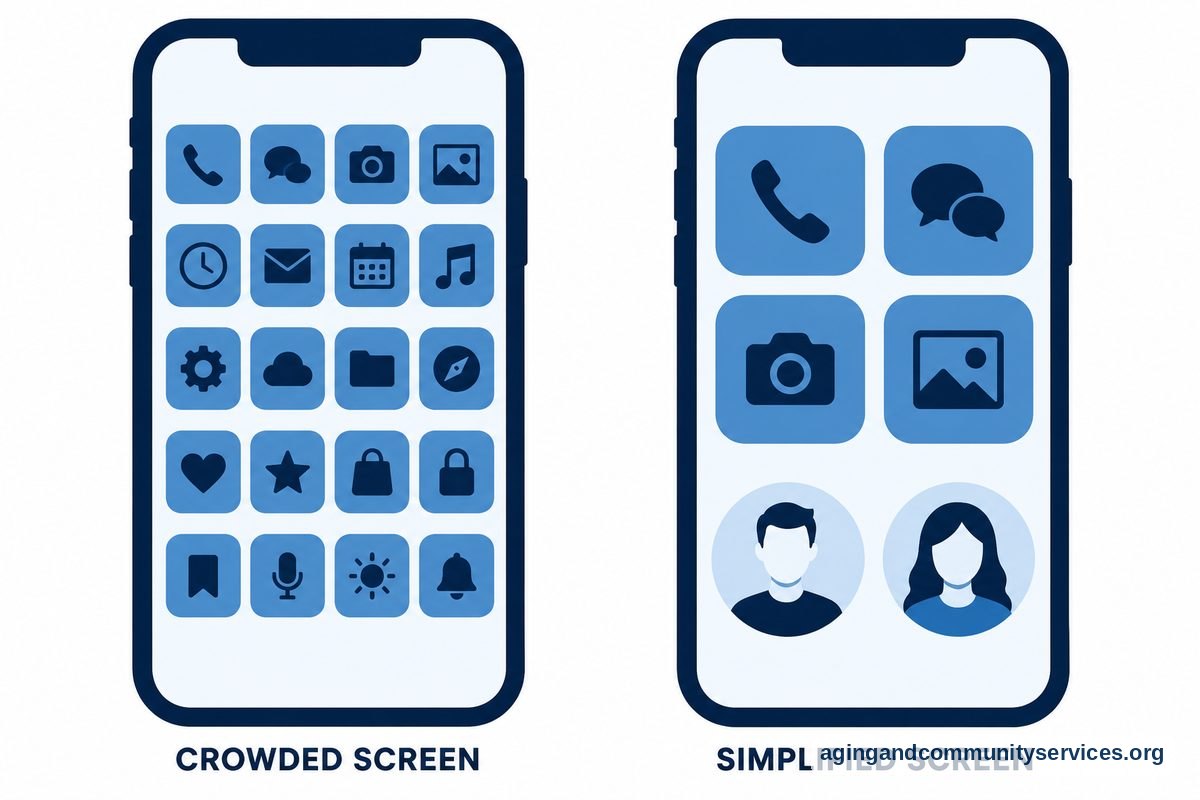
- Standard modern smartphones: Mainstream devices allow you to turn on simplified display modes, which enlarge icons and text while removing unnecessary screen clutter.
- Hybrid touch-and-button phones: Some devices combine a classic keypad with a bright touch screen, giving you the best of both worlds.
If you prefer an intuitive screen setup, an easy to use smartphone for seniors can make dialing numbers and reading incoming messages much more comfortable on your eyes.
Key Features to Look for in a Device
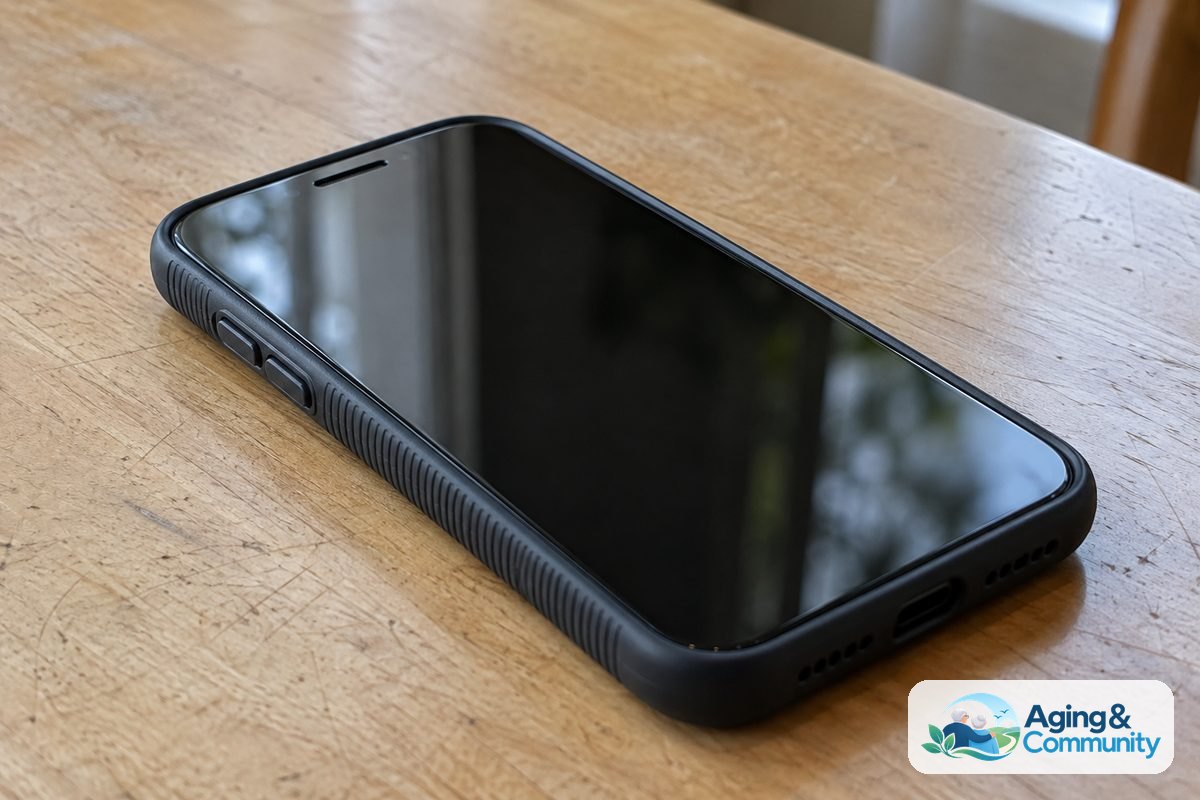
Choosing the right hardware makes daily use far more pleasant. You want a device that feels secure in your hand and fits your personal routine. Looking at special smartphones for elderly people will show you that clarity and comfort often matter more than advanced processing power.
Keep these practical features in mind while shopping:
- Screen readability: Look for screens that offer high brightness levels and simple font adjustments so you never have to strain your eyes.
- Loud, clear audio: Check for hearing aid compatibility ratings and front-facing speakers that help speech sound crisp during conversations.
- Long battery life: A phone that holds a charge for two or three days between plug-ins reduces daily worry.
- Urgent response options: Many dedicated plans include a single physical button that connects straight to an operator or family member if help is needed.
Comparing No-Contract Options
To help you decide what fits your daily life best, review this straightforward comparison of how different no-contract approaches work:
| Plan Type | Best Suited For | Main Benefit | Things to Consider |
|---|---|---|---|
| Talk and Text Only | Light phone users | Lowest monthly cost | No mobile web browsing away from home Wi-Fi |
| Light Data Plan | Checking email and maps | Balanced monthly expense | Need to monitor video usage on mobile data |
| Unlimited Data Plan | Frequent video callers | Total freedom anywhere | Costs slightly more each month |
Setting Up Your Device for Easy Daily Use
Once you bring your new phone home, spending thirty minutes adjusting the basic settings makes a huge difference. You do not have to settle for the factory defaults that make words tiny or sounds too soft.
When setting up smartphone for elderly family members, begin by turning text size up to a comfortable level in the accessibility menu. Next, turn up ringtone volumes and select a distinct chime that is easy to hear from another room.
You can also arrange the home screen so that only the four or five most important icons appear. Placing direct dials for children, close friends, or doctors right on the front screen removes the need to search through address books during a busy moment.
What to Do Next
Taking the first step toward a simpler mobile plan is straightforward when you break it into small tasks.
- Check your current monthly usage: Look at a recent bill to see how many minutes and how much data you actually use in a normal month.
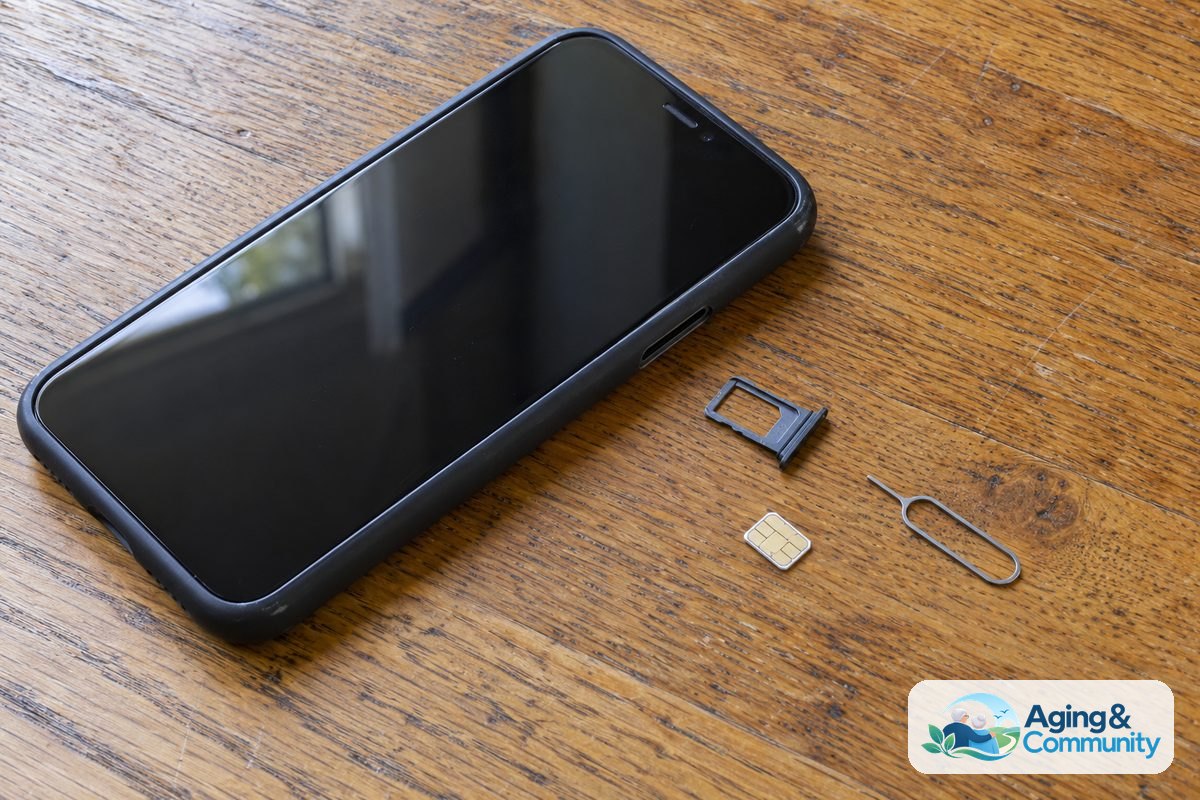
- Decide whether to keep your current phone: If your current phone works well and is unlocked, you can usually keep it and simply order a new SIM card.
- Ask friends for local carrier recommendations: Talk to neighbors to find out which prepaid cellular networks offer the strongest reception in your neighborhood.
- Reach out for local guidance: If you want local assistance with community technology workshops, the Eldercare Locator can connect you with supportive regional resources.
Frequently Asked Questions
Can I keep my current phone number without a contract?
Yes. Federal regulations allow you to transfer your existing phone number to any new carrier. Make sure not to cancel your old service until the new provider finishes moving the number over.
Do I have to buy an expensive new phone?
No. You can purchase a budget-friendly basic smartphone or bring your own paid-off device to almost any prepaid network. This flexibility keeps your initial costs very low.
What happens if I run out of minutes or data?
Most modern month-to-month plans include unlimited talk and text as a standard feature. If you run low on data, carriers typically slow your browsing speed rather than charging surprise fees, or they let you add a small top-up online.
Can these phones call emergency services without mobile data?
Yes. All mobile phones are required by law to connect to 911 emergency services as long as the phone has battery power and reaches a cellular tower, even if you run out of plan minutes.
Are Wi-Fi calls possible on prepaid plans?
Most modern prepaid networks support Wi-Fi calling. This useful feature routes your calls through your home internet connection, ensuring crystal-clear sound even if your cellular signal indoors is weak.