

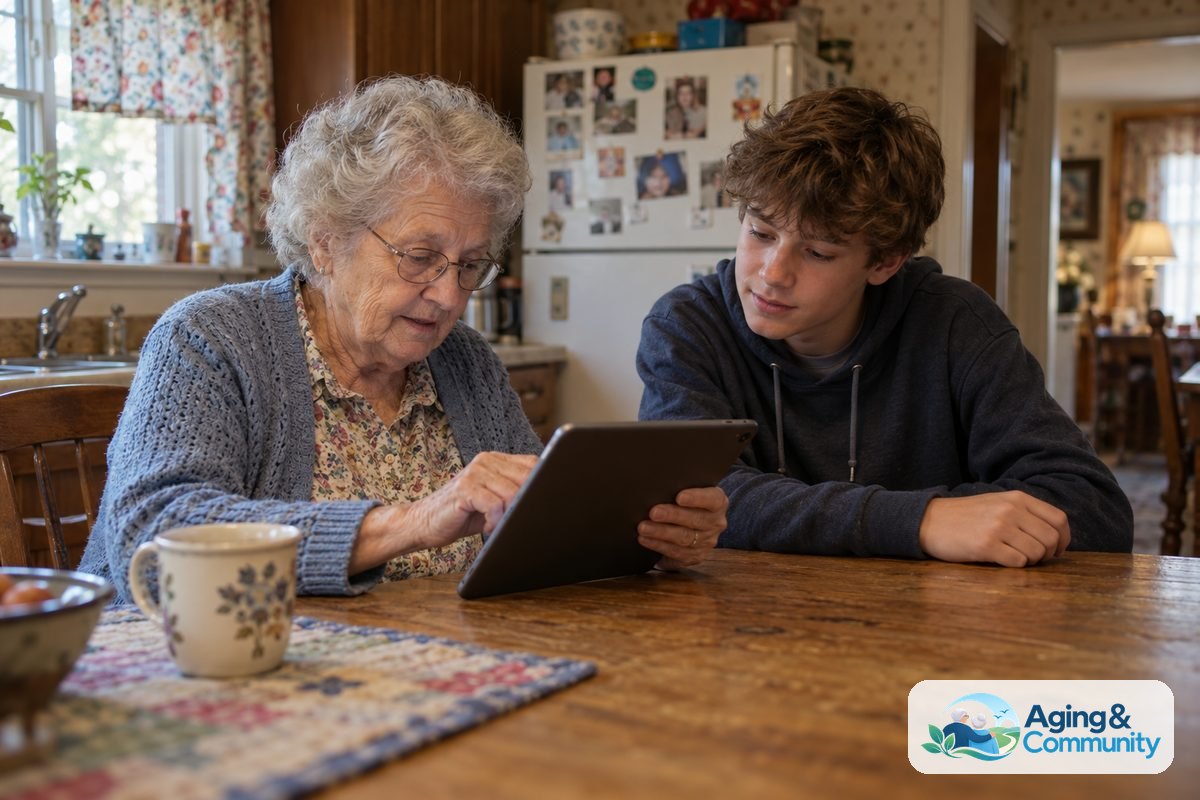
A teen helping seniors with technology can bridge the generation gap and make everyday digital tasks much easier. When a teenager takes time to guide an older relative or neighbor through using a smartphone, tablet, or computer, both people benefit from the shared experience. With patience, clear words, and a gentle pace, tech coaching becomes an enjoyable way to stay connected.
Why Teen Mentors Are a Great Fit for Tech Help
Young people grew up with touchscreens and the internet, so digital tools often feel like second nature to them. Older adults, on the other hand, bring a lifetime of practical wisdom but may feel hesitant around new gadgets. Pairing these two groups creates a wonderful balance of fresh skills and patient listening.
These learning sessions offer real benefits for everyone involved:
- Stronger family bonds: Grandparents and grandchildren spend meaningful time together working toward a shared goal.
- Valuable life skills: Young people learn communication, empathy, and how to explain complex ideas in plain English.
- Greater independence: Older adults gain confidence to manage daily tasks, which supports aging in place comfortably at home.
Preparing for a Successful Tech Session
Before sitting down together, it helps to set clear expectations. Jumping into too many apps at once can quickly lead to frustration. Taking a few moments to prepare makes the entire visit smooth and relaxed.
Understanding common seniors and technology challenges allows young mentors to plan ahead. Vision changes, arthritis, and unfamiliar tech terms can make a bright screen feel overwhelming. Preparing the physical space is just as important as choosing what to teach.
Here are a few ways to prepare:
- Choose one simple goal: Focus on a single task, like sending a photo or answering a video call.
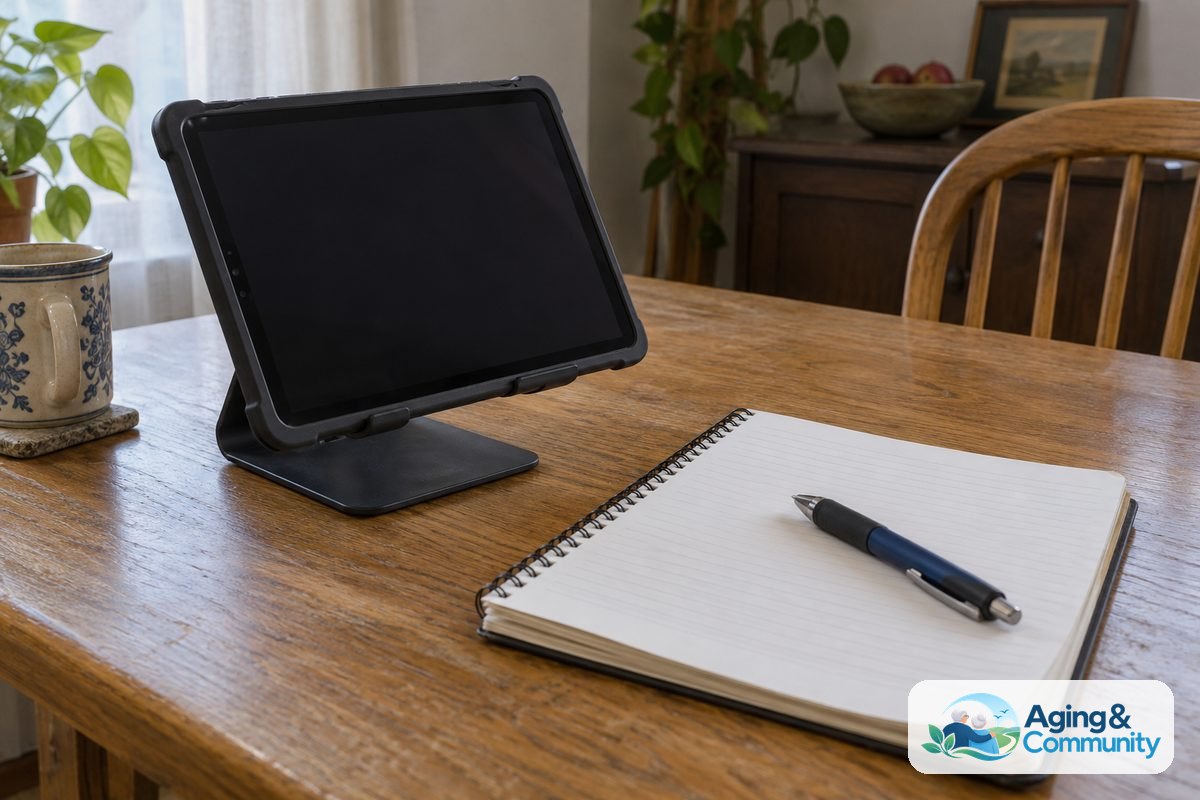
- Pick a quiet space: Find a comfortable table with good lighting and minimal background noise.
- Have tools ready: Bring a notebook and pen so the older learner can write down instructions in their own words.
- Adjust device settings: Increase font sizes, boost screen brightness, and turn up ring volumes before starting.
Effective Ways to Teach Digital Skills
The biggest rule for any teen coach is simple: keep your hands off the screen. It is tempting to tap buttons quickly to fix a problem, but real learning happens when the older adult holds the device. Walking someone through the steps verbally takes more time, yet it builds lasting muscle memory.
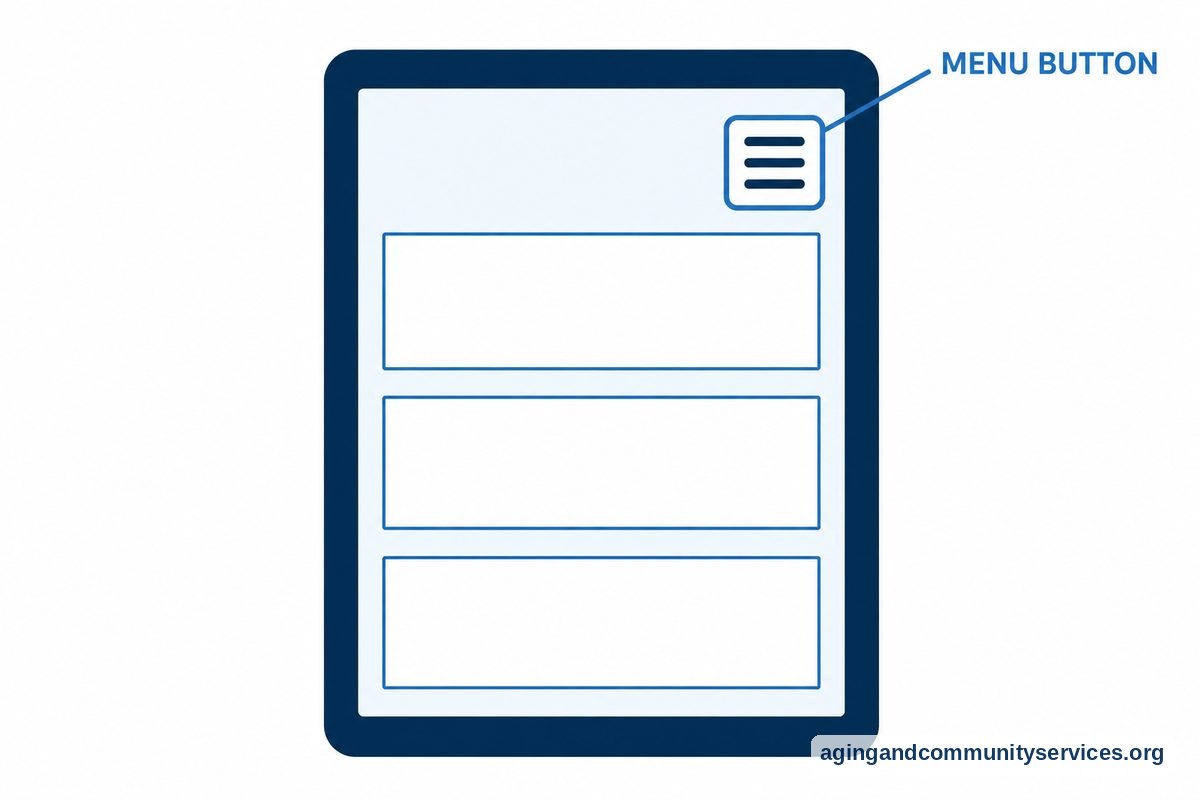
When planning lessons, reviewing tips on how to teach elderly to use technology can give teens helpful guidance. Clear explanations without slang make a huge difference. For example, instead of saying “tap the hamburger icon,” say “tap the button with three horizontal lines in the top corner.”
Use these gentle teaching practices during every session:
- Go slow: Move at the learner’s pace and pause often to ask if they have questions.
- Repeat key actions: Practice the same basic step three or four times in a row.
- Avoid tech jargon: Replace terms like “browser,” “cloud,” or “cache” with everyday words.
- Encourage notes: Let the learner write step-by-step cheat sheets using their own phrasing.
- Celebrate small wins: Acknowledge every successful text, photo, or search.
Focusing on Basic Computer and Tablet Skills
Laptops and desktop computers present unique hurdles, such as using a mouse or managing multiple open windows. Learning how to teach computer to seniors starts with steady, foundational steps rather than advanced settings.
Double-clicking can be tricky for hands affected by joint stiffness. Young helpers can adjust the mouse sensitivity in the computer settings to allow more time between clicks. They can also set up desktop bookmarks for favorite websites, such as local news, weather, or community resources like the Eldercare Locator to find area services.
Good basic topics to practice on a computer include:
- Turning the machine on, off, and restarting properly.
- Opening an internet browser and typing an address into the search bar.
- Checking and replying to an email message.
- Closing unwanted pop-up windows safely without clicking random links.

Online Safety and Scam Awareness
Teaching safety is just as vital as teaching how to use an app. Older adults are often targeted by phone and email scams that look very convincing. A young mentor can provide realistic examples of what is safe and what should be ignored.
Remind your older student that legitimate companies will never ask for passwords or bank details over a text message. Encourage them to create a rule: if a message creates a sense of urgency or asks for money, stop and ask a family member before clicking anything. Practicing how to delete suspicious text messages and block unwanted callers builds peace of mind.
What to Do Next
Getting started does not require a formal curriculum. A few thoughtful steps can turn good intentions into a regular, enjoyable routine for both generations.
- Schedule a short first visit: Plan for twenty to thirty minutes so no one feels tired or overwhelmed.
- Ask what they want to do: Let the older adult choose the topic, whether it is viewing baby pictures or playing an online word game.
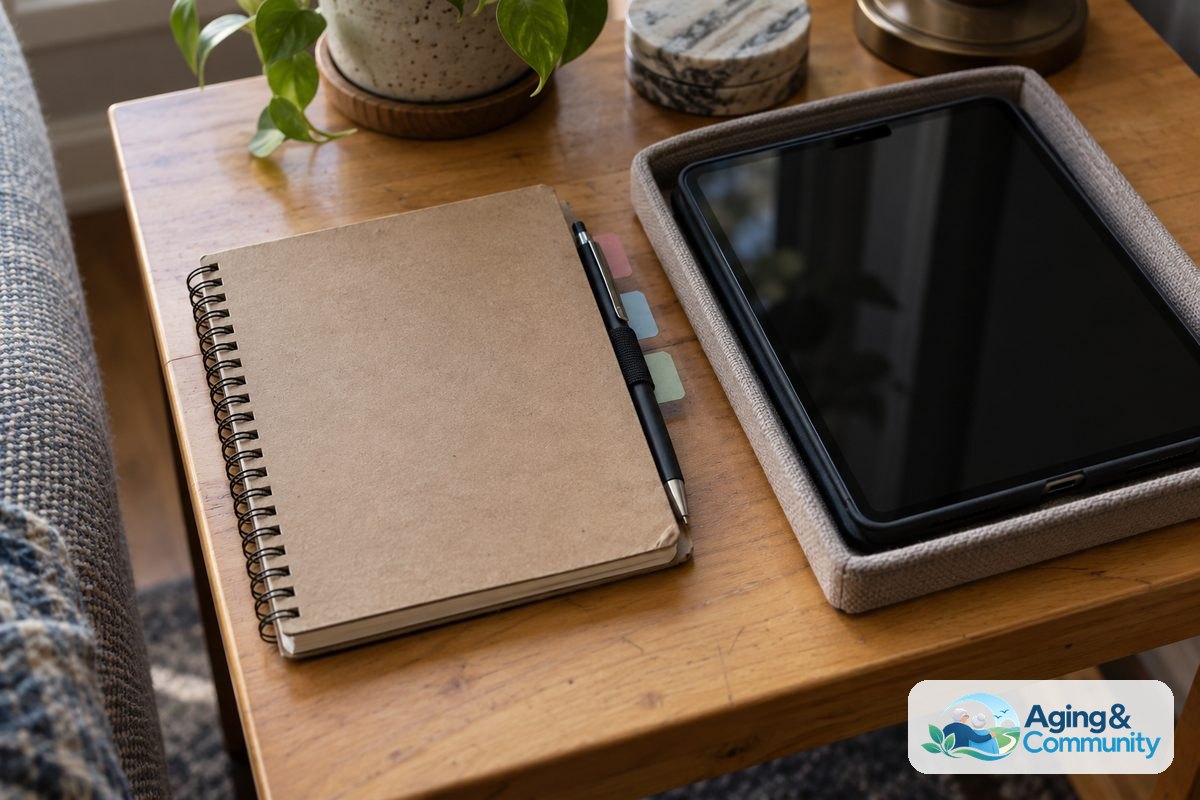
- Create a dedicated tech notebook: Keep all written steps and website names in one spiral notebook right next to the device.
- Set up a recurring weekly check-in: Consistency helps new skills stick and gives both people a regular date to look forward to.
Frequently Asked Questions
How long should a tech coaching session last?
Keep sessions between twenty and forty minutes. Learning new digital steps takes significant mental focus. Short, frequent visits work much better than long, tiring lessons.
What should a teen do if their student gets frustrated?
Take a break immediately. Offer a cup of tea, change the topic, browse a bidet comfort guide together, or step away from the device for a few minutes. Reassure the learner that tech can be confusing for anyone, and there is no rush to master it all at once.
What are the best first apps to teach on a smartphone?
Start with apps that offer immediate personal connection or simple pleasure, or consult a health monitor guide for connected devices. The camera, text messaging, and video calling apps are excellent starting points. Weather apps and digital crosswords are also fun and approachable.
How can teens help older adults remember their passwords?
Writing passwords down in a dedicated, physical address book kept in a safe place at home is often the simplest and most reliable method for older adults. Complex digital password managers can sometimes create extra confusion.