

Finding dependable transportation apps for elderly people can open up the community and bring back easy freedom of movement. Modern mobile services allow older adults to visit friends, run errands, and attend medical appointments without relying on personal driving. A few simple adjustments make these digital ride options straightforward for anyone to use.
How Smartphone Ride Services Work for Older Adults
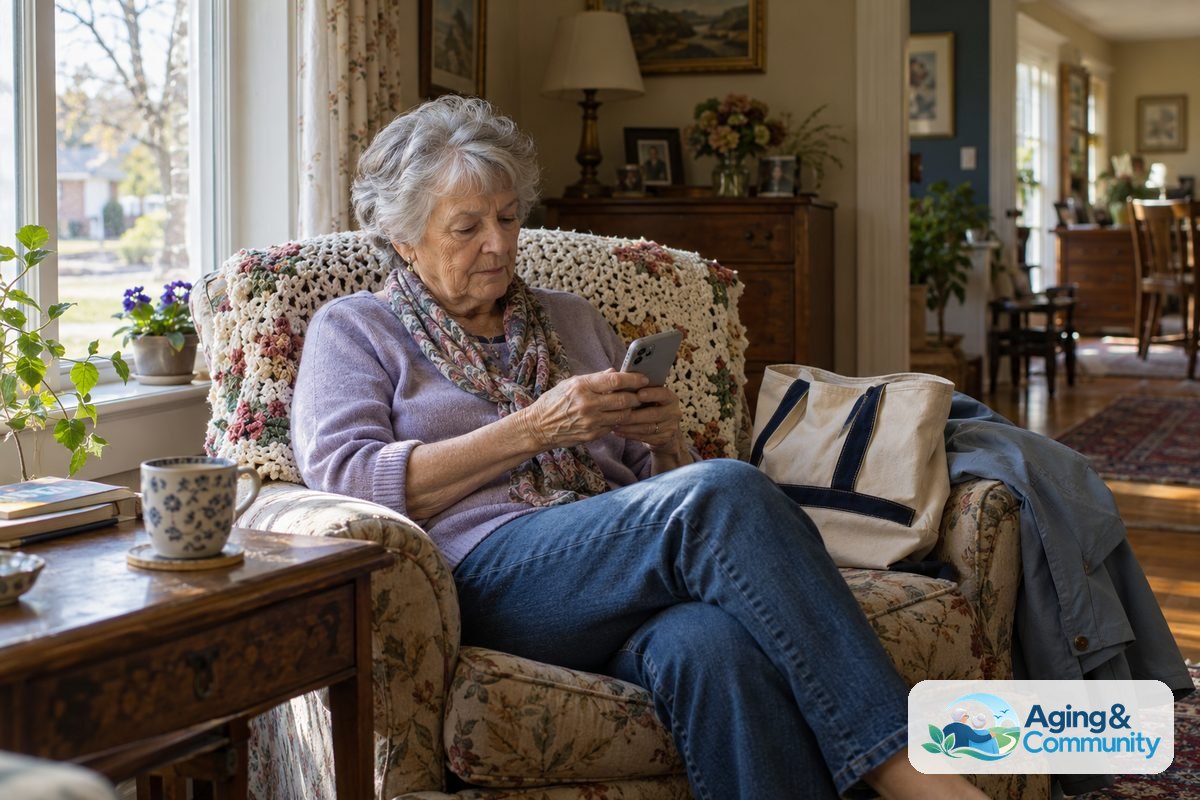
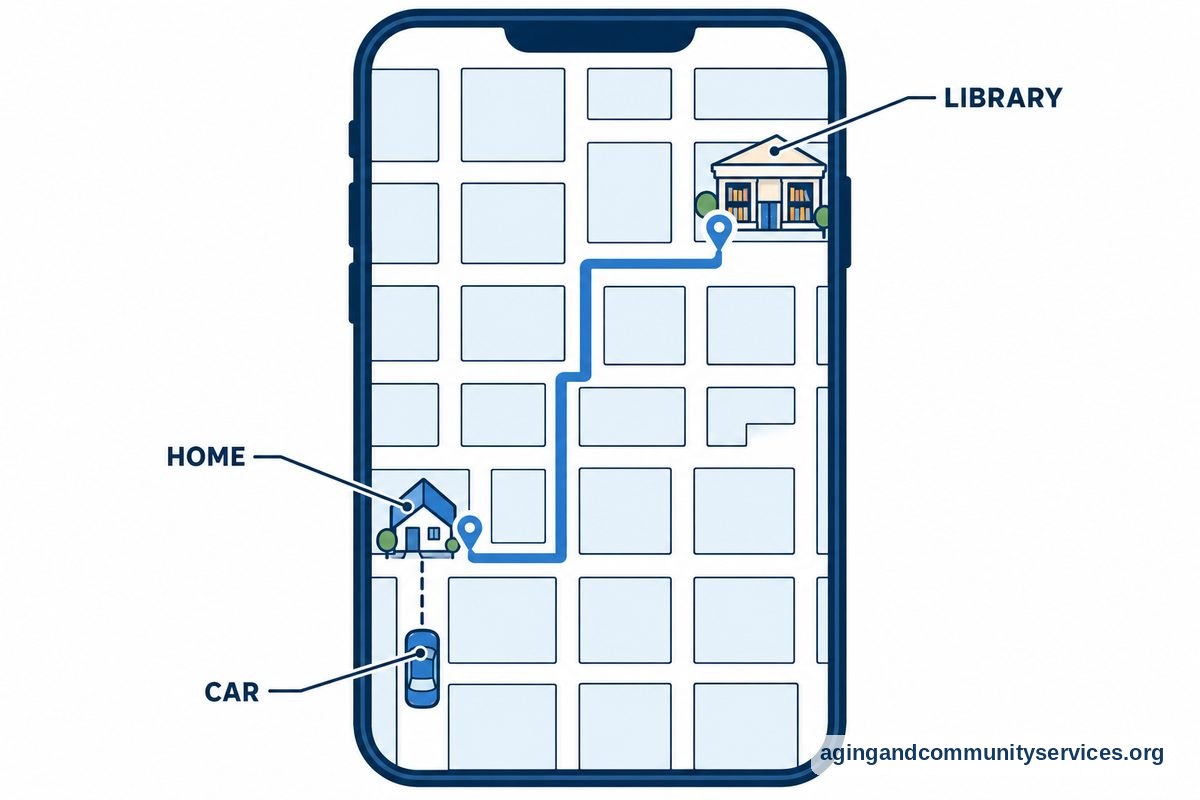
Smartphone ride platforms connect riders with nearby drivers through an application on a phone or tablet. When you request a trip, the service shows the driver name, car model, license plate number, and estimated arrival time. You can see the vehicle moving toward your pickup spot on a map.
Payment happens automatically through the card connected to your account. This means there is no need to count cash, handle change, or write checks at the end of the trip. The driver drops you off directly at the entrance of your destination, reducing the walking distance across large parking lots.
For many families, these digital ride options offer peace of mind. Some riders like to pair these tools with other helpful software, such as apps for elderly family members that simplify daily routines and medication reminders. The technology handles the logistics so you can focus on your day.
Popular Ride Options and How They Differ
There are several national and specialized platforms available across the country. Each platform offers slightly different features depending on your comfort level with technology and your personal mobility needs.
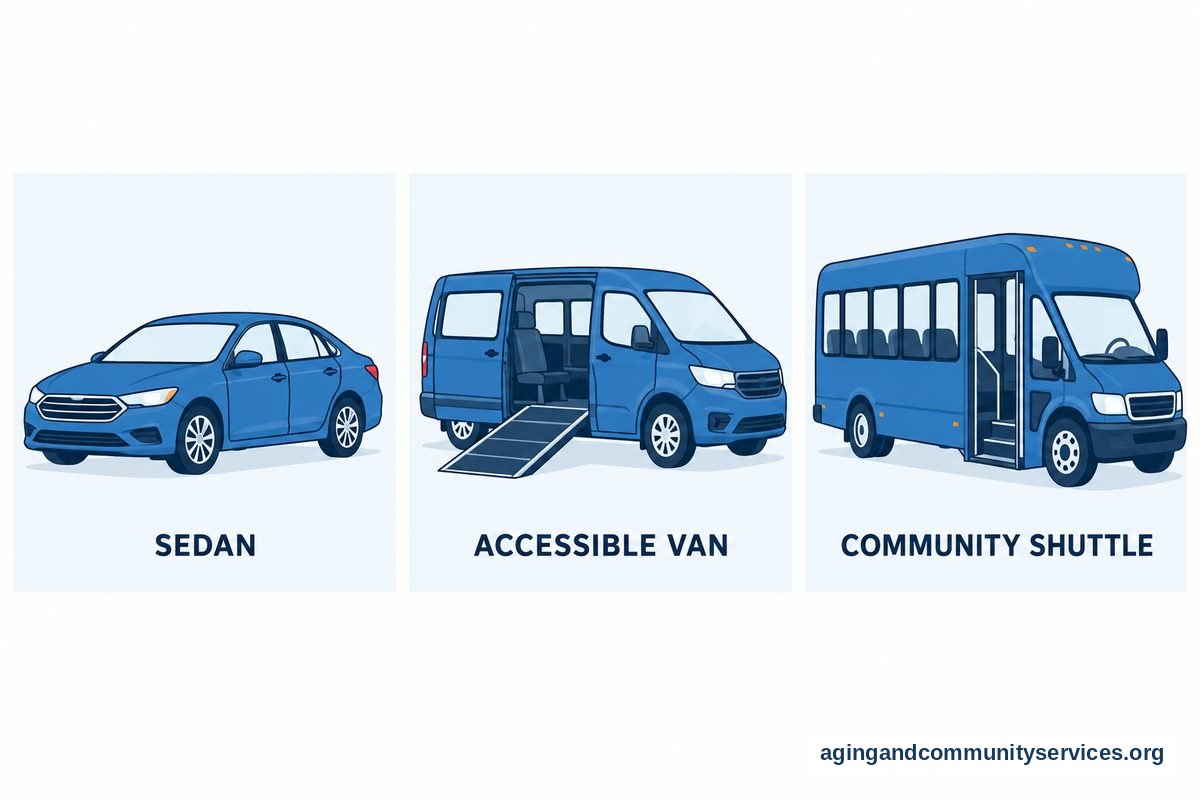
- Standard On-Demand Services: Platforms like Uber and Lyft are available in most towns and cities. They offer standard cars, larger vehicles, and wheelchair-accessible options in select areas.
- Concierge Telephone Services: Services like GoGoGrandparent allow riders to use standard ride networks without touching a smartphone. You dial a phone number and talk directly to an operator who books the trip for you.
- Non-Emergency Medical Transport: These specialized services are arranged through healthcare clinics or regional agencies. They provide trained drivers who understand how to assist riders who need extra support while boarding.
- Community Transit Micro-Buses: Many local transit authorities offer on-demand mini-bus apps. These curb-to-curb shuttles serve specific neighborhoods at low community rates.
Key Safety Features to Look For
Safety is the most important part of any trip. Modern ride software includes built-in safeguards to ensure riders get into the correct car and stay safe along the route.
One helpful tool is live location sharing. During an active trip, the rider can send a tracking link directly to a family member or friend. If you want ongoing reassurance beyond transit trips, exploring dedicated apps for tracking elderly loved ones can provide broader daily awareness.
Another safety tool is the unique pickup pin. Some services give you a four-digit number when a driver accepts your trip. The driver cannot start the trip until you give them the code, ensuring you never step into the wrong vehicle. Always ask the driver to state your name before opening the door.
Physical Comfort and Vehicle Access
Getting into and out of an unfamiliar car can sometimes present physical challenges. Vehicle heights vary, and some low sedans or tall sport utility vehicles can be awkward to enter.
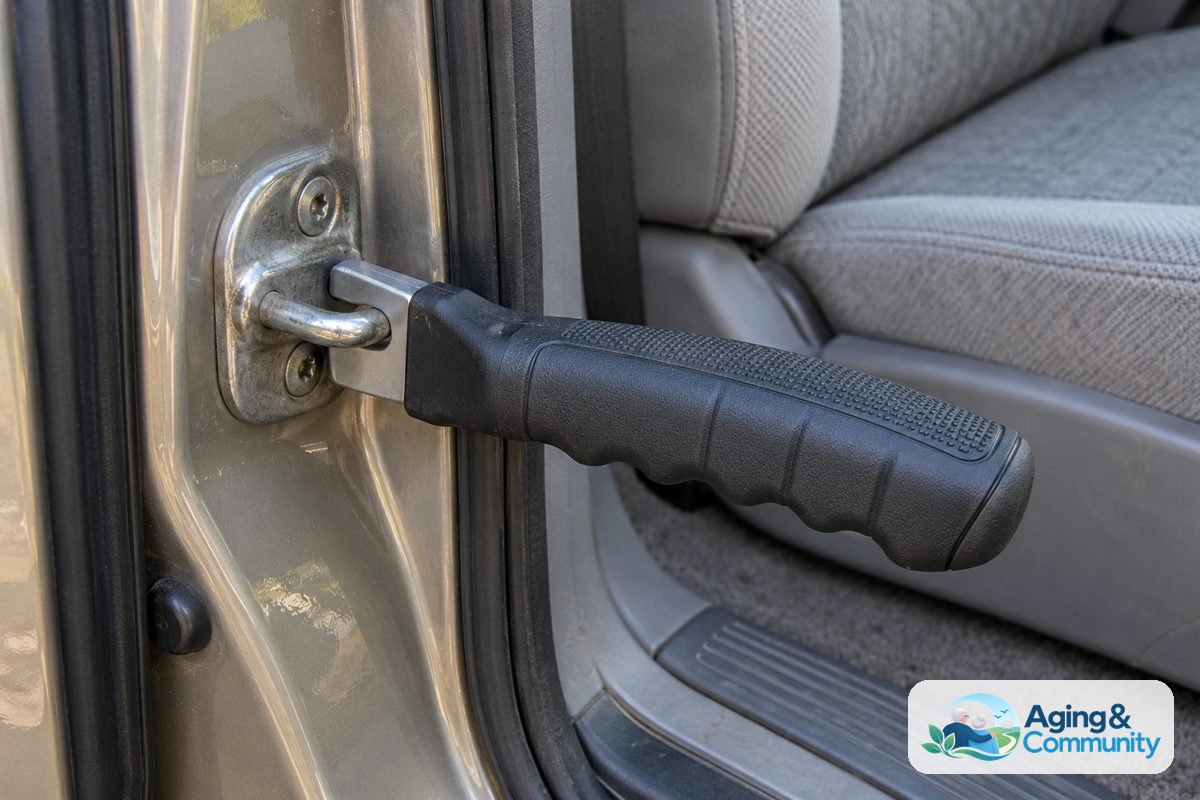
If physical support is needed, consider carrying small mobility aids. Portable grab devices like car door handles for elderly passengers fit right into the door latch frame to provide a firm, stable handhold. Storing one in a tote bag ensures an easy exit at your stop.
If you or your loved one experiences balance concerns, reviewing information on falls and falls prevention from trusted health specialists can help you plan safer mobility habits. Discussing physical mobility with an occupational therapist or physical therapist is also a great way to build confidence when using public vehicles.
How Families Can Support and Manage Rides
Adult children and caregivers do not need to live next door to help manage travel. Many rideshare systems allow an account holder to set up a family profile.
With a linked family account, you can request a car for your parent from your own home, even if you live across the country. The app alerts both you and the passenger with arrival details, and the fare charges to your card. Caregivers often coordinate these trips alongside specialized apps for senior caregivers that keep family teams organized on shared calendars.
Reliable community connections support the broader goal of independent living. Resources on aging in place highlight that dependable transportation is a core pillar for remaining happily and safely at home as needs change over time.
What to Do Next
Taking the first step with a new digital tool is easy when you take it slowly. Here are practical actions you can take today to get started:
- Download one application: Choose a single platform and install it on your device. Set up your user account with a secure password and enter your preferred payment method.
- Take a short practice run: Book a quick daytime trip to a familiar neighborhood location, such as a nearby library or coffee shop, while accompanied by a family member or friend.
- Save your home address: Set your home location as a saved favorite in the profile settings so booking a return trip takes only one tap.
- Explore local public options: Visit the Eldercare Locator to find regional transportation programs, door-through-door volunteer drivers, and subsidized transit options in your area.
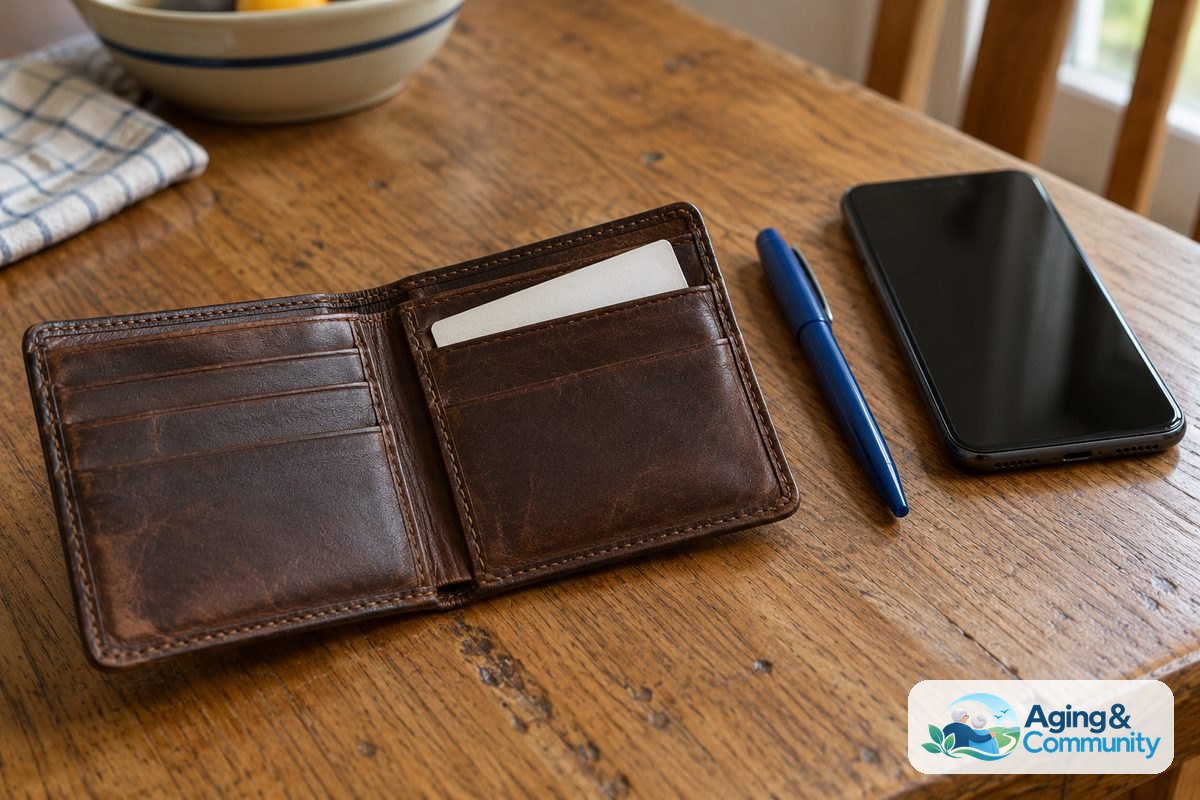
- Write down emergency contacts: Place an index card inside your purse or wallet with your contact names and phone numbers so that you always have backup information handy.
Frequently Asked Questions
Can I order a ride without having a smartphone?
Yes, telephone-based concierge ride services let you call a toll-free number from any landline or basic mobile flip phone. A live agent books the ride using standard car services and provides vehicle details over the phone.
Can the driver help carry groceries up to my front door?
Standard drivers are only required to provide curb-to-curb service. Many kind drivers will help place bags into the trunk, but they generally do not enter private homes. If you need steady physical assistance carrying items inside, door-through-door volunteer services are a better choice.
How do I know the car waiting outside is my driver?
Before you approach any vehicle, check that three key details match the screen on your phone: the license plate number, the make and model of the car, and the driver photograph. You can also roll down the window slightly and ask the driver to confirm your name.
Are tips required when booking through an app?
Tipping is optional, but it is customary to show appreciation for safe driving and courteous assistance. Tips can be added directly inside the mobile software after the ride concludes, meaning you do not have to carry loose cash.