

Home safety systems for seniors are tools that help make daily living at home easier to manage, especially when a person lives alone or spends part of the day without help nearby. These systems may include fall alert buttons, fall detection watches, motion sensors, door sensors, cameras, medication reminders, smoke alerts, and smart home devices.
The right setup depends on the home, the person’s routine, comfort with technology, and who should be contacted if help is needed. A simple button may be enough for one person, while another home may need a mix of alerts, sensors, and check-in tools.

What A Home Safety System Can Include
A home safety system is not one single product. It is usually a group of tools that work together to support safer daily routines. Some systems are focused on emergency alerts, while others help families notice changes in activity, movement, or home conditions.
Common parts of a system include:
- Emergency alert button: A pendant, bracelet, wall button, or base unit that can call for help.
- Fall detection device: A wearable sensor that may notice a sudden fall-like movement and send an alert.
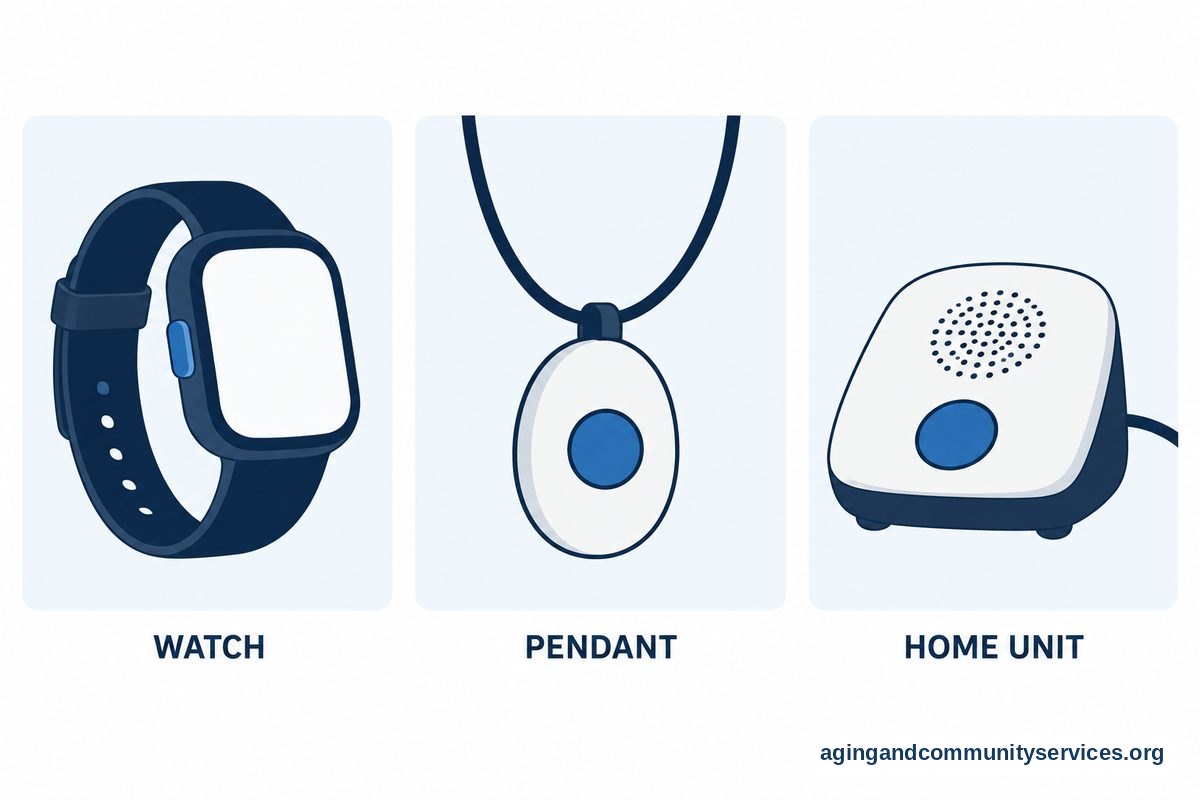
- Fall alert watch: A watch-style device with an emergency button and sometimes automatic fall detection.
- Motion sensors: Small sensors that show movement in key areas, such as the kitchen, hallway, or bedroom.
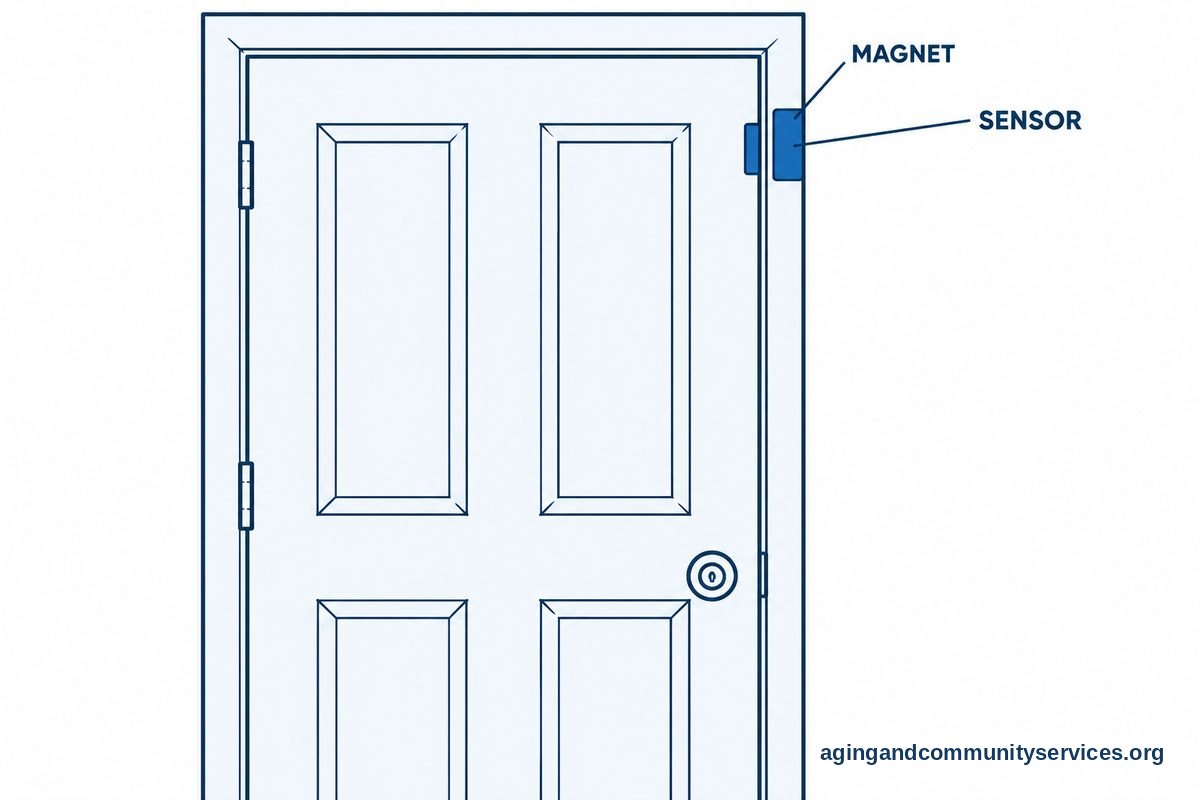
- Door sensors: Alerts that show when an outside door, medicine cabinet, or refrigerator opens.
- Cameras: Indoor or doorbell cameras used with clear consent and respect for privacy.
- Smart home tools: Voice assistants, smart lights, smart locks, and water leak sensors.
Many families start with one need, such as a fall alert, then add more tools over time. If you want a broader comparison of daily check-in options, elderly monitoring systems can help you understand how sensors, alerts, and caregiver updates may fit together.
How Fall Detection And Fall Alert Devices Work
An elderly fall detection system usually uses a sensor worn on the body. The sensor looks for motion patterns that may match a fall, such as a sudden drop followed by little movement. If the device senses a possible fall, it may send an alert to a monitoring center, a family contact, or an app.
These tools can be helpful, but they are not perfect. A fall detector may miss some falls, and it may also send a false alert during normal movement. The person should still use the help button if they are able to press it.
Fall detection can be found in pendants, belt clips, and watches. An elderly fall alert watch may feel more natural for someone who already wears a watch each day. A pendant may be easier for someone who wants one large button and does not want to manage a screen.
The National Institute on Aging says that exercise, vision checks, home changes, and medication review can all be part of falls and falls prevention. It is wise to ask a doctor, physical therapist, or occupational therapist what changes may lower the risk for a specific person at home.
Choosing Between A Watch, Pendant, Or Home Unit
The best device is the one the person will actually wear or use. Comfort matters as much as features. A system with many options may not help if it feels confusing or annoying.
An elderly fall detection watch may be a good fit for someone who likes a wrist device, charges devices regularly, and wants a discreet look. Some watches include step tracking, location sharing, or reminders, but not everyone wants those extras.
A pendant or bracelet may be simpler. It often has one clear button and can be worn in the shower if the model is water resistant. This can matter because bathrooms are a common place where people want an easy way to call for help.
A home unit may work well for someone who is usually inside and does not want to wear a device all day. Wall buttons can be placed near the bed, bathroom, or favorite chair. For a closer look at alert-only choices, elderly alert systems explain the main types of buttons, base stations, and response options.
| Device Type | Helpful For | Things To Ask |
|---|---|---|
| Fall alert watch | Someone who likes wrist devices and wants a wearable button | How often does it need charging, and is the screen easy to read? |
| Pendant or bracelet | Someone who wants a simple button with fewer settings | Is it comfortable, water resistant, and easy to press? |
| Home base unit | Someone who is home most of the time | Does it work during a power outage, and how far does the signal reach? |
| Wall button | High-use areas like the bathroom, bedroom, or hallway | Can it be placed where it is easy to reach? |
Monitoring, Privacy, And Emergency Contacts
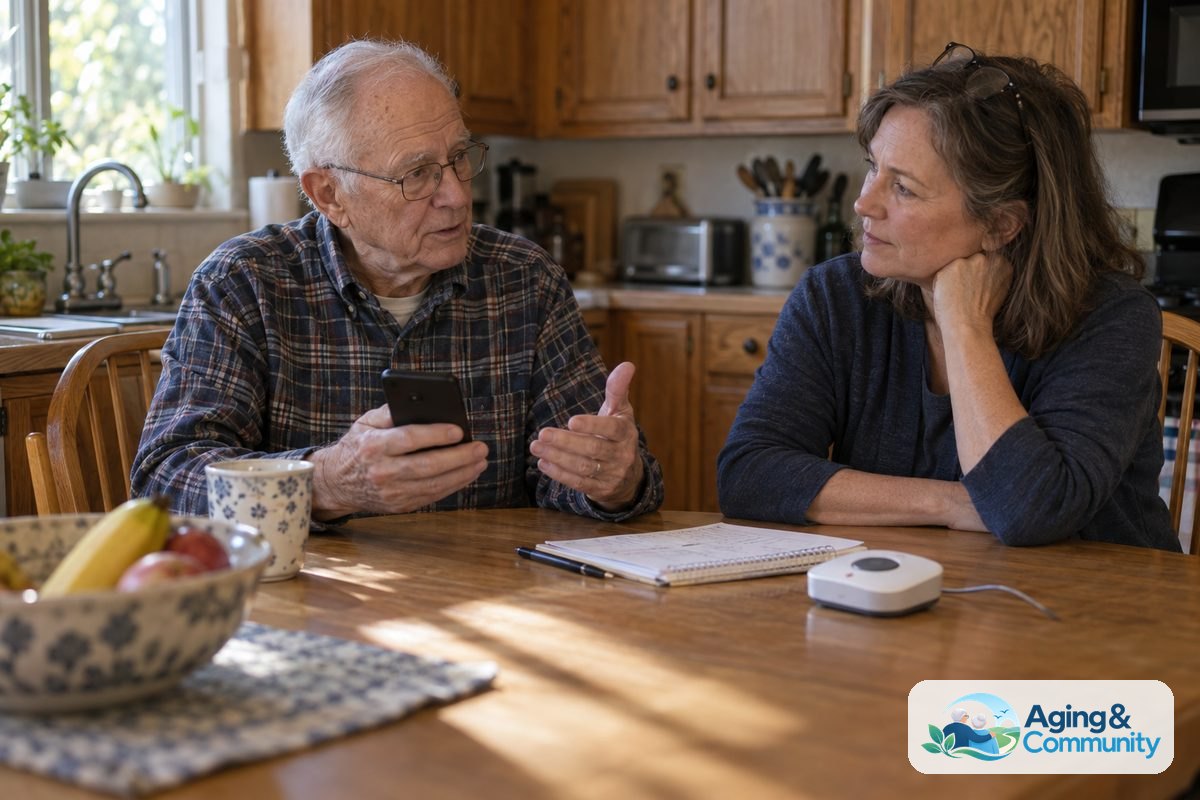
Some home safety systems connect to a professional monitoring center. Others send alerts to family, neighbors, or caregivers. Either choice can work, but everyone should understand what happens after an alert.
Ask who receives the alert first, how they respond, and what information they can see. If location tracking is included, decide when it should be on and who can view it. Clear rules help the system feel supportive instead of intrusive.
Cameras need extra care. They can help with doorway safety, stove checks, or a shared living area, but they should not be placed in private spaces without strong reason and clear consent. If cameras are being considered, cameras for elderly monitoring can help families think through privacy, placement, and basic features.
Write down the emergency contact list and keep it current. Include family, neighbors, building staff, and local helpers who have agreed to be contacted. The Eldercare Locator can also help families find local aging services when they need support nearby.
Home Features That Support The System
A device works better when the home is set up in a simple, safe way. The goal is to reduce tripping points, make it easier to move around, and place help buttons where they make sense. Small changes can make a system easier to use every day.
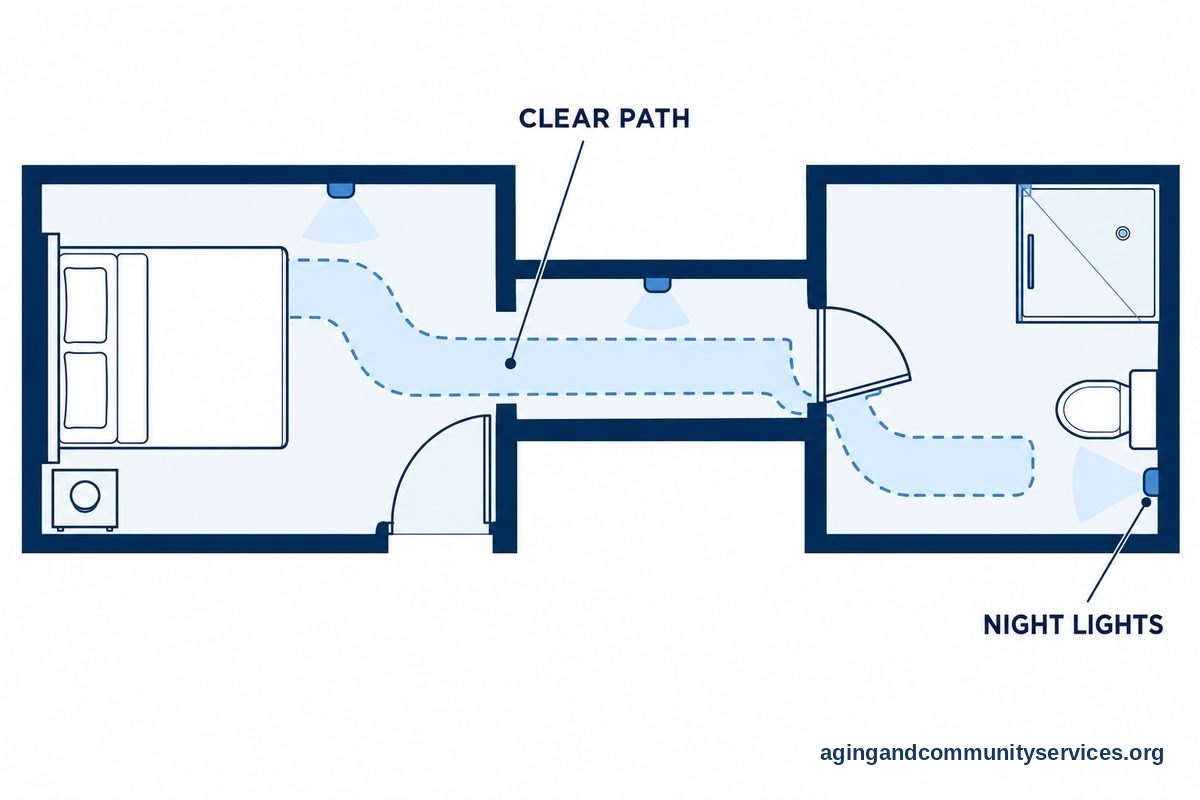
Start with the walking paths. Remove loose cords, clear clutter, secure rugs, and add night lights from the bedroom to the bathroom. Use bright bulbs in hallways, stairs, and entry areas.
Place alert tools where the person spends the most time. A wall button near the bed may be useful if the wearable is charging overnight. A button near the shower or toilet may be helpful if it can be reached from the floor.
Smart home tools can also support daily routines. Voice controlled lights, automatic lamps, smart locks, and stove alerts may reduce small tasks that feel harder over time. For ideas beyond alert buttons, smart home for elderly setups show how everyday devices can work together.
Questions To Ask Before You Choose
Before choosing an elderly fall alert system, make a short list of needs. Keep the list practical. The right system should match the home, daily habits, and support network.
- Will the person wear a watch, pendant, or bracelet every day?
- Does the device work inside, outside, or both?
- Who gets alerts, and in what order?
- Is automatic fall detection included, or only a help button?
- How is the device charged, and who will check the battery?
- Can the button be used in the bathroom or shower area?
- Does the system need a landline, cell signal, or internet?
- Can the volume, language, or display size be adjusted?
- What happens if there is a power outage?
- How easy is it to cancel, return, or change the service?
If the person has had recent falls, dizziness, weakness, or trouble walking, talk with a doctor, physical therapist, or occupational therapist. They can look at personal risks and suggest home changes, exercises, or equipment that fit the person’s needs.
It can also help to compare emergency response options. senior emergency alert systems can explain differences between home-based buttons, mobile devices, and monitored services.
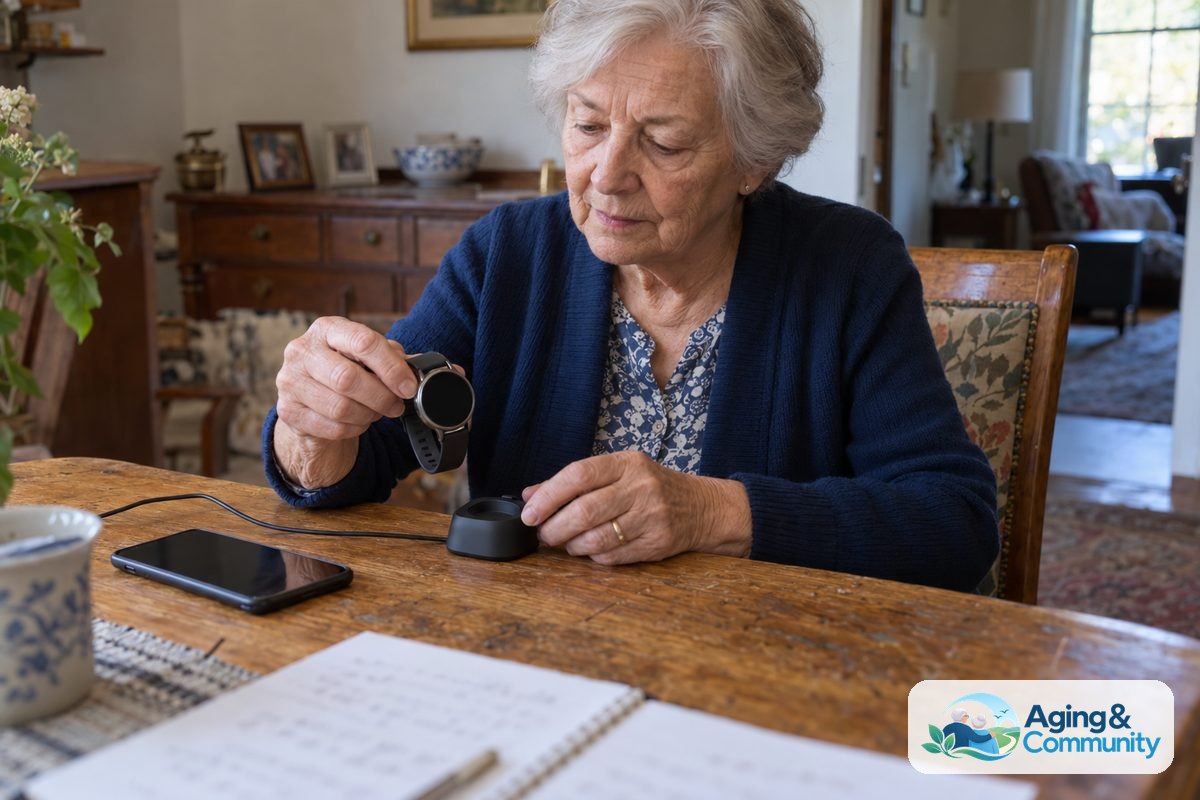
What You Can Do Next
Start with a calm walk through the home. Bring a notebook and look at the rooms used most often, especially the bedroom, bathroom, kitchen, stairs, and entryway. Notice where help would be hardest to reach.
- Pick the main concern. Decide whether the top need is fall alerts, daily check-ins, door safety, medication reminders, or emergency calling.
- Choose the simplest useful device. A watch, pendant, or wall button should fit the person’s habits and comfort level.
- Plan the alert list. Decide who should be contacted first, second, and third.
- Test the setup together. Practice pressing the button, answering a call, charging the device, and canceling a false alarm.
- Review privacy. Agree on which alerts, sensors, or cameras feel acceptable.
- Ask for professional input. A doctor, physical therapist, or occupational therapist can suggest home changes that may lower fall risk, based on the person’s needs.
Keep the first setup simple for a few weeks. If it feels helpful and easy to use, add more features only where they solve a real problem.
Frequently Asked Questions
What Are Home Safety Systems For Elderly People?
Home safety systems for elderly people are tools that support safer living at home. They may include emergency buttons, fall detection devices, motion sensors, door alerts, cameras, smart lights, and caregiver apps.
The right mix depends on the person’s daily routine and comfort with technology. A simple alert button may be better than a complex system if it is easier to use.
How Does An Elderly Fall Detection System Work?
An elderly fall detection system uses sensors to look for movement that may match a fall. If the device senses a possible fall, it may send an alert to a monitoring center or chosen contacts.
Fall detection is not exact. It can miss some falls or send false alerts, so the person should still press the help button when they can.
Is An Elderly Fall Alert Watch Better Than A Pendant?
An elderly fall alert watch may be better for someone who likes wearing a watch and can keep it charged. It may also feel more familiar in public.
A pendant may be better for someone who wants one large button and fewer screen settings. Comfort, battery care, and ease of use are the most important points.
What Is The Difference Between An Elderly Fall Alert System And An Elderly Fall Detector?
An elderly fall detector is usually the sensor or wearable that tries to notice a fall-like motion. An elderly fall alert system is the full setup that sends the alert and connects to contacts or a response center.
Some systems include both a help button and automatic fall detection. Others only send an alert when the person presses a button.
Do Fall Detectors For Elderly People Work Outside The Home?
Some fall detectors for elderly people work outside the home, especially mobile devices or watches with cellular service. Others only work near a home base unit.
Ask about range, signal needs, battery life, and location sharing before choosing. The best choice depends on whether the person stays mostly at home or goes out often.