

A smart home for elderly loved ones uses simple connected devices to make daily life easier, safer, and more comfortable at home. It can include voice controls, lights, sensors, cameras, medication reminders, and other tools that help with daily routines without taking away independence.
The goal is not to fill a house with gadgets. The goal is to choose a few helpful tools, set them up well, and make sure the person living there feels respected and in control.
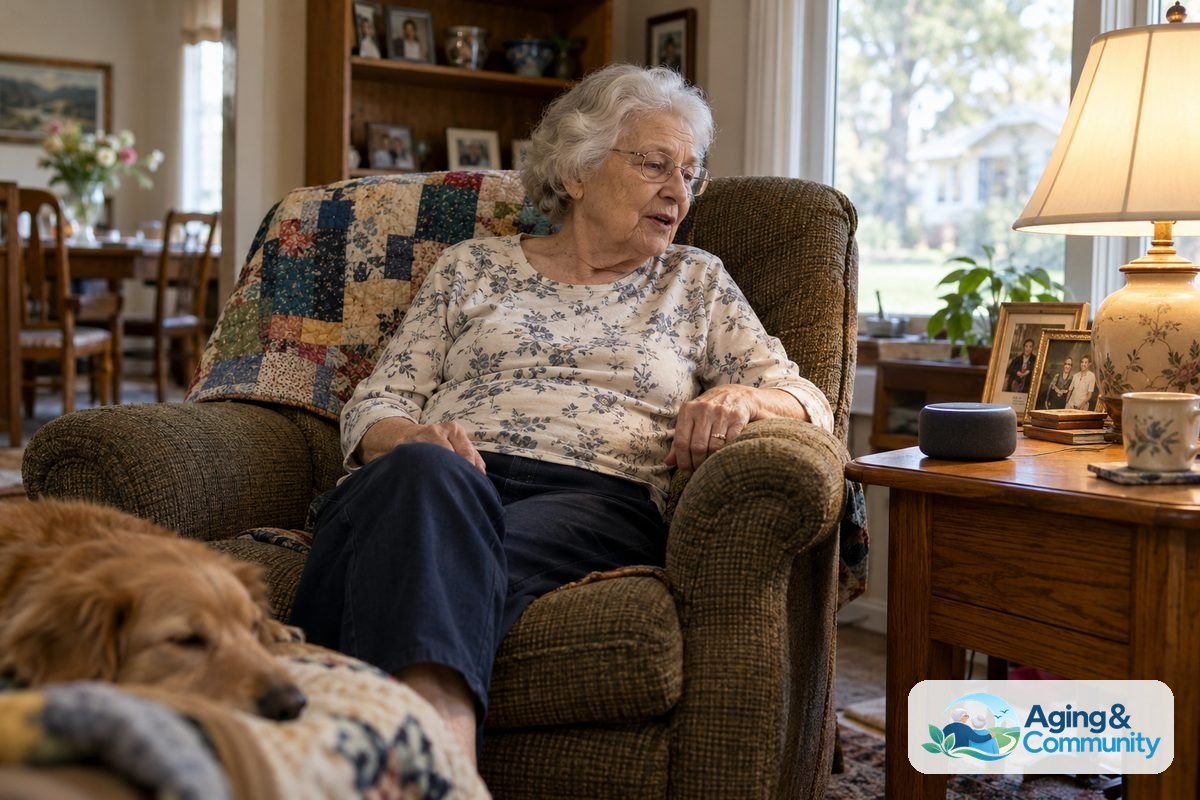
What A Smart Home Can Help With
A smart home can support many everyday tasks. It may help someone turn on lights, adjust the thermostat, answer the door, remember a routine, or call a family member with less effort.
For many families, the most useful setup starts with one or two needs. A person who gets up at night may benefit from motion lights. Someone who has trouble reaching switches may prefer voice control. A family caregiver may want a simple way to know that a loved one is moving around as usual.
Smart home technology for seniors can be helpful in these common areas:
- Lighting: Smart bulbs, plugs, and motion lights can brighten hallways, bathrooms, and bedrooms.
- Voice help: A smart speaker can set reminders, make calls, play music, and control other devices.
- Home access: Smart locks and video doorbells can help manage visitors and deliveries.
- Comfort: Smart thermostats can make it easier to adjust heating and cooling.
- Daily check-ins: Sensors and monitoring systems can share activity updates with approved family members.
The National Institute on Aging notes that home changes can support aging in place. Smart devices are one part of that bigger plan, along with good lighting, clear walkways, safe bathrooms, and helpful support.
Start With Needs, Not Gadgets
Before buying smart home devices for elderly family members, walk through a normal day. Look for small tasks that feel hard, tiring, or easy to forget. Ask the person what would actually help.
Good questions include:
- Which lights are hard to reach?
- Are there times when getting to the phone is difficult?
- Would voice reminders be welcome or annoying?
- Is answering the door stressful?
- Would family check-ins feel helpful or too private?
This conversation matters because smart home technology works best when the person using it agrees with the plan. A camera in a living room may feel helpful to one person and intrusive to another. A motion sensor may feel more comfortable because it shares less detail.
If mobility, balance, memory, or vision changes are part of the concern, consider asking a doctor, physical therapist, or occupational therapist what home changes may help. They can suggest practical adjustments based on the person’s needs and the layout of the home.
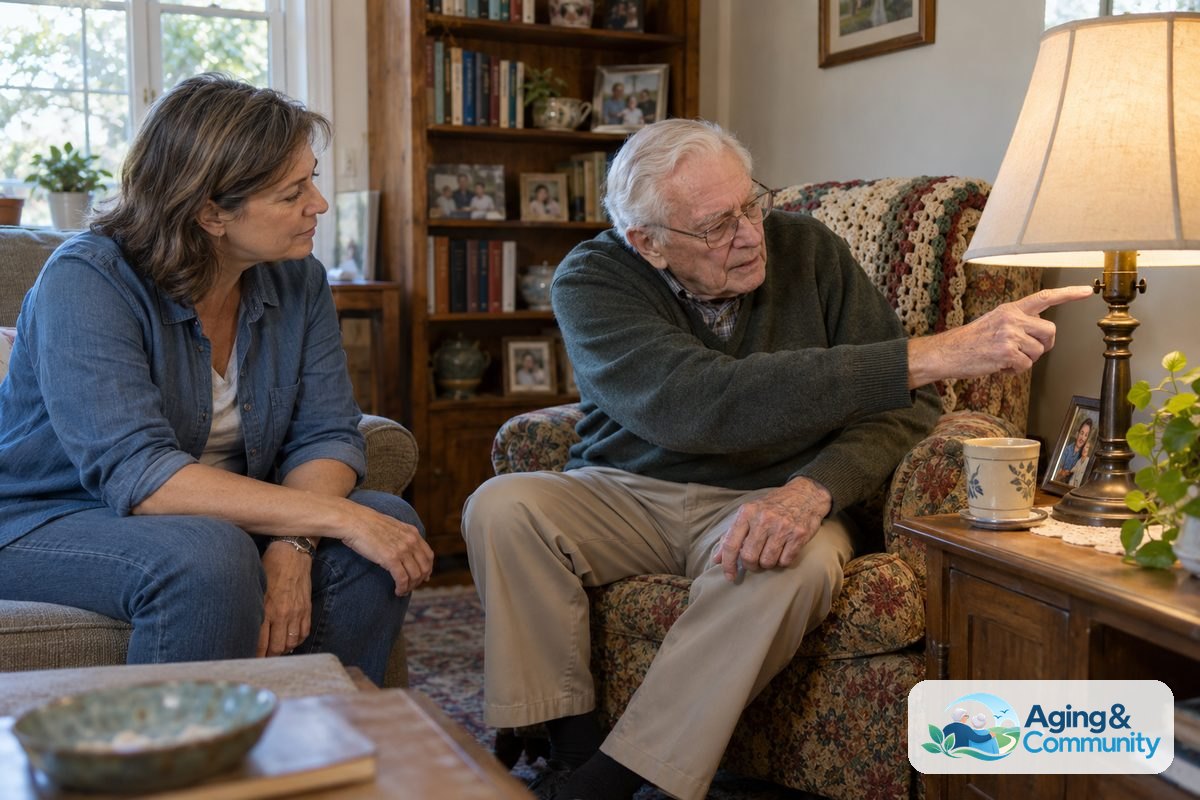
Helpful Smart Home Devices For Daily Living
There are many smart home devices for seniors, but a simple setup is often better than a complicated one. Choose products that solve a clear problem, use plain alerts, and can be managed by more than one trusted person when needed.
Here are common options to consider:
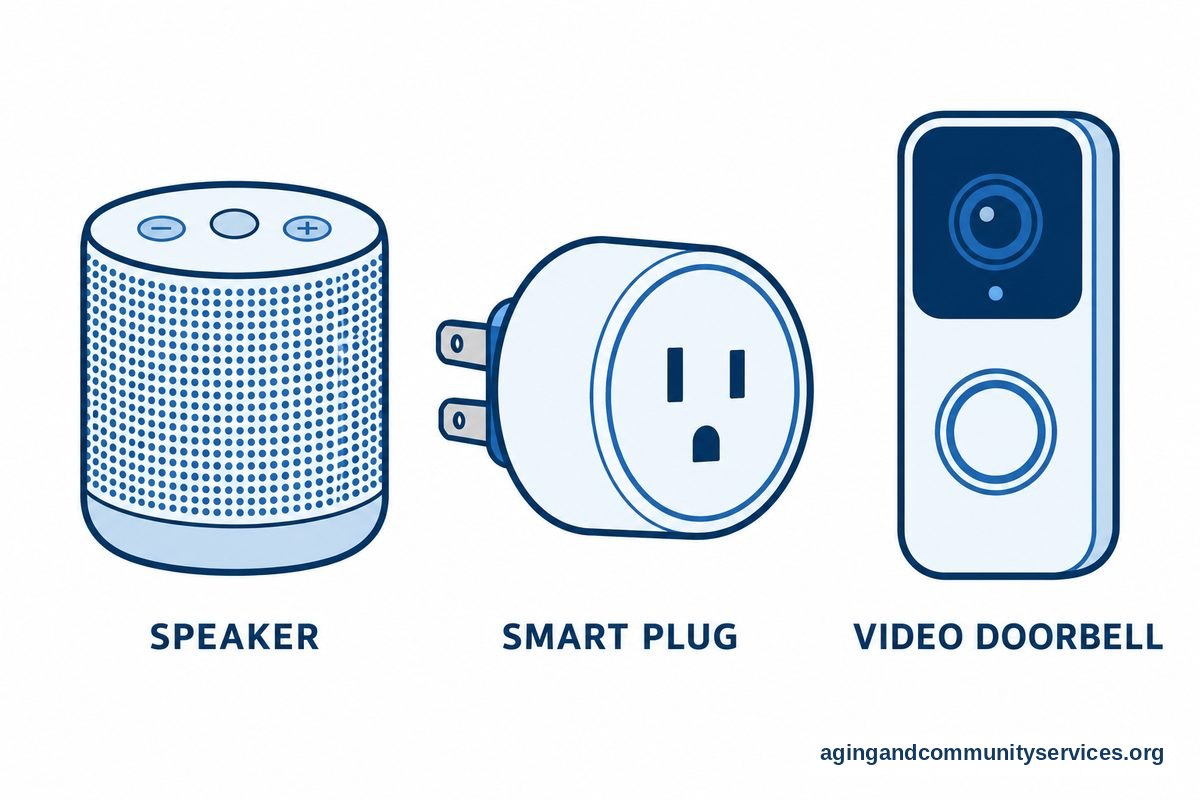
- Smart speakers: These can answer questions, set timers, give reminders, make hands-free calls, and control lights. If voice control sounds useful, a guide to Alexa for elderly parents can help families think through setup and privacy.
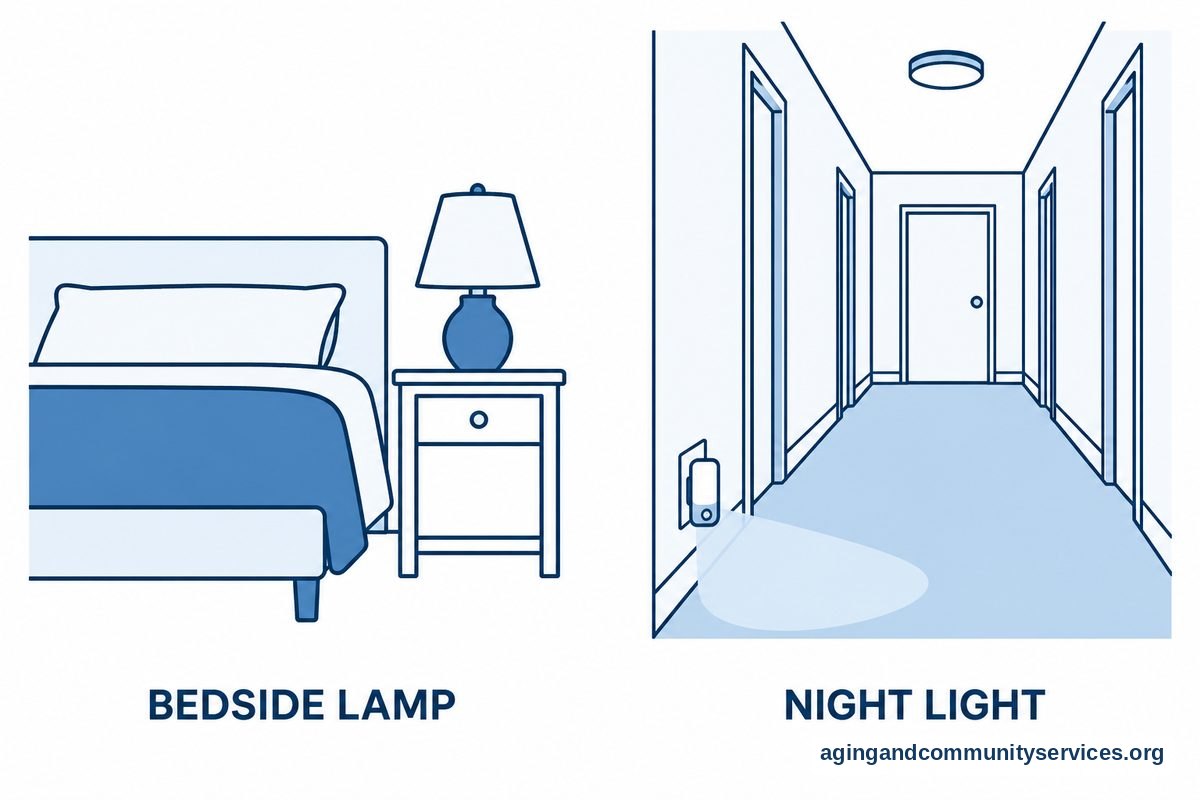
- Smart lights: Bulbs, plugs, and switches can be controlled by voice, phone, schedule, or motion. They are useful near beds, stairs, bathrooms, kitchens, and entryways.
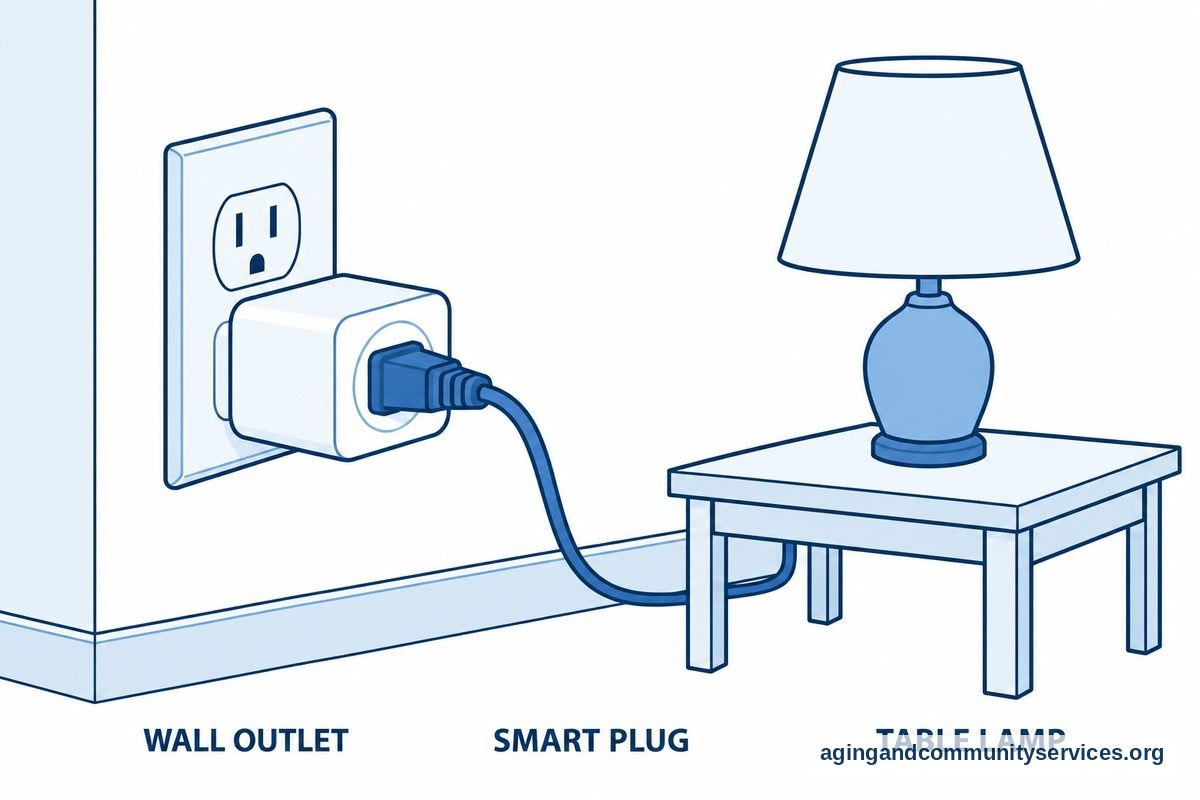
- Smart plugs: These can turn lamps or small appliances on and off by schedule or voice command. They are a simple way to add control without changing wiring.
- Video doorbells: These let a person see who is at the door before opening it. They can also help family members review door activity when sharing is turned on.
- Smart locks: These can allow keyless entry for trusted helpers. Some can be set with separate codes for family, aides, or neighbors.
- Thermostats: Smart thermostats can adjust temperature by schedule or remote control. They may be useful when reaching the thermostat is hard.
Some families also look at elderly monitoring systems when they want broader activity alerts. These systems may include sensors, wearables, call buttons, or check-in tools. The right choice depends on comfort, privacy, and the level of support needed.
Safety, Falls, And Emergency Support
A smart home for the elderly can include tools that support safety routines. These tools do not replace personal care, medical advice, or a home safety review, but they can make it easier to notice changes and respond to concerns.
Fall concerns are common in later life. The National Institute on Aging explains that steps such as exercise, vision checks, medication review, and home safety changes can lower fall risk. Smart home tools can support those steps by adding better lighting, alerts, and easier ways to call for help.
Helpful options may include:
- Motion night lights: These turn on when someone gets out of bed or walks through a hallway.
- Bedside voice control: A smart speaker can turn on lights or call a contact without needing to stand up first.
- Water leak sensors: These can alert someone to leaks near sinks, toilets, washers, or water heaters.
- Stove monitoring tools: Some devices can send alerts when a stove has been left on.
- Fall detection tools: Some systems use wearables or room sensors to notice possible falls and send alerts.
Families who do not want cameras in private spaces may prefer sensors. For example, AI ambient fall detection tools may offer alerts without showing regular video. Read privacy details carefully, since features vary by product.
Cameras can be useful in certain areas, such as an entryway, porch, or main living space, if everyone agrees. If video is being considered, a guide to cameras to monitor parents can help compare common uses and privacy questions.
Privacy, Consent, And Respect
Smart home devices for the elderly should be set up with clear consent. The person living in the home should know what each device does, what it records, who can see alerts, and how to turn it off.
Privacy is not a small detail. It affects trust. A helpful system can become stressful if it feels hidden or too controlling.
Use these ground rules:
- Talk about each device before installing it.
- Write down who receives alerts and why.
- Avoid cameras in bathrooms, bedrooms, and other private spaces.
- Use motion sensors instead of cameras when possible.
- Review settings together after setup.
- Remove or change any device that feels uncomfortable.
Passwords also matter. Use strong passwords, turn on two-step sign-in when available, and keep a written list in a secure place for trusted helpers. If the main caregiver is unavailable, another trusted person should know how to manage key devices.
It is also wise to keep a non-smart backup. A regular lamp, a phone with important contacts, spare keys, and printed instructions can help if the internet is down or a device stops working.
How To Build A Smart Home Automation System For Seniors
A smart home automation system for seniors should be simple, steady, and easy to explain. Start small, then add more only if the first tools are useful.
A good starter plan may look like this:
- Pick one goal: Choose lighting, reminders, door safety, comfort, or check-ins.
- Choose one main platform: Try to use devices that work together through one app or voice assistant.
- Set up the most useful room first: Bedrooms, bathrooms, kitchens, and entryways often matter most.
- Create simple routines: Examples include lights on at sunset, a morning reminder, or a bedtime thermostat setting.
- Test with the person using it: Make sure commands are easy to say and alerts are not confusing.
- Write down instructions: Keep a short paper guide near the device.
Here is a simple way to match needs with tools:
| Need | Possible Device | What To Check |
|---|---|---|
| Hard to reach lights | Smart bulbs or smart plugs | Works by voice, switch, and schedule |
| Missed routines | Smart speaker reminders | Volume is clear and reminders are welcome |
| Door concerns | Video doorbell or smart lock | Access is limited to trusted people |
| Family check-ins | Motion sensors or monitoring system | Alerts share only needed information |
| Nighttime movement | Motion lights | Lights are bright enough but not harsh |
Many smart home technology products for seniors need Wi-Fi, apps, and regular updates. If that feels like too much, ask a family member, friend, local volunteer program, or trusted installer to help. The Eldercare Locator can help connect families with local aging services.
For a broader overview of devices and comfort with digital tools, a guide to technology for seniors may be useful before choosing products.
What You Can Do Next
You do not have to update the whole home at once. A calm, step-by-step approach is easier to manage and easier to change later.
Start with these practical steps:
- Walk through the home and list the top three daily frustrations.
- Ask which changes feel welcome and which feel too intrusive.
- Choose one simple device, such as a smart speaker, smart plug, or motion light.
- Set it up in one room and use it for a short trial period.
- Write down the commands, app steps, and support contacts.
- Review what worked, what did not, and what should be changed.
If there are concerns about falls, mobility, memory, or safe home layout, speak with a doctor, physical therapist, or occupational therapist. They can help decide which home changes make sense and which smart devices may fit the person’s needs.
Frequently Asked Questions
What Is A Smart Home For Seniors?
A smart home for seniors is a home with connected devices that help with daily tasks. These may include voice assistants, smart lights, doorbell cameras, motion sensors, smart locks, thermostats, and reminders.
The best setup is usually simple. It should support daily life without making the home feel watched or hard to use.
What Are The Most Useful Smart Home Devices For Elderly People?
The most useful smart home devices for elderly people are often smart lights, smart speakers, motion night lights, video doorbells, smart plugs, and easy-to-use monitoring tools. The right mix depends on the person’s home, comfort level, and support needs.
Start with the task that matters most. For many families, lighting and hands-free calling are good first steps.
How Can Smart Home Technology For Elderly Loved Ones Help At Home?
Smart home technology for elderly loved ones can make common tasks easier. It can help someone turn on lights, adjust temperature, answer the door, receive reminders, or contact a trusted person.
It should not replace personal visits, care planning, or medical advice. Think of it as a support tool, not a complete care plan.
Is A Smart Home For Elderly And Disabled People Hard To Use?
It can be easy to use if the setup is simple. Voice commands, automatic lights, large-print instructions, and clear routines can help.
Try to avoid too many apps or devices at once. If physical, vision, hearing, or memory needs are involved, an occupational therapist may suggest practical ways to make the setup easier.
Are Smart Home Gadgets For Seniors Private?
Some smart home gadgets for seniors are more private than others. A motion sensor usually shares less detail than a camera. A smart speaker may store voice settings, depending on the service and account settings.
Review privacy controls before use. Make sure the person living in the home agrees to each device and knows who can see alerts or recordings.
What Is The First Smart Home Gadget For Elderly Parents To Try?
A smart speaker, smart plug, or motion light is often a good first device. These are practical, easy to explain, and useful in many homes.
Choose one device tied to one clear need. After it becomes part of the daily routine, decide whether another device would truly help.