

Smart home security for seniors can make daily life at home feel more manageable by adding simple tools for doors, lights, cameras, alerts, and communication. The goal is not to fill a home with gadgets, but to choose a few helpful devices that fit the person, the home, and the level of support needed.
A good setup should be easy to use, respectful of privacy, and simple for family helpers to check when invited. Start with the biggest daily concerns, such as answering the door, getting better lighting at night, noticing unusual activity, or making it easier to call for help.
Start With the Home and the Person
Before buying anything, walk through the home and notice where security and comfort overlap. A front step with poor lighting, a hard to hear doorbell, or a lock that is difficult to use may matter more than a long list of devices.
It can help to use a basic home safety checklist before choosing smart devices. This keeps the focus on real needs, not on features that may never be used.
Ask a few practical questions:
- Which doors are used most often?
- Is the person comfortable using a smartphone, tablet, or voice assistant?
- Who should receive alerts, and when?
- Are there areas where lighting is poor?
- Does the person want cameras, or would door and motion alerts feel better?
- What privacy limits should be set from the start?
The best setup is one the person can understand and agree to use. If a device feels confusing or intrusive, it may be better to choose a simpler option.
Choose Simple Security Devices First
Most homes do not need every smart security product at once. A small setup can work well when it covers the main entry points and daily routines.
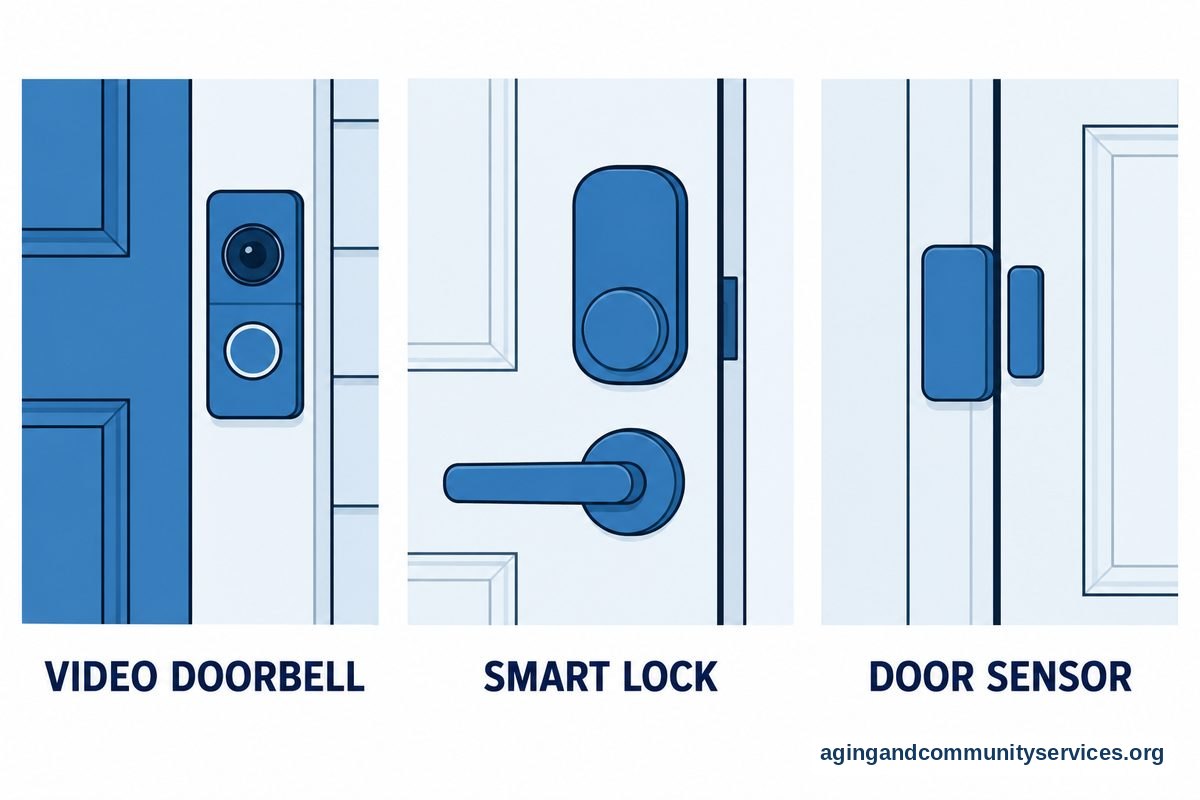
Common smart home security devices include:
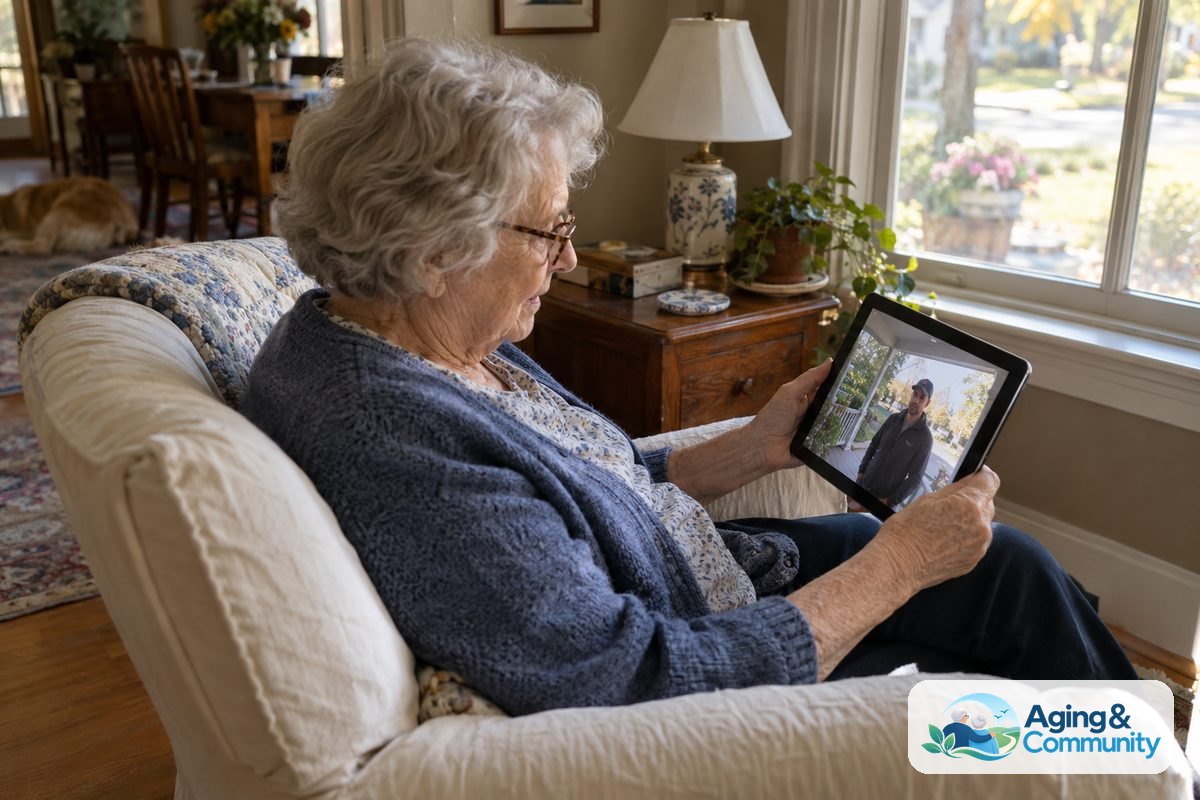
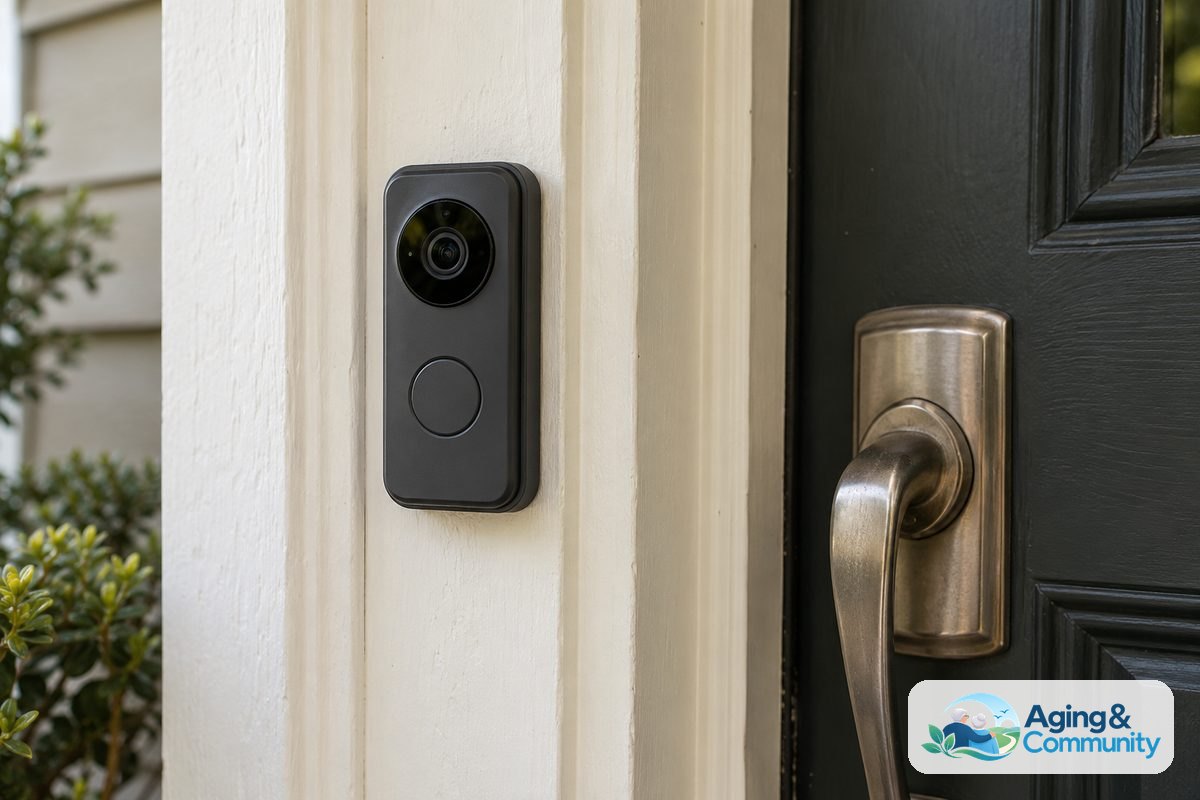
- Video doorbells: Let the person see who is at the door before answering.
- Smart locks: Allow keyless entry and can help trusted helpers enter when approved.
- Door and window sensors: Send an alert when a door or window opens.
- Motion sensors: Notice movement in a hallway, entry, or other shared space.
- Smart lights: Turn on by schedule, voice, motion, or app.
- Indoor cameras: May help in shared areas if the person agrees and privacy is respected.
For many people, the most useful first step is a video doorbell or better entry lighting. These can reduce the need to rush to the door and make it easier to decide whether to answer.
If the person lives alone, a broader plan for safety while living alone can help decide which devices belong in the home and which do not.
Use Smart Lighting to Support Safer Movement
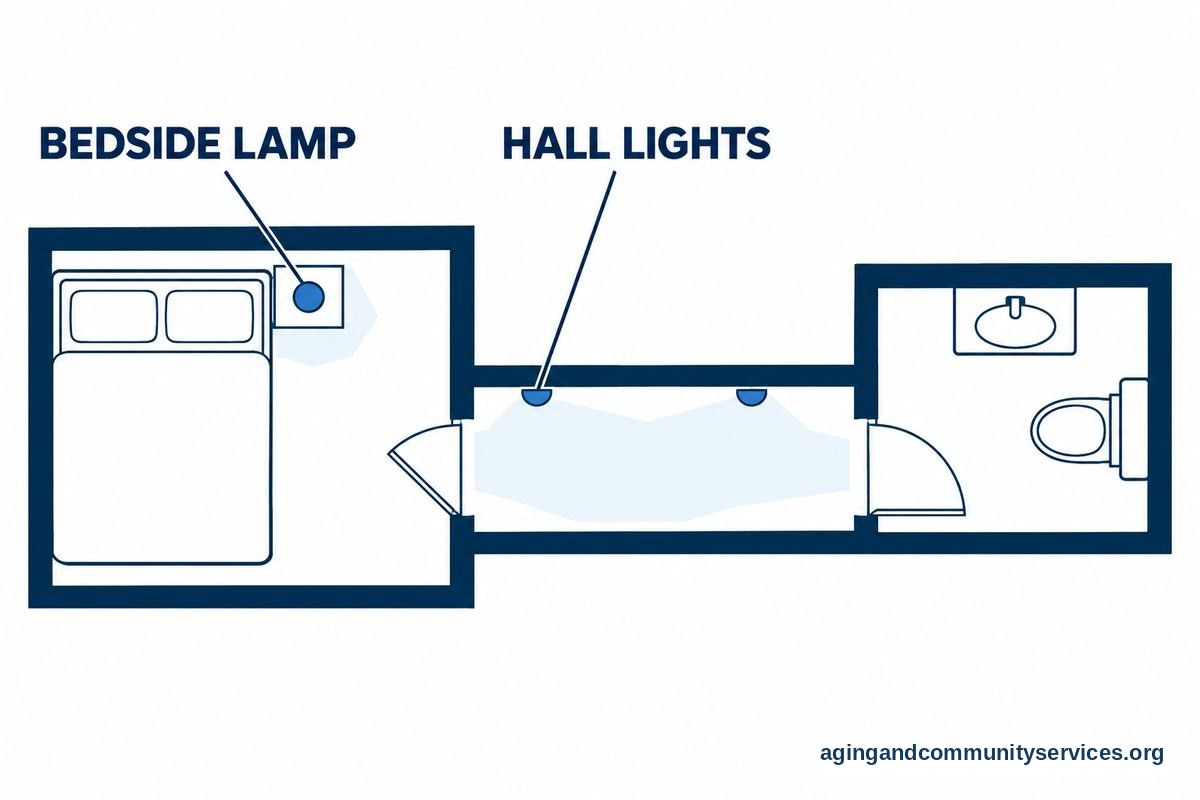
Lighting is one of the easiest places to start. Smart bulbs, plugs, and motion lights can make halls, bathrooms, kitchens, and entryways easier to see without searching for switches.
The National Institute on Aging notes that good lighting and removing hazards are part of falls and falls prevention steps. Smart lights are not a medical solution, but they can support a clearer path through the home.
Useful lighting ideas include:
- Set porch lights to turn on before evening.
- Use motion lights in hallways and near the bathroom.
- Add a lamp that can be turned on by voice from bed.
- Place smart plugs on lamps that are hard to reach.
- Use warm, steady light instead of flashing or harsh light.
If walking, balance, vision, or home layout is a concern, it may be wise to ask a doctor, physical therapist, or occupational therapist for guidance. They can suggest changes that fit the person and the home.
Set Up Alerts Without Creating Too Much Noise
Alerts are helpful only when they are clear and limited. Too many phone notices can become stressful, and people may start ignoring them.
Decide which alerts matter most. For example, a family helper may want a notice when the front door opens late at night, but not every time a kitchen light turns on.
Good alert settings often include:
- Front door opened at unusual hours.
- Doorbell pressed.
- Smart lock used by a helper.
- Motion detected near an entry while no one is expected.
- Smoke or carbon monoxide alarm status if supported by the system.
Keep alert names simple. A message that says “Front door opened” is easier to understand than a device code or room number that no one remembers.
It is also useful to agree on what happens after an alert. A calm plan might be to call first, send a message second, and contact a nearby trusted person only if there is no reply and concern remains.
Respect Privacy and Independence
Smart security should support independence, not feel like constant watching. The person living in the home should be part of every choice when possible, especially if cameras, audio, or shared app access are involved.
Talk through where devices will go, who can see alerts, and when information may be checked. Write this down in plain language so everyone understands the plan.
Privacy friendly choices can include:
- Using door sensors instead of indoor cameras.
- Putting cameras only at entrances or shared spaces.
- Turning off audio recording if it is not needed.
- Giving app access only to trusted helpers.
- Reviewing settings together from time to time.
The National Institute on Aging has helpful information on aging in place, including planning ahead for home needs. Smart tools can be one part of that plan, along with home layout, support, transportation, and daily routines.
If voice control would make devices easier to use, a guide to Alexa for elderly parents may help families think through commands, routines, and privacy settings.
Make the System Easy to Use and Maintain
A smart security setup should not depend on one tech savvy person remembering every detail. Keep the system simple enough that another trusted helper can understand it if needed.
Create a small home technology note with:
- Device names and locations.
- Who has app access.
- Where the router is located.
- How to restart common devices.
- Battery types or charging notes, if needed.
- Customer support information from the device maker.
Use strong passwords and turn on extra sign in protection when available. Do not share account passwords by text message if another safer method is available.
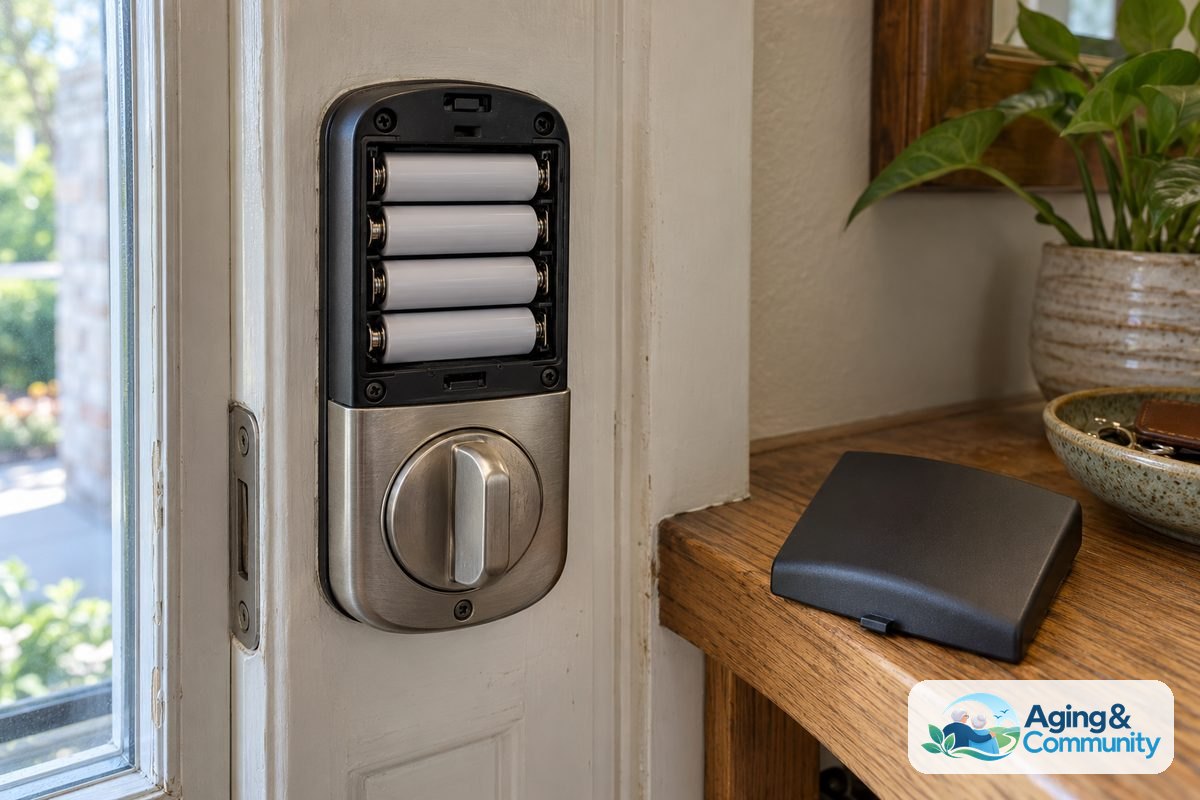
Check batteries, camera views, and alert settings on a regular schedule. A smart lock with a low battery or a camera pointed at a bush is less useful than a simpler device that is checked and understood.
If the home already has several devices, a broader guide to technology for living alone can help organize tools into one clear plan.
Compare Common Smart Security Options
The right choice depends on comfort, privacy, and the layout of the home. This table can help you match common concerns with simple device options.
| Concern | Helpful Device | Why It May Help |
|---|---|---|
| Answering the door feels rushed | Video doorbell | Shows who is outside before the door is opened. |
| Keys are hard to manage | Smart lock | Allows approved keyless entry and can show when the lock is used. |
| Entry areas are dark | Smart lights or motion lights | Turns on lights by schedule, motion, app, or voice. |
| Family wants basic awareness | Door sensors | Sends simple alerts when selected doors open. |
| The home feels hard to manage | Voice assistant | Can control lights, reminders, and some security devices by voice. |
For people planning a larger setup, a guide to a smart home for elderly living can help connect security, lighting, comfort, and daily routines.
What You Can Do Next
Start small. Choose one concern, one device, and one trusted helper to set it up with the person who lives in the home.
- Walk through the home during the day and again in the evening.
- Write down the top three concerns, such as front door access, lighting, or alerts.
- Choose one simple device that addresses the first concern.
- Set up the device with plain names, such as “Front Door” or “Hall Light.”
- Test the alert plan with everyone present.
- Review privacy settings and app access together.
- Put a short instruction note in an easy to find place.
If you are not sure where to begin, the Eldercare Locator can help connect families with local support options. You can also ask a trusted electrician, home safety professional, occupational therapist, or local aging services office for practical guidance.
Frequently Asked Questions
What is the easiest smart home security device to start with?
For many homes, the easiest starting point is a video doorbell, smart light, or door sensor. These devices are often simple to understand and can address common concerns around entryways and movement through the home.
Choose the device that solves the clearest daily problem. A person who has trouble getting to the door may benefit more from a video doorbell, while a person who dislikes dark hallways may benefit more from motion lighting.
Are indoor cameras a good idea?
Indoor cameras can be useful in some homes, but they are not the right choice for everyone. Privacy, comfort, and consent should come first.
If cameras feel too intrusive, consider door sensors, smart locks, or motion alerts instead. These can share useful information without showing a live view inside the home.
Can smart locks replace house keys?
Smart locks can reduce the need to carry keys, but many people still keep a backup key plan. This may include a trusted neighbor, family member, or secure backup method recommended by the lock maker.
Before using a smart lock, make sure the person can operate it comfortably. Also review what happens if the battery runs low, the phone is not nearby, or the internet is out.
How can family members help without taking over?
Family members can help by asking first, setting clear boundaries, and keeping the setup simple. The person living in the home should know what each device does and who receives alerts.
A shared written plan can help. Include device names, helper roles, privacy settings, and what to do when an alert comes in.
Do smart security devices work if the internet goes out?
Some features may stop or become limited during an internet outage. For example, phone alerts, live video, and remote lock control may not work as expected.
Check each device before buying and keep a non smart backup plan. This may include regular keys, battery lights, and a simple phone contact list.
How often should smart home security settings be reviewed?
Review settings whenever routines change, a helper changes, or a device is moved. It is also helpful to check batteries, app access, and alert settings on a regular schedule.
Keep the review calm and practical. The goal is to make sure the system still fits the home, the person, and the support plan.