

Finding free apps for seniors games is an easy way to enjoy daily entertainment and mental stimulation on a smartphone or tablet. Many digital titles are simple to download, fun to play, and cost nothing to begin. Whether you prefer relaxing card classics or quick word challenges, there are many welcoming options designed for your interests.

The Value of Everyday Game Play
Spending a few quiet minutes with a digital game can brighten any morning or afternoon. These activities offer gentle brain workouts that encourage focus, memory recall, and pattern recognition. They also provide a peaceful break during a busy routine or an easy way to unwind before bed.
Digital titles remove the hassle of loose board pieces, tiny cards, or missing pencils. You can adjust screen brightness, increase text sizes, and play at your own speed without any pressure. For individuals focusing on aging in place comfortably, tablets and phones open up a world of recreation right from a favorite chair.
Many families also find that sharing a digital puzzle creates shared joy across generations. Grandchildren and grandparents can compare scores, trade word hints, or take turns solving the same puzzle board together.
Classic Card and Board Games
Traditional favorites have transitioned smoothly to digital screens. These titles retain familiar rules while offering helpful features like move hints and automatic card shuffling.
- Klondike and Spider Solitaire: Solitaire remains one of the most beloved pastimes. Digital editions often include large-print card faces, soothing tap-to-move controls, and unlimited undo buttons that keep play stress-free.
- Mahjong Solitaire: This tile-matching classic asks players to clear matching pairs from a layered stack. Modern downloads feature bright themes, high-contrast symbols, and relaxing background sounds.
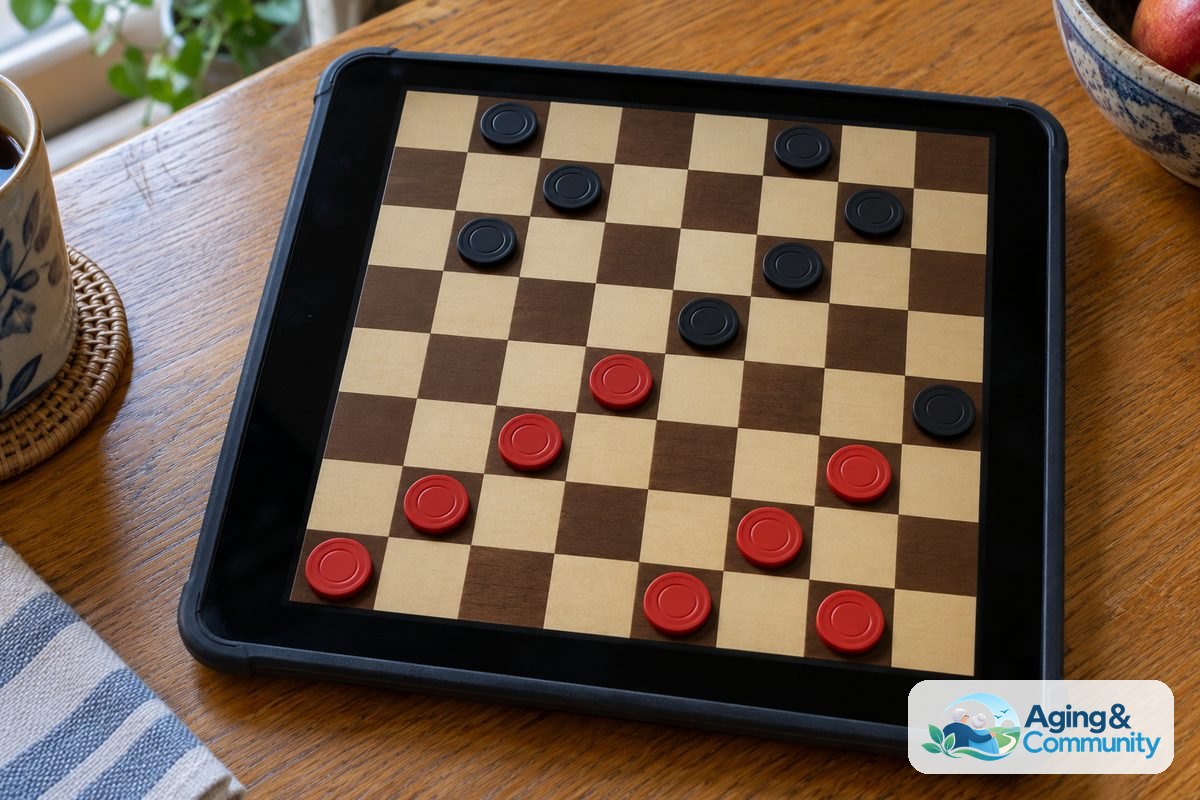
- Chess and Checkers: Playing against a gentle computer opponent allows you to practice strategy at your leisure. Most versions let you set the computer skill level very low, creating a pleasant and encouraging match.
- Dominoes: Digital dominoes calculate scores automatically and highlight playable tiles on your screen, making it effortless to follow along.
If you want to explore a wider selection of titles across varied categories, take a look at our guide on apps for seniors games to find more enjoyable pastimes.
Word Games and Number Puzzles
Word and number puzzles provide an engaging rhythm that many players look forward to every single day. They allow you to challenge your vocabulary and logic skills in short, satisfying sessions.
Crossword titles range from mini daily grids to full Sunday puzzles. Many free options alert you immediately if a letter is incorrect, which helps avoid frustration. You can also reveal single letters or whole words whenever you feel stuck on a difficult clue.
Word search puzzles are another relaxing choice. Players drag a finger across letters to circle hidden words on the board. Digital word searches often let you pick topics you love, such as nature, geography, historic events, or classic cooking.
For those who love numbers, classic Sudoku offers clear logic grids without any math required. Beginners can start with easy four-by-four grids before moving to standard nine-by-nine layouts. Highlighting features show matching numbers across the grid, reducing eye fatigue during longer sessions.
Visual Puzzles and Jigsaw Fun
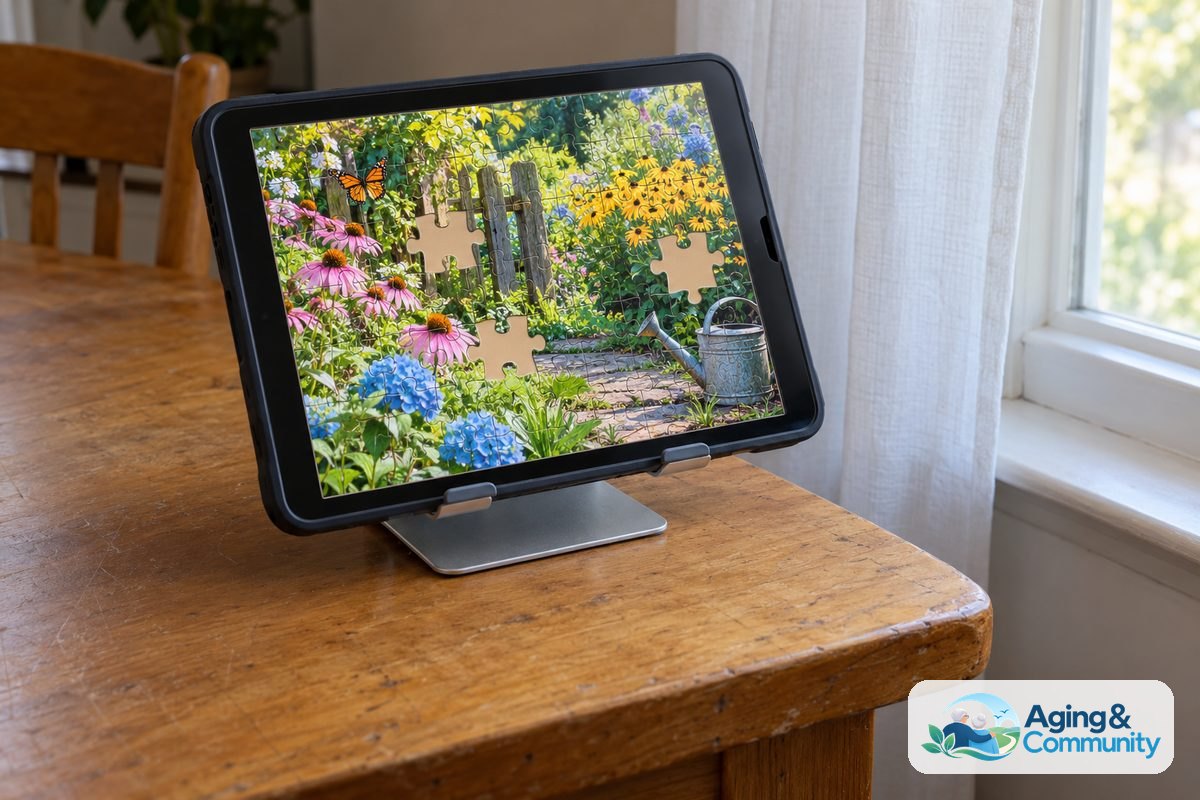
Visual matching games offer a peaceful atmosphere filled with lovely photography and colorful art. Jigsaw puzzles are especially popular because they deliver the satisfaction of physical puzzles without taking over the dining room table.
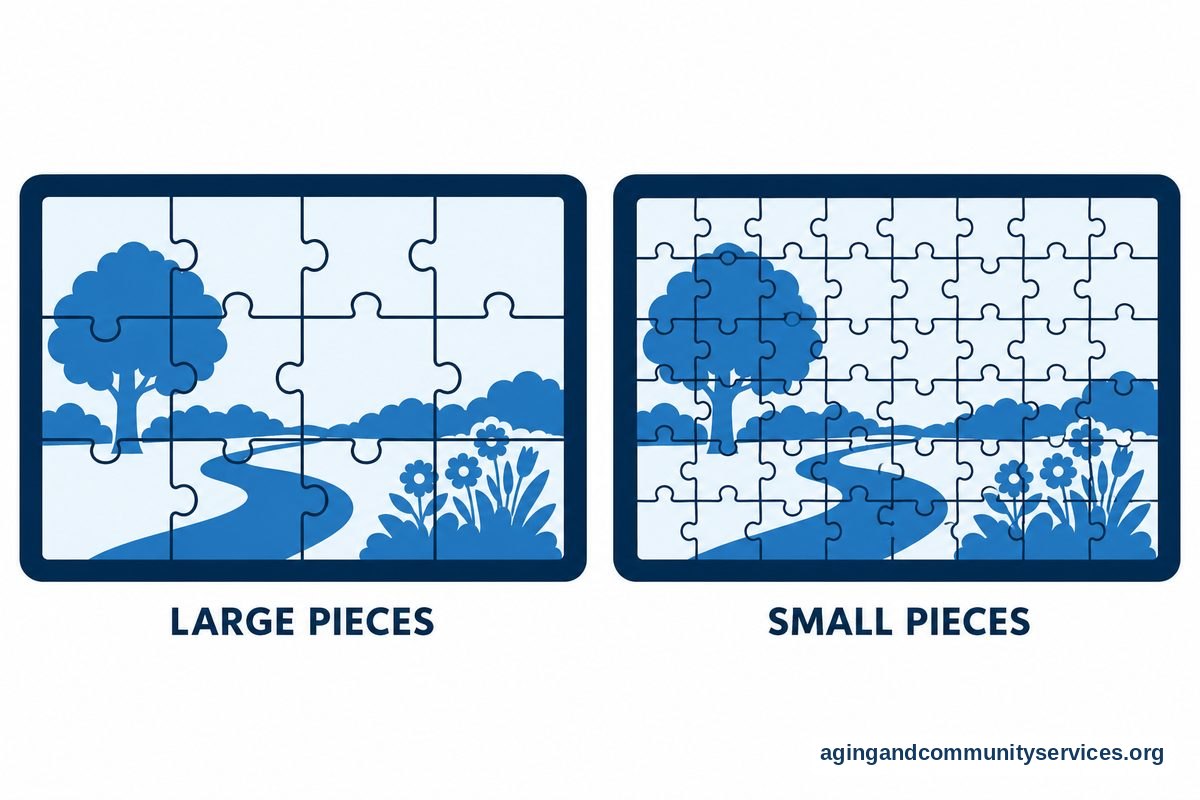
Digital jigsaw options let you choose your preferred challenge level. You can set a puzzle to contain twelve large pieces or expand it to several hundred tiny pieces. Helpful tools let you display only the border pieces, zoom in on tricky details, or preview the completed picture behind the board.
You can discover wonderful puzzle selections by browsing through our collection of jigsaw puzzle apps for seniors. These visual exercises provide an artistic escape that fits neatly into any quiet afternoon.
Selecting Gentle and Accessible Options
Not every download in an app store suits every person. Some titles feature tiny text, flashing lights, or loud countdown timers that create unwanted stress. Finding comfortable games is easy when you know which features to look for.
| Feature to Look For | Why It Helps | Where to Find It |
|---|---|---|
| Large Text Settings | Improves legibility and reduces eye strain | Game Settings Menu |
| Untimed Modes | Allows relaxed play without rushing | Game Setup Screen |
| Ad Removal Options | Prevents accidental clicks and popup surprises | App Store Details |
| High-Contrast Displays | Makes game pieces and words stand out sharply | Accessibility Settings |
| Offline Capability | Permits play without an internet connection | Game Description Page |
When selecting games for individuals experiencing cognitive changes, simplicity is key. Games with minimal menus, steady pacing, and familiar imagery offer comfort without overwhelming the senses. You can read more about thoughtful selections in our guide on apps for seniors with dementia.
Physical comfort matters just as much as visual clarity. Using a soft stylus pen can make tapping easier for hands affected by joint stiffness. Resting your tablet on an angled stand also supports good posture, which pairs well with broader mobility advice like the guidelines from the National Institute on Aging: Falls and Falls Prevention program.

How to Get Started Safely
Beginning your digital game journey requires only a few straightforward steps. Taking time to set up your device properly ensures a pleasant experience from your very first puzzle.
- Visit the Official App Store: Open the standard app store on your Apple or Android device. Using the official store helps protect your device from unwanted software.
- Read the Description: Search for the style of game you want. Check the screenshots to see if the game board looks clean, bright, and easy to read.
- Check In-App Purchase Labels: Most free downloads support themselves through small advertisements. Look near the download button for labels that explain whether the game contains in-app purchases.
- Adjust Device Settings: Before playing, open your tablet or phone settings. Increasing overall text size and turning on auto-rotate will make games much easier to navigate.
- Set Up Screen Time Habits: Enjoy your games in well-lit rooms. Take brief standing breaks every half hour to stretch your neck, back, and arms.
If you would like to explore broader software tools that assist with daily routines, communication, and leisure, our comprehensive overview of apps for elderly users covers many helpful ideas.
Frequently Asked Questions
Where can I find game apps for seniors free of charge?
You can find free titles inside the Apple App Store for iPads and iPhones, or inside the Google Play Store for Android tablets and phones. Type the name of a classic game like Solitaire or Crossword into the search bar, then look for options marked with a free download button.
Are free senior game apps safe to download on a tablet?
Yes, downloads from official app stores are generally safe. To protect your privacy, avoid games that demand access to your contacts, camera, or precise location. You can also ask a trusted family member to help review app permissions before you play.
How do free apps for elderly games make money if they cost nothing?
Most free software relies on brief visual advertisements that appear between levels or rounds. Some games also offer optional paid upgrades that remove the ads or provide extra puzzle hints. You can simply enjoy the free levels and ignore the paid upgrades.
Can I play these games without an internet connection?
Many classic card and puzzle titles work completely offline once you download them to your device. This makes them ideal for road trips, waiting rooms, or quiet afternoons at home when your Wi-Fi is turned off. Check the store description to confirm offline play.
What should I do if the game text looks too small to read?
First, check the internal settings menu inside the game to see if it offers a large-print option. You can also open your main tablet or phone settings to increase system font sizes or enable the built-in screen magnifier tool.
Where can family caregivers find community resources for recreation?
Local community centers, public libraries, and senior programs offer many social activities and digital workshops. You can also reach out to the Eldercare Locator to connect with supportive community services and local recreational programs in your area.