

When hard impact sensors trigger a fall detection alert on an Apple Watch, who does it call first? The device automatically calls local emergency services, such as 911 in the United States, if you do not respond within about a minute. Right after that call finishes, the watch sends a text message with your location to your designated emergency contacts.

How the Call Process Works Step by Step
Understanding the exact sequence of events can bring peace of mind. The watch uses built-in motion sensors to notice when you take a sudden spill. It then checks to see if you are moving or standing back up.
If you stay still for roughly one minute, the device begins a thirty-second countdown. During this time, it vibrates on your wrist and sounds an audible chime that gets louder. This alert gives you plenty of time to tap the screen if you do not need assistance.
If you do not dismiss the alert, the watch places a phone call directly to 911. It plays an automated voice message informing the dispatcher that you had a hard fall. The message also shares your current latitude and longitude coordinates, while opening the microphone so you can speak if you are able.
Notifying Your Personal Emergency Contacts
Calling professional first responders is the main priority, but family members need to know what happened as well. As soon as the call with 911 ends, the watch reaches out to the people you chose in advance.
Your watch sends an automated text message to each person listed as an emergency contact in your Medical ID. This text states that the device detected a hard impact and that emergency services were called. It also includes a map link showing your current physical location.
If your location changes after the incident, the watch sends an updated text to your contacts. This feature helps family members know exactly where an ambulance might be taking you. Knowing who to call when an elderly person falls is an important part of any family safety plan.
What Happens If You Cancel the Alert
Not every slip requires an ambulance. If you stumble onto the sofa or drop your arm quickly, the watch might think you fell. When you are unhurt and can move normally, you can stop the call before it happens.
You simply press the Digital Crown button on the side of the watch, or tap the button on the screen that says I am OK. Doing this ends the countdown immediately. No emergency dispatchers are contacted, and no text messages go out to your family.
If the watch does dial emergency services before you can cancel it, you should stay on the line. Calmly tell the dispatcher that you had a fall detection apple watch false alarm and do not require help. Dispatchers appreciate knowing that you are safe so they can assist others.
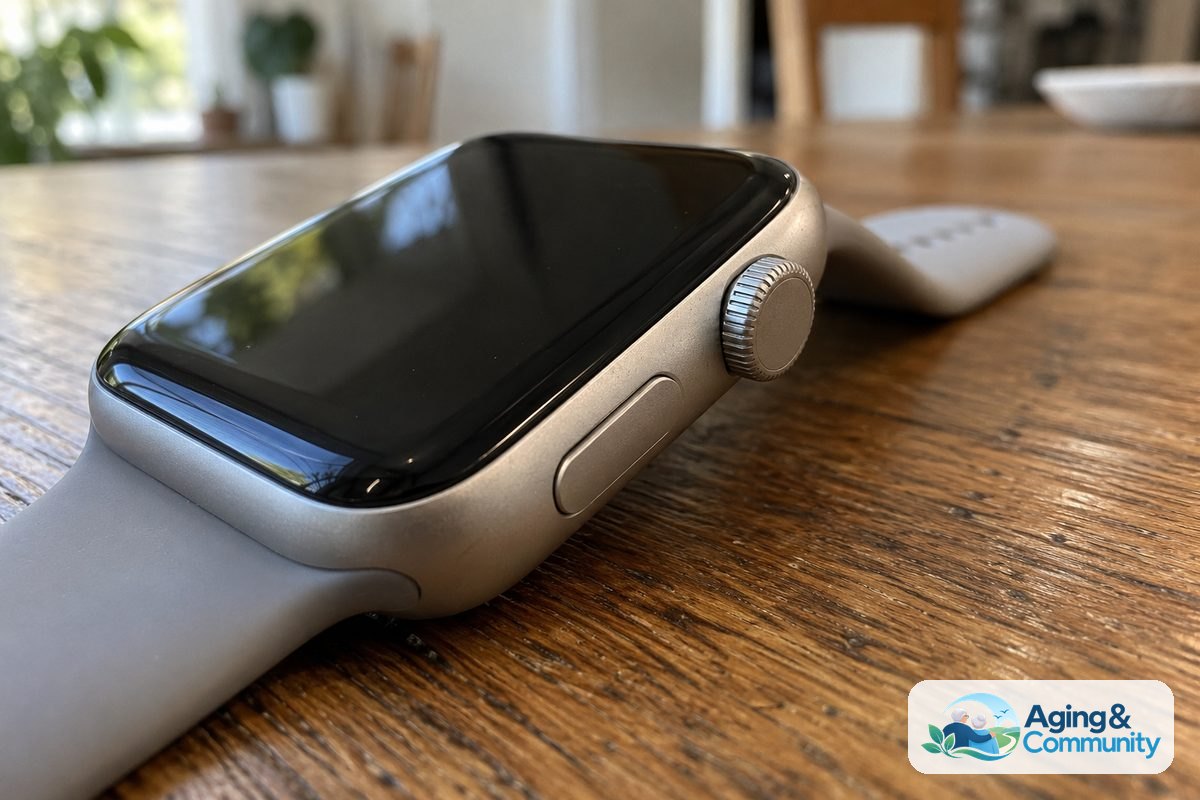
How to Set Up Emergency Contacts in the Health App
For the watch to notify your loved ones, you must set them up in your Apple Health profile on your paired iPhone. The watch cannot pick family members automatically from your general contact list.
- Open the Health app on your iPhone and tap your profile picture in the top corner.
- Tap Medical ID, then select Edit near the top of the screen.
- Scroll down to the Emergency Contacts section and tap the green plus symbol.
- Select a contact from your address book and specify your relationship to them, such as spouse, child, or friend.
- Tap Done to save your changes to both your phone and watch.
Make sure each contact has an active mobile phone number so they can receive text messages. You can update these names at any time if phone numbers or caregivers change.
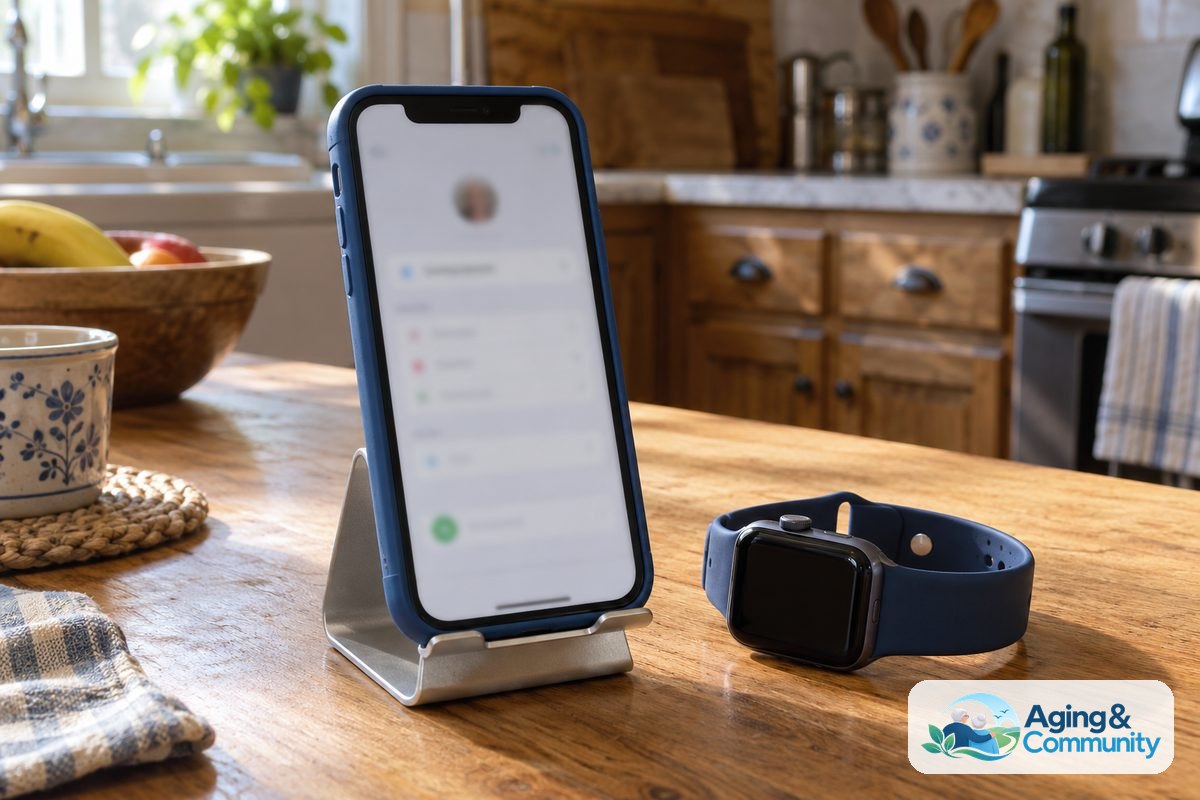
Comparing Smartwatches to Dedicated Medical Systems
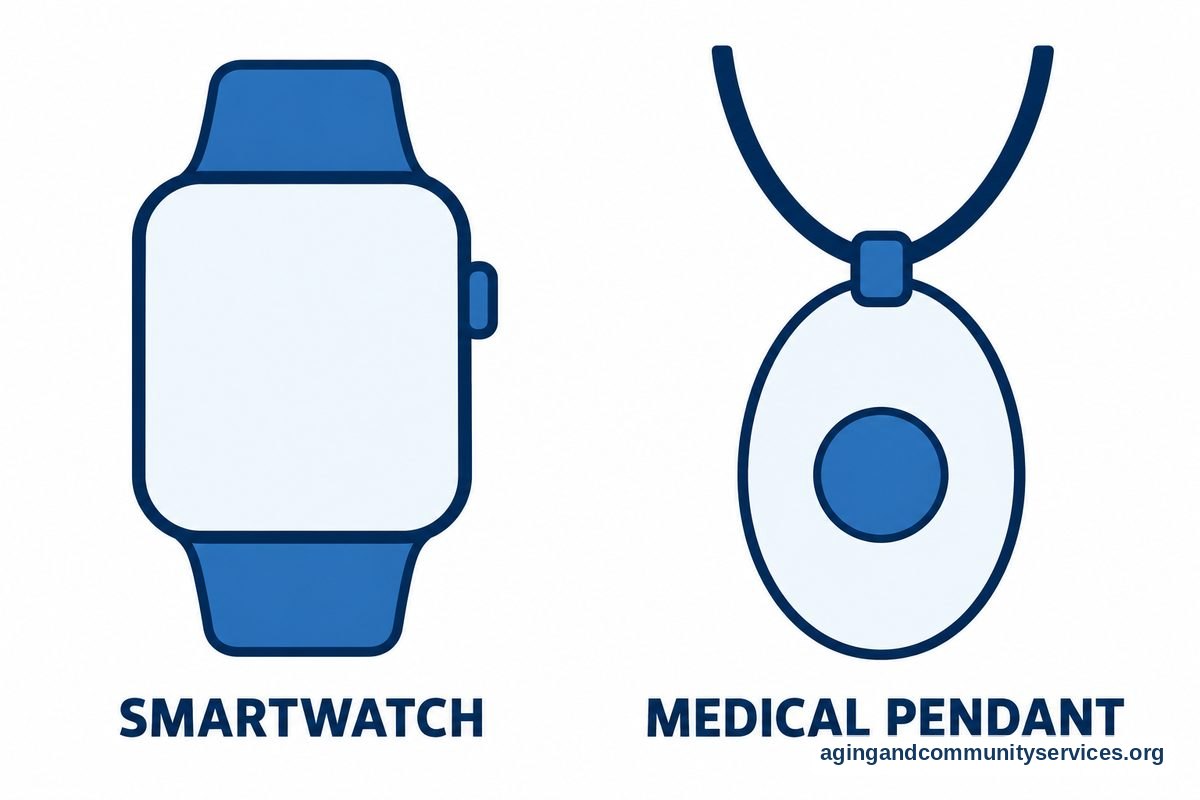
An Apple Watch provides helpful everyday tools, but it functions differently than a traditional medical pendant. Much like consulting a bidet seat versus toilet guide for bathroom safety, evaluating different alert tools helps. A standard device often connects to a private, twenty-four-hour monitoring center rather than dialing 911 right away.
Private operators can stay on the line to comfort you, call a neighbor to check in, or dispatch an ambulance depending on what you need. A traditional medical alert smartwatch with fall detection might appeal to those who prefer talking to a dedicated operator before calling city services.
The built-in fall detection apple watch software is designed to call 911 directly. For many older adults, direct access to municipal paramedics is reassuring, but it is helpful to weigh both styles of support.
What You Can Do Next
You can take a few simple, practical steps today to make sure your safety tools are ready if you ever need them.
- Review your Medical ID on your iPhone to verify that your emergency contacts and allergies are completely up to date.
- Check that your watch fits snugly on your wrist, as loose bands can interfere with sensor accuracy.
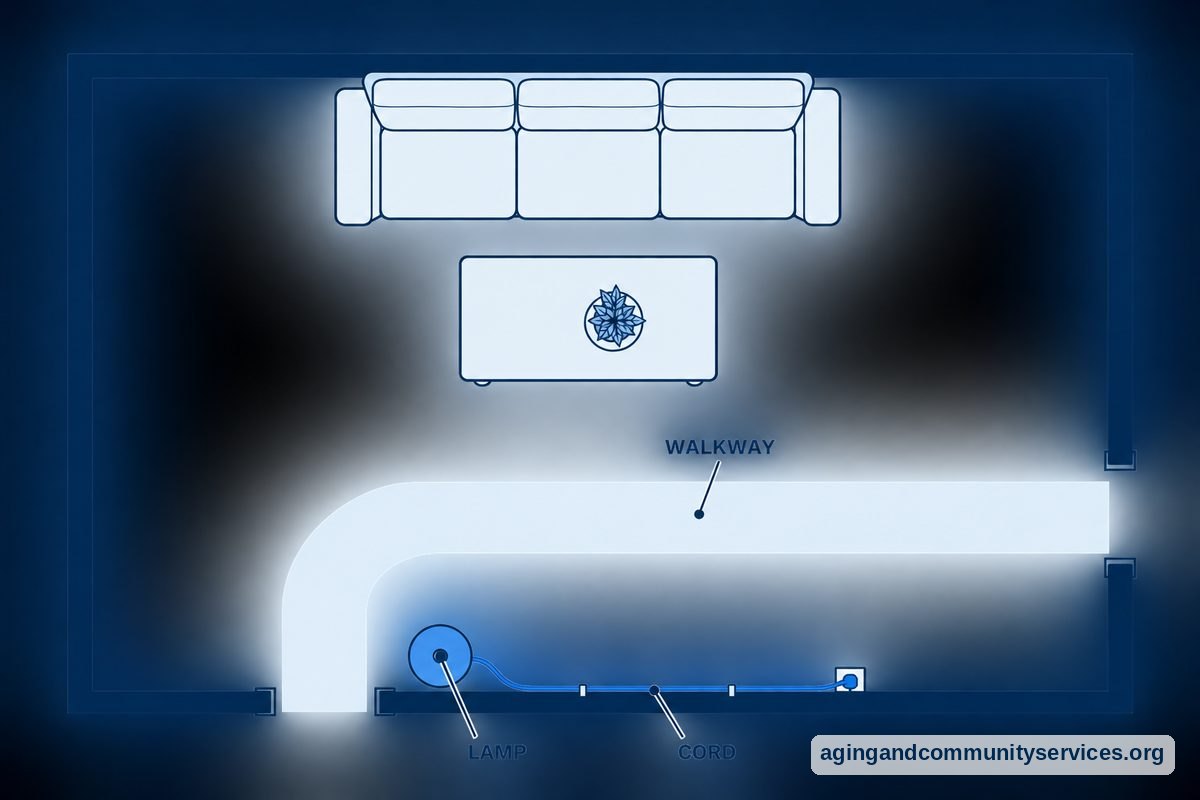
- Walk through your home to look for loose rugs, low electrical cords, or dim hallways that might present tripping hazards.
- Look into community balance classes or resources through the Eldercare Locator to find support programs in your neighborhood.
- Talk with your doctor or physical therapist about everyday balance exercises and mobility reviews.
Frequently Asked Questions
Does the Apple Watch call my family before calling 911?
No, the watch always calls local emergency dispatchers first. It only sends text messages to your personal contacts after the call with emergency services has finished.
Can the watch make an emergency call without an iPhone nearby?
Yes, if you have a cellular model with an active plan, the watch can make the call on its own. If you have a GPS-only model, it must be connected to your nearby iPhone or connected to a known Wi-Fi network with Wi-Fi calling enabled.
What does the automated message tell the 911 dispatcher?
The recorded message states that the watch detected a hard fall and that the wearer is not responding. It recites your latitude and longitude coordinates so emergency responders know where to send help.
Can I turn off the fall detection feature if I do not want it?
Yes, you can manage this setting inside the Watch app on your iPhone under the Emergency SOS menu. You can set it to stay on all the time, turn on only during recorded workouts, or turn off completely.
Does fall detection work if my watch is locked with a passcode?
Yes, the watch can place an emergency call and notify your contacts even while the screen is locked with your passcode. You do not need to enter your PIN for the emergency response to activate.