

Finding a reliable free ai aging tool allows you to see how faces might look across decades with just a photo. These digital programs use artificial intelligence to simulate natural changes in skin texture, hair color, and facial structure. Many people explore them for entertainment, while others use them to spark conversations about growing older with family members.

How Artificial Intelligence Visualizes Growing Older
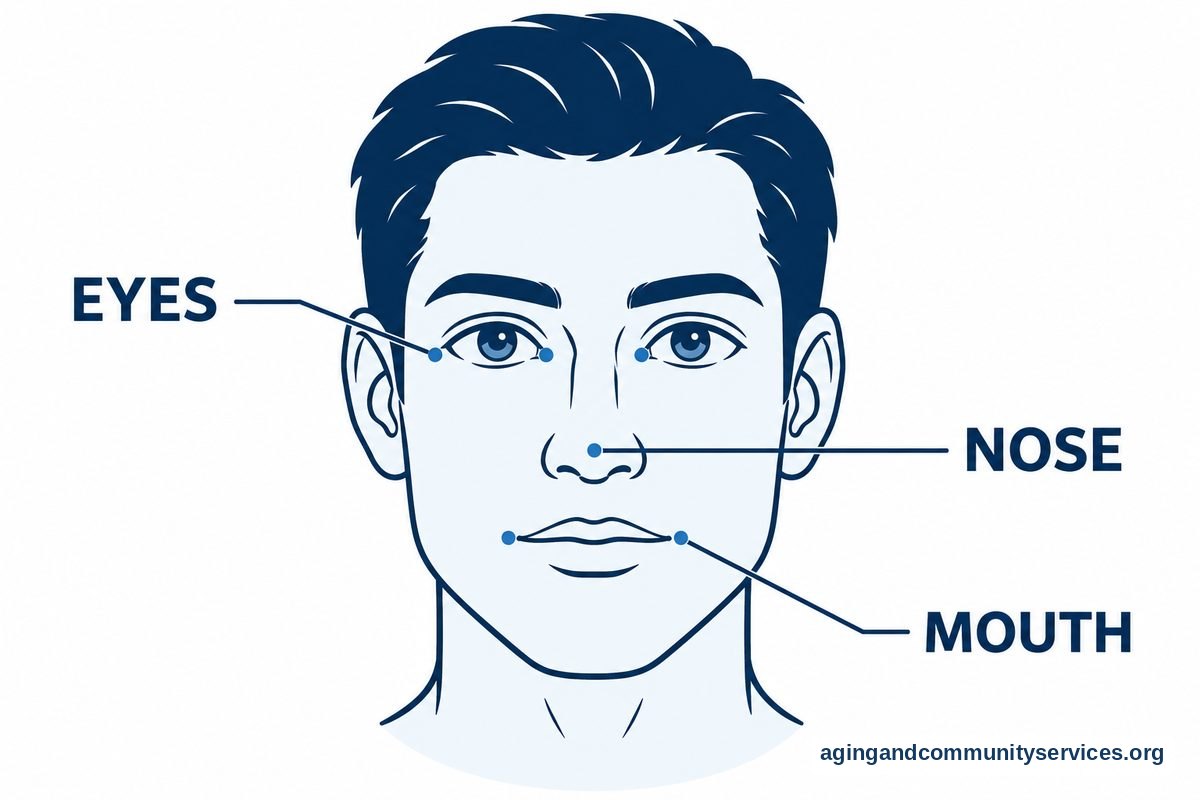
Digital aging programs study millions of portrait photographs to recognize natural facial patterns. When you upload a picture, the software identifies key landmarks such as the eyes, nose, mouth, and cheekbones. It then maps out where skin softens and where volume shifts naturally over time.
The program applies subtle visual layers to reflect silver hair, lighter eyebrows, and delicate expression lines around the forehead and eyes. These changes happen within seconds on your screen. While the results can be striking, they are purely artistic interpretations created by mathematical formulas rather than medical projections.
Different programs emphasize different features. Some focus strictly on facial lines, while others alter skin tone and hair volume. You can find more practical daily uses of technology by exploring ai for seniors in easy steps to build your digital comfort.
Popular Ways People Use Free Aging Software
Most people try photo tools out of curiosity or to share a friendly laugh with relatives. Seeing three generations pictured side by side with similar silver hair can create a unique family keepsake.
Beyond casual fun, some community groups and families use digital portraits as gentle icebreakers. Looking ahead can prompt thoughtful chats about future housing preferences, hobbies, and family support systems. Thinking ahead helps people plan how to navigate life changes smoothly.
Community planners and advocates also use visual tools to encourage empathy among younger generations. Visualizing yourself in later life can build an emotional bridge that fosters greater respect and understanding for elders in our neighborhoods.
Protecting Your Personal Privacy Online
Whenever you share personal photos on the internet, taking sensible safety steps is essential. Many free photo services rely on cloud servers to process digital images, meaning your picture leaves your personal device temporarily.
- Read data usage policies: Look for clear statements about whether the website saves, sells, or deletes your pictures after processing.
- Avoid uploading sensitive files: Use casual portraits rather than formal identification pictures like passport photos or driver licenses.
- Skip sharing names: Avoid entering full names, birth dates, or home addresses when testing online filters.
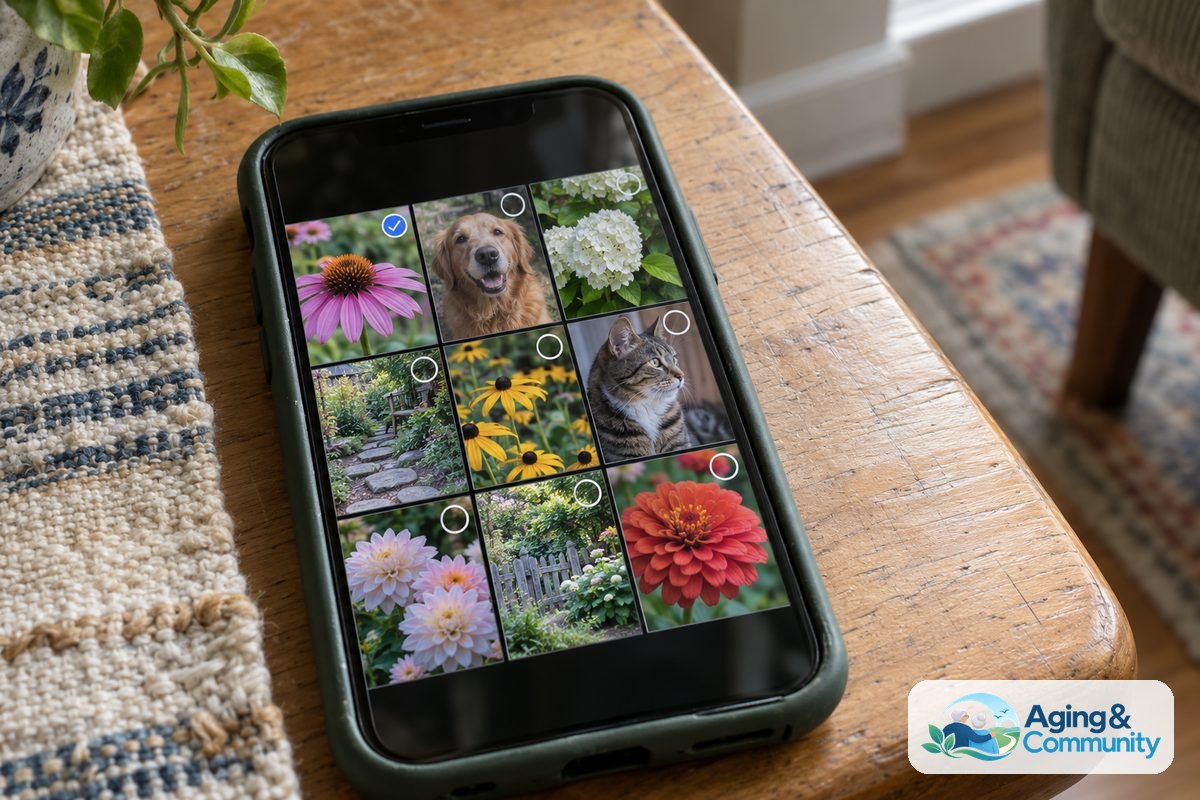
- Check photo permissions: If you download an application onto a tablet or phone, verify that it only accesses selected photos instead of your entire photo library.
Safe digital habits ensure that exploring new technology remains an enjoyable and worry-free experience for everyone involved.
Comparing Entertainment Filters and Practical Home Tools
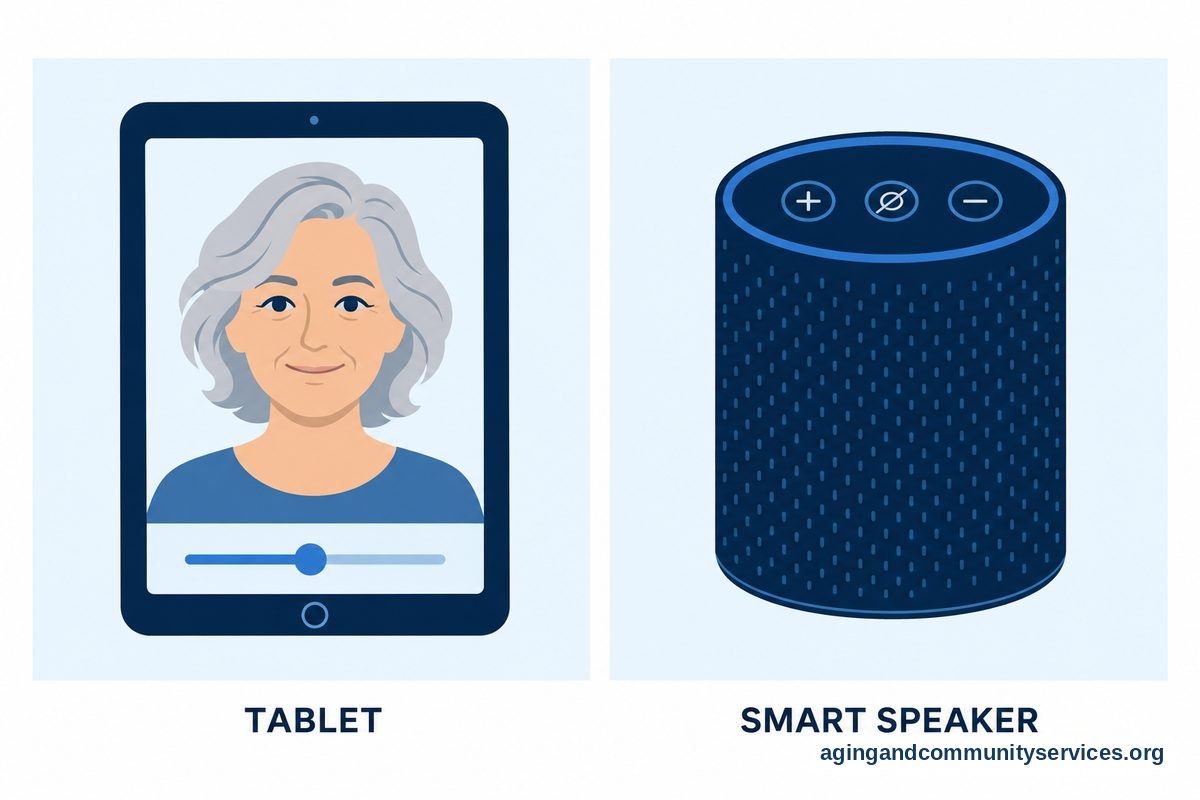
While entertainment tools focus on visual looks, technology plays a much broader role in supporting daily living at home. Many households discover that digital assistants help manage daily routines, organize schedules, and keep family members connected.
| Feature Category | Visual Aging Tools | Daily Home Support Tools |
|---|---|---|
| Primary Purpose | Entertainment, curiosity, and creative family projects | Comfort, communication, and household convenience |
| Data Requirements | Single clear portrait photo | Voice commands or scheduled calendar reminders |
| Daily Benefit | Lighthearted fun and shared laughs | Support for routines and staying organized |
To see how smart systems help around the house, read about ai and aging in place for home living ideas. Many households combine entertainment apps with practical tools to make everyday routines simpler.
Smart Technology That Supports Daily Routines
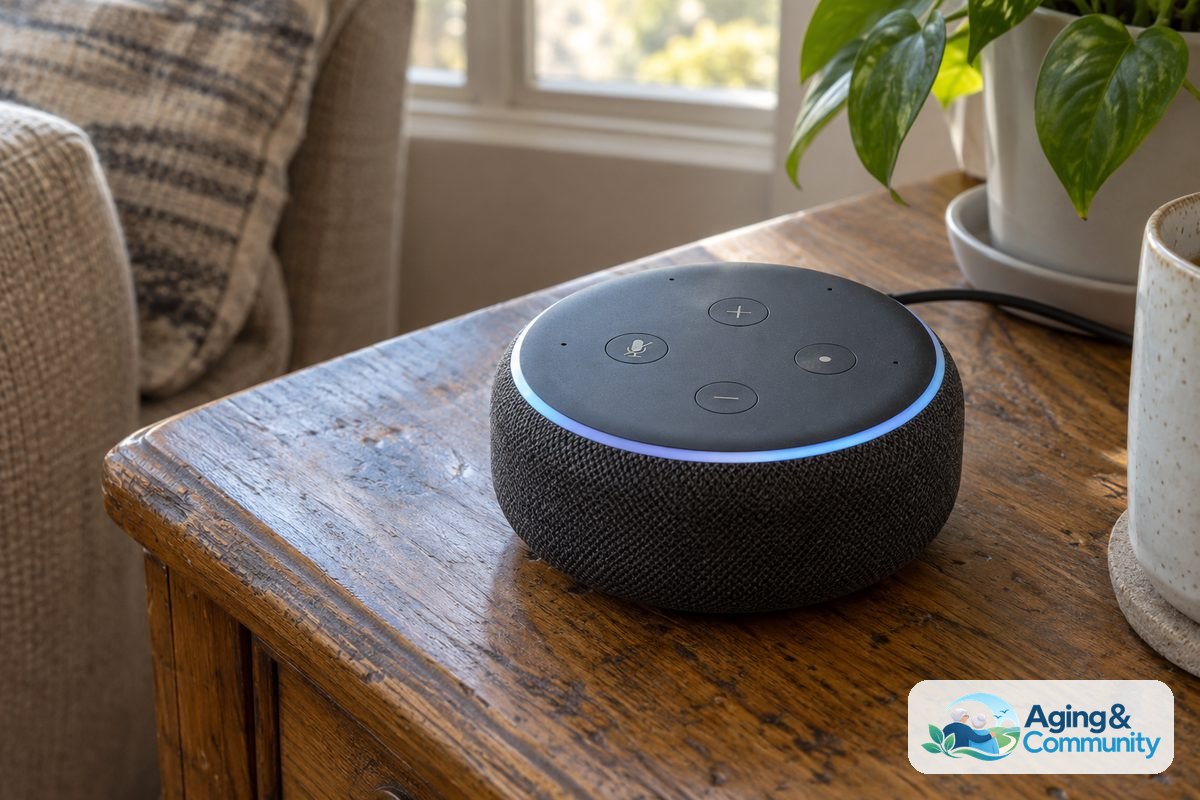
Modern devices offer practical help well beyond image editing. Voice-activated speakers can read out daily reminders, play favorite radio programs, and update grocery lists without requiring tiny buttons. These tools help older adults maintain independence and stay engaged with the world around them.
Smart home sensors can also regulate room temperatures, illuminate dark hallways automatically, and provide weather updates before you step outside. Learning to navigate these systems is simple with a dedicated ai for seniors app designed with clear fonts and simple navigation.
For broader guidance on maintaining independence at home, review the helpful resources from the National Institute on Aging: Aging in Place guide. Simple adjustments to your physical living space work alongside modern devices to create a safe, welcoming environment.
What You Can Do Next
If you want to explore aging software or practical home tools, starting with simple steps makes the process smooth and stress-free.
- Select a clear photo: Choose a well-lit picture taken straight on, without sunglasses or wide-brimmed hats, for the best visual transformation.
- Review privacy settings: Spend two minutes checking the service settings to make sure your photo will not be stored permanently online.
- Share with relatives: Send the resulting picture to children or grandchildren to start a conversation about family resemblance across generations.
- Explore helpful home devices: Test basic voice commands on a smartphone or tablet to see how voice assistants can organize your day.
- Connect with community services: If you want local assistance with home safety or independent living programs, contact the Eldercare Locator to find nearby community programs.
Frequently Asked Questions
Do I have to pay to try an aging filter?
Many programs offer basic versions that do not cost anything to try. These free options usually allow you to alter one or two photos with standard aging effects. Paid versions often exist to remove watermarks, add specialized hairstyles, or remove commercial advertisements, but the basic free tools work well for casual curiosity.
Are digital aging tools accurate?
These tools provide an artistic guess rather than an accurate prediction. Your real facial development depends on genetics, sun exposure, nutrition, dental structure, and overall health. An algorithm only knows what surface lines look like on average, so treat every generated image as fun creative fiction.
Can I use an aging program on my phone or tablet?
Yes, many photo software options run directly inside standard web browsers, while others operate as downloadable mobile programs. Make sure to download programs only from official platform stores to protect your device security, and read our overview on ai for the elderly to explore other friendly digital devices.
What is the best way to remove my photo after using a tool?
Look for a trash can icon or an account settings menu that offers an option to delete uploaded media. If you used a web browser without creating an account, clearing your browser cache and closing the browser tab typically ends the active editing session.