

AI and aging in place means using artificial intelligence tools to help a person live at home with more support, comfort, and connection. These tools can help with daily reminders, home routines, simple safety checks, and staying in touch with family or caregivers.
AI is not a replacement for people, medical care, or good home planning. It is one part of a larger plan that may include family help, home changes, local services, and advice from a doctor, physical therapist, or occupational therapist when needed.

What AI Can Do for Aging in Place
AI for aging in place often works in the background. It may learn patterns, respond to voice requests, or send simple alerts when something seems out of the usual. The goal is to make everyday life easier, not more complicated.
Common uses include:
- Reminders: A voice assistant or app can remind someone about meals, appointments, water, or daily tasks.
- Home comfort: Smart thermostats, lights, and plugs can be set by voice or schedule.
- Communication: Devices can make video calls, send check-in messages, or help family members stay updated.
- Safety support: Some systems can notice motion patterns, door activity, or possible falls and alert a chosen contact.
- Daily planning: AI tools can help make lists, explain instructions, or break tasks into steps.
For many homes, the most useful tools are the simple ones. A reliable reminder, an easy call button, or a light that turns on by itself can make a real difference in daily comfort.
How AI Fits Into a Safe Home Plan
Aging in place starts with the home itself. The National Institute on Aging explains that growing older at home often means planning for health, safety, transportation, and support before daily tasks become harder.
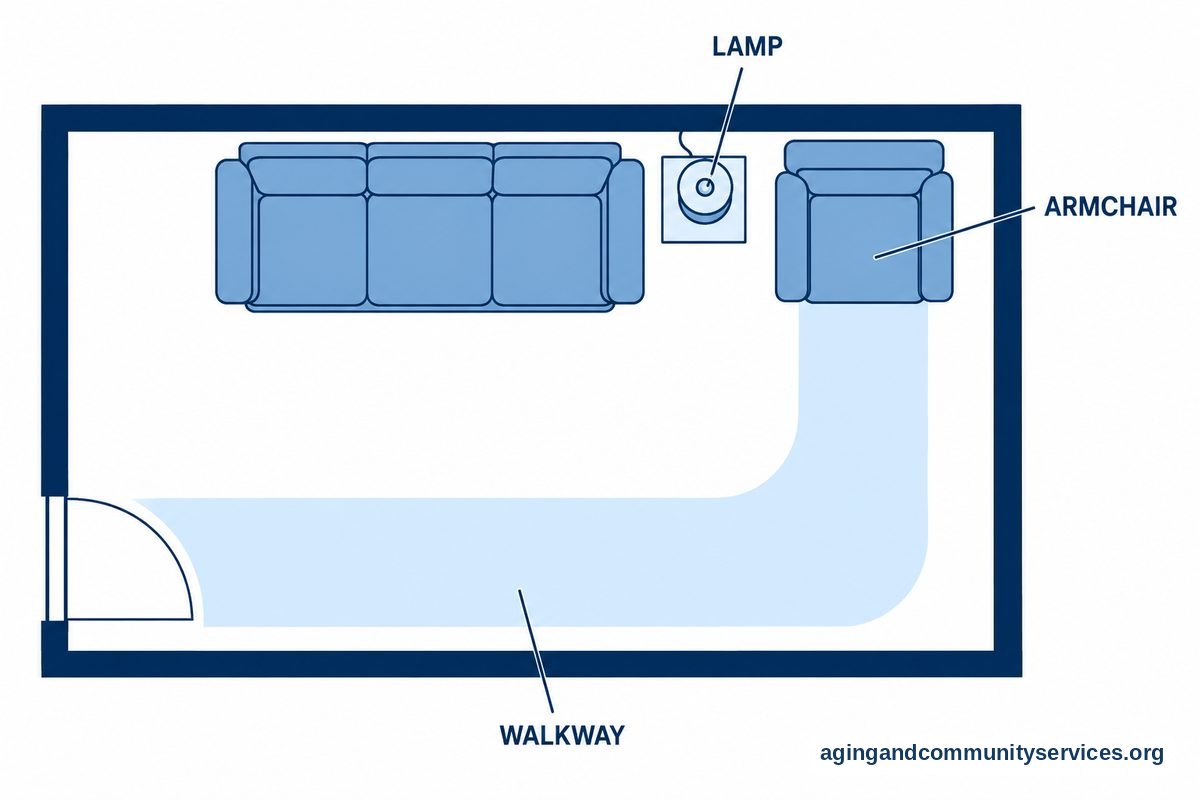
AI can support that plan, but it should not be the whole plan. A safer home may also need better lighting, clear walkways, grab bars, learning how to use a knee scooter, easy-to-reach items, and a plan for help with meals, rides, or repairs.
It can help to think of AI as an extra set of reminders and signals. It may notice that a door did not open at the usual time, that a light was left on, or that no motion was seen in a common area. These signs do not explain what happened, but they may prompt a gentle check-in.
If there are concerns about walking, balance, memory, bathing, or cooking, it is wise to ask a doctor, physical therapist, or occupational therapist for guidance. They can suggest changes that fit the person, the home, and daily needs, such as deciding if a walk-in tub vs shower fits you.
Examples of AI Tools Used at Home
AI tools come in many forms. Some are built into smart speakers or phones. Others are part of home systems, watches, cameras, sensors, or care platforms.
Here are common examples:
- Voice assistants: These can answer simple questions, set timers, play music, read the weather, and make calls.
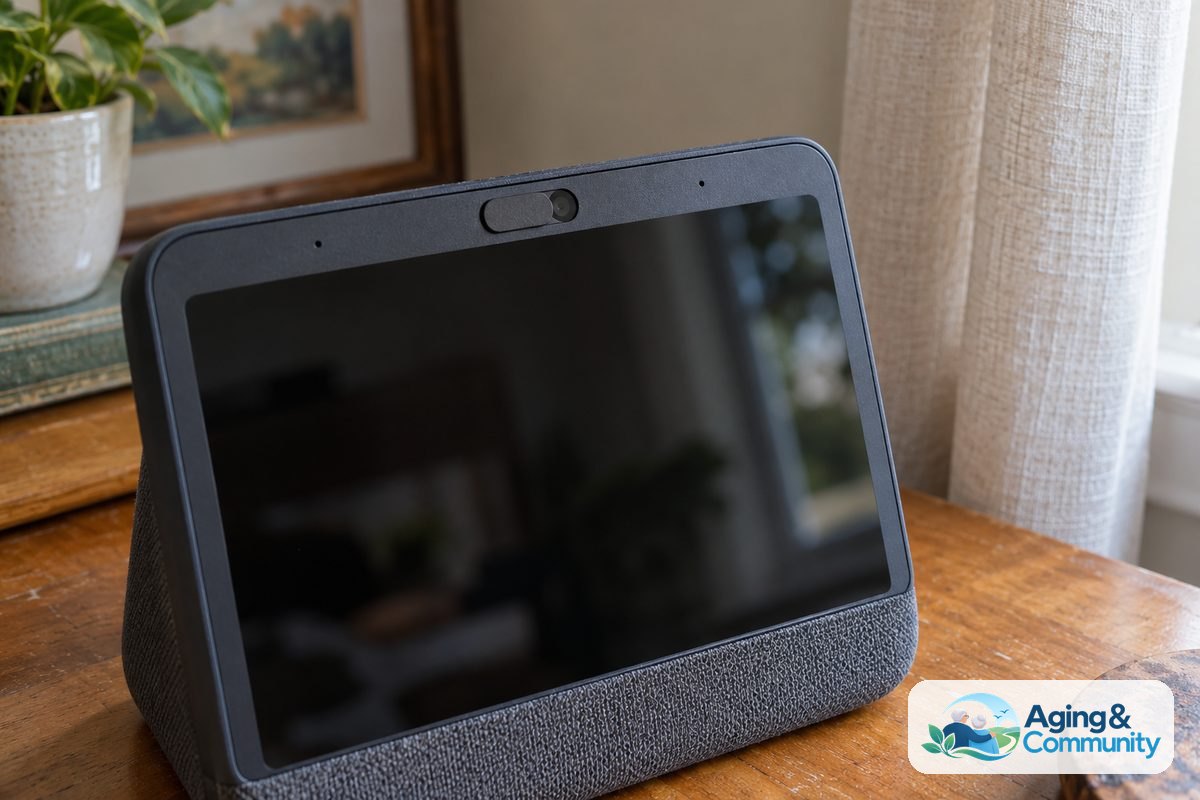
- Smart speakers with screens: These can support video calls, photo sharing, and visual reminders.
- Smart lighting: Lights can turn on by voice, schedule, or motion, which may make evening routines easier.
- Medication reminder devices: Some tools can give timed prompts. A pharmacist or doctor should guide any medication questions.
- Wearable devices: Some watches or pendants can share activity alerts or call for help if the user chooses.
- Home sensors: Motion, door, bed, or appliance sensors can help family notice changes in routine.
- AI companion tools: Some apps or devices offer conversation, reminders, games, or social prompts.
Some families begin with smart home tools because they are easy to see and use. Others start with communication or reminder tools because staying connected is the main goal.
If you are comparing broader choices, a guide to elder care technology can help you sort devices by purpose, such as safety, comfort, communication, or daily support.

Benefits and Limits to Keep in Mind
AI can make some daily tasks easier. It can reduce the need to remember every small step, and it can help family members notice when a check-in may be useful. It may also help a person keep more control over routines at home.
Possible benefits include:
- Hands-free help with calls, timers, lights, and lists.
- More consistent reminders for everyday routines.
- Easier ways for family to check in without repeated phone calls.
- Support for home comfort, such as lights and temperature.
- Simple prompts that can make tasks feel more manageable.
There are also limits. AI can make mistakes, misunderstand speech, miss context, or send alerts that do not mean there is a problem. Internet outages, low batteries, and poor setup can also affect how well a tool works.
Privacy matters too. Many AI tools collect information, such as voice commands, activity patterns, or device use. Before choosing a tool, read the privacy settings, choose who can see alerts, and talk openly about what feels acceptable.
AI should respect the person using it. The best setup is one the person understands and agrees to use. If a tool feels confusing, intrusive, or stressful, it may not be the right fit, even if it has many features.
How to Choose AI for Aging in Place
Start with the need, not the device. Ask what daily task is hard, what support would feel helpful, and who will respond if an alert is sent. A simple answer often leads to a better choice.
Use these steps before buying or setting up a tool:
- Name the goal. Is the goal easier calling, better lighting, reminders, check-ins, or help with routines?
- Ask for consent. The person living at home should help decide what is used and where it is placed.
- Check the home setup. Make sure Wi-Fi, outlets, phone access, and device placement will work.
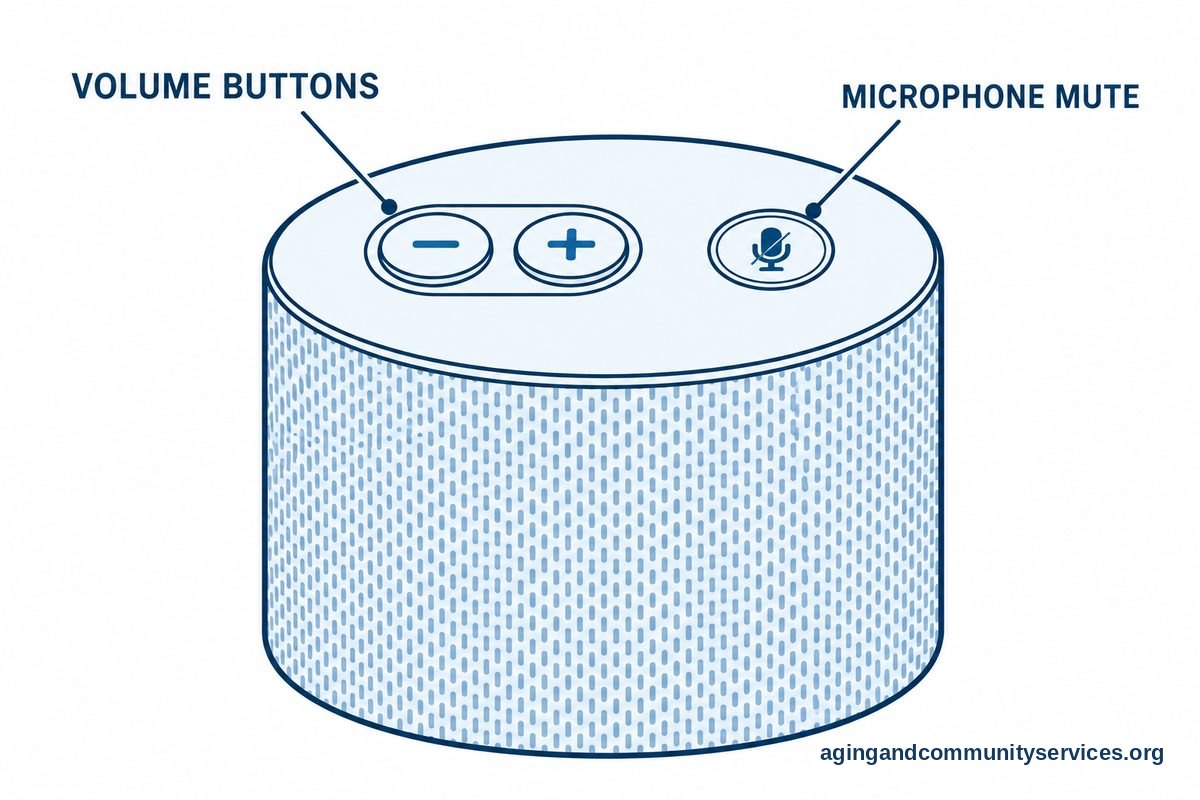
- Keep controls simple. Choose tools with clear buttons, voice options, large text, or a simple app.
- Plan who responds. Decide who gets alerts and what they should do when an alert arrives.
- Review privacy settings. Turn off features that are not needed and limit access to trusted people.
- Try one change at a time. Add another tool only after the first one feels useful.
Some readers may want to compare AI for independence with simpler home supports, such as automatic lights or shared calendars. Both can be useful, and they do not have to be used all at once.
It can also help to talk with a local aging services office. The Eldercare Locator can connect families with local resources that may help with home support, transportation, meals, and caregiver needs.
Setting Up AI in a Respectful Way
The way a tool is introduced matters. A calm, respectful conversation is better than placing devices around the home without clear agreement. The person using the tool should know what it does, what it does not do, and who can see the information.
A helpful question is, “What would make your day easier?” The answer may be a reminder to take out the trash, a voice-controlled lamp, or a simple way to call a daughter or neighbor. These small choices build trust.
Family members can also write down a plain-language plan. Include device names, passwords stored in a safe place, who receives alerts, and who to call for help. Keep this plan where the person and trusted helpers can find it.
If the tool uses cameras, location sharing, or motion sensors, discuss those features with care. Some people are comfortable with sensors but not cameras. Others may prefer a wearable button instead of room-based monitoring.
AI companion tools may also be part of a home plan. A resource on AI companion tools can help families think through conversation, reminders, social support, and privacy before choosing one.
What You Can Do Next
You do not need to change everything at once. A steady plan is easier to live with and easier to adjust.
- Walk through the home and list daily tasks that feel harder than they used to.
- Pick one goal, such as easier calling, better lighting, or a reminder routine.
- Ask the person who will use the tool what feels helpful and what feels too intrusive.
- Check Wi-Fi, outlets, phone service, and who can help with setup.
- Talk with a doctor, physical therapist, or occupational therapist if there are concerns about movement, bathing, cooking, or daily safety.
- Write a simple response plan for alerts, including who gets contacted and when.
- Review settings every so often and remove tools that are not helping.
If you want a wider view of options, reading about AI home support can help you compare reminders, companions, sensors, and communication tools in one place.
Frequently Asked Questions
What is AI for aging in place?
AI for aging in place means using tools that can respond, learn patterns, or send reminders to support daily life at home. Examples include voice assistants, smart lights, reminder apps, wearable alerts, and home sensors.
These tools can support comfort and routines, but they do not replace medical care, family judgment, or home safety planning.
Can AI help someone stay independent at home?
AI may help with daily tasks such as reminders, calls, lists, lights, and simple check-ins. This can make some routines easier to manage.
Independence looks different for each person. The best tool is one that supports the person’s own goals and does not make the home feel harder to use.
Is AI safe for aging in place?
AI can be useful when it is set up carefully, explained clearly, and paired with a response plan. Safety also depends on the home, the person’s needs, internet service, and who can respond when help is needed.
No tool is perfect. Families should review privacy settings, test alert contacts during setup, and keep non-technology backup plans in place.
What AI devices are useful for aging in place?
Useful devices may include voice assistants, smart speakers, motion lights, reminder tools, wearable alert devices, smart thermostats, and home sensors. The right choice depends on the main goal.
For many homes, starting with one simple device is better than adding many tools at once.
How do I choose AI for an aging parent at home?
Start by asking what daily task needs support. Then choose a tool that fits that need, is easy to use, and respects privacy.
Include your parent in the decision, explain what information is shared, and agree on who will respond to alerts. If there are health or mobility concerns, ask a doctor, physical therapist, or occupational therapist for guidance.