

AI for seniors emotional wellness means using simple digital tools to support connection, comfort, reflection, and daily routines. It is not a replacement for family, friends, faith leaders, counselors, doctors, or emergency help, but it can be a useful part of a caring support plan.
The most helpful approach is slow and practical. Start with one need, such as easier check-ins, guided breathing, music, reminders, or a friendly conversation tool, then build from there only if it feels useful.

How AI Can Support Emotional Wellness
AI tools can help create small moments of connection during the day. Some people use them to hear a friendly voice, write down thoughts, remember a routine, or get ideas for simple activities.
Emotional wellness is broad. It can include feeling heard, staying connected, having a sense of purpose, and keeping a steady daily rhythm. AI may support these goals, but it should not be treated as a clinical service unless a qualified health professional is directly involved.
Common uses include:
- Conversation prompts when someone wants to talk but no one is available right away.
- Reminders for pleasant routines, such as calling a friend, watering plants, or taking a short walk if approved by a clinician.
- Music, stories, prayer prompts, or calming sounds chosen by the person using them.
- Simple journaling questions, such as “What felt good today?” or “Who would I like to contact?”
- Help writing a text, email, or note to a family member.
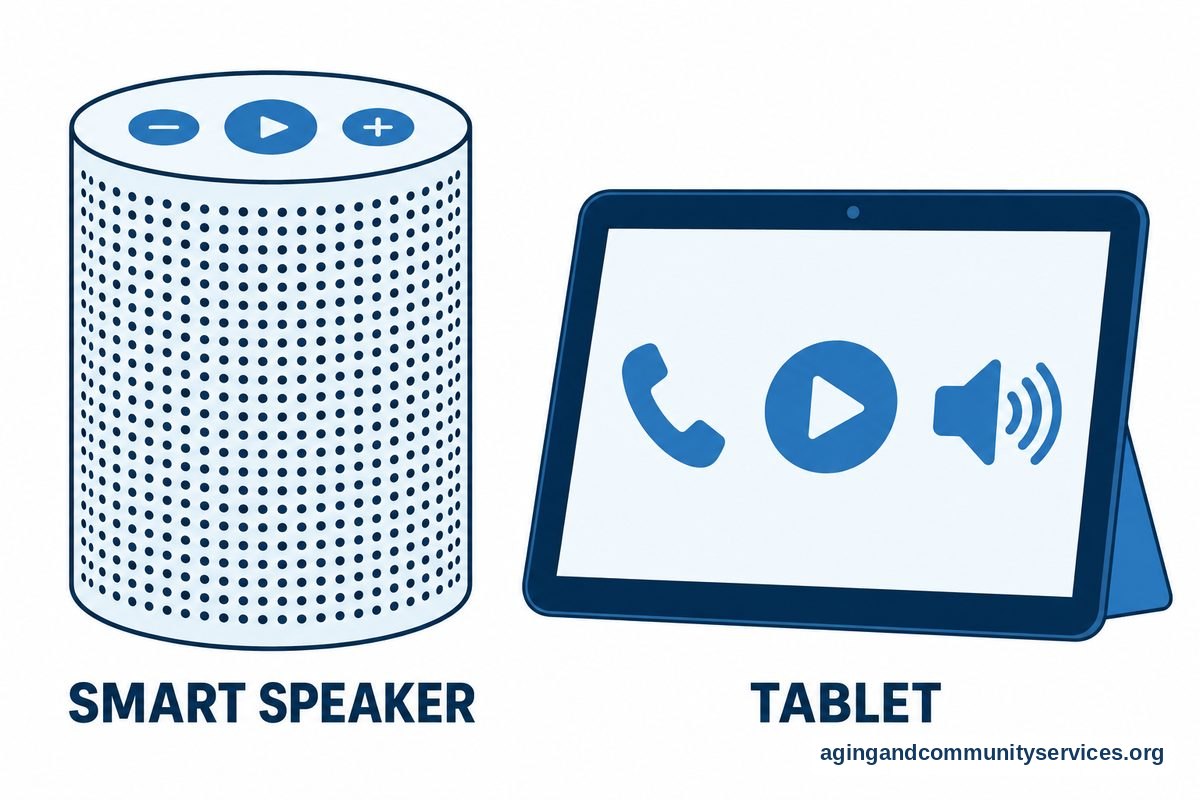
Some families begin with an AI companion tool because it can feel less technical than a full set of apps. Others prefer a tablet, smart speaker, or phone feature they already own.
What AI Should Not Replace
AI can be helpful, but it has limits. It should not replace real relationships, medical care, mental health care, or urgent support, much like reading a health monitor guide for home care. It can misunderstand tone, give incomplete information, or respond in a way that does not fit the person’s needs.
If someone seems very withdrawn, confused, unsafe, or unable to manage daily needs, such as following a bathroom hygiene guide safely, it is better to contact a doctor, licensed counselor, social worker, or another trusted professional. If there is immediate danger, use local emergency services.
AI also should not become the only source of conversation. A good plan includes human contact, such as family calls, neighbors, community groups, volunteer visits, worship communities, clubs, or local services. The Eldercare Locator can help families look for local support options.
It is also wise to ask a doctor, occupational therapist, or physical therapist before using technology as part of a larger daily routine if there are concerns about memory, balance, vision, hearing, or hand strength. A tool is only helpful if it fits the person’s real life.
Helpful AI Tools and Features to Consider
The right tool depends on the person, not the gadget. Some people want a voice assistant because typing is hard. Others prefer a screen because they like seeing photos, captions, and larger buttons.
Here are common options families may compare:
| Tool Type | How It May Help | What To Check |
|---|---|---|
| Voice assistant | Can answer simple questions, play music, set reminders, and start calls | Clear speech, privacy settings, volume, and whether it understands the person’s voice |
| AI chat app | Can offer conversation, writing help, activity ideas, and reflection prompts | Easy login, simple layout, and clear limits about advice |
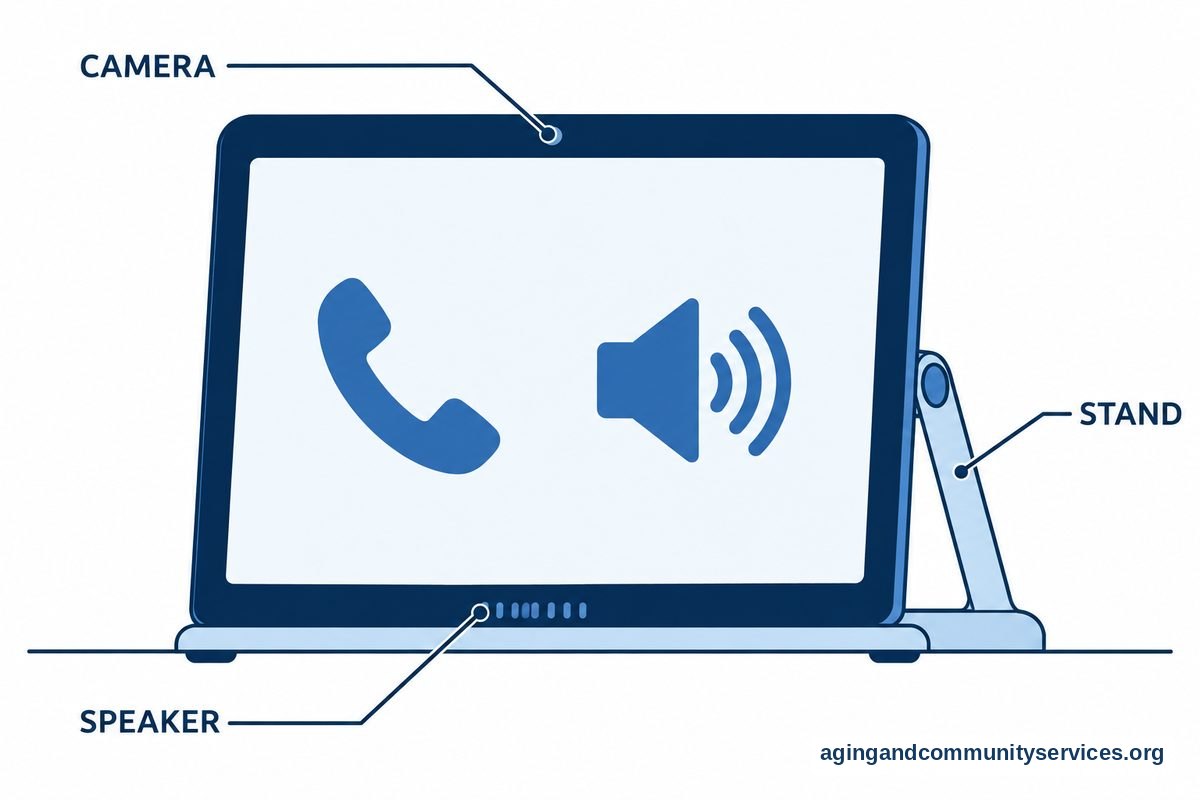
| Video calling tool | Can support regular face-to-face contact with family and friends | Large buttons, contact list setup, speaker quality, and camera placement |
| Care app | Can help family members coordinate check-ins, tasks, and reminders | Who can see information, alert settings, and ease of use |
| Smart display | Can show photos, reminders, weather, calls, and simple prompts | Screen size, brightness, sound, and where it will sit safely |
For people who want broader support, a guide to caregiving apps may help compare reminders, shared calendars, and family communication tools. A broader look at care technology can also help families choose tools that fit daily routines.
Keep the first setup simple. One device, one main purpose, and one written instruction card is often better than several new tools at once.
Privacy, Safety, and Respect
Emotional wellness tools often involve personal thoughts, routines, names, and family details. That makes privacy important. Before using any AI tool, review what it collects, who can see it, and how to turn off features that feel too personal.
Use respectful language when setting up the tool. The person using it should know what it does, what it cannot do, and who can access shared information. Avoid secret monitoring unless there is a clear legal and care reason, and involve the person as much as possible.
Practical privacy steps include:
- Use a strong password and write it in a safe place if needed.
- Turn on only the features that are truly useful.
- Review contact lists so calls or messages go to the right people.
- Check whether conversations are stored and whether they can be deleted.
- Do not enter Social Security numbers, banking details, or medical record information into a general AI chat tool.
- Set clear family rules about who responds to alerts or messages.
Scams can also appear through texts, calls, emails, and fake support messages. AI cannot always tell what is real. A simple family rule can help: pause before sharing money, passwords, codes, or personal documents, then confirm with a trusted person using a known phone number.

Making AI Feel Personal, Not Cold
Technology feels better when it reflects the person’s own life. Add favorite music, family photos, familiar names, preferred news topics, prayer times, hobbies, sports teams, recipes, or pet reminders if the person wants them.
Small details matter. A reminder that says “Call Maria after lunch” feels more natural than a generic alert. A playlist of favorite songs may feel more welcoming than a random music station.
For many families, connection is the main goal. A simple video calling setup can support emotional wellness by making regular contact easier. AI can help by creating reminders, starting calls by voice, or suggesting topics for conversation.
Try these gentle prompts:
- “Ask me about one good memory from today.”
- “Remind me to call my sister on Sunday afternoon.”
- “Play quiet music after dinner.”
- “Help me write a birthday message for my grandson.”
- “Give me three ideas for something pleasant to do at home.”
It is fine if the person does not like a tool. A notebook, phone call, radio, photo album, or neighbor visit may work better. The goal is comfort and connection, not using technology for its own sake.

How Family Members Can Help Without Taking Over
Family support works best when it protects choice. Ask what the person wants help with before choosing a device or app. A tool that solves a family concern but annoys the person using it will not last.
Start with questions such as:
- “Would you like help staying in touch with people?”
- “Do reminders feel useful or bothersome?”
- “Would you rather speak to a device or use buttons?”
- “What would make this easier to use every day?”
- “What information do you want kept private?”
Set up the tool together if possible. Practice the same task several times, such as making a call, asking for music, or checking a reminder. Leave a short printed card with large text near the device.
It also helps to agree on check-in habits. For example, one family member might call after dinner on certain days, while another helps with app updates. AI should support these habits, not replace them.
If the home setup is part of a larger plan to remain at home, the National Institute on Aging offers practical information on growing older at home. That kind of planning can include safety, transportation, meals, social contact, and support from local services.
What You Can Do Next
Choose one emotional wellness goal before choosing a tool. The goal might be more family contact, a steadier morning routine, easier music access, or a safe way to write down thoughts.
- Ask what would feel helpful. Keep the conversation simple and respectful.
- Pick one tool. Start with a phone, tablet, smart speaker, or app already in the home if possible.
- Set one task. Examples include a daily call reminder, a music routine, or a weekly video chat.
- Write down the steps. Use large print and plain words.
- Review privacy settings. Turn off features that are not needed.
- Check in after a few days. Ask what feels useful, what feels confusing, and what should be changed.
If there are concerns about mood, memory, sleep, hearing, vision, balance, or daily function, speak with a doctor or another qualified professional. AI can be part of a support routine, but professional guidance matters when health or safety questions come up.
Frequently Asked Questions
Can AI help with emotional wellness at home?
AI can support emotional wellness at home by offering reminders, conversation prompts, music, journaling ideas, and easier ways to contact family. It should be used as a support tool, not as a replacement for personal relationships or professional care.
What is the easiest AI tool to start with?
The easiest tool is usually the one the person already knows. A phone with voice features, a tablet with large buttons, or a smart speaker may be enough. Start with one task, such as playing music or making a call.
Is an AI companion a good idea?
An AI companion may be useful if the person enjoys conversation prompts, reminders, or simple activities. It is important to explain that it is a computer program, review privacy settings, and keep regular human contact in the routine.
How can family members make AI safer to use?
Family members can help by setting strong passwords, limiting shared information, choosing trusted contacts, and writing clear instructions. They can also agree on rules for money requests, personal details, and unusual messages.
Can AI replace a counselor or doctor?
No. AI should not replace a counselor, doctor, therapist, or other qualified professional. If emotional, memory, or daily living concerns are affecting life, it is wise to speak with a qualified professional.