

When your Apple Watch fall detection keeps going off unexpectedly, it is usually reacting to sudden wrist movements that look like an impact to its built-in sensors. Everyday actions like clapping, chopping vegetables, or dropping your hand onto a table can trigger a false alert. Fortunately, a few simple adjustments to your watch settings and wearing habits will stop these false alarms while keeping you protected.

How Apple Watch Senses a Fall
Much like an Android watch for seniors, the Apple Watch uses a built-in accelerometer and gyroscope to track sudden changes in speed and angle. When it detects a hard drop followed by a quick stop, the device assumes you took a tumble. It then taps your wrist, sounds a chime, and displays an alert screen asking if you need help.
If the watch senses movement right away, it waits for you to respond. If you remain still for about one minute, it begins a thirty-second countdown before dialing emergency services. Understanding how fall detection apple watch technology functions helps explain why certain fast, jarring motions can fool the sensors.
Common Reasons for False Alarms
Daily life involves many rapid hand motions that mimic a fall. If your watch repeatedly sounds an alert when you are perfectly safe, one of these common activities might be the cause:
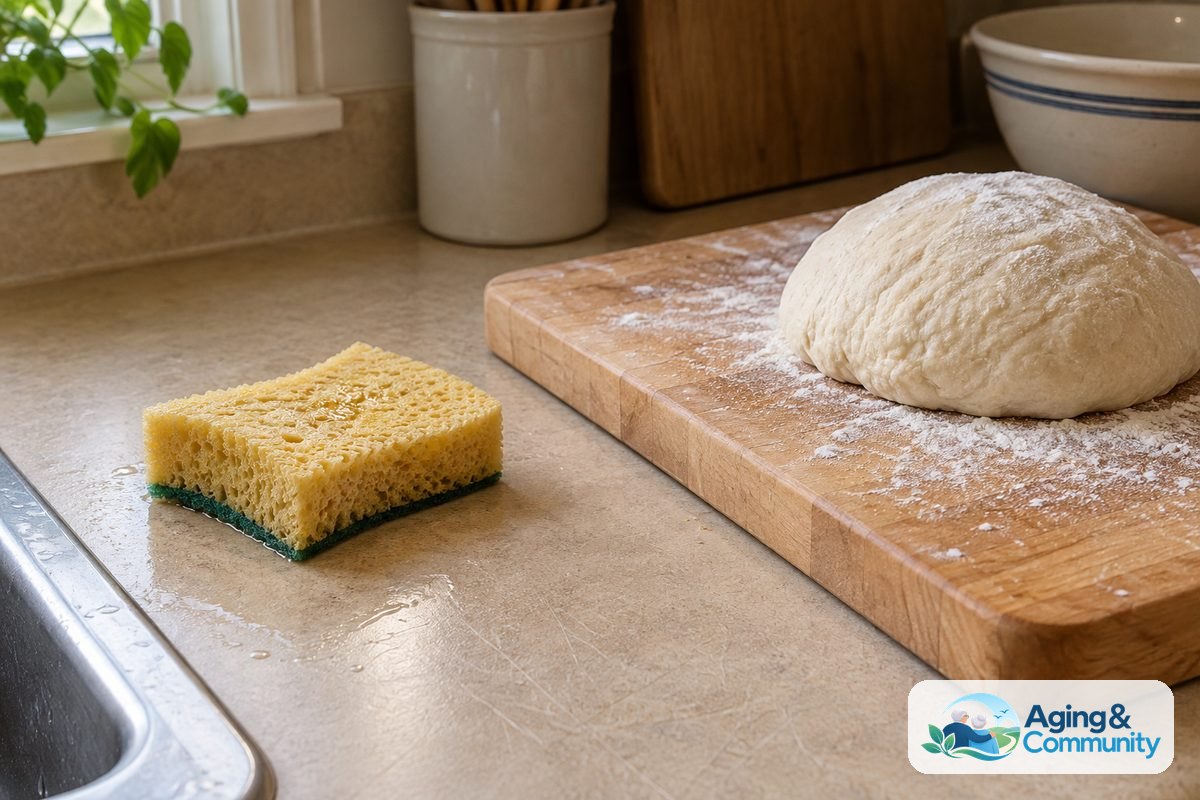
- Household chores: Scrubbing counters, kneading bread, hammering, or shaking out heavy rugs.
- Sports and recreation: Playing tennis, pickleball, golf, or clapping enthusiastically at sporting events.
- Bumpy travel: Riding a lawnmower, traveling on rough roads, or steering a boat across choppy water.
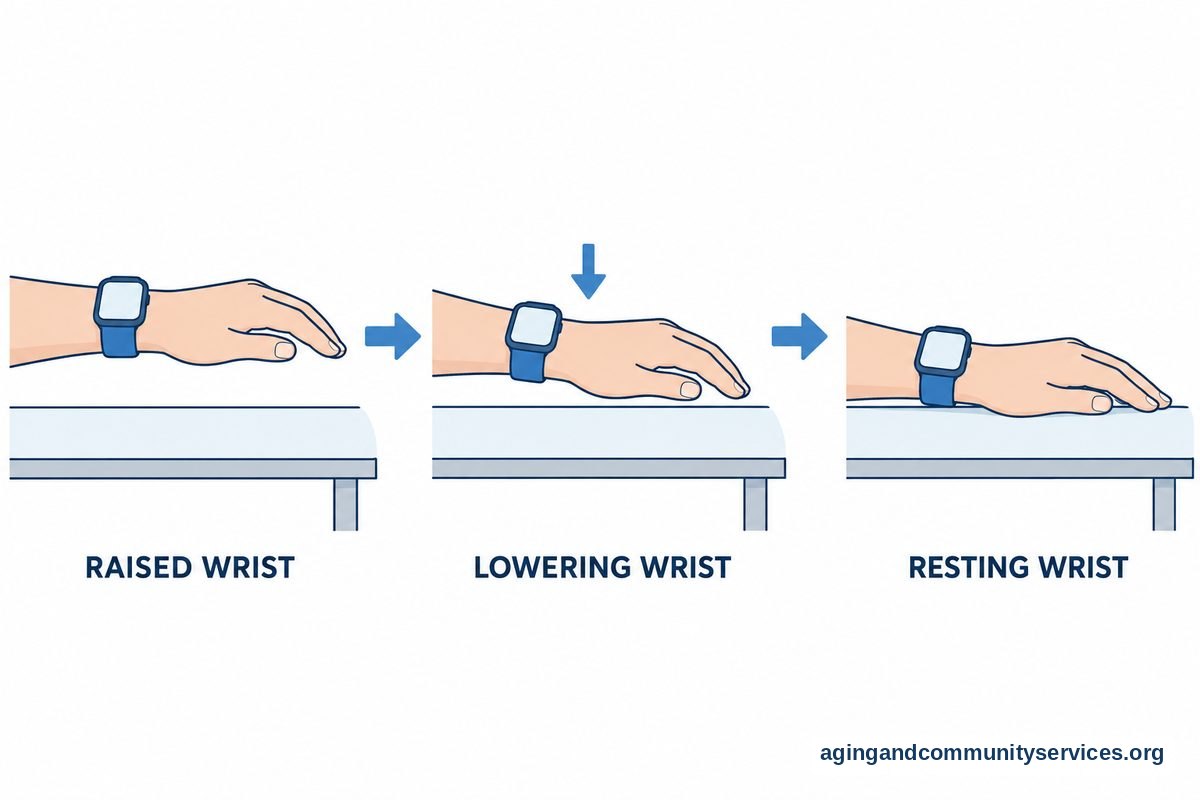
- Sudden drops: Flopping onto a soft couch or accidentally slapping a tabletop with your hand.
Each of these movements creates a sudden jolt. When your wrist stops moving abruptly after a hard motion, the software may interpret that sudden stop as an impact with the floor, creating a fall detection apple watch false alarm.
Check Your Watch Fit and Placement
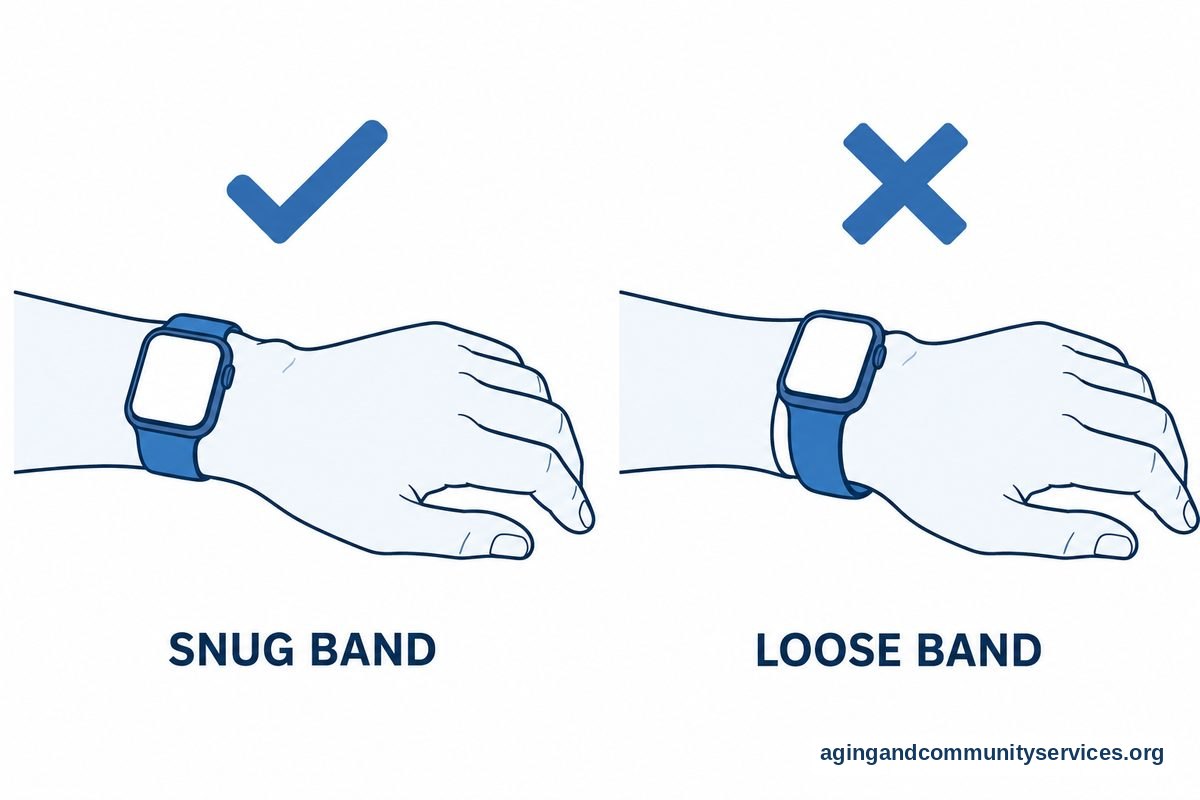
How you wear your watch plays a significant role in sensor accuracy. A band that is too loose allows the watch body to bounce against your skin, multiplying the shock of everyday hand movements.
Make sure the watch band sits snugly against your wrist. It should stay in place without sliding up and down your arm, but it should never feel tight or pinch your skin. The watch should sit just above your wrist bone, toward your elbow, rather than right against the joint.
You should also confirm your wrist orientation settings. Open the Settings app on your watch, select General, and tap Orientation. Verify that the screen correctly reflects whether you wear the watch on your left or right wrist, as well as which side the digital crown faces. Correct orientation ensures the motion sensors calculate your movements properly.
Adjust the Detection Mode to Reduce Alerts
Apple gives you two ways to run the safety feature: always on, or on only during workouts. If your watch alerts you during daily chores or hobbies, changing this setting is often the best solution.
When you choose to keep the feature active only during workouts, the watch monitors for hard impacts during intentional exercise sessions like walks, runs, or gym routines. It turns off the aggressive impact monitoring during quieter parts of your day, which eliminates most nuisance chimes.
To check or change this setting on your iPhone:
- Open the Watch app on your iPhone.
- Tap the My Watch tab at the bottom of the screen.
- Scroll down and tap Emergency SOS.
- Find Fall Detection.
- Choose between Always on or Only on during workouts.
If you prefer to make this change directly on your wrist, open the Settings app on your Apple Watch, tap SOS, tap Fall Detection, and make your selection there.
Review Your Personal Health Details
The watch adjusts its alert behavior based on your age. For users who enter an age of fifty-five or older in the Health app, the watch turns on fall detection automatically and uses algorithms tuned for mature movement patterns.
If your birthdate was entered incorrectly during setup, the watch may use the wrong sensitivity baseline. Open the Health app on your iPhone, tap your profile picture in the top corner, and select Health Details, or consult our pulse oximeter comparison guide. Check that your date of birth, height, and weight are accurate. Keeping your personal details up to date helps the algorithms interpret your physical activity accurately.
What to Do if an Alert Starts Counting Down
Hearing an alarm siren from your wrist can feel startling, but staying calm helps you cancel the call quickly. When an alert appears, you have plenty of time to dismiss it before any emergency numbers are dialed.
| Watch Response | Action to Take | Result |
|---|---|---|
| Alarm chimes and wrist taps | Press the Digital Crown or tap “I’m OK” | The alert cancels immediately. |
| Countdown timer begins | Tap the red “X” button on the screen | Emergency call is prevented. |
| Call connects to 911 | Stay on the line and speak to the dispatcher | Explain that it was an accidental trigger. |
If the timer runs out and a call connects, do not hang up abruptly. Speak calmly into the watch and tell the operator that you are safe and pressed the button by mistake. Dispatchers appreciate knowing right away that you do not need an ambulance sent to your home. It also helps to review fall detection apple watch who does it call so you know which family members or emergency contacts receive automated text messages after an alert.
Practical Next Steps for Peace of Mind
Technology is a wonderful aid, but hardware settings are only one part of staying safe and independent at home. Taking a few proactive steps can help you feel secure while keeping your watch alerts under control.
First, test your wrist fit throughout the day. Wrist size naturally fluctuates slightly with temperature and activity. If your band stretches or loosens, tighten it by one notch to keep the rear sensors flush with your skin.
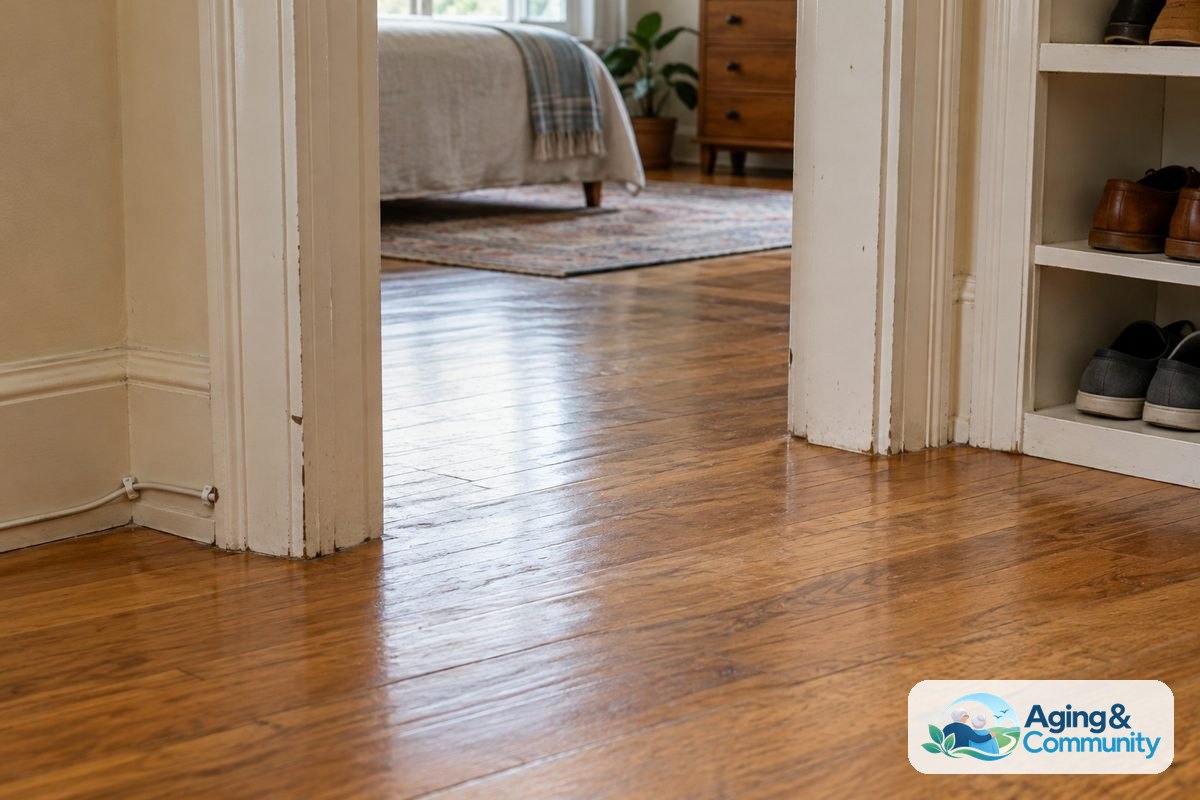
Second, review your home environment to support steady mobility. Simple habits like removing throw rugs, adding brighter light bulbs to dark hallways, and clearing clutter from stairs make moving around much easier. The National council on Aging shares helpful resources on everyday steps that support independence.
Third, keep your emergency contacts updated in your iPhone Medical ID. Make sure phone numbers for adult children, neighbors, or close friends are current. That way, if a true accident ever happens, the people who care about you receive immediate updates with your location.
Finally, consider speaking with a doctor or physical therapist if you have concerns about your balance or joint stiffness. According to the National Institute on Aging, physical activity and balance exercises can lower the risk of balance problems as we grow older. A physical therapist can recommend simple routines tailored specifically to your needs, while an occupational therapist can suggest practical modifications for your living spaces.
For older adults who want to connect with local community classes, home safety assessments, or wellness programs, the Eldercare Locator is a trusted public service that connects families with local aging agencies across the country.
Frequently Asked Questions
Why does my watch think I fell when I only clapped my hands?
Clapping produces a sharp, sudden impact when your palms meet. Because the sensors register rapid acceleration followed by a sudden stop, the software can mistake a vigorous round of applause for a hard tumble. Loosening your grip slightly or setting detection to workout-only mode can help prevent this.
Will turning off fall detection delete my medical ID?
No. Your Medical ID is stored separately in the Health app on your iPhone. Turning off fall detection or switching it to workout-only mode leaves your emergency contacts, allergies, blood type, and medical notes completely intact for first responders to view on your lock screen.
Can I turn the alert sound down so it does not startle me?
You cannot lower the volume of the emergency alert countdown. Apple designed the chime to be loud so you can hear it if you are hurt or trapped under furniture. However, you can manage the initial tap sensitivity through the Sounds and Haptics menu in your watch settings.
Does the watch call an ambulance immediately?
No, the call is not instant. The watch waits about sixty seconds after detecting an impact to see if you start moving again. If you stay still, it vibrates and sounds a thirty-second countdown chime. You have that full thirty-second window to tap the screen or press the crown to stop the call before emergency services are contacted.
What should I do if my watch calls emergency services by accident?
If an accidental call goes through, stay on the line and talk directly to the dispatcher. Calmly explain that your watch triggered a false alarm and that you are uninjured. Never hang up without speaking, as dispatchers may send emergency personnel to check on you if a call disconnects abruptly.