

Exercise apps for seniors can make it easier to stretch, build strength, practice balance, and stay active at home. Many apps offer short videos, gentle routines, reminders, and simple tracking, including free options that can be a good place to start.
The right app is not the one with the most features. It is the one that feels clear, safe, and easy to use on the phone or tablet already in the home. If a person has pain, dizziness, recent surgery, a fall, or a health condition that affects movement, it is wise to ask a doctor, physical therapist, or occupational therapist what types of exercises are appropriate.
What To Look For In An Exercise App
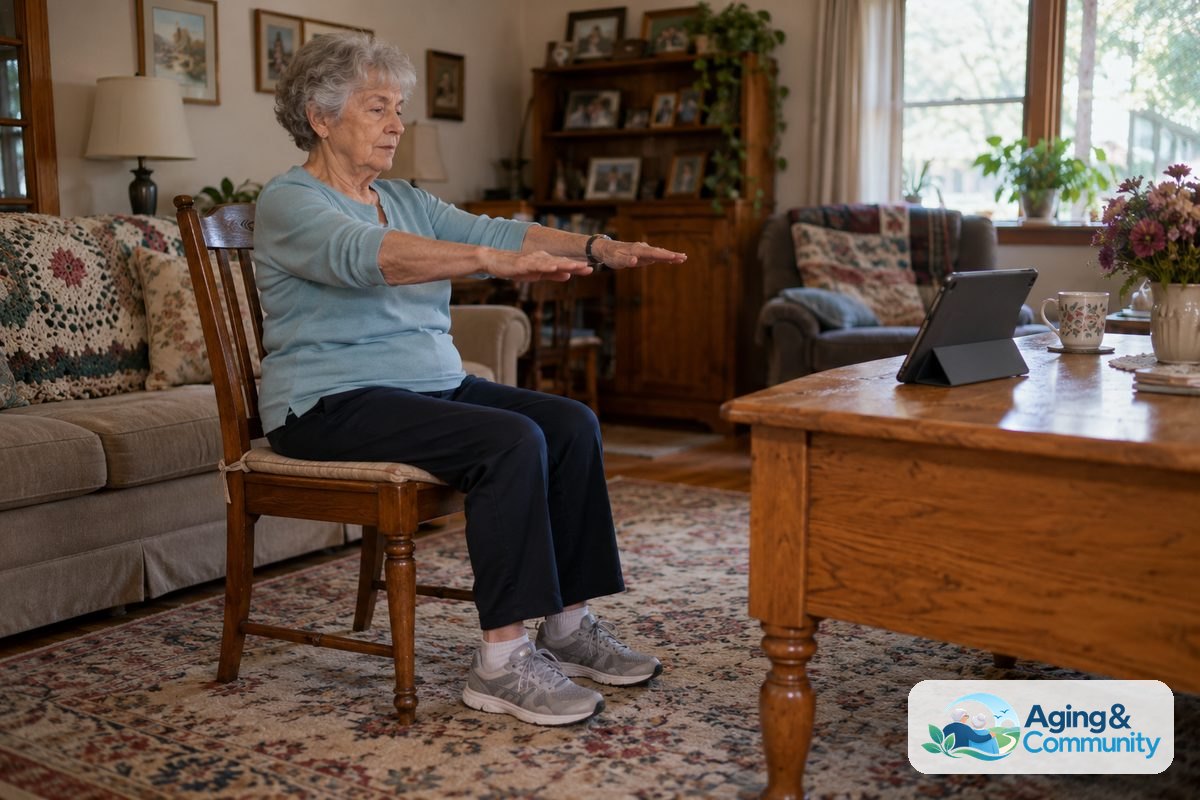
A good exercise app should make movement feel more manageable, not more confusing. Look for clear instructions, slow demonstrations, and routines that can be done in a chair or near a sturdy counter if needed.
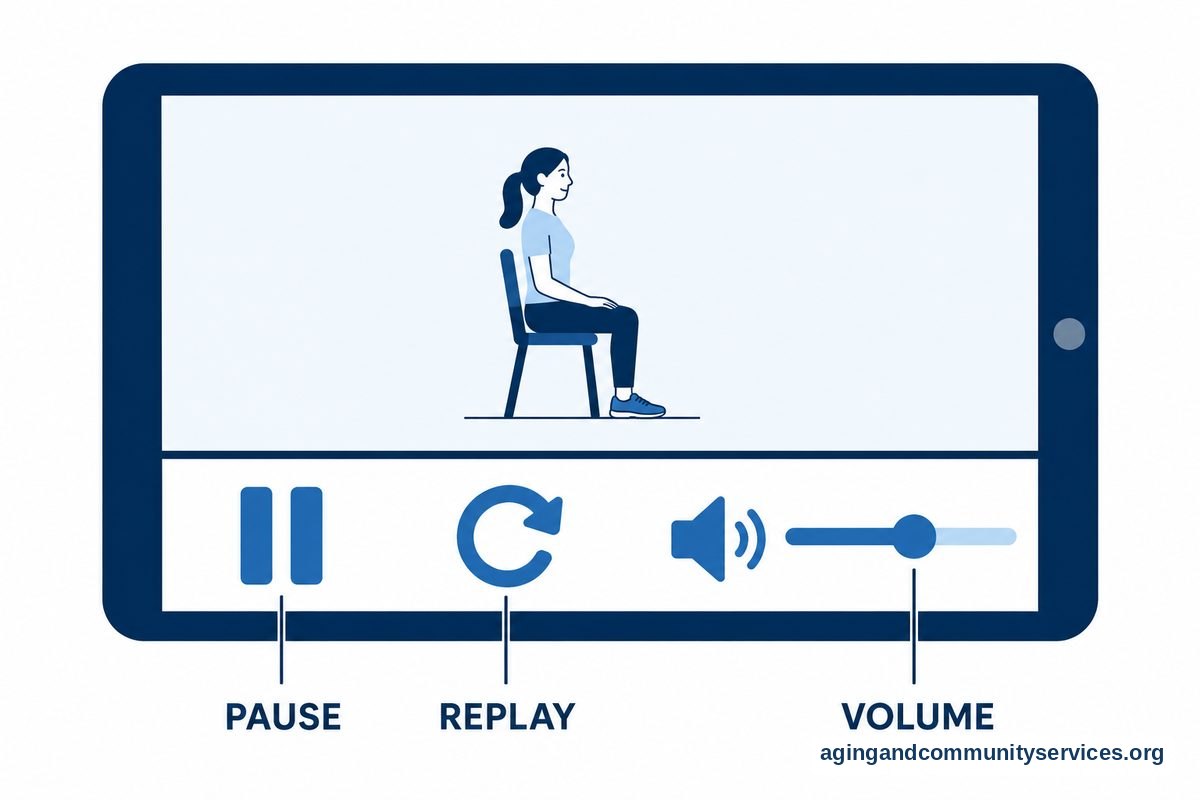
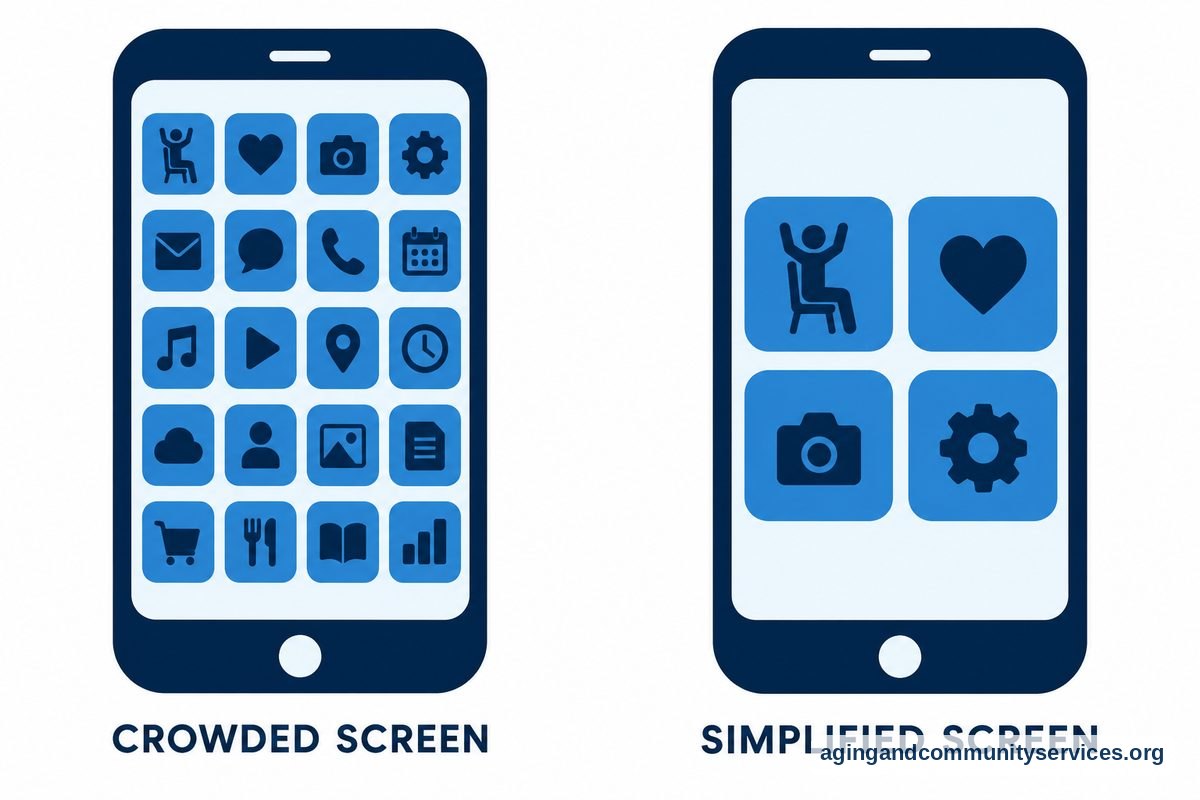
Simple design matters. Large buttons, readable text, and easy volume controls can make the difference between using the app often and giving up after one try. If the app has too many pop ups or menus, it may not be the right fit.
- Clear video: The instructor should be easy to see and hear.
- Gentle choices: Look for seated, beginner, stretching, balance, or low impact options.
- Short sessions: Five to fifteen minutes may feel more doable than a long class.
- Pause and replay: The user should be able to stop, rewind, or repeat a move.
- No pressure: Avoid apps that push intense goals, streaks, or comparison with others.
Some families also choose general wellness or activity apps that include movement as one feature. If you are helping someone compare phone tools beyond exercise, a guide to apps for elderly users can help you think through ease of use, reminders, and daily support.
Free Exercise Apps And No Cost Options
Many people search for free apps for seniors exercise because they want to try something simple before making a commitment. That is a practical approach. Free options can be enough for stretching, chair movement, walking prompts, or beginner strength videos.
Some apps have a free version with optional paid features. Others offer free videos through a video app or a health app already installed on the phone. Before signing up, check whether the app asks for payment information, whether it renews on its own, and whether the free content is easy to find.
Free choices may include:
- Chair exercise videos in a video app.
- Walking or step tracking in a phone health app.
- Stretching routines with short guided sessions.
- Beginner strength workouts using body weight.
- Balance practice videos that can be done near support.
It helps to choose one free option first and use it for a week or two. Too many apps can make it harder to build a routine. If the person uses an Android phone, a guide to apps for seniors android may help with setup and app store basics.
Types Of Exercise Apps That May Fit Different Needs
There is no single app for seniors exercise that fits everyone. A person who enjoys music may like video classes. Someone who prefers quiet may like simple timers, written routines, or walking reminders.
Chair exercise apps or videos can be useful for people who want a steady base while moving. These often include arm raises, ankle circles, gentle twists, and slow marching while seated. A doctor or therapist can help decide whether seated movement is a good match for a person’s abilities.
Stretching apps can help users follow a calm routine. These apps often show each movement with a timer. The best ones allow enough time to get into position without rushing.
Balance focused apps or videos should be chosen with care. The National Institute on Aging notes that exercise and safety steps can lower fall risk. For balance work, it is smart to stand near a stable surface and ask a physical therapist for guidance if there has been a recent fall or fear of falling.
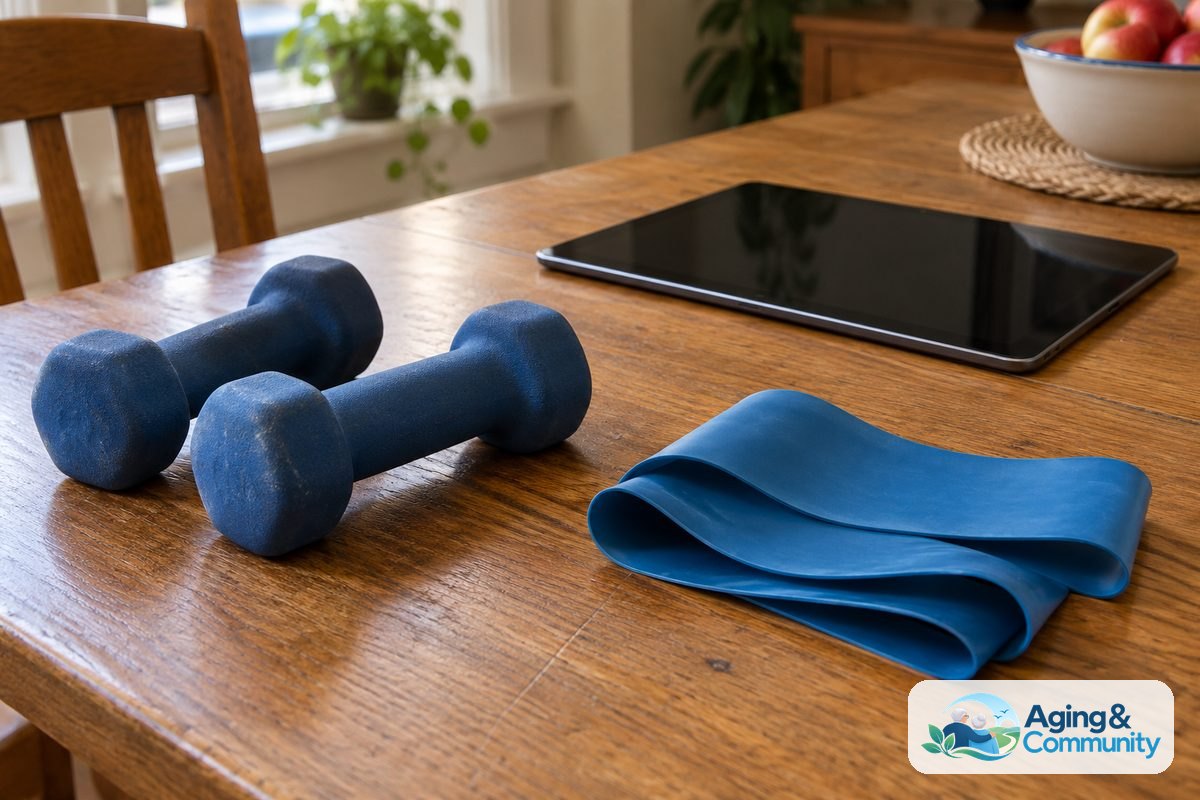
Strength apps may include moves with body weight, light hand weights, or bands. Some people prefer bands because they are small and easy to store. If you are comparing simple home tools, a guide to resistance bands for seniors can help explain what to consider.
How To Use An Exercise App Safely At Home
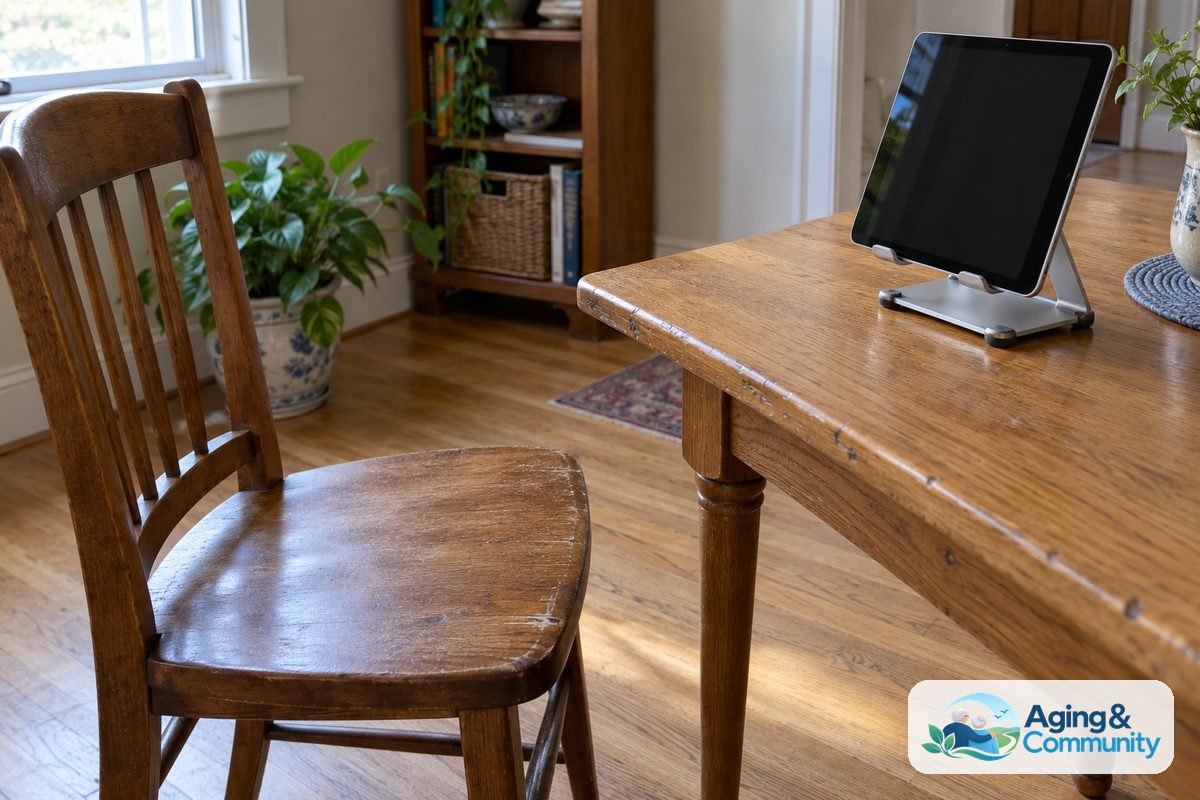
Before starting, take a few minutes to set up the space. Move loose rugs, cords, and small furniture out of the way. Wear stable shoes if standing, and keep water nearby.
The screen should be easy to see without twisting the neck. A phone can be placed on a table, or a tablet can be set on a stand. If the video is too small, casting it to a television may make the routine easier to follow.
Start with a short session. It is fine to do only part of a class. The goal is to learn the movements and notice how the body feels during and after the activity.
- Stop if there is chest pain, faintness, sudden shortness of breath, or sharp pain.
- Use a chair, counter, or wall for support when standing.
- Skip moves that feel unsafe or confusing.
- Keep pets away from the exercise area during the session.
- Ask a doctor, physical therapist, or occupational therapist about limits after an injury or health change.
Exercise apps are tools, not judges. It is acceptable to pause, slow down, or choose a different routine. A steady, comfortable habit is more useful than trying to keep up with an instructor who moves too fast.
How Family Helpers Can Make Apps Easier
Family helpers can make a big difference by setting up the app, adjusting the phone, and removing steps that are hard to remember. The goal is to support independence, not take over.
Start by asking what kind of movement feels pleasant or familiar. Some people like walking, dancing, stretching, or chair routines. Others may prefer a quiet strength routine without music.
Then make the app easy to find. Move it to the home screen, enlarge text if possible, and turn off extra notifications that are not helpful. If the app has favorite videos, save two or three so the person does not have to search each time.
A written note can help. Place simple steps near the charging spot, such as open the app, choose favorites, press play, and pause anytime. If you coordinate care with others, a guide to apps for senior caregivers may help with shared reminders and communication.
It can also help to pair exercise with a daily routine. For example, a short stretching video after breakfast may be easier to remember than a vague plan to exercise later. Keep the tone relaxed and respectful. Encouragement works better than pressure.
When An App Is Not Enough
An app can guide movement, but it cannot watch form closely or adjust to every need. If exercise feels painful, confusing, or unsafe, a trained professional can offer personal advice.
Consider asking for help from a doctor, physical therapist, or occupational therapist if there has been a recent fall, a new walking problem, joint pain, dizziness, or a change in strength. A therapist may suggest safer movements, changes to the home setup, or tools that make activity easier.
Some people do better with in person classes, community programs, or a mix of app based and face to face support. Local aging services may know about nearby programs, and the Eldercare Locator can help families look for community resources.
Home equipment is optional. A sturdy chair, clear floor space, and comfortable clothing may be enough to begin. If you are thinking about adding simple tools, this guide to exercise equipment for seniors explains common choices for home use.
What You Can Do Next
Start small and keep the process simple. Choose one app or video source, one time of day, and one short routine. Try it on a day when there is no rush.
- Pick a device with a clear screen and good sound.
- Search for seated, beginner, stretching, walking, or gentle strength routines.
- Save two or three routines that look easy to follow.
- Clear the space and place a sturdy chair nearby.
- Try five to ten minutes and pause whenever needed.
- Write down what felt good, what felt hard, and what to ask a professional.
If the first app is not a good fit, that is not a failure. Try a simpler one, use a larger screen, or ask a family member to save a few videos. The best routine is one that feels safe, clear, and realistic enough to repeat.
Frequently Asked Questions
Are There Free Apps For Seniors Exercise?
Yes. There are free apps and video sources with chair exercise, stretching, walking prompts, and gentle strength routines. Some apps are fully free, while others have a free section plus optional paid features.
Check the app details before signing up. Avoid giving payment information unless you understand what is included and how to cancel if needed.
What Are Good Exercise Apps For Seniors Free Of Charge?
Good free choices are usually simple, clear, and easy to pause. Look for beginner routines, seated options, slow demonstrations, and videos that do not require special equipment.
The best free app is the one the person can use without frustration. If the app is hard to read, full of ads, or difficult to navigate, choose another option.
How Do I Find Free Exercise Apps For Seniors?
Search the phone or tablet app store using terms like chair exercise, gentle stretching, beginner workout, walking tracker, or balance exercise. You can also search a video app for short beginner routines.
Read the description, look at screenshots, and check whether the app offers a clear free section. It is helpful to try one app at a time instead of downloading several at once.
What Is A Simple App For Seniors Exercise?
A simple app has large controls, clear sound, short sessions, and routines that are easy to repeat. It should allow the user to pause, replay, and skip movements.
For many people, a video app with saved favorites may be simpler than a full fitness app. The key is reducing the number of steps needed to begin.
Is There An App For Elderly Exercise With Chair Workouts?
Yes. Many exercise apps and video platforms include chair workouts. These may include gentle arm movements, ankle movements, seated marching, and stretching.
Chair workouts can be a practical starting point, but they still need care. Use a stable chair without wheels, clear the floor area, and ask a professional if there are concerns about pain, balance, or safety.