

Yes, you can use fall detection on an Apple Watch without having an iPhone with you at all times, but initial setup still requires one nearby. By choosing a cellular model and setting it up through a family member’s phone, an Apple Watch can detect hard falls and call for help entirely on its own.

How Fall Detection Works Without Your Own iPhone
Many older adults want the safety features of a smartwatch without carrying a smartphone everywhere they go. Apple allows this through a feature called Family Setup. This feature lets a family member use their own phone to configure a watch for someone else.
Once the watch is set up, the wearer does not need an iPhone in their pocket or in their home. The watch operates as an independent device on its own cellular connection. If you are exploring a fall detection Apple Watch, this setup provides a simple way to stay connected without learning how to manage a smartphone.
When the watch detects a significant impact followed by a period of stillness, it taps the wrist, sounds an alarm, and displays an alert on the screen. If the wearer does not move or dismiss the alert within one minute, the device makes an emergency call automatically.
Hardware and Service Requirements
To use this safety feature without a paired phone nearby, you must meet specific hardware and network requirements. Not every model or cellular plan supports independent operation.
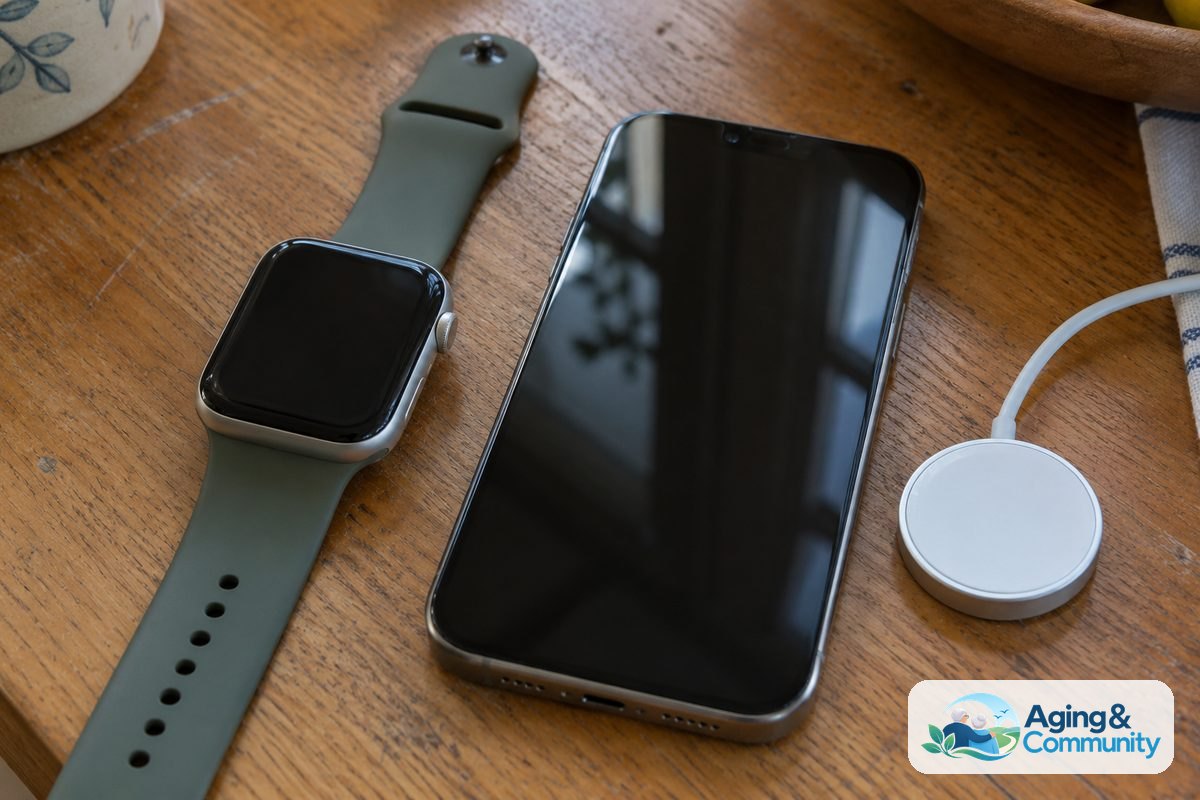
- A Cellular Apple Watch: The watch must be an Apple Watch SE or Series 4 or later with built-in cellular service (GPS plus Cellular). Standard GPS-only models cannot place calls without a phone nearby.
- A Family Member’s iPhone: You need an iPhone 6s or later running updated software for the initial pairing process.
- A Supported Cellular Plan: The watch needs its own standalone plan through a wireless carrier that supports Family Setup. This gives the watch its own phone number.
- An Apple ID: The wearer must have their own Apple ID account with two-factor authentication turned on.
Understanding fall detection Apple Watch who does it call can help you plan your emergency contacts before you start the setup process.
Setting Up the Watch Using Family Setup
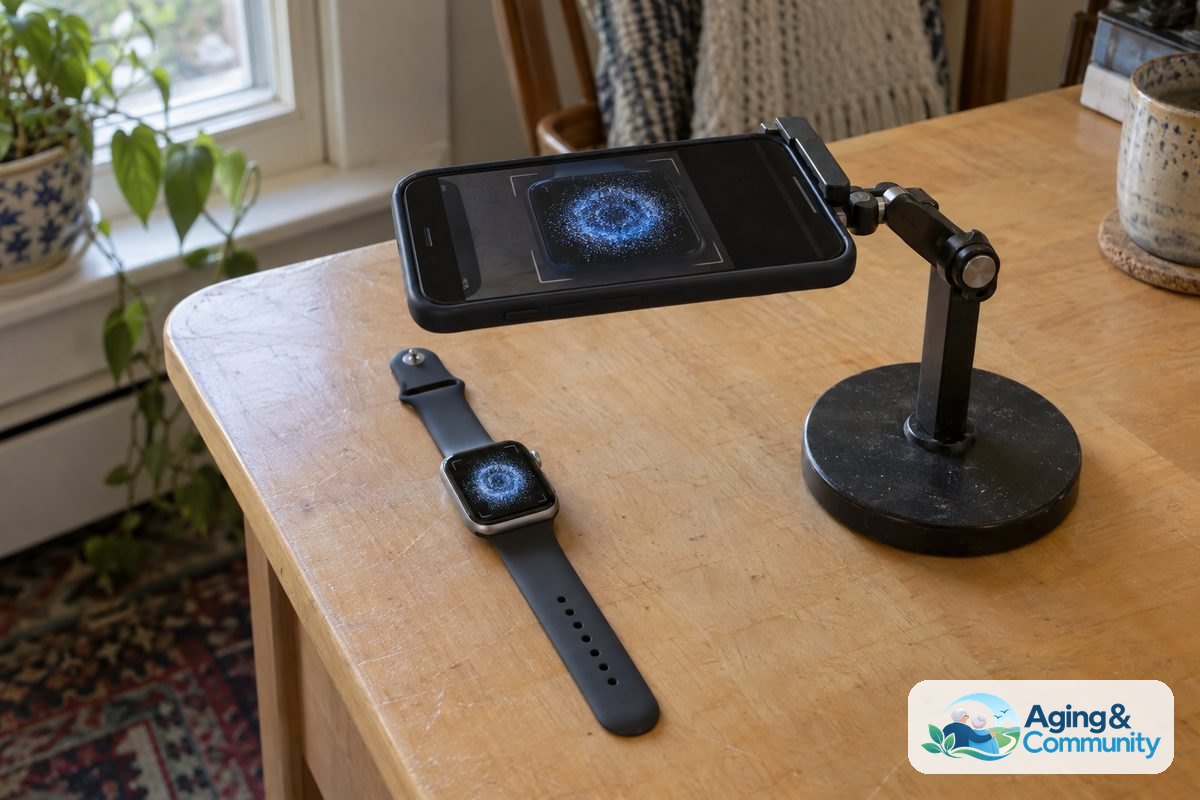
The setup process takes about fifteen to twenty minutes and only needs to be completed once. A family member should hold their phone close to the new watch to begin.
- Turn on the watch and bring it near the family member’s phone until the pairing screen appears.
- Select the option labeled Set Up for a Family Member.
- Center the watch screen in the viewfinder on the phone to complete the wireless pairing.
- Agree to the terms and sign in with the wearer’s personal Apple ID.
- Follow the prompts to add the watch to a cellular plan with your wireless provider.
- Turn on Location Services and select the option to enable Fall Detection.
During setup, you can also set up a Medical ID. This digital card shows emergency contacts, allergies, and blood type to first responders directly from the watch face.
Emergency Calling and Contact Notifications
When an emergency occurs, an independent cellular watch handles the response through clear, automated steps. The device prioritizes quick communication with local emergency dispatchers.
| Action Stage | What the Watch Does | What the Wearer Experiences |
|---|---|---|
| Initial Impact | Sensors detect sudden movement followed by no motion. | Watch vibrates strongly and chimes an audible warning. |
| Confirmation Window | Counts down for thirty seconds while monitoring for movement. | Wearer can tap I’m OK or slide to call emergency services immediately. |
| Automatic Dialing | Calls local 911 services over the cellular connection. | Plays an audio message to dispatchers sharing coordinates. |
| Contact Notification | Sends text messages to designated emergency contacts. | Notifies family with location updates showing where the fall happened. |
The National Council on Aging provides facts on elderly fall prevention showing that timely assistance after an incident helps maintain personal independence.
Comparing Apple Watch to Dedicated Medical Alert Devices
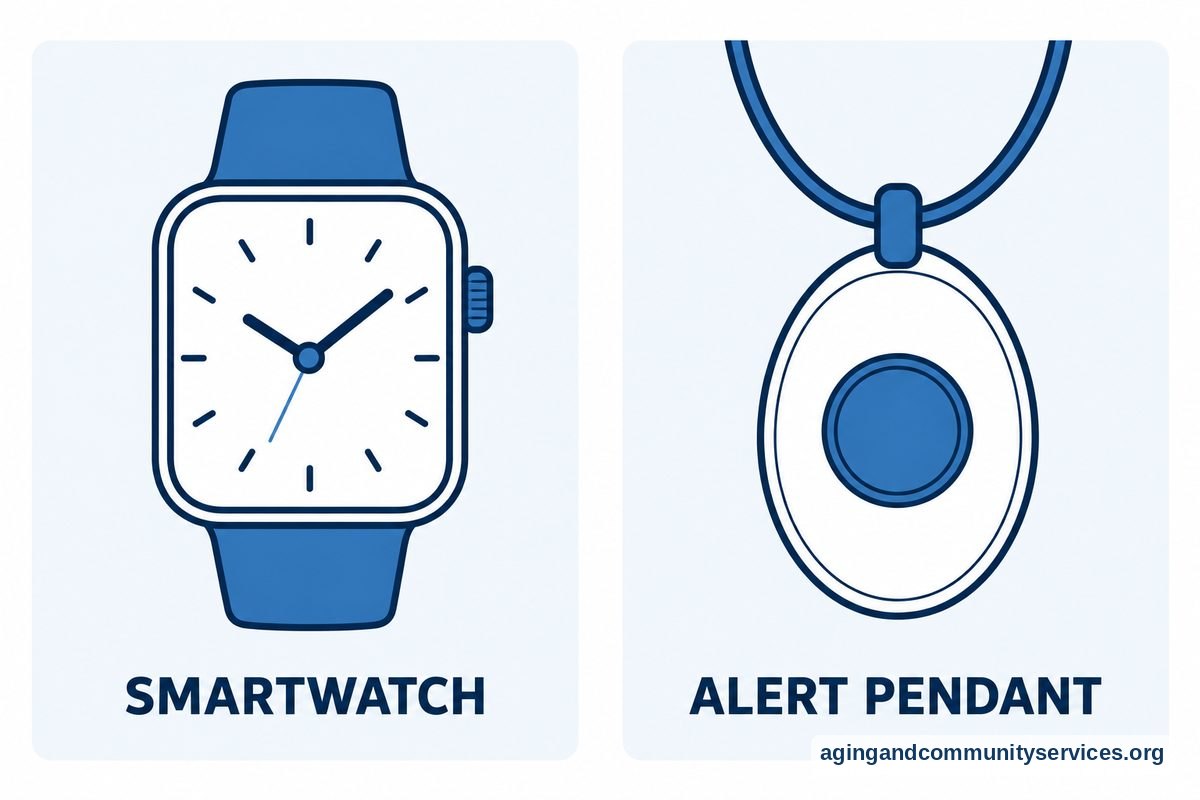
While an Apple Watch offers strong safety tools, it functions differently than a traditional medical pendant. Comparing your daily habits can help you decide which option fits your routine.
An Apple Watch requires charging every day or two, whereas traditional alert pendants often have batteries that last several months or even years. The watch screen is small, which some people find easy to wear, while others prefer the simplicity of a single, large button. You can explore a dedicated medical alert smartwatch with fall detection if you prefer a device linked directly to a private, trained monitoring center.
For a broader look at everyday options, review different watches for seniors fall detection to weigh styles, costs, and battery life.
Practical Steps You Can Take Next
Setting up technology is only one step in building a safer daily living environment. You can take several practical actions today to support your peace of mind.
- Check Cellular Coverage: Verify that your preferred wireless carrier offers strong cellular reception inside the rooms where you spend the most time at home.
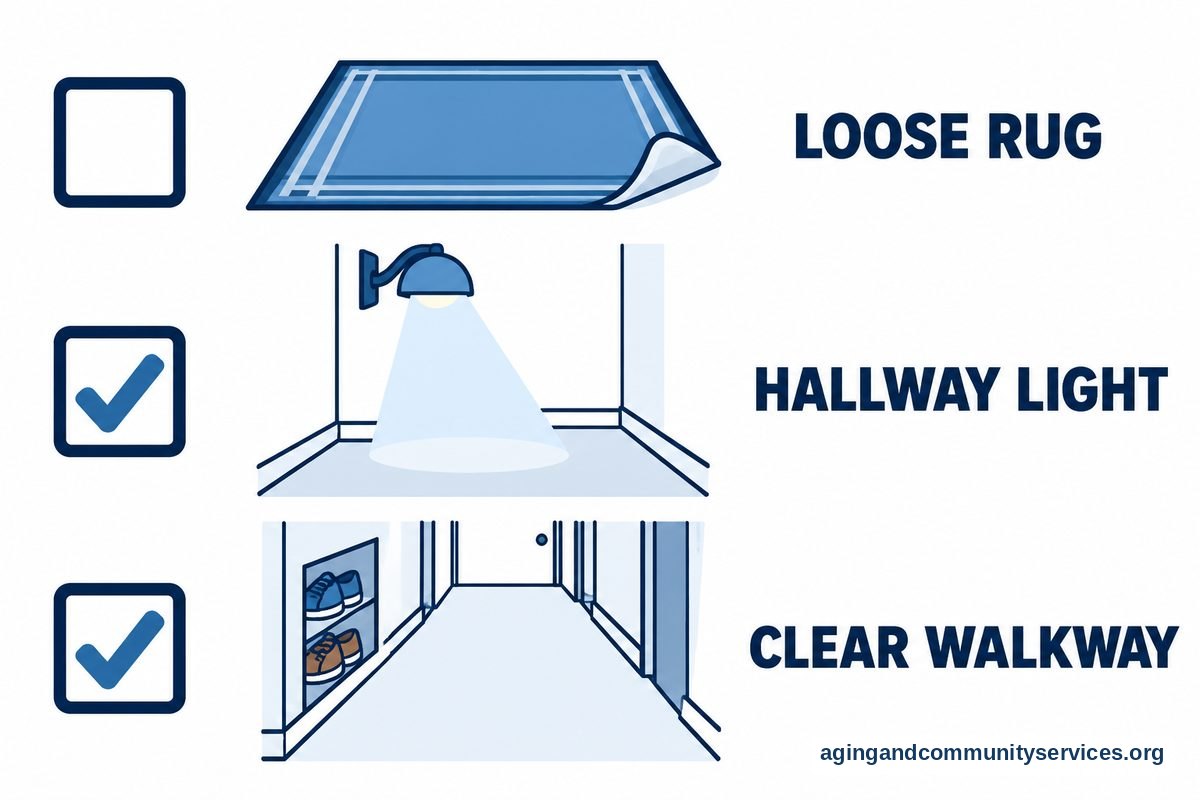
- Review the Home Environment: Remove loose rugs, improve lighting along hallways, and clear clutter from walkways. The National Institute on Aging shares falls prevention advice that outlines how simple home modifications lower daily risks.
- Consult Healthcare Providers: Speak with a doctor, physical therapist, or occupational therapist about personal balance assessments and exercises to maintain steady mobility.
- Practice Using the Device: Walk through the watch buttons with a family member so you feel comfortable answering calls or turning off a false alarm.
- Connect with Local Resources: Reach out to community support groups through the Eldercare Locator to find local wellness classes and home safety assessments.
Frequently Asked Questions
Does Apple Watch fall detection work without cellular service?
If the watch does not have its own active cellular plan and you do not have an iPhone nearby, fall detection can only call emergency services if the watch is connected to a known Wi-Fi network that supports Wi-Fi Calling. Without cellular or Wi-Fi, it cannot call 911.
Can an Android user set up an Apple Watch for fall detection?
An Android phone cannot set up or manage an Apple Watch. You must borrow or use an iPhone belonging to a family member or trusted friend to run Family Setup and manage settings.
Will fall detection activate on every fall?
No sensor system detects every single incident. High-impact falls are more likely to trigger the alert than gradual slides or slips from low seating. You should always press and hold the side button manually to call for help if you are able.
Is there a monthly fee for fall detection on Apple Watch?
Apple does not charge a subscription fee to use fall detection or to call 911. However, if you use the watch without an iPhone nearby, you must pay your wireless carrier a monthly fee for the watch’s standalone cellular line.