

Learning how to use a hearing aid battery tester takes only a few seconds and saves you from guessing about power levels. To test a button cell, you simply place the flat side down on the metal plate and touch the raised side to the top contact. The display or meter will show you right away if the cell has enough charge for the day.
Hearing clearly helps older adults stay engaged with friends and family during daily routines. When sound cuts out unexpectedly, it is easy to wonder if the device is broken or if the cell is simply dead. A pocket-sized checker gives you a quick answer so you can go about your morning with confidence.
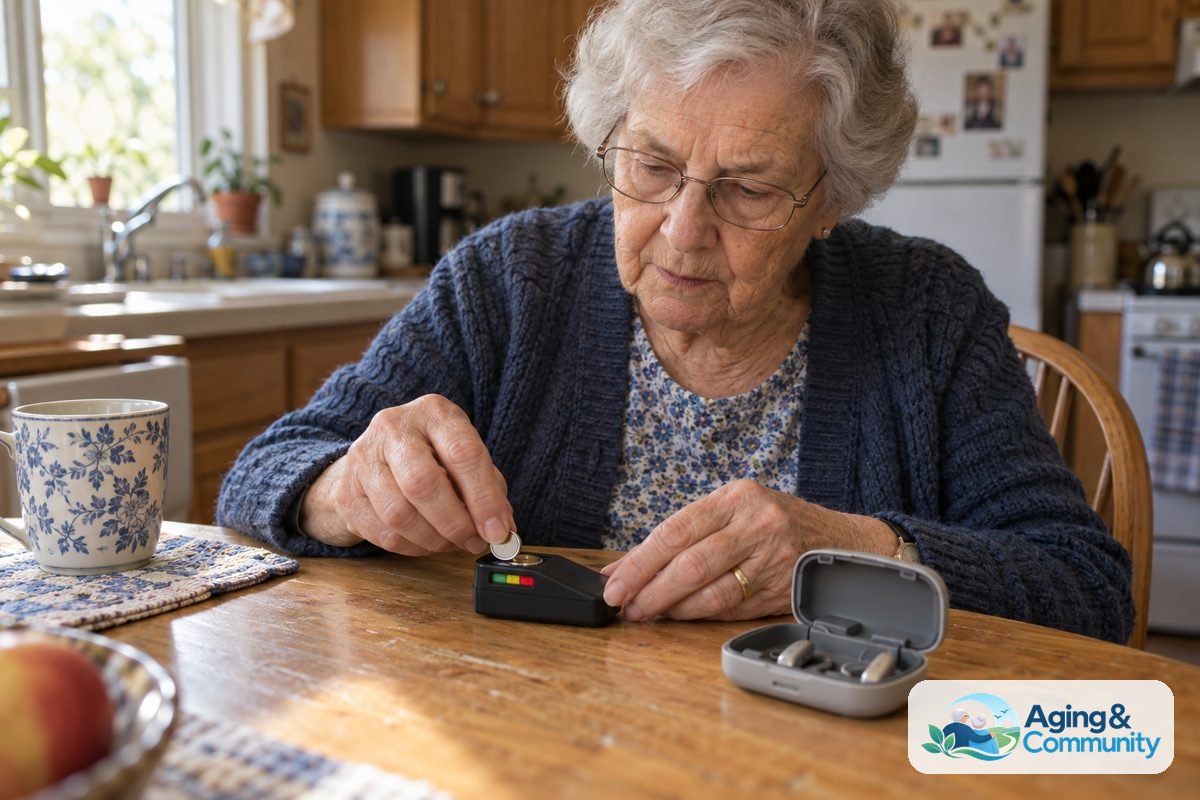
Steps to Test Your Hearing Aid Battery
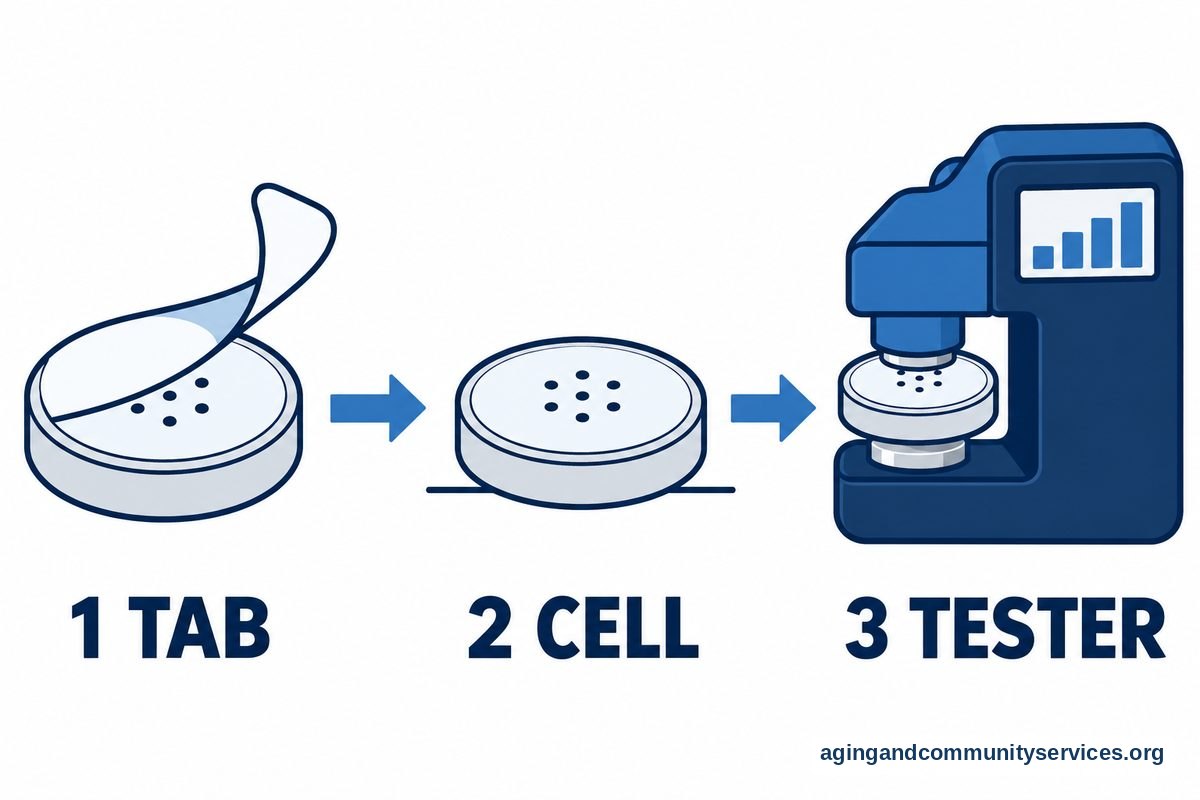
- Remove the protective tab. If you are testing a brand-new zinc-air button cell, peel off the colored sticky tab and let the cell rest on a flat surface for at least two full minutes so oxygen can activate the chemistry inside.
- Identify the positive and negative sides. Look at the cell to find the smooth, flat side marked with a tiny plus sign, which is positive, and the slightly rounded or beveled side, which is negative.
- Position the cell on the tester pad. Slide the cell onto the tester base with the positive side facing the direction indicated by the little plus icon printed on the plastic casing.
- Press the contact down firmly. Push the sliding arm or the test pad down so that metal contacts touch both the top and bottom of the cell at the same time.
- Read the display scale immediately. Look at the needle on an analog meter or check the bars on a digital screen to see if the reading falls in the green zone, yellow zone, or red zone.
- Store or recycle based on the reading. Keep the cell in your carrying case if the power is strong, or place it in a separate container for safe recycling if the power is low.
Common Mistakes to Avoid
- Testing immediately after peeling the sticker: Zinc-air cells need air to reach full voltage, so checking them right after peeling gives a false reading that looks low.
- Holding the cell upside down: Putting the negative side against the positive contact will prevent the checker from showing any reading at all.
- Testing dead cells multiple times in a row: Repeatedly pressing a low button cell against the metal contacts drains whatever tiny bit of residual power remains.
- Storing loose cells together in a drawer: Allowing metal surfaces or other cells to touch each other in a pocket or pouch causes accidental discharge and short circuits.
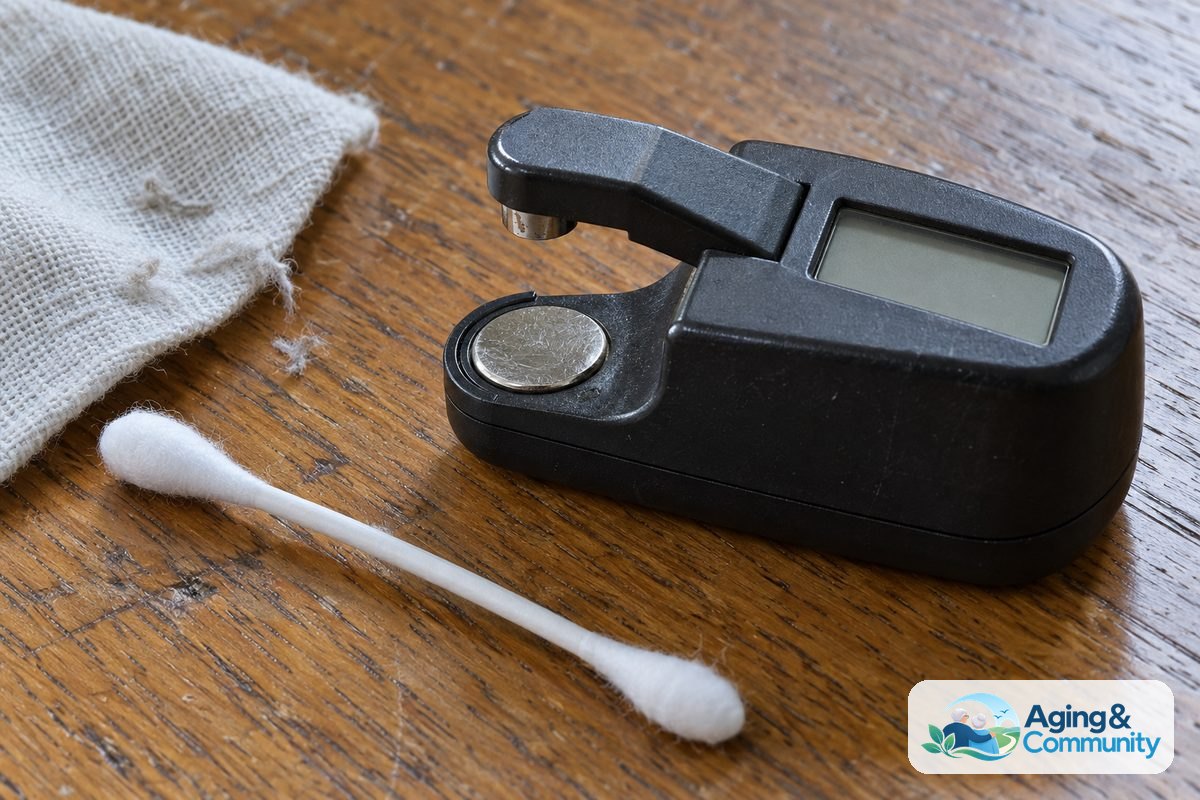
- Using worn or dirty tester contacts: Dust, earwax, and natural skin oils can build up on the metal contact strips over time, leading to inaccurate test bars.
When to Seek Professional Advice
Sometimes a cell shows full power on your checker, but your ears still notice weak sound, whistling, or complete silence. If you insert a tested, fully powered cell and the device still does not work, the issue may be a clogged wax guard, moisture inside the tubing, or a worn dome. You can learn more about proper fit and maintenance by reading how to choose hearing aid domes for everyday comfort.
When basic cleaning and fresh power do not solve the problem, contact your audiologist or hearing instrument specialist. Tell them the exact reading your checker showed, whether the device makes any startup chimes, and how long the issue has lasted. If you or a family member need help locating local community hearing clinics or transportation to an appointment, the Eldercare Locator connects families to helpful local support services.
If you are exploring new equipment because an older pair no longer meets your everyday needs, take time to review how to choose a hearing aid before your next clinic visit. For family members assisting a loved one on a budget, it also helps to check does medicare cover hearing aid services so you understand coverage limits ahead of time.
Understanding Different Tester Types
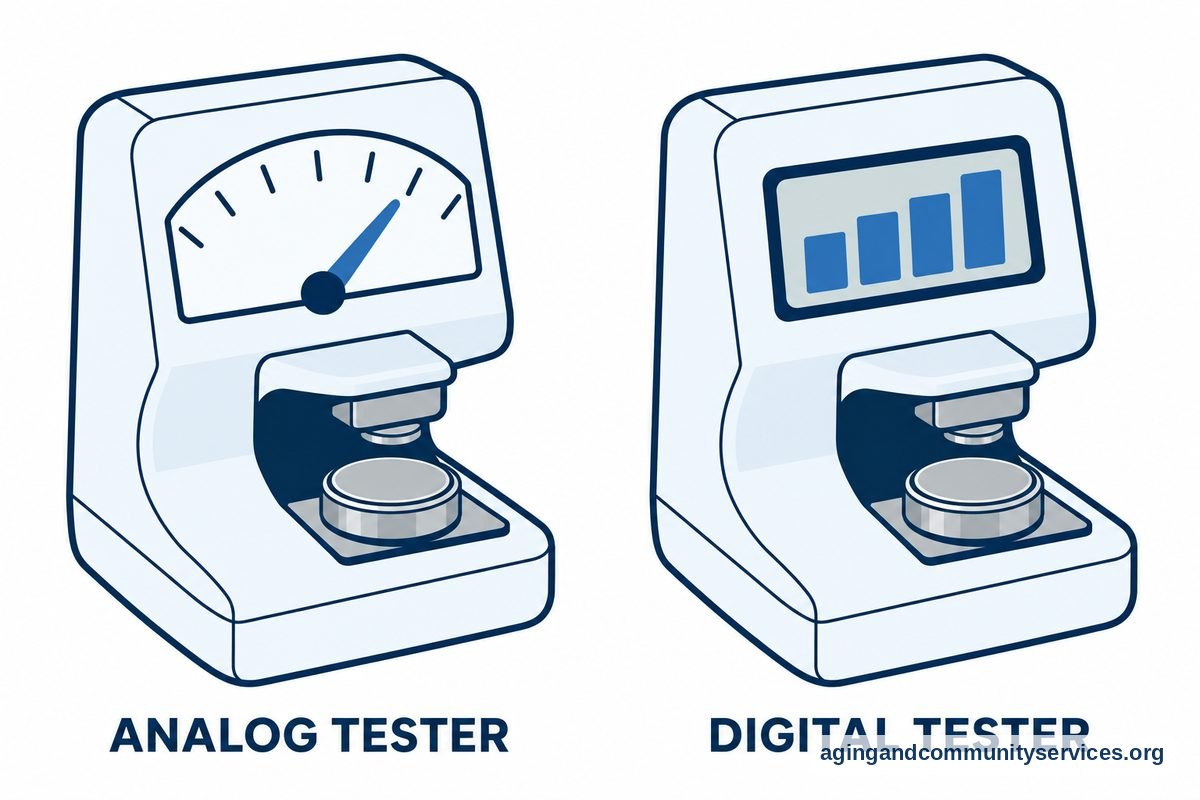
Hearing aid battery testers come in two primary styles: digital screen models and analog needle models. Both types work well, so picking the right one comes down to what is easiest for your hands and eyes to manage.
| Tester Type | Display Style | Key Advantage | Best For |
|---|---|---|---|
| Analog Swing Needle | Red, yellow, and green color bars | No internal battery required to run the tester | People who want a simple, color-based answer |
| Digital LCD Screen | Bar graph or voltage number | Very precise reading of remaining energy | Those who prefer exact visual bars |
| Keychain Pocket Unit | Small slide bar or compact light | Includes a small storage drawer for spares | Testing away from home during travel |
Analog models use the power from the button cell itself to push a small needle across colored zones. Green means good, yellow means getting low, and red means replace. Digital models often show several tiny bars, similar to a cell phone signal display, which gives a clearer picture of how much life remains.
Caring for Zinc-Air Button Cells
Most disposable hearing device cells use zinc-air technology. Understanding how to use hearing aid batteries helps, as unlike regular household flashlight cells, zinc-air options stay dormant until air enters tiny holes in the metal shell. Once the factory tab is removed, oxygen mixes with the zinc powder inside to generate electric current.
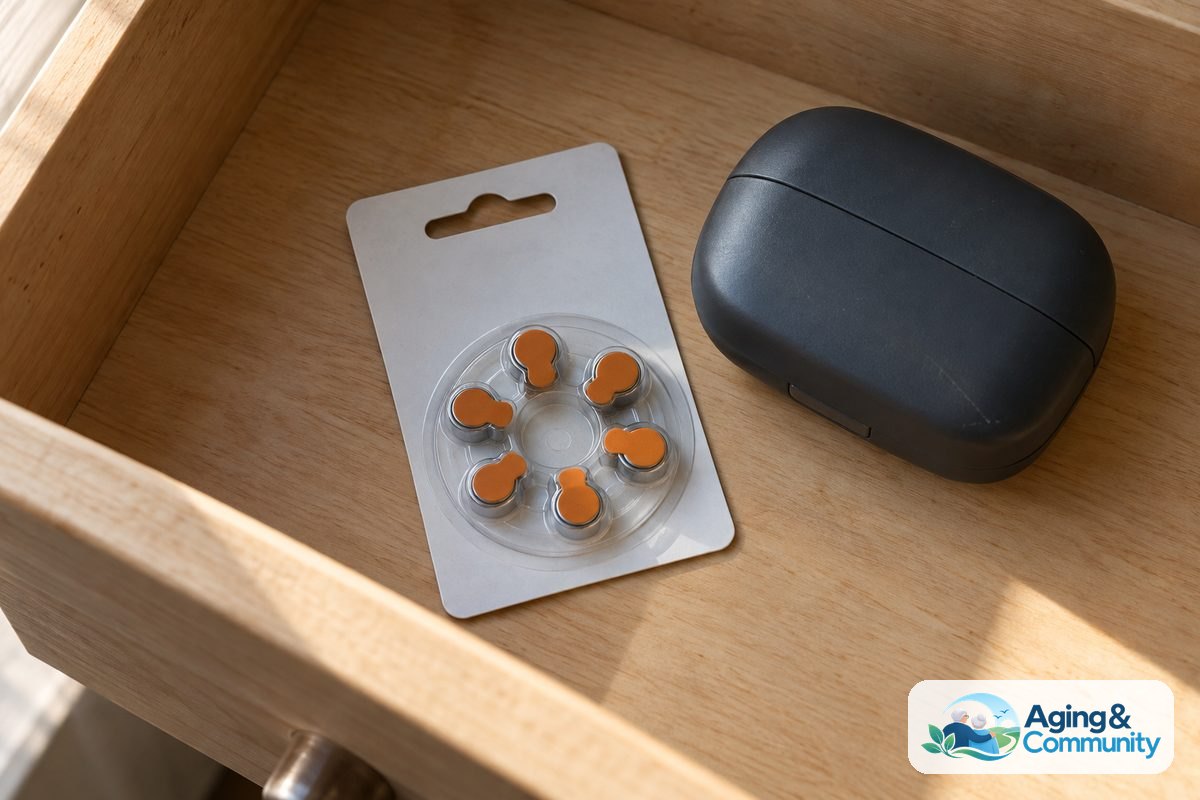
Because air starts the chemical reaction, you cannot turn the cell off simply by replacing the sticky tab. Store your extra button cells at room temperature in a dry space such as a nightstand drawer. Avoid keeping them in the bathroom, where high humidity from showers can shorten shelf life. Keeping your daily hearing routine organized also supports independence, which is an important part of aging in place safely and comfortably.
Frequently Asked Questions
How long should I wait after peeling the tab to test?
Wait at least two full minutes after peeling the factory sticker before you touch the cell to the contacts. This pause gives oxygen enough time to fill the tiny vents on the bottom and bring the voltage up to its true level.
Why does my tester show a cell is good, but the aid beeps low?
A simple pocket checker places a light electrical load on the cell, while modern digital hearing aids place a heavier, varying load on it. A cell near the end of its life might show a green bar on a simple pad but drop voltage the moment high-power sound processing begins.
Do battery testers need their own batteries?
Most basic analog and compact digital checkers do not need an internal power source. They draw the tiny fraction of energy they need directly from the button cell you are checking during the two seconds of contact.
Can I use a hearing aid tester for watch batteries?
You can use the tester for watch button cells only if the voltage matches the checker specifications. Most hearing aid cells are 1.4 or 1.45 volts, while silver-oxide watch cells are usually 1.55 volts, so always verify the markings on your unit first.
How should I clean the metal contacts on the tester?
Wipe the flat metal surfaces gently with a dry cotton swab once a month to remove oils and lint. Never use water, rubbing alcohol, or abrasive cleaners, as moisture can harm the delicate internal connection strips.