
Finding quality computer classes for seniors in Las Vegas is easier than ever thanks to local libraries, community centers, and active adult programs. These welcoming sessions help older adults build practical digital skills at a comfortable pace. Whether you want to send emails to family or manage appointments online, supportive instructors across the valley are ready to help.
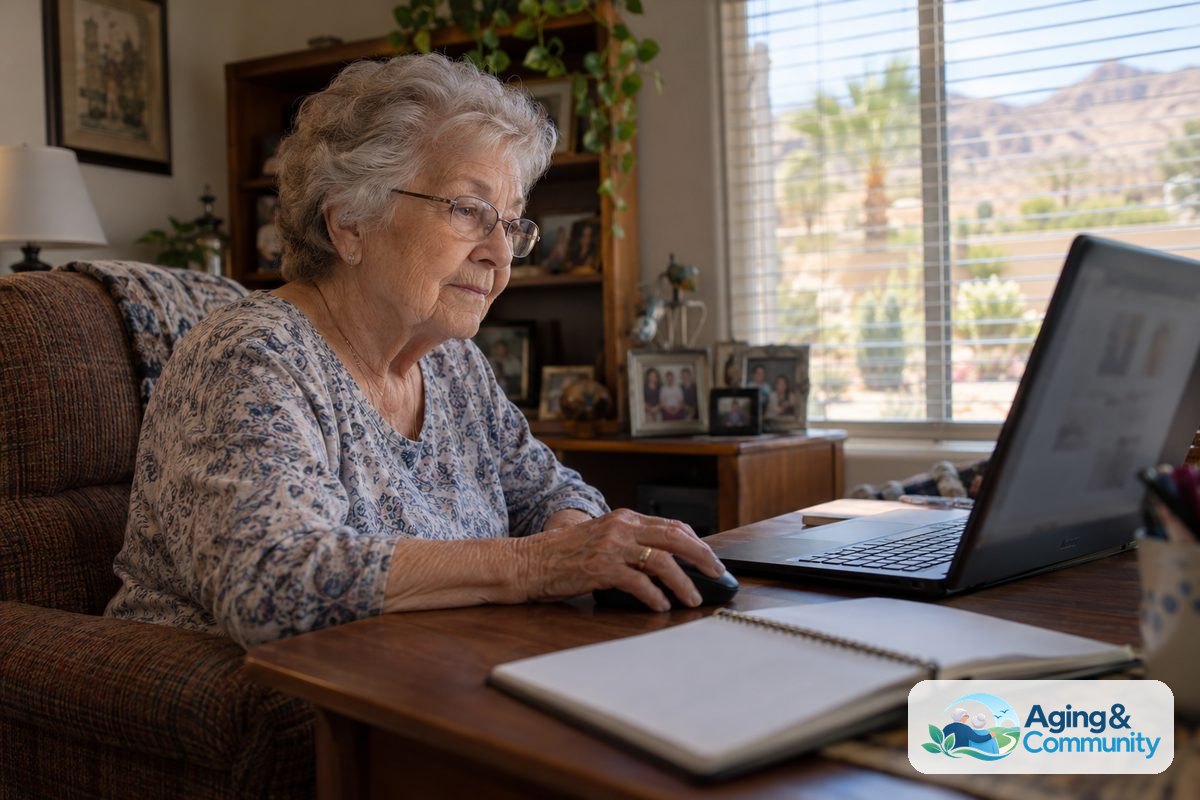
Where to Find Local In-Person Training
The Las Vegas Valley offers many neighborhood spots where you can sit down in a quiet classroom with an instructor. Many public organizations provide access to desktop stations, tablets, and wireless internet connections.
Great places to check for current schedules include:
- Las Vegas-Clark County Library District: Neighborhood branches host regular digital learning labs. Topics range from basic mouse skills to internet safety.
- City of Las Vegas Senior Centers: Centers like the Doolittle Senior Center or Centennial Hills offer recreation calendars with regular tech times.
- Henderson Multigenerational Center: Located just south of the city, this facility frequently schedules introductory tech workshops for residents.
- Clark County Parks and Recreation: Community community centers throughout the valley provide drop-in computer labs with staff members nearby to assist.
Learning how to use digital portals and telehealth can support your goal of aging in place comfortably at home. Connecting with local instructors gives you a safe space to ask questions without feeling rushed.
Skills Taught in Beginner Courses
Beginner classes focus on everyday tasks that make life simpler and keep you connected to loved ones. You do not need any past experience to get started, and instructors expect people to start from square one.
Common subjects covered in introductory workshops include:
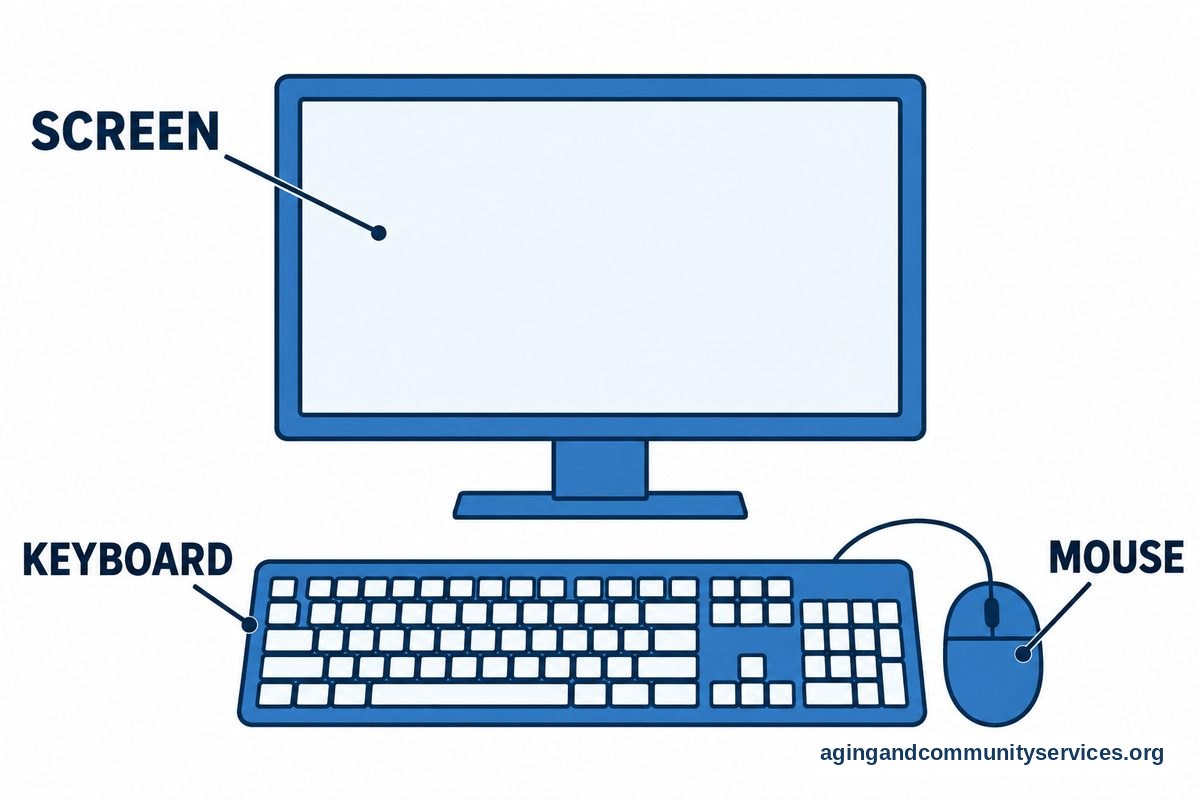
- Hardware Basics: Turning on devices, using a mouse or trackpad, typing on a keyboard, and adjusting screen brightness.
- Internet Browsing: Opening web pages, using search tools, bookmarking favorite sites, and recognizing secure web addresses.
- Email Communication: Setting up an account, writing messages, sending photos, and organizing folders.
- Online Safety: Spotting deceptive messages, creating strong passwords, and protecting personal information.
- Video Calling: Using tools to see and talk with grandchildren and distant friends on a phone, tablet, or monitor.
If you prefer a broader look at everyday gadgets like smartphones and smart speakers, you can also explore community technology classes for seniors in your area.
Low-Cost and Free Digital Training Options
Many older adults live on fixed retirement incomes, so keeping educational costs down is important. Fortunately, the vast majority of local library programs and community center labs provide instruction at no charge.
Public libraries often offer self-paced learning platforms through their websites that cardholders can use at no charge. You can also look into nationwide programs that partner with local housing authorities and community groups to provide no-cost courses.
When searching for budget-friendly programs, you can explore directories featuring computer classes for seniors free of charge. Staff members at these locations are happy to show you how to reserve a seat without paying registration fees.
Learning from Home with Virtual Options
If transportation is tough or you simply prefer working from your favorite chair, virtual learning is a wonderful choice. Online workshops let you watch an instructor on your screen while practicing on your own device.
Many non-profit groups offer live, interactive webinars where you can type questions into a chat box or speak directly with the teacher. These classes run throughout the morning and afternoon, making it simple to fit learning around your daily routine.
You can find hundreds of guided topics by browsing computer classes for seniors online. Virtual learning helps you build confidence in the environment where you will use your computer most often.
How Family Members Can Help with Practice
Patience and encouragement make a big difference when someone is learning a new skill. Adult children and family caregivers can play a major role in reinforcing what a loved one learns in the classroom.
Here are several helpful tips for family helpers:
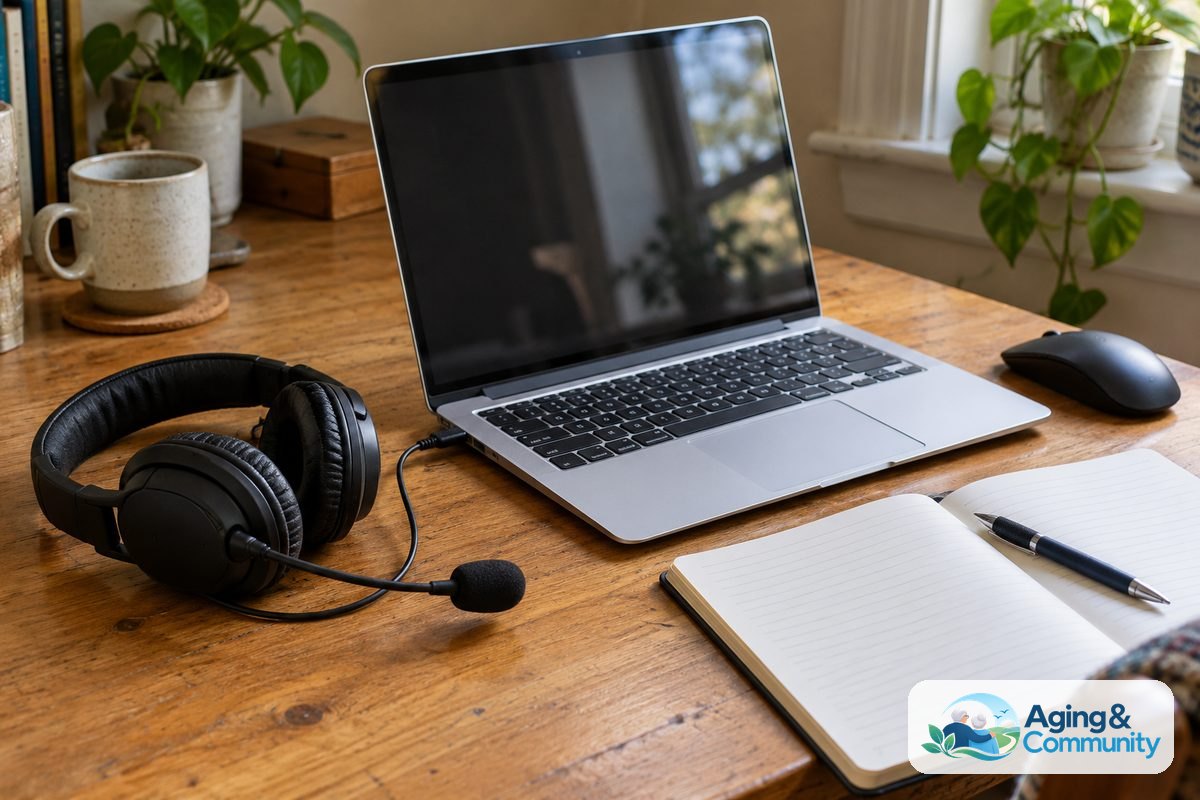
- Write down step-by-step instructions in a dedicated notebook using plain terms.
- Let the learner hold the mouse and type on the keyboard rather than doing it for them.
- Stick to one simple task per practice session, such as opening an email or viewing a photo album.
- Review helpful guides on how to teach computer to seniors to avoid common communication hurdles.
Taking breaks keeps practice sessions fun and prevents frustration for everyone involved.
What to Do Next
Taking the first step toward digital confidence is easy when you break it into small, manageable actions. Here is a simple plan to help you get started this week:
- Locate your library card: Visit your nearest Clark County library branch to pick up a free card and ask a librarian for their current computer workshop calendar.
- Identify your primary goal: Decide on one specific skill you want to learn first, such as sending emails or searching for recipes.
- Call local centers: Contact the nearest city senior center to ask when their next digital lab opens for drop-in practice.
- Check community resources: If you need help finding transportation or community centers near your home, reach out to the Eldercare Locator for localized support.
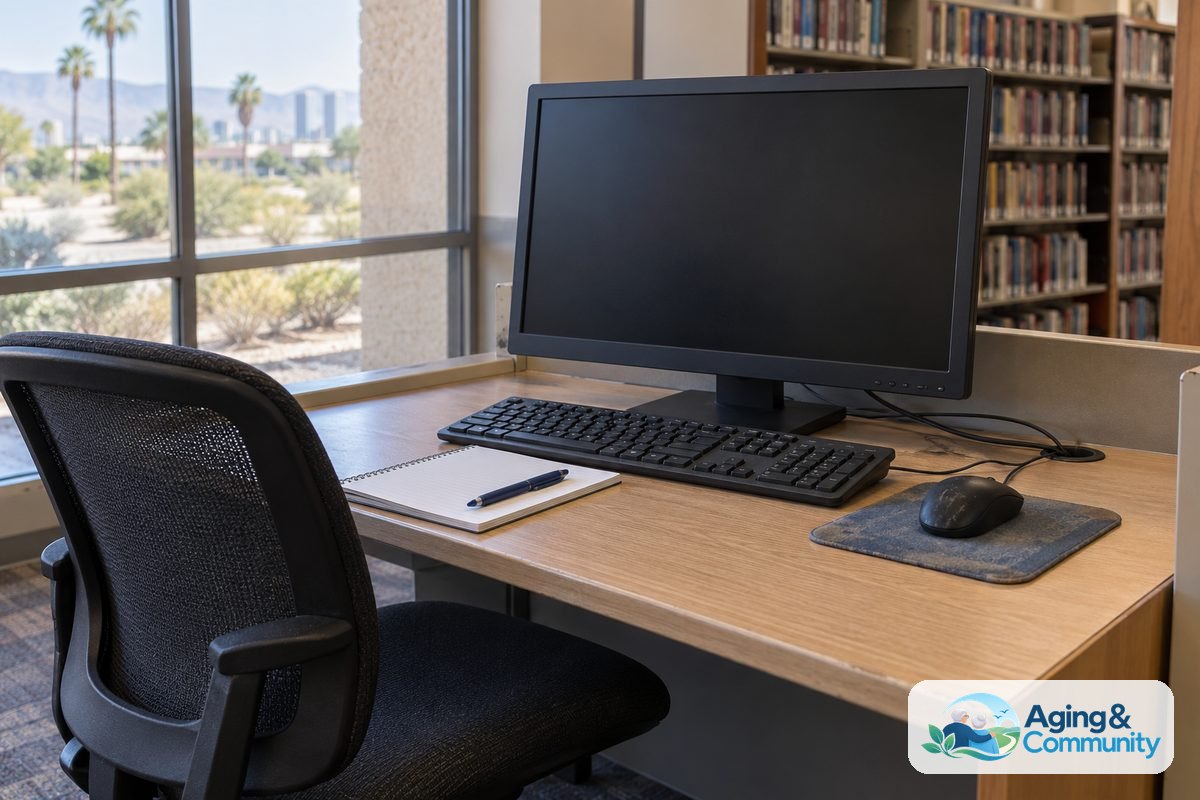
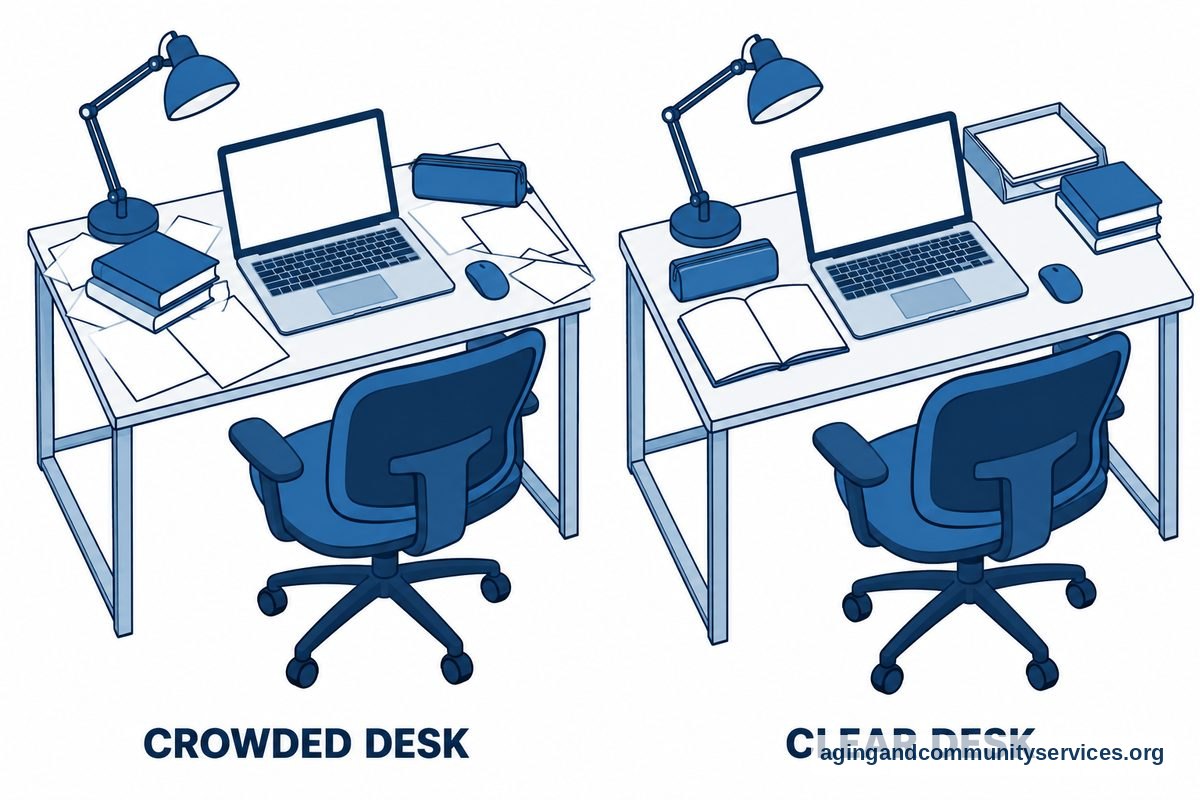
- Set up a practice space: Place your device on a clear desk with a supportive chair and good lighting so you can practice comfortably.
Frequently Asked Questions
Are computer classes for seniors las vegas libraries host open to everyone?
Yes. The Las Vegas-Clark County Library District welcomes community members to attend their educational sessions. Most branches only require that you register in advance, either online, by phone, or at the front information desk.
Do I need to own a laptop to attend class?
No. Most in-person learning labs in Las Vegas provide desktop computers for attendees to use during the lesson. If you own a portable laptop or tablet and want to learn on your own screen, instructors usually welcome you to bring it along.
What should I bring to my first computer class?
Bring a notebook and a pen so you can write down clear directions in your own words. If you have existing accounts, such as an email address, bring your login names and passwords written clearly on a piece of paper.
Are there classes taught in languages other than English?
Yes. Several library branches and neighborhood centers across the valley offer introductory workshops in Spanish. Check with the specific branch hosting the class to confirm language availability before signing up.