

AI for seniors to stay independent can mean using simple tools that help with reminders, home routines, communication, and everyday planning. The goal is not to replace people, care, or good judgment, but to make daily life a little easier and more organized.
Many families start small. A voice assistant, smart speaker, reminder app, or automatic light can support routines without making the home feel complicated. The right choice depends on comfort level, privacy needs, and what daily tasks are hardest right now.

What AI Can Help With at Home
AI is a broad term. In daily life, it often means technology that can respond to a voice, notice a pattern, suggest a next step, or send a reminder. It can be built into phones, speakers, watches, tablets, doorbells, thermostats, and home sensors.
For staying at home, the most useful tools are often the plain ones, just like knowing how to use a crank bed. They help a person remember, reach someone, see better, hear better, or avoid extra steps. They should feel like support, not a burden.
- Reminders: prompts for appointments, trash day, meals, water, or daily tasks.
- Voice help: asking for the weather, setting timers, calling a contact, or making a list.
- Smart home controls: turning on lights, adjusting heat, or locking a door by voice or schedule.
- Communication: video calls, shared calendars, and simple check-ins with family.
- Organization: keeping grocery lists, notes, and routines in one place.
If the main need is a broad look at tools, a plain-English guide to technology for living alone can help families compare options without rushing.
Daily Reminders and Routines
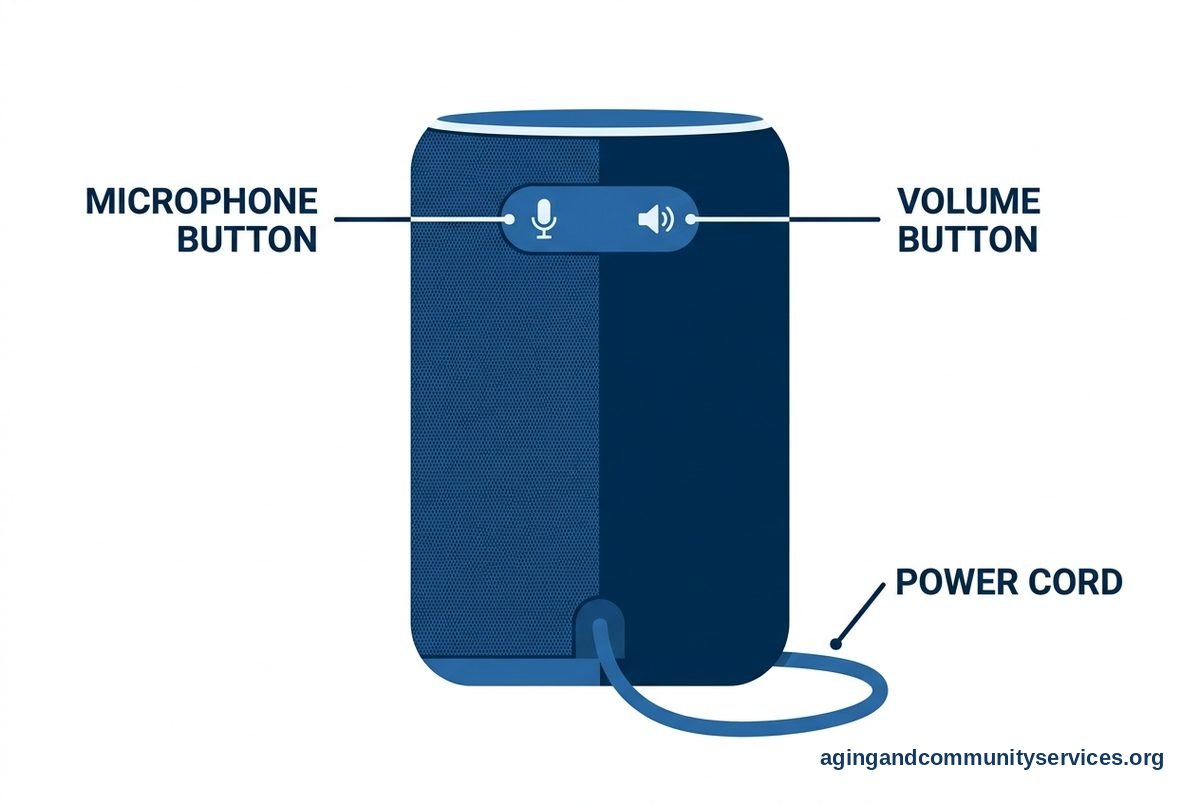
One of the easiest places to use AI is with reminders. A phone, smart speaker, or tablet can give a spoken prompt at the same time each day. This can help with routine tasks that are easy to forget when the day is busy or quiet.
Reminders work best when they are simple and specific. Instead of a vague alert, use words that match the task. For example, a reminder might say, “Put the blue bin by the door,” or “Bring your folder to the appointment.”
Some families use shared calendars. A loved one can add a visit, ride, or appointment, and the person at home can get a reminder. This can reduce repeated phone calls while still keeping everyone informed.
For medicines, AI tools may help organize reminders, but they should not replace advice from a doctor, pharmacist, or other licensed professional. If missed doses, side effects, or confusing instructions are a concern, ask the prescriber or pharmacist what system is safest. A guide to AI prescription reminders can be useful as a starting point for questions.
- Start with one reminder, not a long list.
- Use clear wording that sounds natural.
- Set reminders for the time the task actually happens.
- Review reminders every few weeks and remove ones that are not useful.

Smart Home Help for Everyday Safety
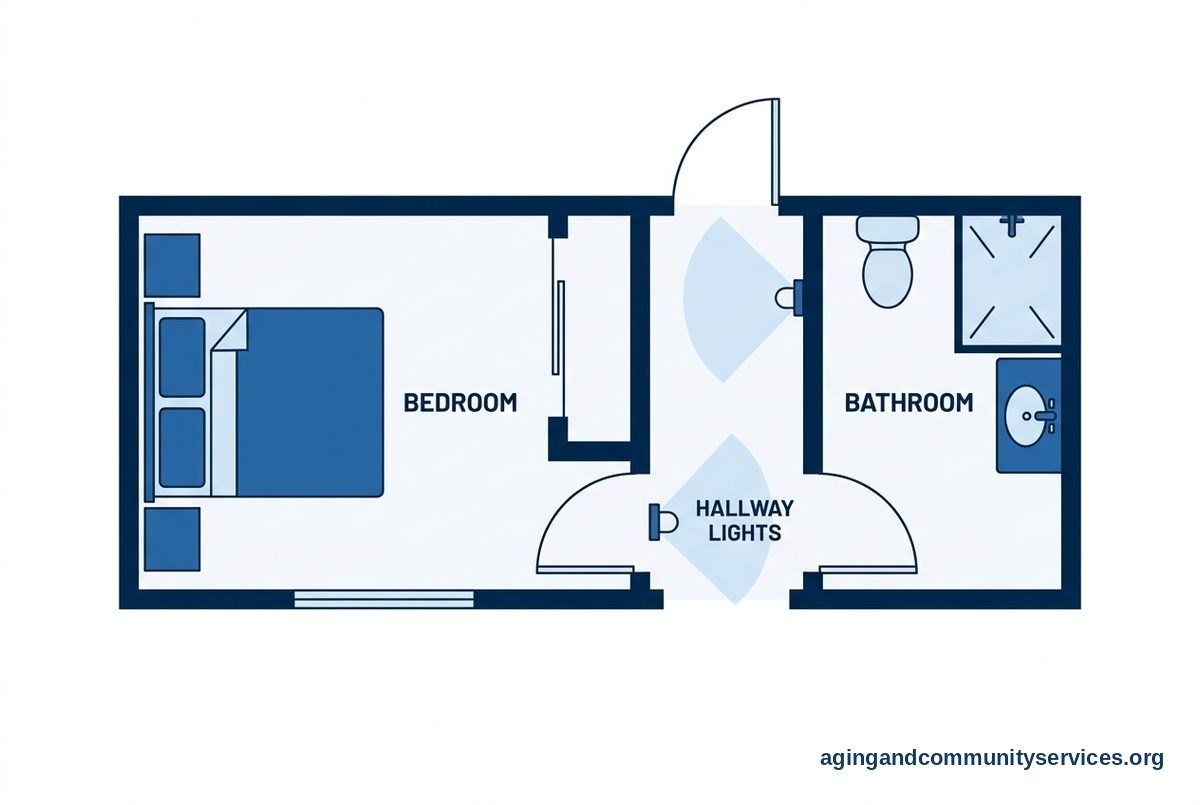
Smart home tools can support independence by making the home easier to manage. Lights can turn on before someone enters a hallway. A thermostat can follow a schedule. A doorbell camera can show who is outside without needing to hurry to the door.
These tools do not make a home risk-free. They can, however, reduce small hassles that may lead to strain or confusion. The National Institute on Aging has practical guidance on falls and fall prevention, including home changes that can lower the risk of falls.
Good smart home planning starts with the house, not the gadget. Walk through the home at the times when tasks are hardest. Notice dark corners, hard-to-reach switches, doors that are often forgotten, and places where someone has to carry too much at once.
A focused guide to a smart home setup can help explain common devices, such as smart plugs, motion lights, video doorbells, and voice controls.
| Need | Possible Tool | Good First Step |
|---|---|---|
| Dark hallway | Motion light | Place one light on the route to the bathroom |
| Hard-to-reach switch | Smart plug | Use it with one lamp first |
| Missed door visitors | Video doorbell | Set alerts only for important times |
| Forgetting routines | Voice assistant | Create one daily reminder |
Staying Connected Without Making Things Complicated
Independence often feels easier when connection is simple. AI can help by making calls, messages, and check-ins easier to start. A person may be able to say, “Call my daughter,” instead of looking through a contact list.
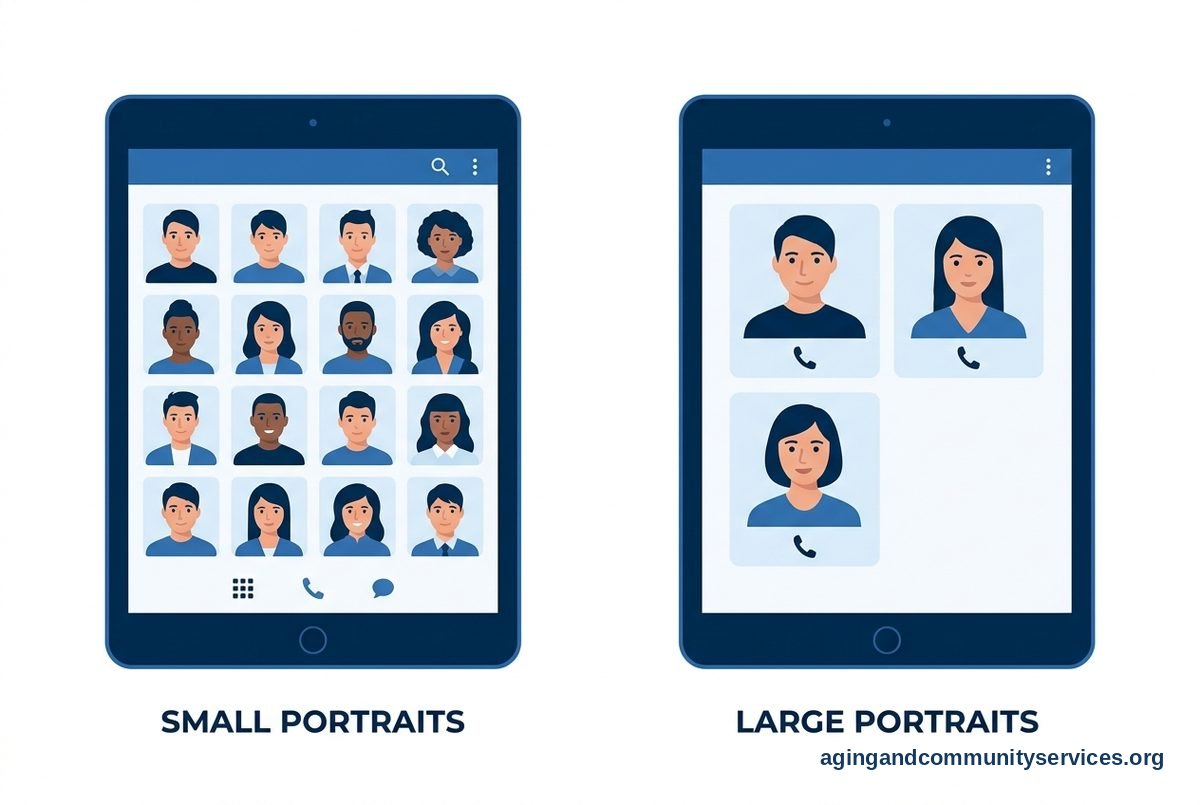
Video calls can also be set up with fewer steps. Some smart displays allow favorite contacts to appear on the main screen. This can make family contact feel more natural, especially for people who do not enjoy typing on small screens.
An AI companion tool may offer conversation, reminders, or daily prompts. It should be seen as extra support, not a replacement for family, friends, neighbors, or community programs. If you are comparing options, a guide to an AI companion tool can help frame the pros and limits.
Keep the contact plan simple. Too many apps can create stress. Choose one main way to communicate, then write down the steps in large print and keep them near the device.
- Pick one device for calls and check-ins.
- Add only trusted contacts to favorites.
- Turn off alerts that are not useful.
- Practice short calls when everyone is relaxed.
- Keep backup phone numbers on paper.
Privacy, Consent, and Trust
AI tools work best when everyone understands what they do. Some devices listen for a wake word. Some store voice requests. Some cameras record short clips. Some apps share information with family members or service providers.
Before setting up any device, talk about what feels acceptable. A person should know what is being used, where it is placed, and who can see alerts or recordings. Consent matters, even when the goal is support.
Use the privacy settings. Turn off features that are not needed. For example, a smart speaker may not need shopping features, and a camera may not need to record all day. Strong passwords and two-step sign-in can also help protect accounts.
It is wise to write down account details and keep them in a safe place. Include the device name, the app used to control it, and who can help with settings. Avoid sharing passwords by text or email when possible.
- Ask what information the tool collects.
- Limit alerts to people who truly need them.
- Place cameras only in agreed-upon areas.
- Review settings after updates.
- Remove devices that no longer serve a clear purpose.

How to Choose Tools That Fit Real Life
The best AI tool is the one a person will actually use. A device with many features may not be helpful if it feels confusing. A simple tool that solves one daily problem is often the better choice.
Start by naming the need. Is the challenge remembering appointments, managing lights, staying in touch, reading small text, or getting help with lists? Once the need is clear, it is easier to choose a tool and avoid buying items that sit unused.
Think about hearing, vision, hand strength, internet access, and comfort with screens. A voice tool may help one person but frustrate another. A large tablet may be easier than a phone. A written backup can make any digital tool feel safer and more familiar.
The National Institute on Aging explains that aging in place often takes planning around home safety, support, transportation, and daily needs. AI can be one part of that plan, but it is not the whole plan.
If a person has trouble moving around the home, bathing, cooking, or doing daily tasks, ask a doctor about whether a physical therapist or occupational therapist could offer advice. These professionals can suggest practical changes based on the home and the person’s abilities.
What You Can Do Next
Start with a calm look at daily life. The goal is to find one small problem that technology could make easier. Avoid changing too much at once, because new tools need time to become familiar.
- Choose one task: Pick a routine that causes stress, such as remembering appointments or turning on lights at night.
- Use what is already available: Check the phone, tablet, or smart speaker already in the home before adding anything new.
- Set up one feature: Try one reminder, one smart plug, or one favorite contact.
- Write down the steps: Keep simple instructions near the device in large, clear print.
- Review after a week: Ask what helped, what annoyed the person, and what should be changed.
- Bring in support if needed: Ask a trusted family member, local library, community center, or area agency on aging for help.
If you need local support services, the Eldercare Locator can help connect families with aging services in their area. For a broader overview of how AI may fit into daily life, this guide to AI for the elderly may also be helpful.
Keep the person at the center of every choice. A useful setup should respect privacy, support choice, and make daily life feel more manageable.
Frequently Asked Questions
What is the easiest AI tool to start with at home?
A voice assistant or phone reminder is often the easiest place to begin. It can answer simple questions, set timers, make lists, and give reminders without adding many new steps.
Start with one feature. For example, set a daily reminder or create a grocery list by voice. Add more only if the first step feels useful.
Can AI help someone live alone?
AI can support living alone by helping with reminders, communication, lights, locks, and simple routines. It can also make it easier for trusted people to check in.
It should not be the only support plan. People may still need neighbors, family, transportation, home repairs, community programs, and advice from health professionals when daily tasks become difficult.
Are AI devices hard to use?
Some are simple, and some are not. The setup can be the hardest part. After setup, the best tools should require only a few actions, such as speaking a request or tapping one button.
Choose devices with clear controls, large text, and strong support from someone trusted. If a tool causes repeated frustration, it may not be the right fit.
How can families respect privacy while using AI?
Talk first. Explain what the device does, what information it may collect, and who can see alerts. Avoid placing cameras or sensors in private areas unless the person clearly agrees.
Use privacy settings, strong passwords, and limited sharing. Review settings from time to time, especially after app or device updates.
Can AI remind someone to take medicine?
Yes, some tools can give medicine reminders or help organize a schedule. These reminders are not medical advice and should not change how a medicine is taken.
If instructions are confusing, doses are missed, or side effects are a concern, speak with a doctor or pharmacist. They can help create a safer plan for that person’s needs.