

Finding good apps for lonely seniors can make a big difference in daily life. A friendly chat or a simple game can bring warmth, comfort, and regular connection with family and friends. Today, many digital tools are designed specifically to help seniors feel supported without feeling overwhelmed by complex technology.

Simple Ways to Connect with Family
Staying in touch with grandchildren, adult children, and old friends helps brighten any day. Many people look for an app for lonely elderly relatives that focuses on clear buttons, large text, and straightforward controls. When screens are simple to use, staying connected feels natural rather than frustrating.
Video calling remains one of the most effective ways to bridge physical distance. Setting up a dedicated video call for elderly family members lets everyone share smiles, celebrate birthdays, and talk face-to-face. Popular options like FaceTime, Zoom, and WhatsApp can be simplified by placing single-tap shortcuts right on the home screen.
Family sharing platforms are another wonderful way to keep everyone in the loop. Private photo-sharing apps allow children and grandchildren to post daily photos, short voice notes, and quick updates that appear automatically on a tablet screen.
Building New Friendships and Finding Community
Sometimes, family members are busy with work or school, leaving long quiet stretches during the week. Many people wonder, is there an app for elderly to make friends who share similar life experiences? The answer is yes, as several platforms now cater to mature adults looking for platonic conversation.
- Interest-based clubs: Platforms like Meetup feature local and virtual groups centered on book discussions, gardening, history, and crafts.
- Senior-focused communities: Dedicated networks offer moderated message boards where members can share stories, advice, and lighthearted humor.
- Virtual senior centers: Many community centers host online coffee hours, gentle exercise sessions, and educational lectures through easy video links.
Engaging in these groups provides a sense of routine and belonging. Talking about common hobbies makes it easy to start conversations without feeling self-conscious.
Everyday Companionship and Artificial Intelligence
Technology now offers options for daily conversation even when friends or relatives are unavailable. An ai companion for elderly individuals can provide friendly greetings, share daily trivia, play music, and encourage healthy routines throughout the day.
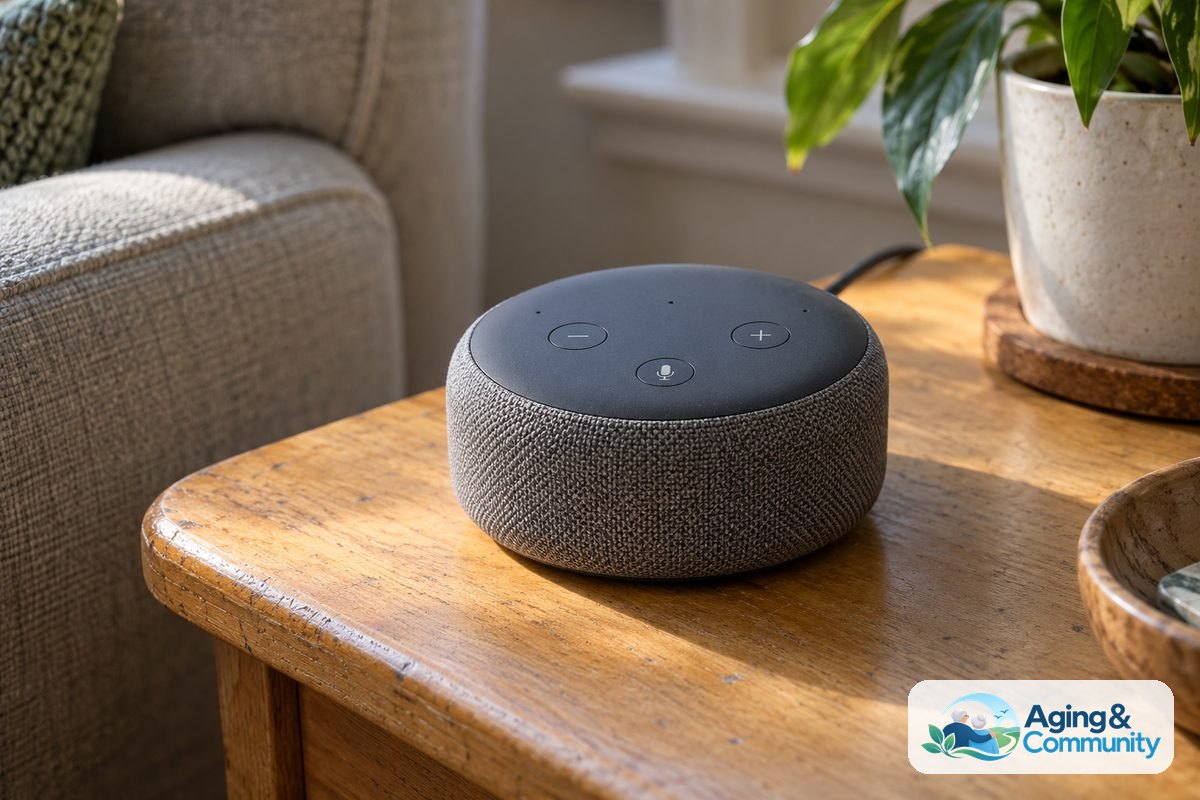
Voice-activated assistants are especially helpful for those who find typing on small glass screens difficult. Simply speaking aloud to ask about the weather, hear a favorite song, or listen to an audio story can bring warmth to a quiet room. These tools listen patiently and respond immediately, offering low-stress interaction at any hour.
Specialized devices take this concept a step further by combining voice interaction with expressive movement. Exploring tools like the elliq companion robot shows how helpful proactive technology can be for keeping days structured and socially active.
Interactive Games and Shared Hobbies
Playing games together is a classic way to connect across generations. Digital versions of classic board games and word puzzles allow people to play together even when living miles apart.
- Word puzzles: Turn-based word games let grandparents and grandchildren play moves back and forth throughout the week at their own pace.
- Card games: Digital card rooms allow players to join tables for bridge, rummy, or cribbage with players from around the country.
- Trivia challenges: Answering questions about history, music, and geography keeps the mind engaged while fostering friendly competition.
These activities create natural conversation starters. Instead of asking how someone is feeling, family members can talk about a clever move in a game or a funny trivia question.

Safety and Confidence When Using New Technology
Introducing new software should always be a comfortable, positive experience. Taking a few simple steps ensures that using technology remains safe and enjoyable for everyone involved.
First, adjust the settings on tablets and phones to enhance accessibility, much like learning how to choose CPAP settings for nighttime comfort. Increasing text size, turning up system volume, and reducing screen glare can make devices much easier to use. An occupational therapist can offer personalized guidance on screen placement and assistive stands to keep hands and necks comfortable.
Second, prioritize privacy and online safety. Use private, invite-only spaces for family communications rather than open public forums. Teach loved ones never to share personal information, passwords, or financial details with strangers online.
Practical Next Steps for Getting Started
Helping someone adopt new digital tools works best when taken one step at a time. Here is a simple, stress-free path forward:
- Choose one simple goal: Start with a single purpose, such as viewing family photos or having a Sunday video call. Starting small prevents feelings of frustration.
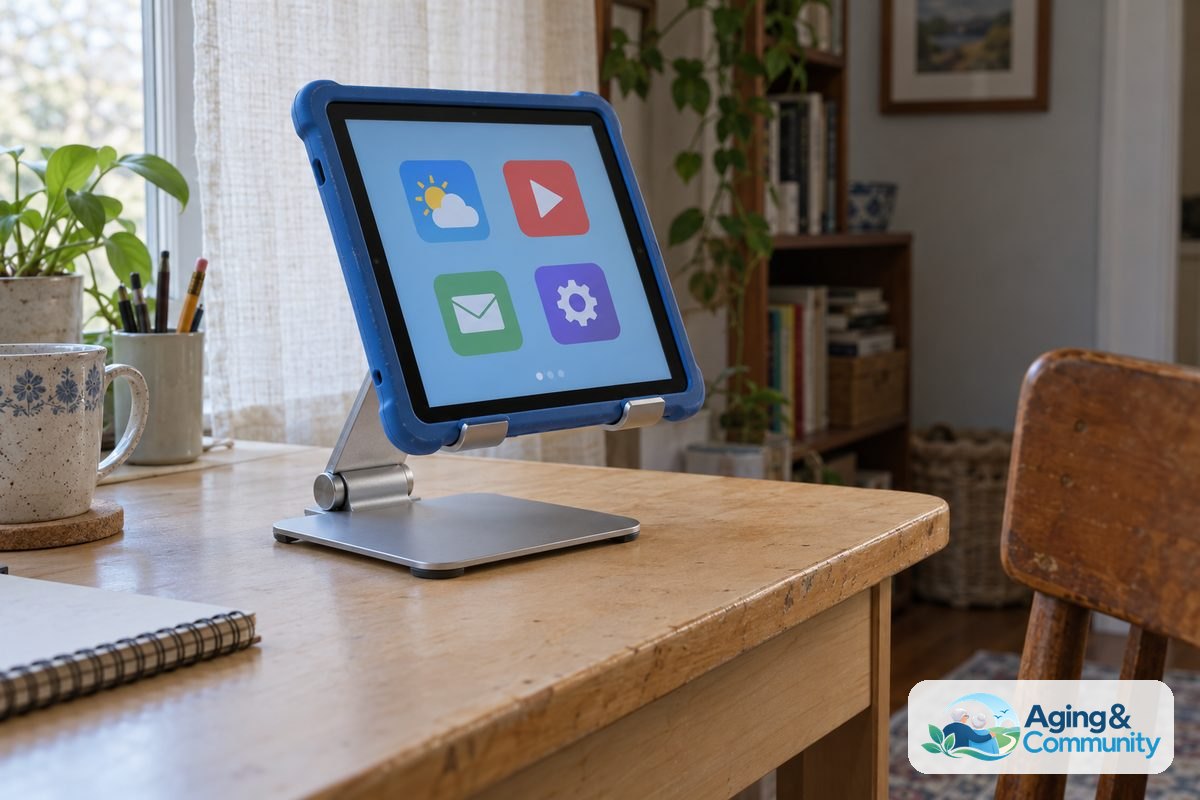
- Select the right hardware: A tablet with a bright, wide screen is often easier to handle than a small smartphone. Consider adding a sturdy case with an adjustable stand.
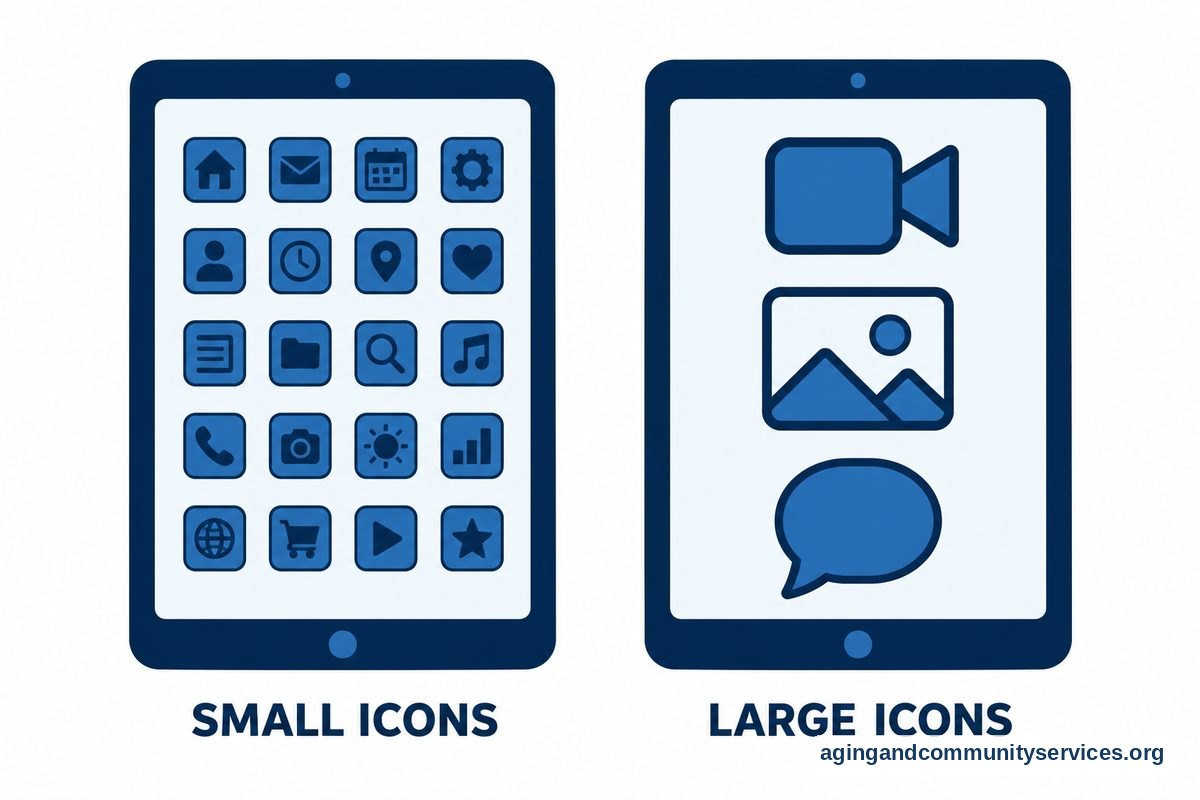
- Set up the home screen: Remove unused icons and place the main communication tools front and center with large labels.
- Schedule regular check-ins: Build trust by setting a regular time for calls or shared games so there is always something pleasant to anticipate.
- Explore local community resources: Contact the Eldercare Locator to find regional programs, technology training classes, and local community centers.
- Support daily independence: Staying socially connected is an important part of broader wellness. Read more about aging in place to learn about keeping home life safe, secure, and fulfilling.
Frequently Asked Questions
What is the easiest app for an older adult to use?
The easiest option is usually the one that requires the fewest taps to operate. Built-in video calling tools like FaceTime for Apple devices or simple, one-touch tablet interfaces designed for families work very well. The best choice depends on what family members already use regularly.
Are digital companion tools safe for older people?
Yes, reputable companion tools and voice assistants are safe when properly configured. It is important to set strong account passwords, review privacy settings, and ensure that personal financial information is never shared during casual digital chats.
How can family members help someone who is hesitant about technology?
Patience and positive encouragement are key. Write down clear, step-by-step instructions with pen and paper using large lettering. Focus on the benefits, such as seeing grandbabies or listening to favorite old radio programs, rather than the technology itself.
Can playing games on a tablet help with feelings of isolation?
Playing games can provide a welcome sense of engagement and lighthearted fun. Turn-based games played with family members create ongoing touchpoints throughout the week, giving people a shared activity to discuss during regular phone calls.
Where can families find help with local social programs?
Local senior centers, public libraries, and community outreach organizations frequently host social hours, book clubs, and tech help sessions. Reaching out to local community resources is a wonderful way to complement digital connections with in-person activities.