

It can feel unsettling when fall detection on your Apple Watch didn’t work during an actual slip or trip. While this wearable technology offers helpful peace of mind, certain movement patterns or device settings can cause it to miss an event. Understanding why this happens helps you set up your device properly and decide if you need extra layers of safety.
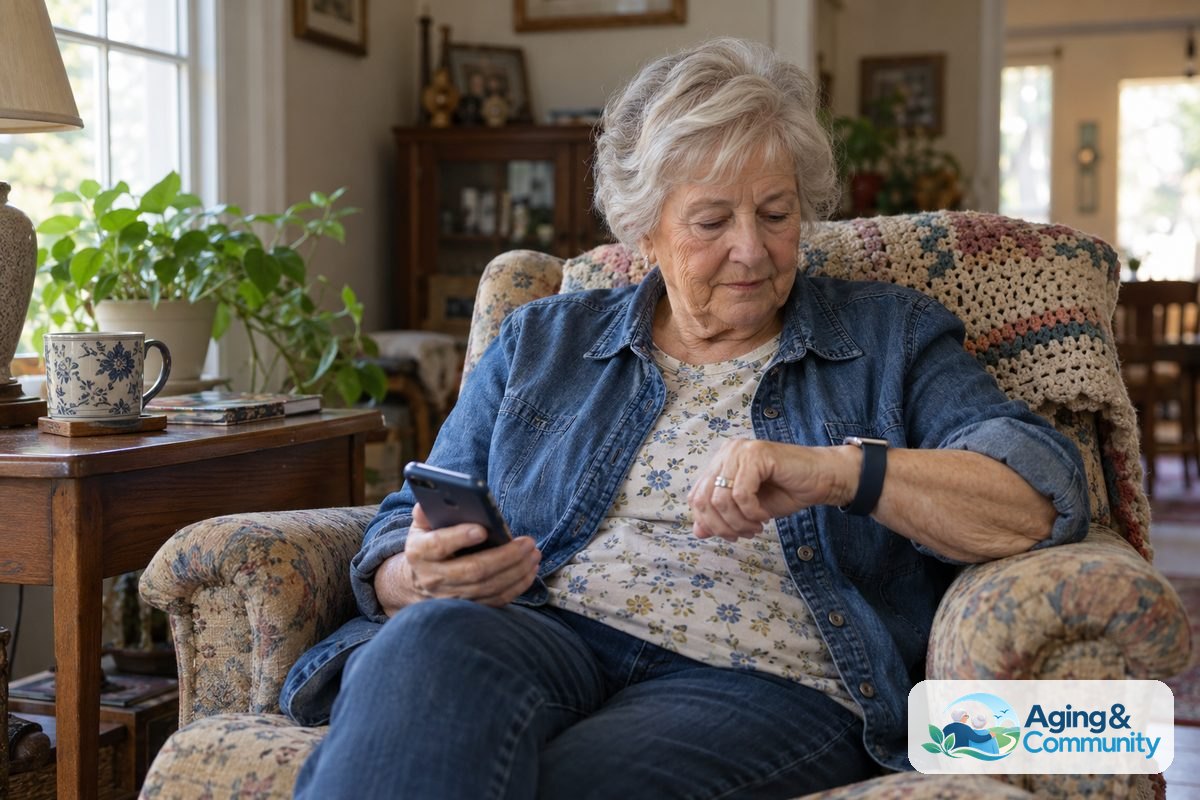
How Fall Detection Works on the Watch
The Apple Watch uses built-in sensors, including an accelerometer and a gyroscope, to track how your wrist moves through the air. These sensors look for a fast drop followed by a sudden impact. If the watch detects that signature motion, it taps your wrist, sounds an alert, and shows an alert screen to ask if you are okay.
If the watch senses that you are moving after the impact, it waits for you to respond. It will not call emergency services immediately if it sees that you are active. If you remain completely still for about one minute, the device starts a thirty-second countdown. Once that countdown finishes, it automatically calls local emergency services and sends a message with your location to your designated emergency contacts.
This safety tool is standard on newer versions of the watch. When you set up a fall detection Apple Watch, the feature turns on automatically if you entered your age as fifty-five or older in the Health app. If your age is not listed, or if you are younger, you must turn the setting on yourself.
Common Reasons Fall Detection Might Not Trigger
Wrist-based sensors are clever, but they are not perfect. There are several everyday reasons why the watch might not recognize that a fall took place.
- Sliding or low-impact falls: If you slide down from a chair, slip gently out of bed, or crumple slowly against a wall, the sensors may not register a hard stop. The software requires a sudden, abrupt jolt to realize an emergency has occurred.
- Bracing with your arms: If you catch yourself on furniture, a counter, or a railing on the way down, the impact at the wrist is softened. That break in momentum can stop the sensor from triggering the alert.
- Immediate movement: If you fall and immediately roll over, sit up, or reach for something, the watch assumes you are moving safely. It may dismiss the event as everyday rough movement.
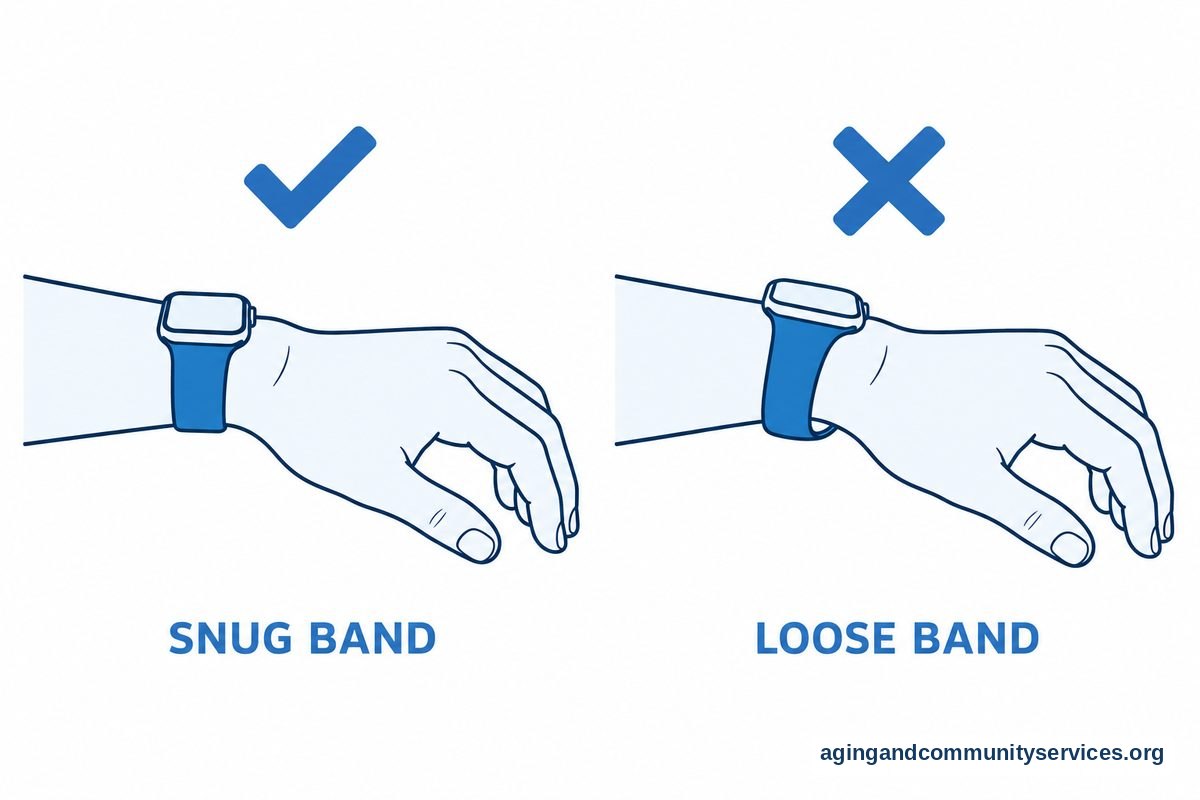
- Loose wristbands: If your watch band is loose, the sensors cannot read your body motion accurately. The watch needs to sit snugly against your skin, just above the wrist bone.
- Workout-only settings: The watch has two modes for this feature: always on, or only on during recorded workouts. If it is set to workout mode only, it will stay silent during regular daily routines around the house.
Checking Your Settings and Connection
If you experienced a situation where the alert did not activate, checking a few simple settings on your paired iPhone or on the watch itself is a smart first step.
Open the Watch app on your paired iPhone, tap the My Watch tab, and select Emergency SOS. Look at the toggle next to Fall Detection. Make sure the switch is green, showing that it is turned on. Right below that, choose the option labeled Always On rather than Only on during workouts. This ensures the watch watches for hard impacts throughout the whole day.
Next, check your connection. If your watch relies on your phone for calls, the phone must be nearby and powered on. If you use a fall detection Apple Watch without iPhone nearby, your watch must have an active cellular plan or be connected to a known Wi-Fi network with Wi-Fi calling enabled. Without a path to make a call, the device cannot reach out for help even if it senses an impact.

Sensor Limitations Compared to Dedicated Devices
Many families wonder how a general smartwatch compares to equipment made only for safety alerts. Smartwatches are designed to do dozens of tasks, from tracking steps to sending text messages. Because people move their hands constantly during the day, smartwatch makers must balance sensitivity. If the watch triggered too easily, it would call emergency responders every time you clapped, dropped a book, or patted a tabletop.
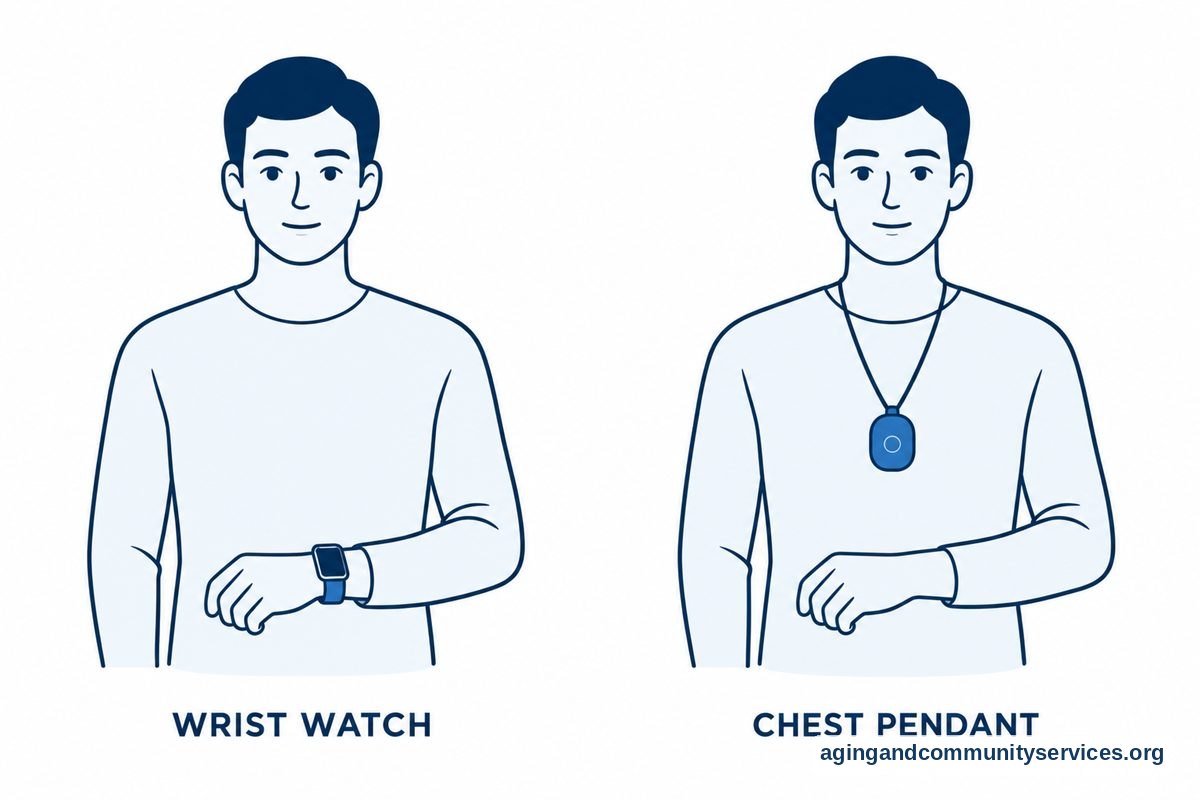
By contrast, purpose-built medical alert systems often place sensors on a pendant worn flat against the chest. The center of the body moves very differently than a wrist. A chest pendant moves in a straight drop toward the floor during most falls, making it easier for dedicated sensors to identify the drop without false alarms.
If you want a device focused solely on safety with twenty-four-hour monitoring centers, a dedicated medical alert smartwatch with fall detection might offer a helpful alternative. These tools connect you directly to trained operators who stay on the line until help arrives, rather than calling general emergency dispatch directly.
Practical Steps You Can Take Next
Technology is only one part of staying safe and independent at home. Taking a few proactive steps can give you and your loved ones greater peace of mind.
- Review your living spaces: Look through your home for common tripping hazards. Securing loose rug edges, clearing hallway clutter, and adding bright nightlights along bathroom paths can make moving around much safer. The National council on Aging offers helpful guidance on how simple home updates can lower the risk of accidents.
- Talk to a professional: Physical therapists and occupational therapists can evaluate your balance, review how you move through your home, and suggest helpful balance exercises. You can also explore local resources through the Eldercare Locator to find community wellness and balance programs near you.
- Review your medical plan: Talk with your primary care doctor about your medications. Some prescriptions or combinations can cause dizziness or sudden blood pressure drops when standing. The National Institute on Aging notes that regular medication reviews with a healthcare provider can lower the risk of balance issues.
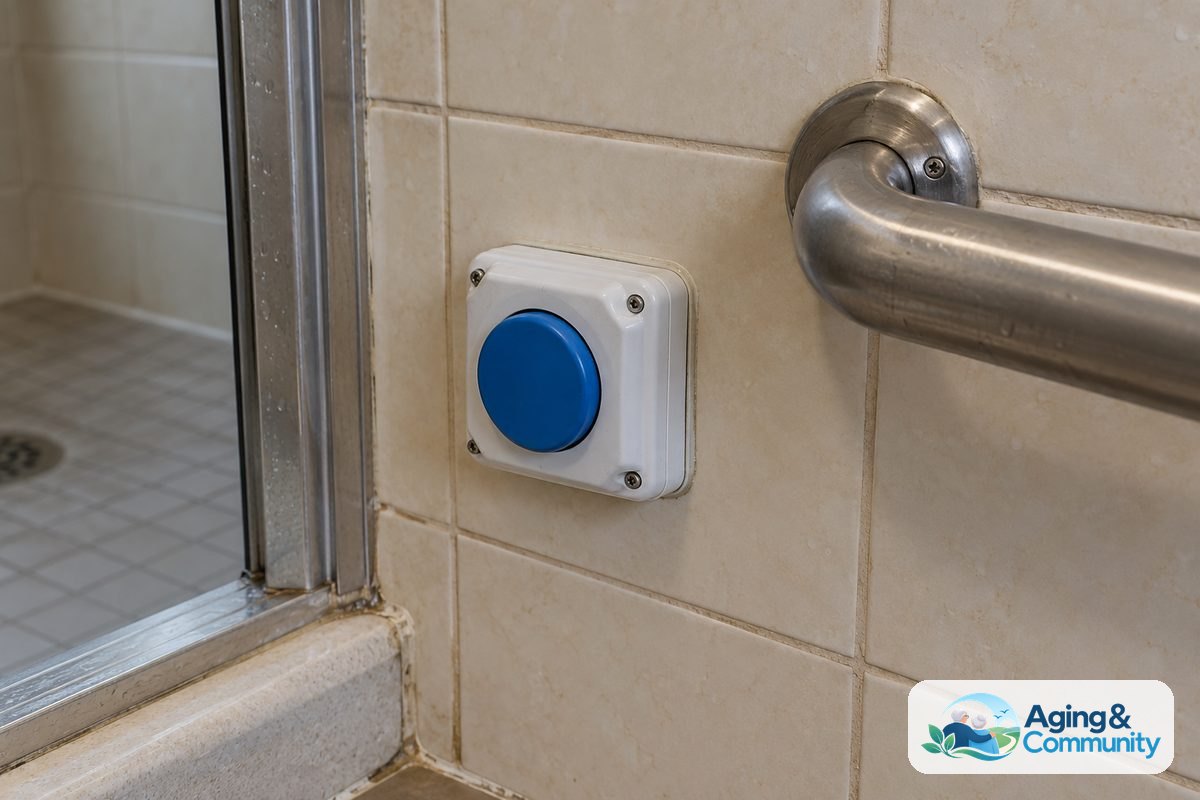
- Consider backup options: Depending on your daily routine, you might choose to pair your smartwatch with traditional elderly fall alert devices, such as a waterproof wall button placed near the shower or bedside. Having multiple ways to call for help ensures you are never reliant on a single battery or sensor.
- Practice using Emergency SOS manually: Teach yourself and family members how to call for help by hand. Pressing and holding the side button on the watch brings up an emergency slider that dials for help immediately, even if the automatic sensors never sensed a drop.
Frequently Asked Questions
Can I test fall detection on my Apple Watch by dropping it on a bed?
Throwing or dropping the watch onto a mattress or couch will almost certainly not trigger the alert. The watch software looks for human body movement, arm swing, and realistic impact forces. It also checks for a human wrist inside the band using the heart rate sensors on the back. Apple designs the system to ignore soft landings and deliberate drops.
Why didn’t my watch call 911 after I fell?
If the watch did detect the drop, it may have noticed you moving right afterward. The watch is programmed to wait if it senses movement, giving you time to dismiss the screen if you do not need help. Alternatively, if the fall was gradual or your arm caught your weight on the way down, the impact force may have been below the threshold required to launch the emergency sequence.
Does fall detection work if my wrist is wet or I am in the shower?
The Apple Watch is water-resistant and fall detection remains active while you bathe or shower. However, water droplets hitting the screen can sometimes interfere with touch inputs. The physical sensors still track motion, but a slip that turns into a slide down the wall of a shower stall may not generate the sharp impact needed to activate the alert automatically. Keeping a manual alert button within reach is a good backup.
Will the watch notify my emergency contacts if an alert goes off?
Yes, but only if you have set them up ahead of time in the Health app on your iPhone. Once an emergency call finishes, the watch automatically sends a text message to everyone listed in your Medical ID as an emergency contact. The text lets them know the watch detected a hard fall, provides your current location, and shares that emergency services were contacted.
Should older adults rely on the Apple Watch as their only safety alert?
While the watch is a capable everyday tool, no automatic sensor can detect every single fall. For older adults who spend long periods alone, combining a smartwatch with regular check-ins from family, home safety modifications, and clear access to manual emergency buttons provides the most reliable protection.