

Many people worry that modern gadgets are too complicated to learn, but it is never too late to learn technology for seniors. Digital devices today are more flexible, helpful, and welcoming than ever before. With a little patience and the right setup, you can use these tools to stay connected with family, manage daily routines, and enjoy your favorite hobbies.
The Real Benefits of Learning Modern Devices
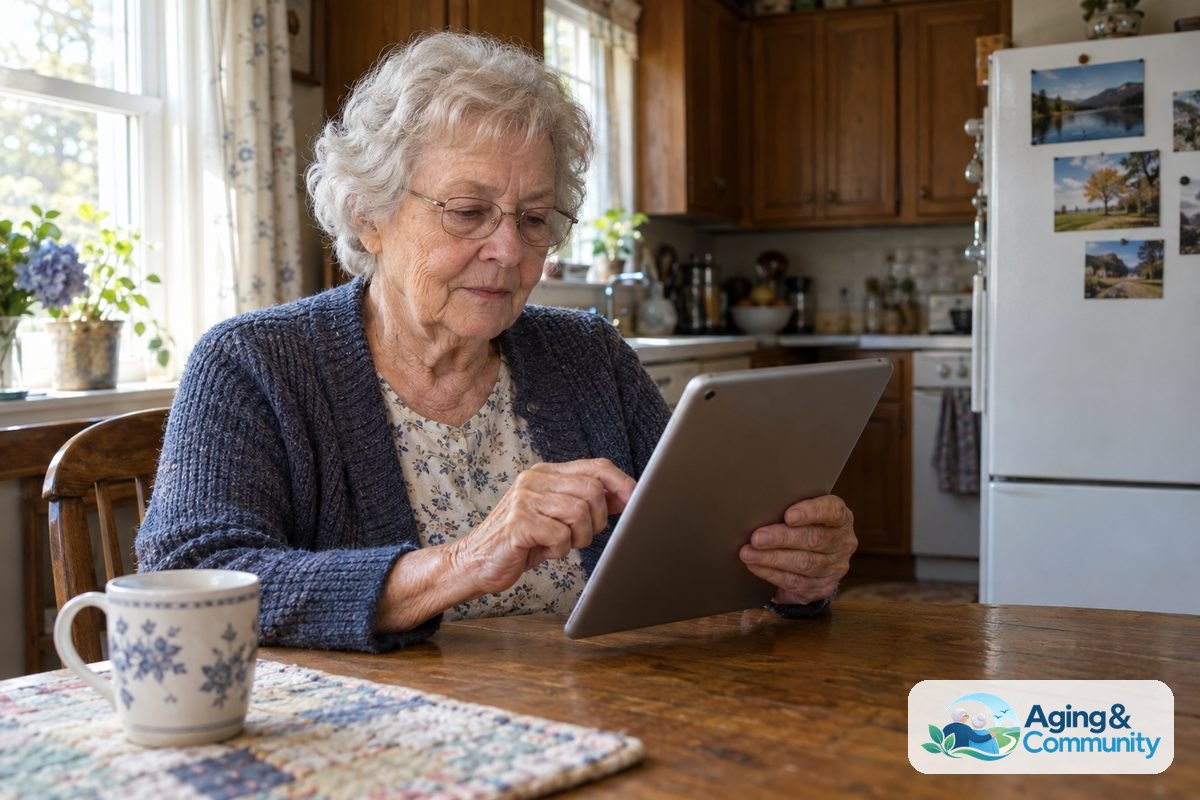
Technology is not just about fancy screens, complicated settings, or learning how to choose CPAP settings. At its core, modern equipment exists to make your daily life easier and more enjoyable. A simple tablet or smartphone can help you read books with larger print, listen to music from your youth, or watch videos about gardening and cooking.
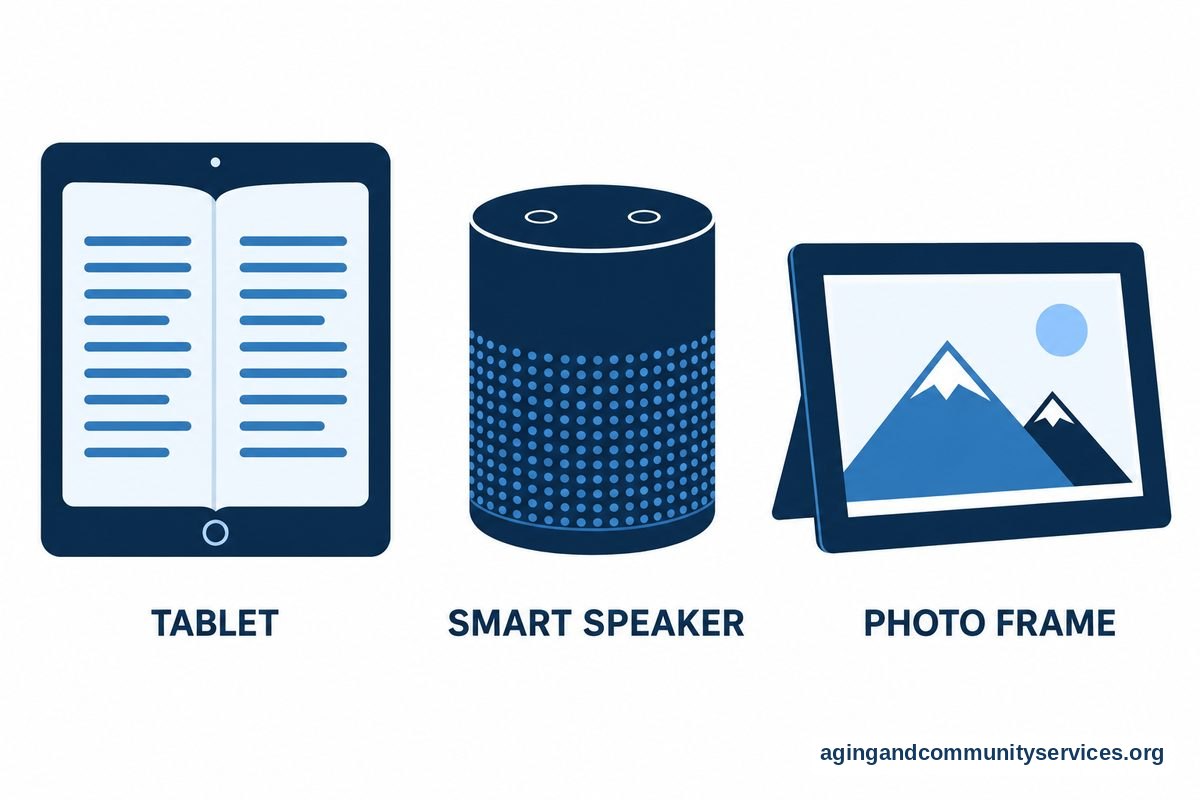
Connecting with loved ones is often the biggest reward. Video calls let you see the smiles of grandchildren who live across the country. Text messages allow you to share quick thoughts or photos without worrying about calling at a bad time. Many families find that a shared digital photo frame brings daily joy as new pictures appear automatically throughout the week.
Beyond social ties, everyday tools can support independent living. Smart speakers can set timers for your laundry, remind you to take an afternoon walk, or read the daily weather forecast aloud. When you explore helpful technology for seniors, you open up practical ways to make home life run smoothly.
Overcoming the Fear of Making Mistakes
One common worry is the fear of breaking an expensive device. Many adults feel that tapping the wrong button might delete important files or lock the entire system. Fortunately, modern consumer electronics are built to withstand trial and error.
Almost every action on a phone, tablet, or computer can be reversed. If you open the wrong app, a single press of a home button or a swipe of your finger returns you to the start. If you delete a photo accidentally, most devices keep it in a trash folder for a month before removing it permanently.
It helps to give yourself permission to move at your own speed. You do not need to master every feature on a device in a single afternoon. Learning just one or two basic functions, such as sending a text message or checking the morning news, is a complete success.
Simple Ways to Make Devices Easier to Use
Modern operating systems include many built-in tools designed to match your personal vision, hearing, and touch preferences. You do not have to settle for tiny text or quiet speakers.
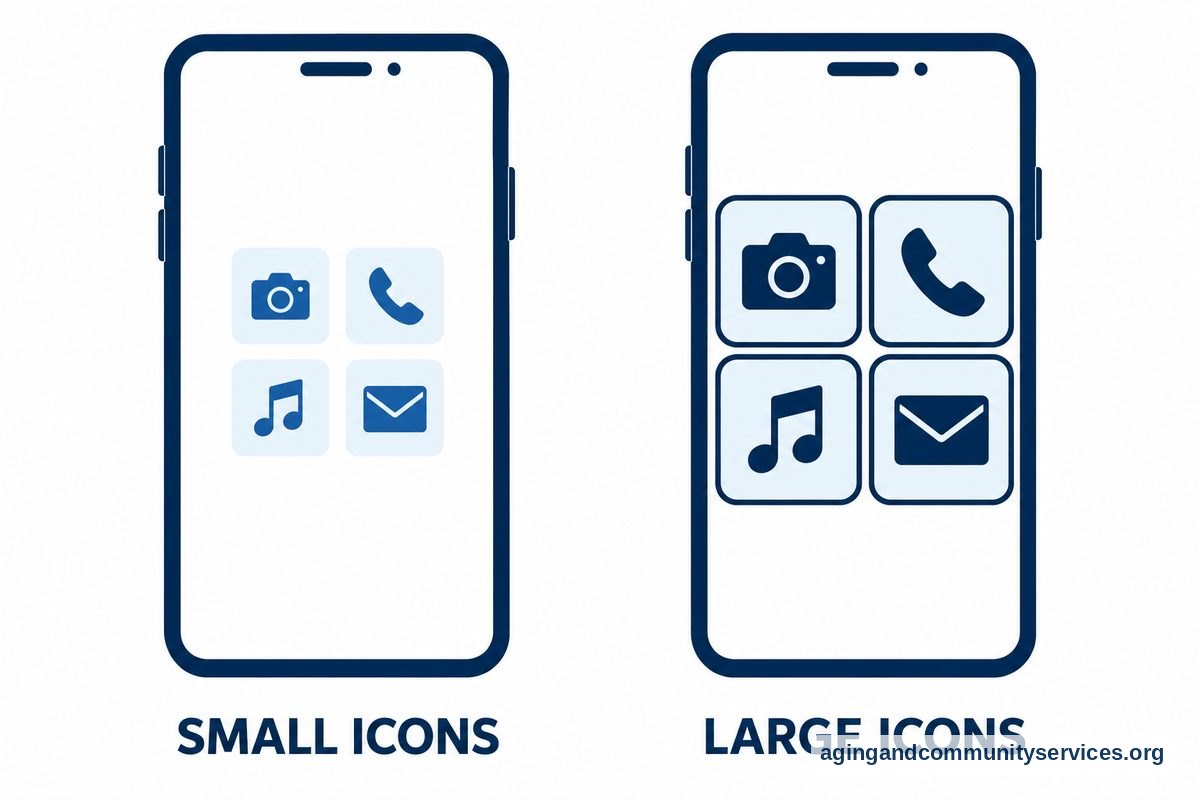
- Larger text and bold fonts: You can adjust screen settings to make words clear and easy to read without straining your eyes.
- High contrast displays: Turning on contrast adjustments makes buttons, borders, and icons stand out sharply against the background.
- Magnification tools: Built-in digital magnifiers let you zoom in on small details, recipe cards, or tiny print on physical mail using your camera.
- Voice typing: If typing on a small keyboard feels stiff or slow, you can tap the microphone icon and speak your message aloud.
- Hearing support: Many devices connect directly to modern hearing aids, sending phone calls and audio straight to your ears with great clarity.
Taking an hour to adjust these accessibility settings can transform a frustrating experience into a comfortable daily habit.
Smart Home Tools for Daily Independence
Technology in the home can also provide physical comfort and peace of mind. Voice-activated lights, for example, allow you to light up a dark hallway before you ever step out of bed. Resources from the National Institute on Aging on falls highlight how clear pathways and good lighting reduce household hazards.
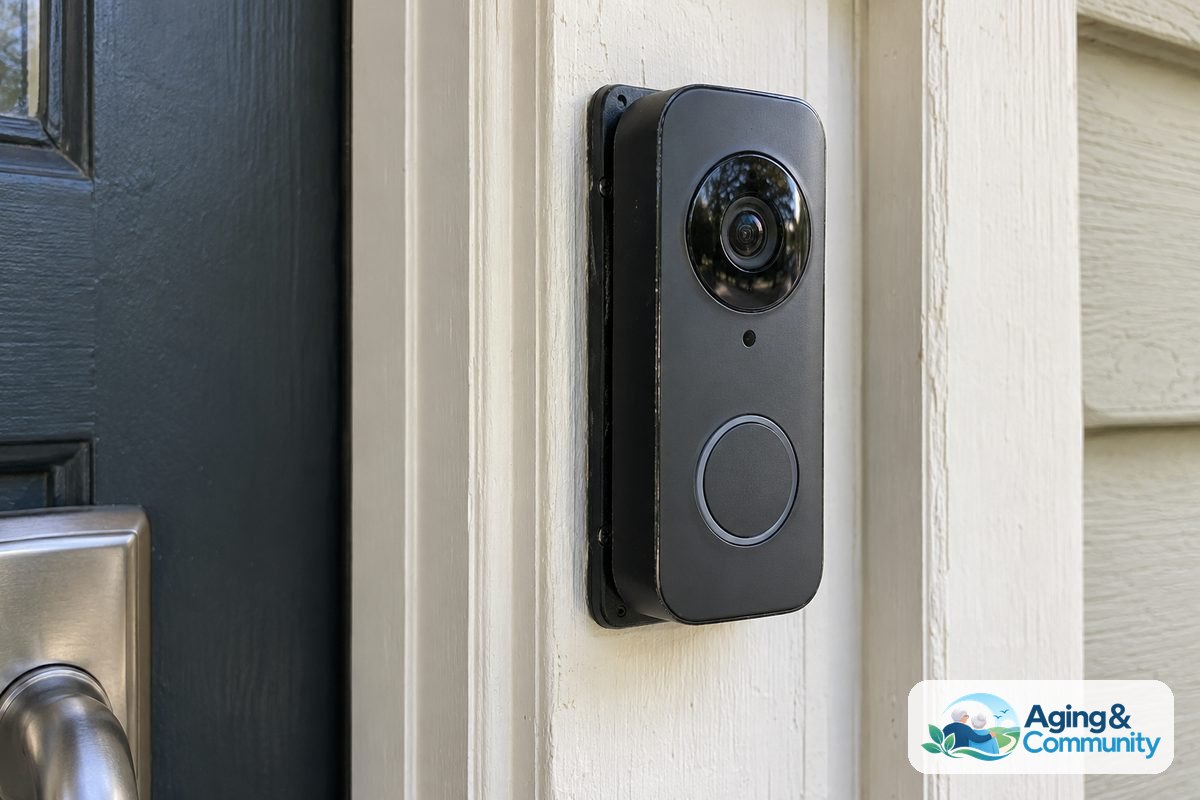
Smart thermostats let you adjust room temperatures using a simple voice command or a large-button screen, saving you trips back and forth across the house. Automated doorbells with cameras show you who is at the front door through your tablet, so you never have to rush to answer a knock.
These practical additions fit naturally into broader plans for remaining in your own house. Guidance from the National Institute on Aging on aging in place shows that simple home modifications can support long-term comfort and self-reliance.
How Family Members Can Offer Patient Support
When adult children or grandchildren introduce new tools, their teaching approach makes all the difference. Rushing through the steps or grabbing the device out of someone’s hands often leads to frustration for everyone involved.
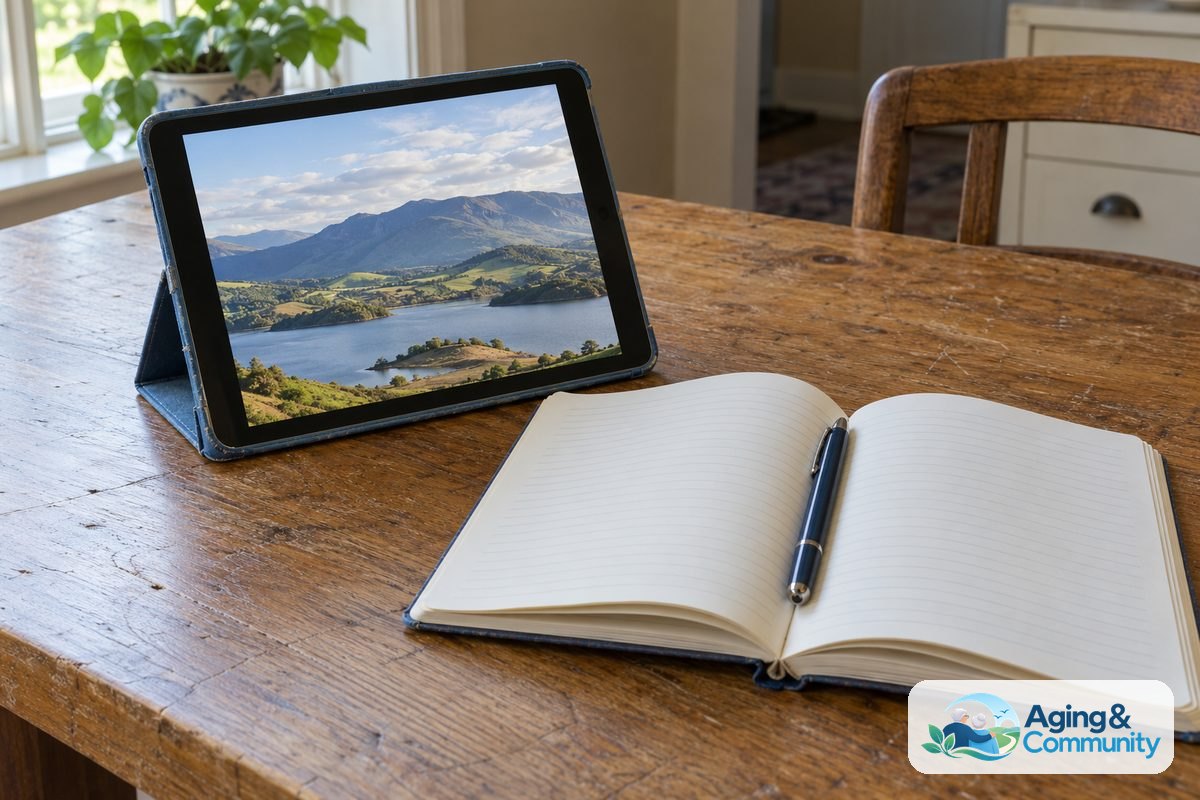
A great method is to let the learner hold the device while the teacher gives verbal instructions. Writing down clear, step-by-step notes in a notebook creates a handy reference guide that can be used later. If you want to assist a family member, reading about how to teach elderly to use technology provides practical methods that keep the experience calm and positive.
Focus on what the person actually wants to accomplish. If someone loves classical music, start by showing them how to play an orchestra performance online. When the tool connects to an existing passion, learning feels like a pleasure rather than a chore.
Finding Free and Friendly Community Instruction
You do not have to learn everything on your own at the kitchen table. Many community groups, public libraries, and senior centers offer gentle, welcoming lessons tailored specifically for beginners.
Local libraries frequently hold small-group workshops where you can bring your own device and ask questions. Community centers often host structured technology classes for seniors, covering everything from online safety to photo sharing. These spaces offer a warm environment where everyone is learning together at a comfortable pace.
If getting to an in-person class is difficult, there are wonderful virtual options available. You can participate in interactive computer classes for seniors online from the comfort of your living room chair. These sessions allow you to watch clear demonstrations and practice skills on your own screen.
What You Can Do Next
Starting your digital journey does not require a large investment of time or energy. A few practical steps can get you moving forward comfortably today.
- Pick one goal: Decide on a single task you want to do, such as video calling a grandchild, looking up a recipe, or listening to an audiobook.
- Adjust your display: Open the settings menu on your phone or tablet and increase the font size until words are completely effortless to read.
- Keep a cheat sheet: Use a small, lined notebook to write down the exact steps for your favorite tasks, along with any usernames or basic directions.
- Explore local help: Contact your local library or community center to ask about upcoming beginner technology workshops.
- Check community resources: You can contact the Eldercare Locator to find supportive aging programs, educational activities, and community resources in your immediate area.
Frequently Asked Questions
Am I too old to learn how to use a smartphone or tablet?
You are never too old to learn how to use modern touchscreens. In fact, tablets and smartphones are often much simpler to master than older desktop computers because you interact directly with the screen using your fingers instead of a separate mouse.
What is the easiest device for a beginner to start with?
Many beginners find that a mid-sized tablet is the easiest starting point. The screen is large enough to read without squinting, the buttons are generous in size, and there are no cords or separate accessories needed to navigate the menus.
How can I protect my personal information online?
Basic safety habits keep you secure. Never share your passwords, financial details, or personal identification numbers in response to an email, text message, or unexpected phone call. Legitimate organizations will not ask for sensitive credentials through an unprompted message.
What should I do if I get stuck or freeze a screen?
If an app stops responding, simply turn the device completely off, wait about thirty seconds, and turn it back on. Restarting clears temporary errors and returns the system to normal without losing your personal data or photos.