

Smart home alternatives can help when a full smart home system feels too costly, too complex or too connected. Many people only need a few simple tools, safer home habits and reliable support, not a house full of apps and devices.
The right choice depends on the home, the person using it and the kind of help that would make daily life easier. For older adults and family helpers, the goal is not to make the home fancy. It is to make common tasks easier, reduce frustration and support independence in a respectful way.

When A Full Smart Home Is Not The Right Fit
A smart home can include voice assistants, cameras, sensors, smart lights, smart locks and connected appliances. These tools can be useful, but they are not always the simplest answer. Some homes have weak internet, older wiring or rooms where devices do not work well.
Some people also prefer fewer screens, fewer passwords and less data sharing. That is a valid choice. A good plan should fit the person, not force the person to fit the technology.
A full smart home may not be the right fit if:
- The person does not want voice devices or cameras in the home.
- Wi-Fi is unreliable or hard to manage.
- Family members live too far away to fix device issues often.
- The home only needs help with a few daily tasks.
- Too many alerts would create stress or confusion.
If you are still comparing connected tools, a guide to smart home for elderly living can help you see what these systems can and cannot do. It may also help you decide which parts are worth keeping and which parts can be replaced with simpler options.
Simple Non-Smart Tools That Can Help At Home
Many helpful home changes do not need internet at all. These choices can be easier to use, easier to explain and less likely to need updates. They can also work well as a first step before adding any smart devices.
Start with the daily tasks that cause the most trouble. Is it finding light at night, remembering keys, hearing the doorbell or keeping track of items? Matching the tool to the task keeps the plan simple.
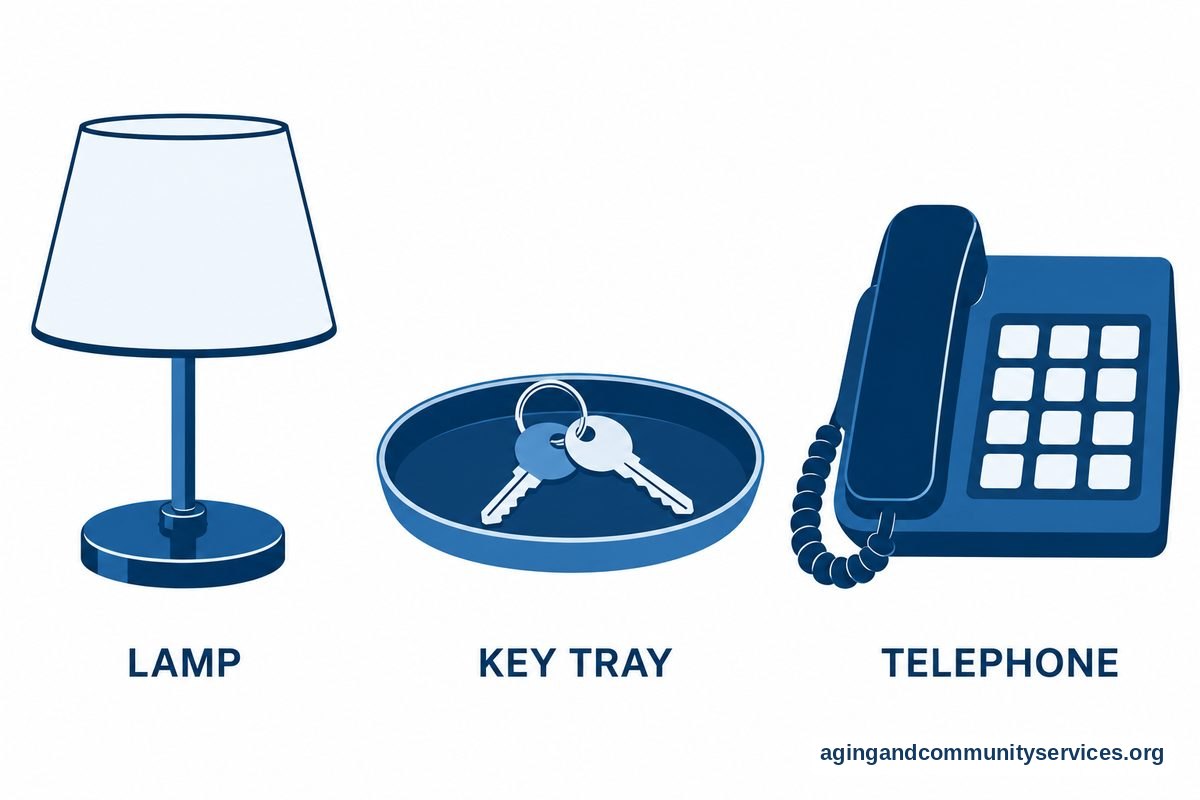
- Touch lamps: These turn on with a tap instead of a small switch.
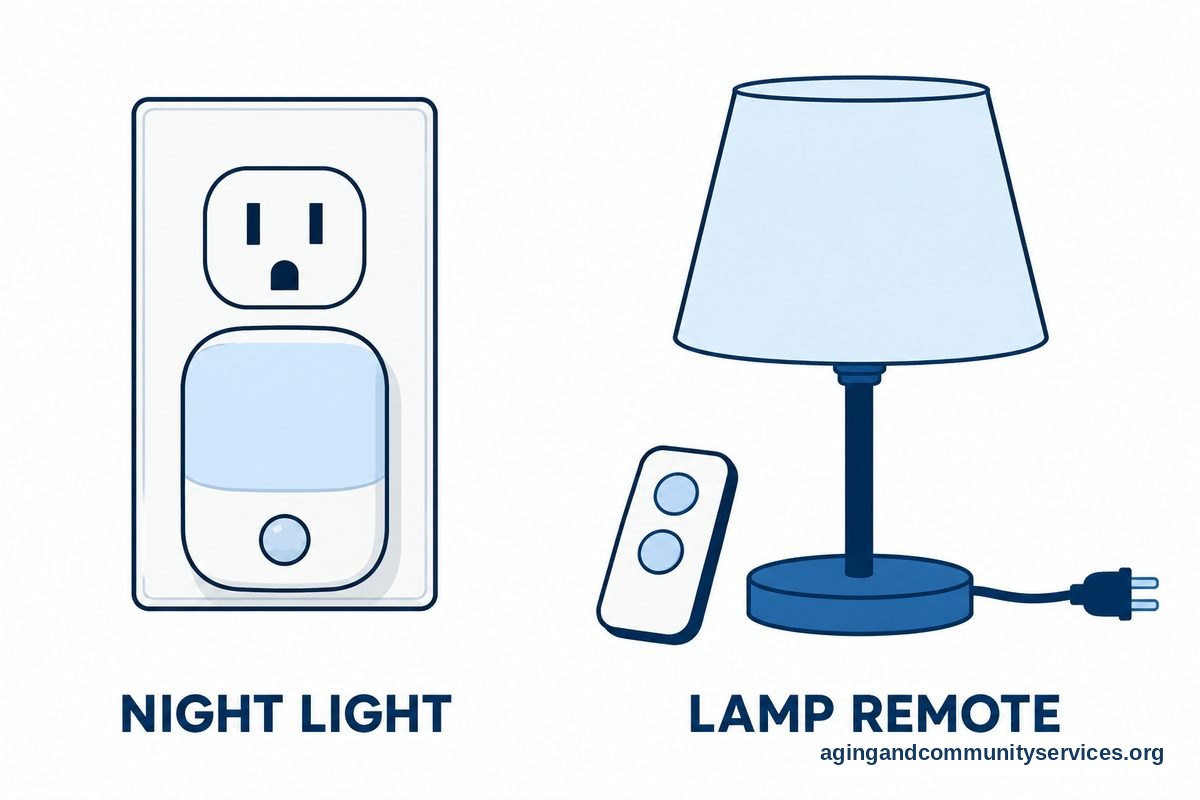
- Motion night lights: These light hallways, bathrooms and stairs without an app.
- Large button phones: These can make calling easier for people who dislike small screens.
- Key hooks and trays: These give important items one clear place to go.
- Automatic pill organizers: Some use lights or sounds without connecting to the internet.
- Stove knob covers or shutoff tools: These may support safer routines in the kitchen.
Home layout matters too. Clear walkways, steady chairs, easy-to-reach items and good lighting can make daily movement feel easier. The National Institute on Aging shares practical ideas for falls and falls prevention, including steps that can lower the risk of falls at home.
If walking, balance or reaching has become harder, it is wise to ask a doctor, physical therapist or occupational therapist what changes may fit the home. They can look at the person, the space and the daily routine together.
Low-Tech And No-Tech Safety Alternatives
Safety support does not have to start with cameras or apps. A home safety plan can include habits, visible notes, better lighting and a clear way to ask for help. These steps are often easier for everyone to understand.
One of the most useful tools is a simple contact plan. Write down who to call, when to call and what to do if no one answers. Keep it near the phone, on the fridge or in another place that is easy to see.
Consider these low-tech choices:
- Posted emergency contacts: Use large print and simple names, such as daughter, neighbor or doctor.
- Daily check-in routine: A short call or text at the same time each day can be enough for some families.
- Door signs: A reminder such as keys, phone, lights can help before leaving home.
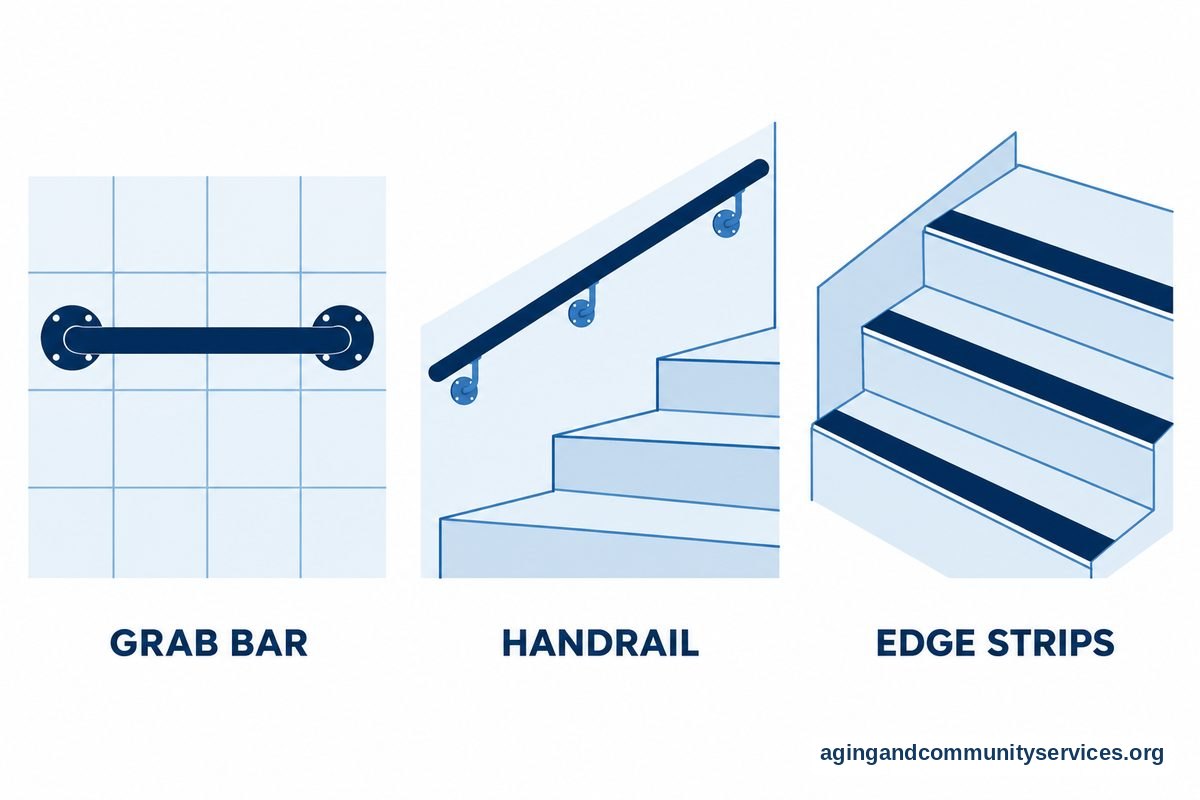
- Color contrast: Bright tape on step edges or light switches can make them easier to notice.
- Grab bars and handrails: These should be installed securely and placed where they are truly needed.
For people who live by themselves, it can help to combine a routine with backup support. A neighbor might have permission to check in if a call is missed. Family members can also review ideas for elderly living alone when building a plan that feels respectful and not intrusive.
Some people may need more than notes and routines. If there are concerns about cooking, bathing, stairs or getting around the home, ask a professional for guidance. An occupational therapist can often suggest practical changes that match the person and the home.
Helpful Technology That Is Not A Full Smart Home
There is a middle ground between no technology and a fully connected house. Some devices do one job well and do not require a large system. These may be easier to set up and easier to remove if they are not helpful.
Think of these as single-purpose tools. They should solve one clear problem, such as hearing the doorbell, turning on a lamp or remembering an appointment. If a device needs constant fixing, it may not be the right tool.
| Need | Alternative To A Full Smart Home | What To Consider |
|---|---|---|
| Lighting | Plug-in motion lights or remote-control lamps | Choose controls that are easy to see and press. |
| Reminders | Talking clock, paper calendar or simple reminder device | Use the same reminder style every day. |
| Door awareness | Flashing doorbell or louder chime | Place alerts where they can be noticed without being startling. |
| Calling family | Large button phone or preset contact device | Keep the contact list short and current. |
| Home entry | Key lockbox or keypad lock | Share access only with trusted people. |
Voice tools can also be helpful for some households, especially for calls, timers, music and reminders. If you are comparing that option, a plain-English guide to Alexa for elderly parents can help you think through setup, privacy and daily use.
For a broader look at devices, services and support tools, you may also want to review technology for elderly care. The key is to choose tools that support daily life without adding more work.
How To Choose Smart Home Recommendations That Fit
Smart home recommendations should start with a real need, not with a product list. Ask what is hard, what happens often and what would make the day smoother. Then choose the simplest option that solves that need.
Use a short checklist before adding any device:
- Ease of use: Can the person use it without help most of the time?
- Reliability: Will it still work if the internet is slow or down?
- Privacy: Does it record sound, video or location?
- Maintenance: Who will change batteries, update apps or fix problems?
- Fit: Does the person actually want this kind of help?
It is often better to start with one tool and give it time. If it helps, keep it. If it annoys the person or goes unused, remove it and try a simpler option.
Family members may have different views about what is needed. A calm conversation can help. Ask the person what they want to keep doing on their own, what feels annoying and what kind of support would feel acceptable.
The National Institute on Aging has guidance on aging in place that may help families think about home, services and long-term planning. If local help is needed, the Eldercare Locator can connect people with community resources through local aging services.

Privacy, Trust And Family Boundaries
Technology can help families stay connected, but trust matters. A device that feels like spying is unlikely to be welcomed. Before adding cameras, sensors or shared apps, talk about what will be used, who will see it and when it will be checked.
Some families choose no-camera options. For example, a daily call, a door chime, a simple check-in button or a motion light may be enough. Others may agree to a camera only at an entryway, never in private spaces.
Good boundaries are clear and written down. They can include who gets alerts, what counts as a reason to call and when notifications should be turned off. This helps avoid misunderstandings.
It can also help to review the plan every few months. Needs can change, and a tool that once helped may become unnecessary or too hard to use. A flexible plan is usually better than a permanent setup.

What You Can Do Next
Start with a walk-through of the home during a normal day. Look at lighting, stairs, rugs, cords, doorways, phones, bathrooms and the kitchen. Write down the top three problems, not every possible problem.
Then match each problem with the least complicated solution. If the hallway is dark, try motion lights before a smart lighting system. If calls are hard, try a large button phone before a tablet with many apps.
- Ask the person what feels hard, unsafe or frustrating at home.
- Pick one area to improve first, such as lighting, reminders or phone access.
- Choose a no-tech or low-tech option when it will do the job.
- Test the routine together for a week or two in daily life.
- Adjust the plan if the tool is ignored, confusing or unwanted.
- Ask a doctor, physical therapist or occupational therapist for advice when mobility, bathing, stairs or daily tasks are a concern.
If the person lives alone and wants to stay independent, tools and routines can be combined with social support. A guide to technology for seniors living alone can offer more ideas for check-ins, reminders and simple communication.
The best plan is usually modest. It respects privacy, keeps daily life simple and gives trusted people a clear way to help when help is wanted.
Frequently Asked Questions
What Are Good Smart Home Recommendations For Beginners?
Good starter choices are simple, useful and easy to undo. Motion night lights, remote-control lamps, a large button phone, a clear contact list and a reminder clock are common first steps.
If you want a connected device, choose one job first. For example, start with voice reminders or smart lighting, not a full set of cameras, locks and sensors all at once.
What Are The Best Smart Home Alternatives For Someone Who Dislikes Apps?
Good options include touch lamps, plug-in night lights, paper calendars, large print notes, doorbell chimes, key trays and daily check-in calls. These tools do not require learning a new app.
The goal is to make the home easier to use. If an app creates more stress than help, it is reasonable to choose a simpler tool.
Are Smart Home Recommendations Always Better Than Low-Tech Tools?
No. Smart devices can help in some homes, but low-tech tools can be more reliable and easier to maintain. The better choice is the one the person will actually use.
A good rule is to solve the problem in the simplest way first. Add technology only when it offers a clear benefit.
What Smart Home Recommendations Help With Daily Reminders?
Options include a paper calendar, whiteboard, talking clock, simple reminder device or voice assistant. The right choice depends on hearing, vision, comfort with technology and daily habits.
Keep reminders short and consistent. Too many alerts can become easy to ignore.
How Do I Compare Smart Home Alternatives For Privacy?
Look at whether the tool records audio, video, location or daily activity. Ask who can see that information and how it is controlled.
If privacy is a concern, start with non-recording options such as better lighting, phone routines, written checklists and door chimes. Any shared device should be discussed before it is installed.
What Smart Home Recommendations Work Without Reliable Internet?
Motion lights, touch lamps, large button phones, paper reminders, grab bars, handrails, key lockboxes and louder doorbells can work without Wi-Fi. Some battery devices also work on their own.
If the internet is not reliable, avoid tools that depend on constant connection for basic use. Choose devices that keep working during everyday service problems.