

An AI for seniors book can be a good first step if you want plain language, steady lessons, and examples that fit daily life. The right book should explain artificial intelligence in simple terms, show what to try, and give safety reminders without making the subject feel scary.
Many people look for a book because they want to understand tools like voice assistants, chat apps, photo tools, search helpers, and writing helpers. A good guide does not need to be technical. It should help you ask better questions, spot common problems, and decide when AI is useful and when a regular phone call, website, or trusted person is better.

What an AI Book Should Explain First
A beginner book should start with what AI is, not with computer code. In plain terms, AI is software that can find patterns, make suggestions, answer questions, sort information, or create drafts based on what a person asks it to do.
A helpful book should also explain that AI is not a person. It can sound confident and still be wrong. That is why a good guide should teach readers to check important answers, especially about money, health, legal issues, travel, and personal records.
Look for a book that covers everyday examples such as:
- Asking a question in clear words
- Writing a short email or letter
- Summarizing a long article
- Making a grocery list or packing list
- Planning questions to ask a service provider
- Learning basic phone or computer terms
If you are also learning general devices, a page on technology for seniors can pair well with an AI book. AI is easier to use when the basics of phones, tablets, passwords, and web browsers feel familiar.
How to Choose Books on AI for Seniors
When comparing books on AI for seniors, choose the clearest book, not the thickest one. A short, well organized guide is often more useful than a book filled with advanced terms.
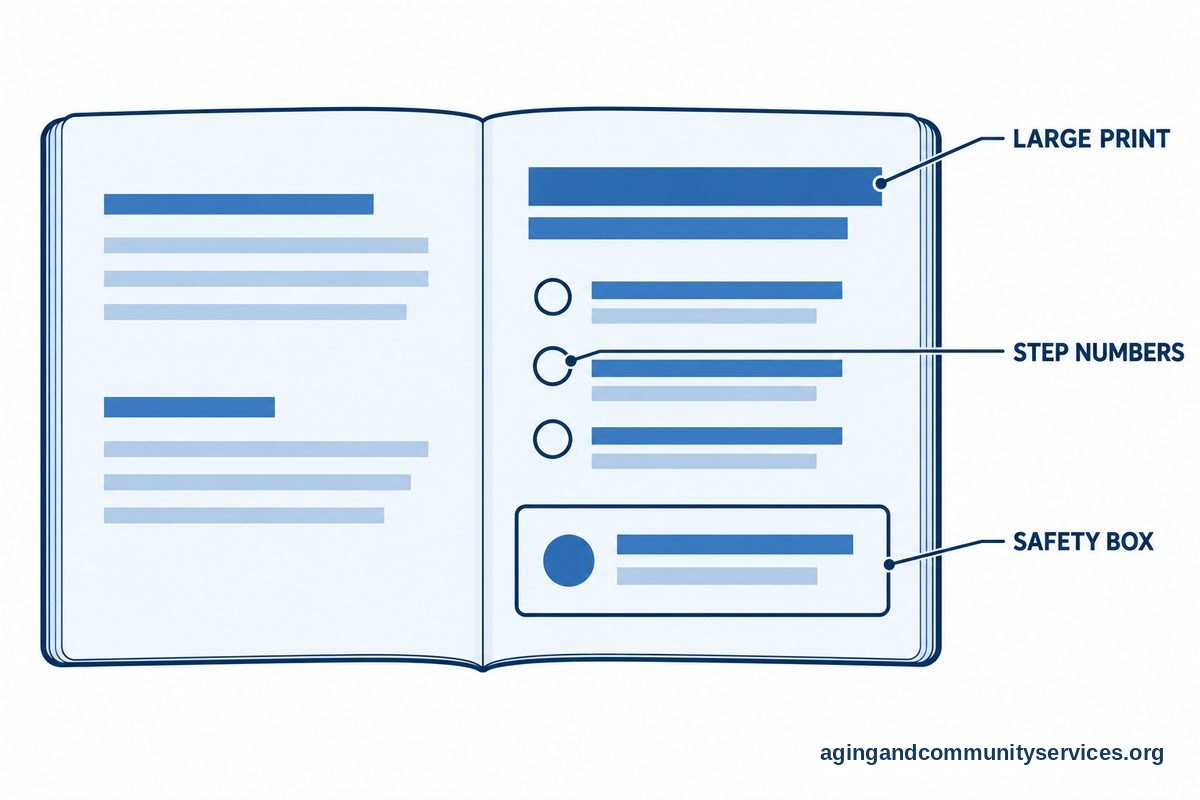
Before choosing a book, skim a few pages if you can. Notice whether the sentences are short, the steps are numbered, and the examples feel realistic. A good beginner book should not assume that you already know what prompts, chatbots, apps, or cloud accounts are.
Useful features include:
- Large, readable type: Pages should be comfortable to read for more than a few minutes.
- Step by step lessons: Each chapter should build on the last one.
- Everyday examples: Look for email, shopping, travel, photos, hobbies, and home tasks.
- Safety reminders: The book should explain privacy, scams, passwords, and why not to share sensitive information.
- Practice prompts: The book should give sample questions you can copy and change.
- Glossary: A short word list helps when new terms appear.
Avoid books that promise instant mastery or make AI sound like it can solve every problem. Also be careful with guides that focus only on business, coding, or investing unless that is your main interest.
If a family member is helping, it may help to review tips on teaching technology kindly. The best support is patient, calm, and practical. Learning is easier when the helper lets the learner hold the device, make choices, and repeat steps at a comfortable pace.
AI for Beginner Seniors Should Be Practical
An AI for beginner seniors guide should focus on small wins. The goal is not to learn every tool. The goal is to use AI for simple tasks that save time, reduce confusion, or make information easier to understand.
For example, AI can help turn a rough note into a polite message. It can suggest questions to ask before hiring a service. It can help compare two simple options if you give it the details. It can also explain a confusing word in simpler language.
Try starting with prompts like these:
- Explain artificial intelligence in plain English.
- Make this message shorter and friendlier.
- Give me five questions to ask before choosing a repair service.
- Summarize this article in simple bullet points.
- Help me make a packing list for a weekend trip.
- What does this computer term mean?
One useful habit is to add context. Instead of asking, “Write an email,” try, “Write a polite email to reschedule an appointment. Keep it short and friendly.” Clear instructions usually lead to better answers.
Another useful habit is to ask for a second version. You can say, “Make it simpler,” “Make it warmer,” or “Give me a shorter version.” A good beginner book should teach this kind of back and forth because AI often works better as a conversation.
Safety Tips Every Beginner Guide Should Include
AI can be helpful, but it should be used with care. A good AI for seniors beginner guide should repeat a few safety rules often. These rules are simple, but they matter.
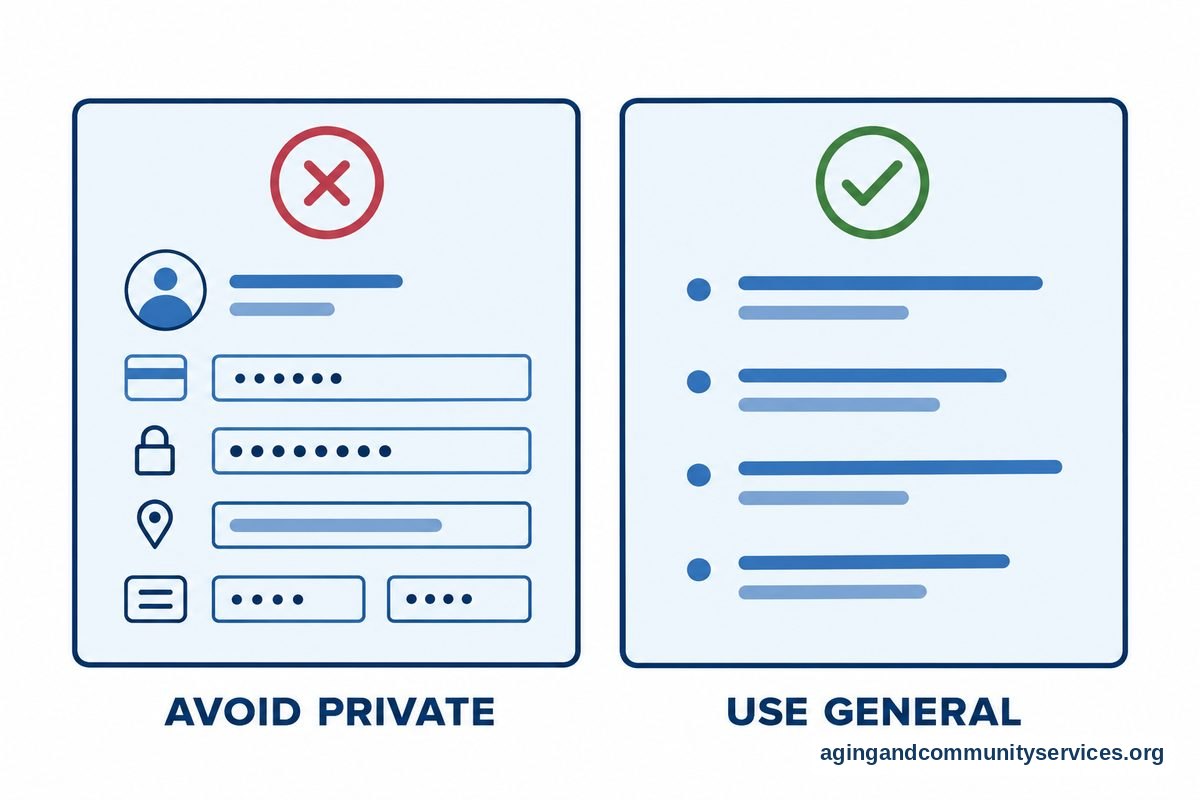
Do not type private information into an AI tool unless you understand how that tool uses your data. This includes Social Security numbers, full bank details, passwords, account numbers, medical record details, and private family information.
Use AI as a helper, not as the final authority. If an answer affects your health, money, housing, insurance, legal papers, or benefits, check with a qualified person or a trusted official source. For home safety and aging at home, the National Institute on Aging offers information about aging in place that can help readers think through practical needs.
Basic AI safety tips include:
- Do not share passwords or security codes.
- Do not send money because an AI tool or unknown message says to.
- Check important facts with another trusted source.
- Be careful with links, downloads, and surprise pop ups.
- Ask a trusted person before changing account settings.
- Pause if a message pressures you to act quickly.
If a book explains these points in a steady, respectful way, that is a good sign. The aim is not to avoid technology. The aim is to use it with clear boundaries.
Books, Classes, Magazines, and Training Options
A book is only one way to learn AI. Some people prefer an AI class for seniors because they can ask questions in person or online. Others like magazines, short videos, library workshops, or practice sessions with a family member.
An AI for seniors class can be helpful if you want a teacher to show the steps slowly. A class may also help you meet people who are learning the same skills. If classes are offered locally, ask whether they are for true beginners and whether you need to bring a phone, tablet, or laptop.
You can compare learning options this way:
| Option | Good For | What to Check |
|---|---|---|
| Beginner book | Learning at your own pace | Clear steps, large type, practice examples |
| Local class | Asking questions and seeing demos | Beginner level, small group, patient instruction |
| Online course | Learning from home | Simple login, captions, replay options |
| Magazine or newsletter | Short updates and tips | Plain language, safety notes, no pressure |
| Family practice session | Repeating steps together | Slow pace, written notes, learner controls device |
If you want a structured learning path, a guide to AI courses for seniors can help you think about class formats, topics, and comfort level. For broader background, an overview of AI for the elderly can explain common uses in daily life.
Some readers also ask about AI companions. These tools may offer reminders, conversation, or help with simple tasks, depending on the product. If that topic interests you, read more about an AI companion for elderly users before choosing one, and review privacy settings carefully.
Community programs can also be useful. The Eldercare Locator may help connect people with local support resources. Libraries, community centers, adult education programs, and volunteer groups may also offer basic technology help.

What You Can Do Next
Start with one small goal. For example, choose whether you want to write better emails, understand AI terms, use a chatbot, organize photos, or learn how to ask safer questions. A clear goal makes it easier to choose the right book or class.
Next, pick one learning format. If you like paper, choose a beginner book with large type and practice pages. If you like asking questions, look for a local or online class. If you enjoy short reading, try a magazine style guide or newsletter from a trusted source.
Then set up a simple practice routine:
- Choose one AI tool that is easy to open.
- Write down your username and where you keep password help, without writing the password in an unsafe place.
- Practice one prompt at a time.
- Save three useful prompts in a notebook.
- Review safety rules before sharing any personal details.
- Ask a trusted person to sit with you if a step feels confusing.
It is also fine to move slowly. You do not need to use every new tool. The best AI book, class, or training plan is the one that helps you feel more steady with the tasks you actually want to do.

Frequently Asked Questions
What is a good AI for old people book?
A good AI for old people book uses plain language, large readable text, and step by step examples. It should explain common AI tools, give practice prompts, and include safety tips about privacy, scams, and checking important information.
Are there books on AI for seniors who are true beginners?
Yes. Look for books that say they are for beginners and that explain terms before using them. The best fit is usually a guide with short lessons, screenshots or clear directions, and examples from daily life.
Is an AI class for seniors better than a book?
It depends on how you like to learn. A book is good for learning at your own pace. An AI class for seniors may be better if you want to ask questions, watch a teacher demonstrate steps, and practice with support.
What should AI training for seniors include?
AI training for seniors should include basic terms, how to write prompts, how to check answers, and how to protect personal information. It should also include practice with common tasks like email, search, planning, and summarizing.
What are simple AI tips for seniors?
Start with one tool, ask clear questions, and do not share private information. Check important answers with trusted sources. Keep useful prompts in a notebook so you can repeat them without starting over each time.
Is there an AI for seniors magazine?
Some technology magazines and newsletters include beginner AI articles, though they may not focus only on this audience. Choose ones that use plain language, explain terms, and give practical examples rather than technical news only.