

Alexa is good for seniors when it is set up for simple, useful tasks like reminders, calls, music, news, lights, and timers. It is not a replacement for care, medical advice, or emergency planning, but it can make daily routines easier for many households.
The main value is hands-free help. A person can speak a short request instead of finding a phone, reading small buttons, or walking across the room to adjust a lamp. For families, Alexa can also be part of a broader plan for communication, comfort, and safer daily habits.
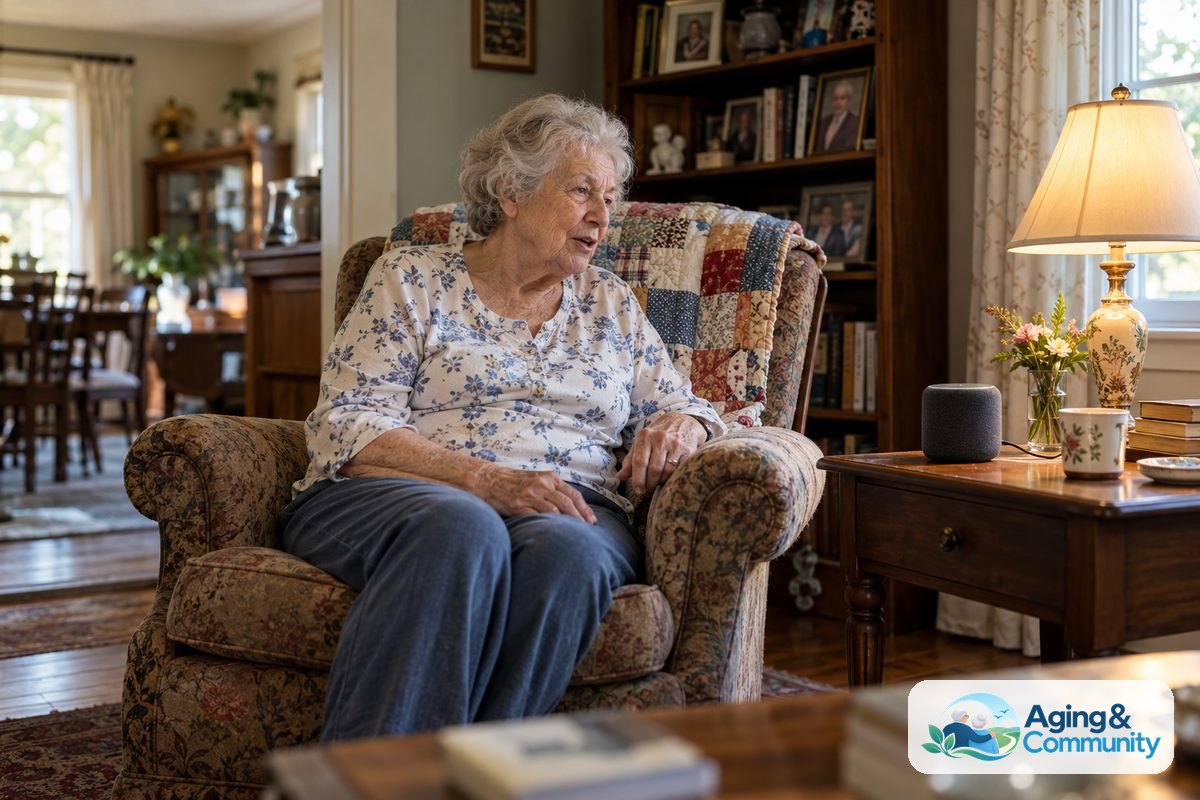
What Alexa Can Help With At Home
Alexa is a voice assistant that works through devices such as Echo speakers, some tablets, and some smart displays. The person says a wake word, then asks for help. For example, they might say, Alexa, set a timer for 10 minutes or Alexa, call my daughter.
For many homes, the most helpful uses are plain and practical. They do not require advanced technical skill once the device is set up.
- Reminders: Alexa can remind someone about appointments, trash day, meals, or daily routines.
- Timers and alarms: It can help with cooking, laundry, naps, and morning wake-up times.
- Hands-free calls: It can call approved contacts when calling features are set up.
- Music and radio: It can play favorite songs, stations, podcasts, or calming background sound.
- Weather and news: It can give a quick forecast or headline update without a screen.
- Smart home control: With compatible devices, it can turn lights on, adjust plugs, or control some thermostats.
If you are comparing Alexa with other tools, a broader guide to technology for seniors can help you think through phones, tablets, wearables, and home devices together.
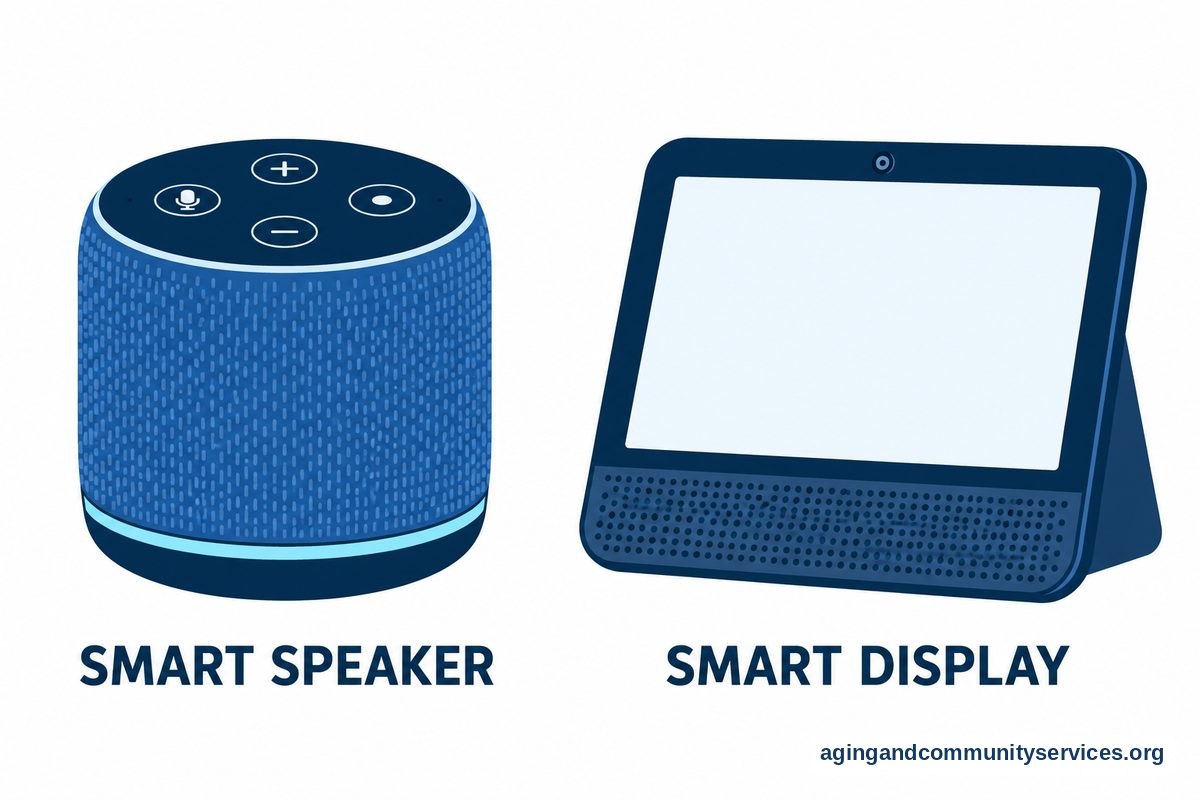
Where Alexa Can Be Especially Useful
Alexa can be a good fit when the person likes spoken instructions and wants fewer small tasks to manage by hand. It may help most in rooms where hands are often busy, such as the kitchen, bedroom, or living room.
A smart speaker in the kitchen can handle timers, recipe conversions, grocery list items, and music. In the bedroom, it can manage alarms, lights, and reminders. In the living room, it can place calls, play radio, answer simple questions, and control compatible devices.
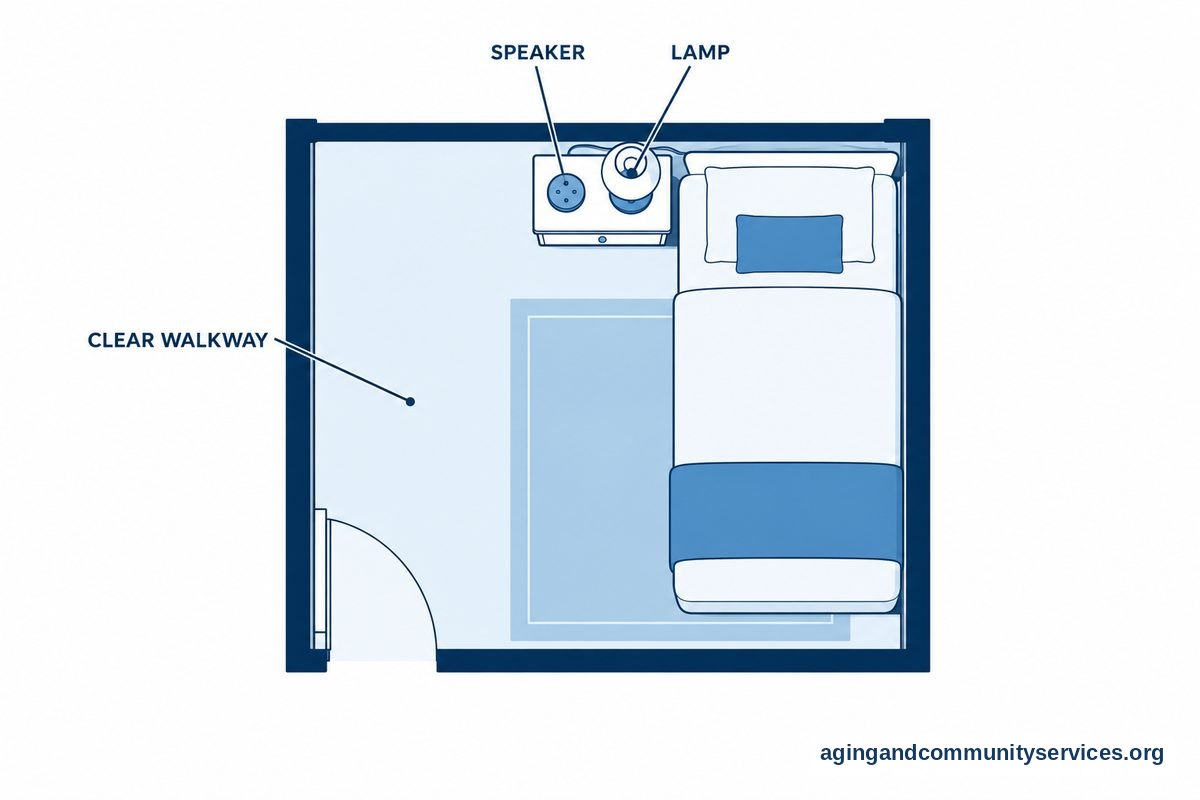
Some families also use Alexa as part of a simple home setup for comfort and routine. For example, a lamp connected to a smart plug can turn on by voice command. A person who wakes up at night may find it easier to say, Alexa, turn on the lamp, rather than reach for a switch in the dark.
Falls are a common concern for many households. The National Institute on Aging shares practical ideas for falls and prevention, including steps to make the home safer. Alexa cannot make a home safe by itself, but voice-controlled lights and reminders may support a plan that also includes clear walkways, good lighting, proper footwear, and advice from a doctor, physical therapist, or occupational therapist when needed.
If the goal is to make the home easier to live in, it may help to look at Alexa as one part of a larger smart home for elderly setup. Start small, then add only what is truly useful.
Limits To Understand Before Setting It Up
Alexa is helpful, but it has limits. It may misunderstand words, especially if there is background noise, a soft voice, an accent it has trouble with, or a room with poor sound. It also needs power and internet service for most features.
Alexa should not be the only way someone reaches help. Families should keep a clear plan for urgent needs, including a phone, emergency contacts, and any medical alert tools the person already uses. If there are concerns about falls, memory changes, hearing, vision, or safe movement at home, it is wise to speak with a doctor, physical therapist, or occupational therapist.
Privacy is another point to discuss. Alexa works by listening for its wake word, and voice requests may be processed through online services. Some people are comfortable with this, while others are not. The right choice depends on the person’s comfort level, home situation, and privacy preferences.
It is also important not to set up too many features at once. A long list of commands can feel confusing. A better approach is to choose a few daily uses and practice them until they feel natural.
| Need | Alexa May Help With | Keep In Mind |
|---|---|---|
| Daily routine | Reminders, alarms, timers | Use simple wording and check that reminders are heard |
| Communication | Calling approved contacts | Set up contacts carefully and practice calls |
| Home comfort | Lights, plugs, music, thermostat control | Requires compatible devices and internet |
| Information | Weather, news, calendar, questions | Answers can be brief and may not cover every detail |
| Safety planning | Voice control for lights and routines | Not a substitute for emergency help or home safety checks |

Simple Alexa Instructions For Seniors
Good setup matters more than the device itself. The easier the commands are, the more likely the person will use Alexa with confidence. Write down a short list of favorite commands and place it near the device.
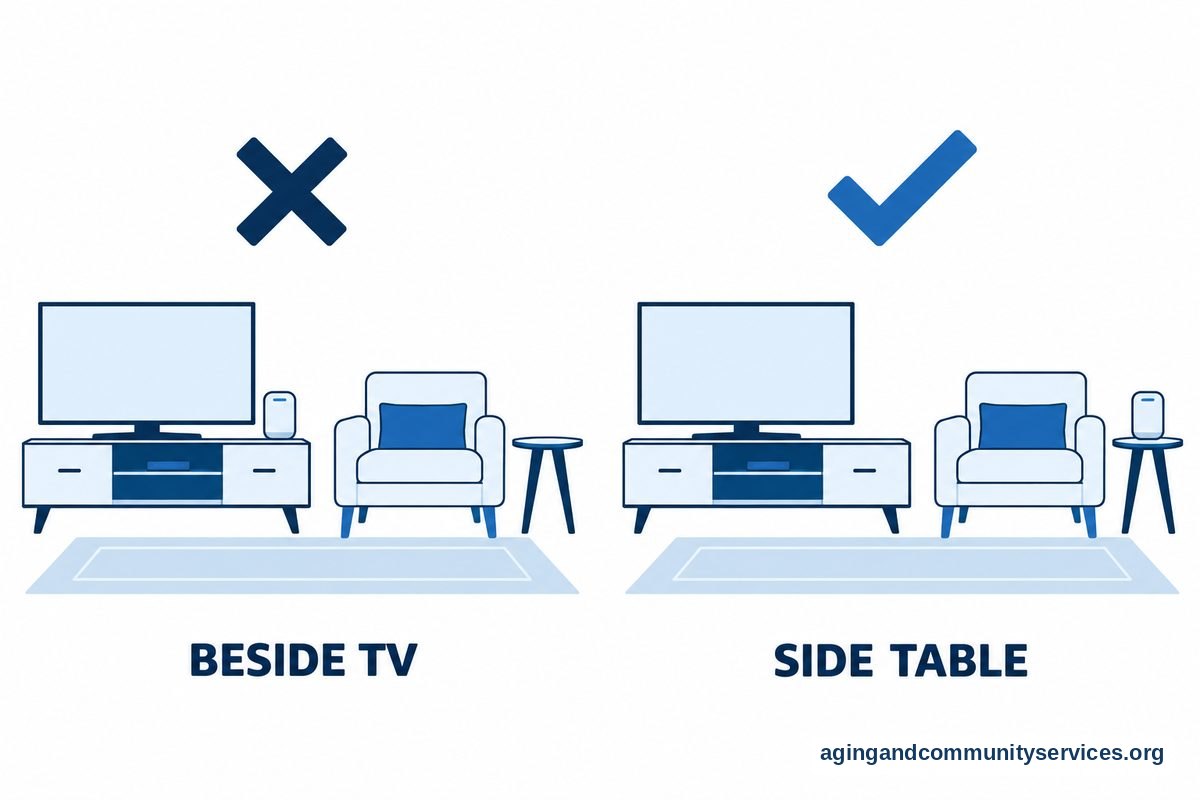
Start with one room and one device. Choose a place where the person spends time and where the device can hear clearly. Avoid placing it right next to a television, fan, sink, or loud appliance.
- Plug in the Alexa device and connect it through the Alexa app.
- Connect it to the home Wi-Fi network.
- Choose the wake word and test the volume.
- Add key contacts if calling features will be used.
- Set a few reminders, such as appointments or routine tasks.
- Practice five basic commands together.
Useful starter commands include:
- Alexa, what time is it?
- Alexa, what is the weather?
- Alexa, set a timer for 15 minutes.
- Alexa, remind me at 3 o’clock to take a walk.
- Alexa, call Susan.
- Alexa, turn up the volume.
Keep the first lesson short. A few successful commands are better than a long training session. If the person becomes frustrated, stop and return later.
Some families also explore voice tools for friendly conversation, games, or daily check-ins. If that is the goal, a guide to an AI companion for elderly use may help explain what these tools can and cannot do.
Using Alexa For Elderly Parents From A Distance
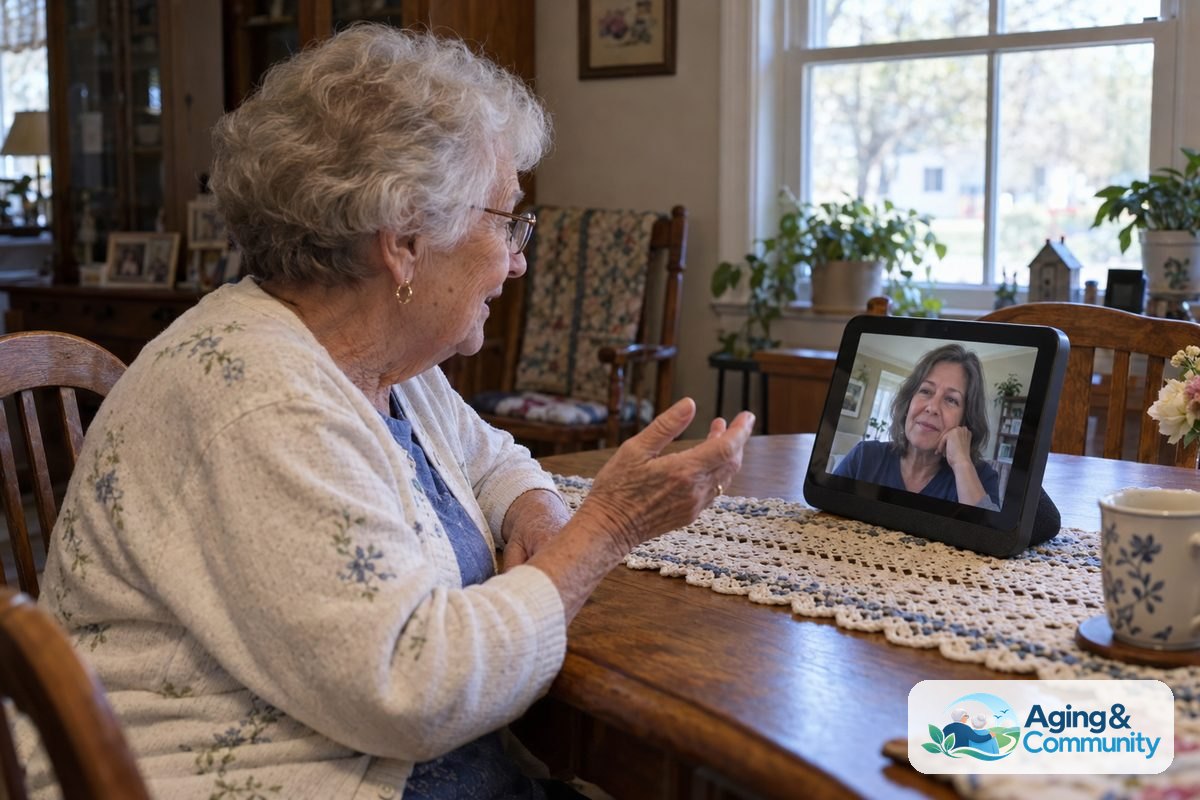
Using Alexa for elderly parents can be helpful when family members live nearby or far away. The main benefit is easier contact. If calling is set up, a parent may be able to call by voice without searching for a phone.
Families can also help create reminders, routines, and contact lists. For example, Alexa can announce a reminder for an appointment, play a favorite playlist in the morning, or turn on a connected lamp at a set time.
Still, it is important to respect independence and privacy. Talk through what will be set up, who can call, what features are turned on, and what information is shared. The person using the device should have a real say in how it works.
For families planning from a distance, a dedicated guide to Alexa for elderly parents may help with choices like device placement, calling, reminders, and privacy settings.
Alexa can also fit into aging at home planning. The National Institute on Aging explains many parts of aging in place, including home changes, support, transportation, and community services. Voice tools are only one piece of that larger picture.
How To Decide If Alexa Is A Good Fit
Alexa is usually a better fit when the person is open to trying it, can hear the device well enough, and has reliable internet. It may not be a good fit if the person dislikes voice devices, finds them intrusive, or becomes upset when technology does not respond as expected.
Before buying or adding more devices, think about the real problem you want to solve. Is it missed reminders, hard-to-reach light switches, loneliness during quiet parts of the day, or easier family calls? The clearest goal should guide the setup.
It may help to ask these questions:
- What task would make daily life easier this week?
- Can the person speak the commands comfortably?
- Can they hear Alexa’s replies clearly?
- Is there a trusted person who can help with setup?
- Are privacy settings understood and accepted?
- Is there a backup plan if the internet goes out?
Try to avoid making Alexa feel like a test. It should feel like a tool the person can choose to use. The goal is more ease, not more pressure.
What You Can Do Next
Start with a small, practical plan. Choose two or three tasks that would be useful right away, such as weather, timers, and calling one family member. Set those up first and leave everything else for later.
- Pick the right room: Place the device where it will be used often and heard clearly.
- Write a command card: List five commands in large, simple print.
- Practice together: Spend a few minutes using the same commands each day.
- Set privacy choices: Review voice, calling, and contact settings with the person who will use it.
- Plan backups: Keep phones, contact lists, and emergency plans easy to find.
- Ask for professional input: If the concern is home safety, movement, memory, hearing, or vision, speak with a doctor, physical therapist, or occupational therapist.
If the household needs local support, transportation help, caregiver resources, or home service information, the Eldercare Locator can help people find services in their area.
Frequently Asked Questions
Is Alexa Good For Elderly People?
Alexa can be good for elderly people who want hands-free help with simple daily tasks. It can support reminders, calls, timers, music, weather, and compatible smart home devices. It works best when the setup is simple and the person wants to use it.
How Can Alexa For Senior Citizens Be Set Up Simply?
Start with one device in one room. Set the volume, connect Wi-Fi, add only key contacts, and write down a few commands. Practice weather, timers, reminders, and calling before adding lights or other smart devices.
What Are The Best Ways Of Using Alexa For Elderly Parents?
The most useful ways are often calling, reminders, music, daily routines, and voice control for lights. Families should talk about privacy first and agree on which features are welcome. Keep a backup plan for urgent needs.
Is Alexa Good For The Elderly If They Are Not Tech Savvy?
It can be, if someone else handles setup and the commands are kept simple. Many people only need a short list, such as asking for the time, calling family, setting a timer, and turning on a lamp. Too many features at once can make it harder.
What Should An Alexa Guide For Seniors Include?
A useful guide should include where to place the device, how to speak commands, how to adjust volume, how to call contacts, how to set reminders, and how to turn features off. It should also explain privacy settings in plain language.
What Are Basic Alexa Instructions For Seniors?
Basic instructions are to say the wake word, ask for one task, and wait for the answer. For example, say Alexa, what is the weather? or Alexa, set a timer for 10 minutes. If Alexa does not understand, try again with fewer words.