

Modern technology for aging and disability offers practical support for everyday living, safety, and personal connection. These simple tools help individuals maintain autonomy while giving families peace of mind. Choosing the right devices can make daily tasks easier and keep your home accessible.
Daily Living and Personal Accessibility Tools
Everyday activities can sometimes take more energy or effort than they used to. Assistive devices help bridge the gap, allowing people to carry out normal routines with greater ease. These tools range from basic mechanical helpers to simple digital systems that simplify daily tasks.
Electronic medication organizers can remind you when it is time to take prescriptions. Many models feature audio alerts, flashing lights, or locked compartments that open only at scheduled times. These tools reduce daily stress around complicated pill routines.
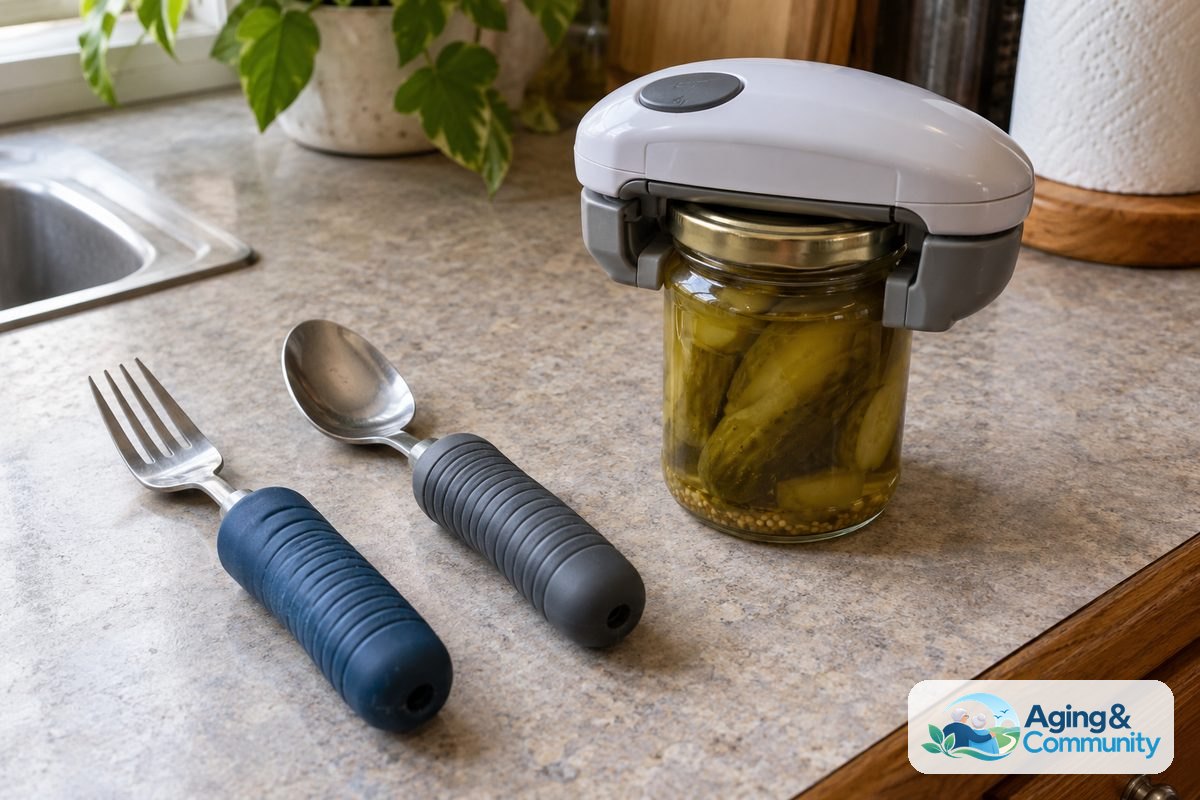
Adaptive kitchen and dining items also offer steady assistance. You can find utensils with weighted handles, electric jar openers, and touchless water faucets. For personal care, automated soap dispensers, raised toilet seats with wash functions, and motion-activated lights bring extra comfort to the bathroom, as explained in a bidet toilet vs seat guide.
Many families also look into specialized technology for elderly care to coordinate daily schedules, nutrition, and personal assistance across a caregiving team.
Smart Home Systems for Independence and Ease
Home automation has grown into a powerful way to manage a household without physical strain. Setting up a smart home for elderly family members allows appliances and fixtures to respond to voice commands or smartphone taps.
Voice-activated speakers let you turn lights on or off without getting out of a chair. You can ask for the daily weather, set timers, make hands-free calls, or play music simply by speaking. This hands free operation is especially helpful for anyone living with joint stiffness, hand tremors, or vision changes.
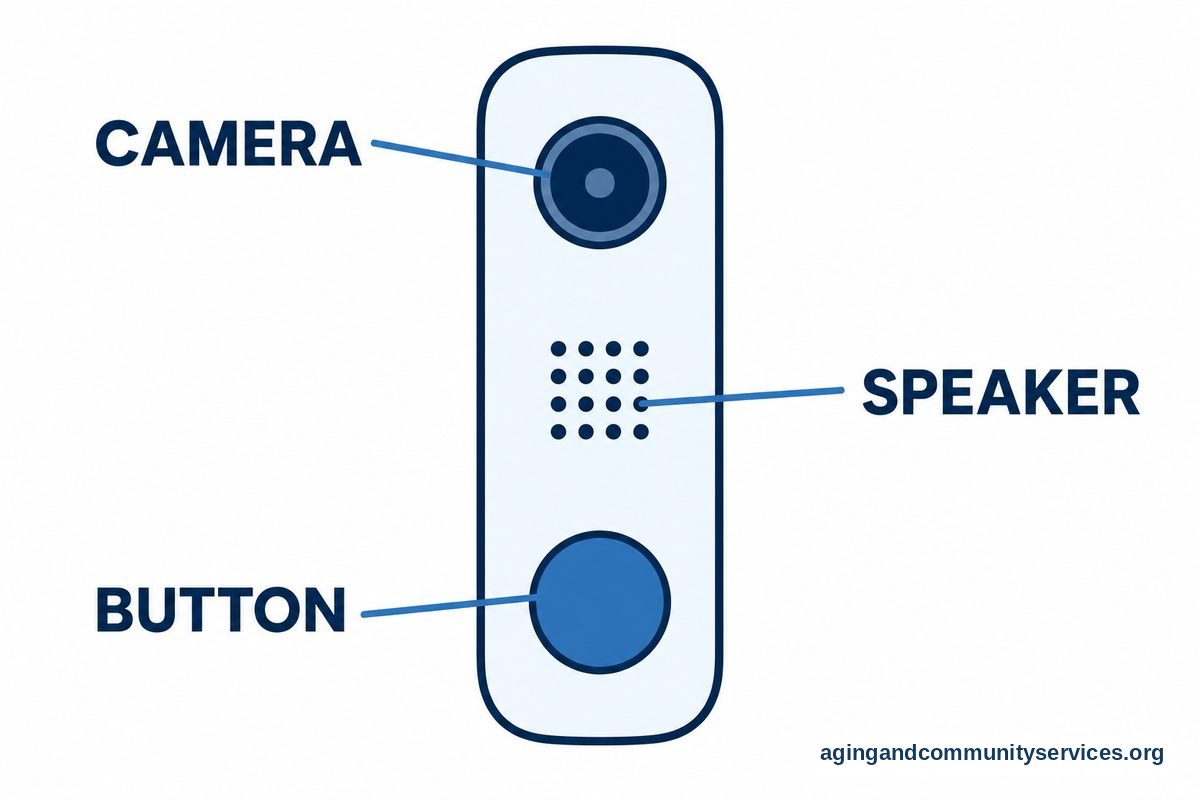
Smart thermostats make temperature control effortless by adjusting the heat or air conditioning on a set schedule. Video doorbells let you see and speak with visitors at the front door from your phone or tablet, so you do not have to rush to answer a knock.
Safety Devices and Alert Systems
Maintaining a secure living space is a top priority for most households. According to the National Institute on Aging guide on falls and falls prevention, simple home modifications and awareness can help reduce personal hazards around the house.
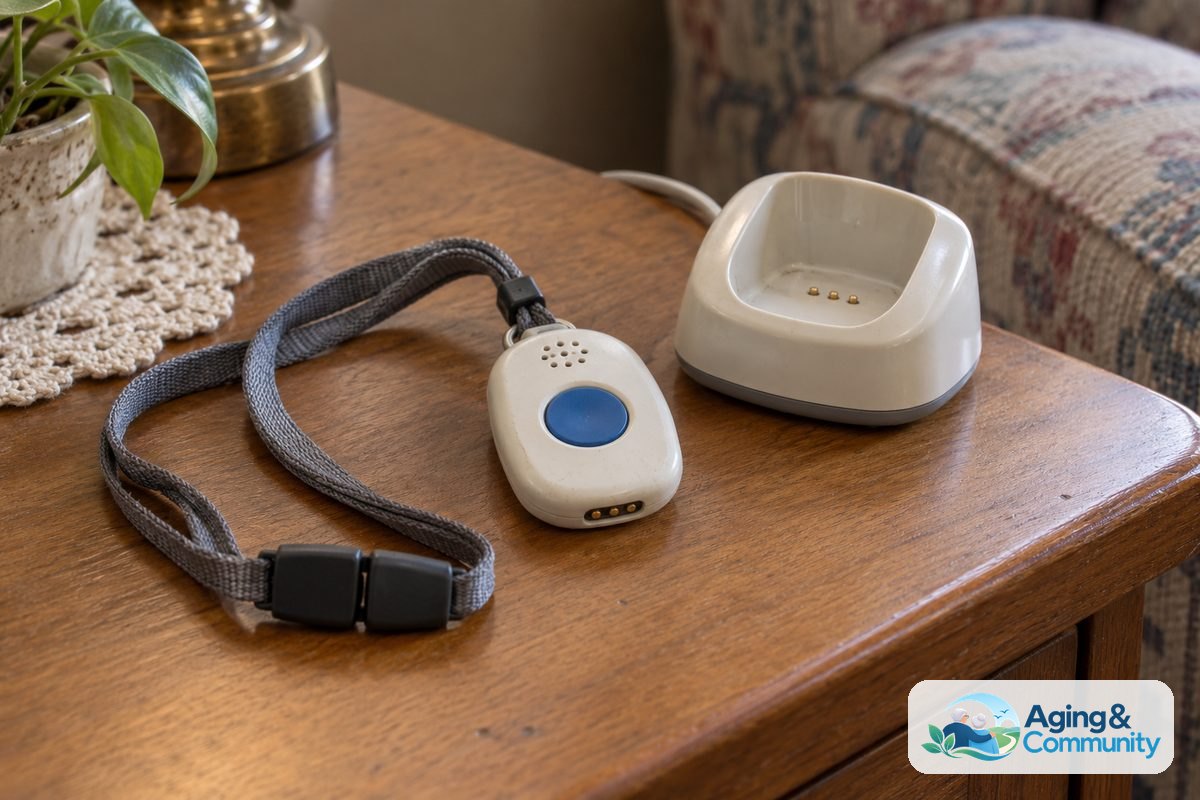
Personal emergency response systems, often worn as a pendant or wristband, connect you to help with the press of a button. Modern units frequently include automatic fall detection sensors, which can call for assistance if sudden movement occurs. Many devices also include GPS tracking, which helps family locate a loved one who might get turned around during a walk.
In-home sensor systems can track general routines without using intrusive cameras. You can review different elderly monitoring systems to see how ambient motion sensors detect changes in activity, such as unusual delays in the kitchen or bathroom.
Staying Connected with Family and Community
Social connection is just as important as physical safety. Staying in close contact with relatives, neighbors, and friends supports emotional health and keeps loneliness at bay.
Modern devices make communication much simpler for people who feel overwhelmed by complicated computers. Consider these options for staying in touch:
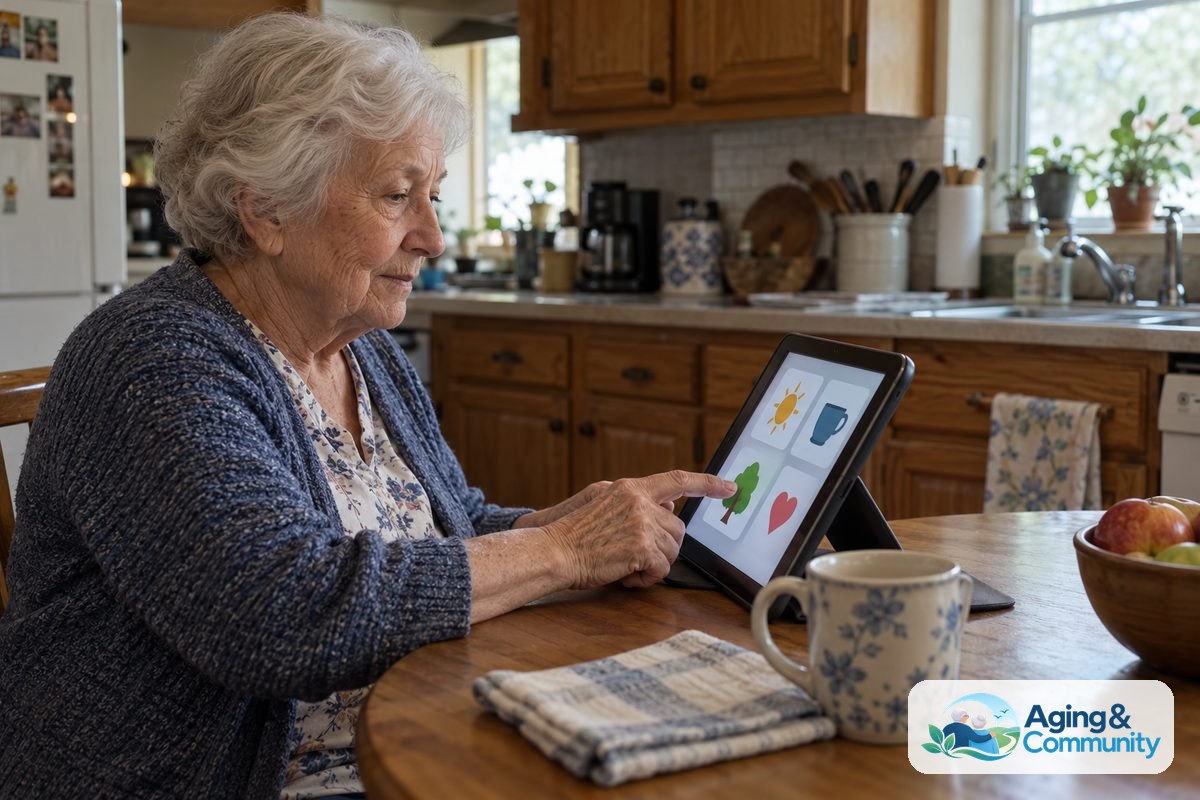
- Simplified tablets with oversized icons and preloaded family contacts.
- Digital photo frames that receive family photos and video clips instantly through an app.
- Captioned telephones that display written text of every phone conversation on a bright screen.
- Screen readers and speech-to-text software for reading emails and messages without eye fatigue.
Using these tools helps maintain close bonds across long distances, ensuring that loved ones stay involved in daily family updates and celebrations.
Mobility and Transfer Support Solutions
Moving around the house safely is essential for long-term comfort. As highlighted by the National Institute on Aging in their guidance on aging in place, adjusting your living space can support independence as physical needs change over time.
Motorized lift chairs gently assist a person from a sitting position to standing upright, protecting knees and hips from extra stress. Powered wheelchairs and mobility scooters offer independent travel around the neighborhood, shopping centers, and parks.
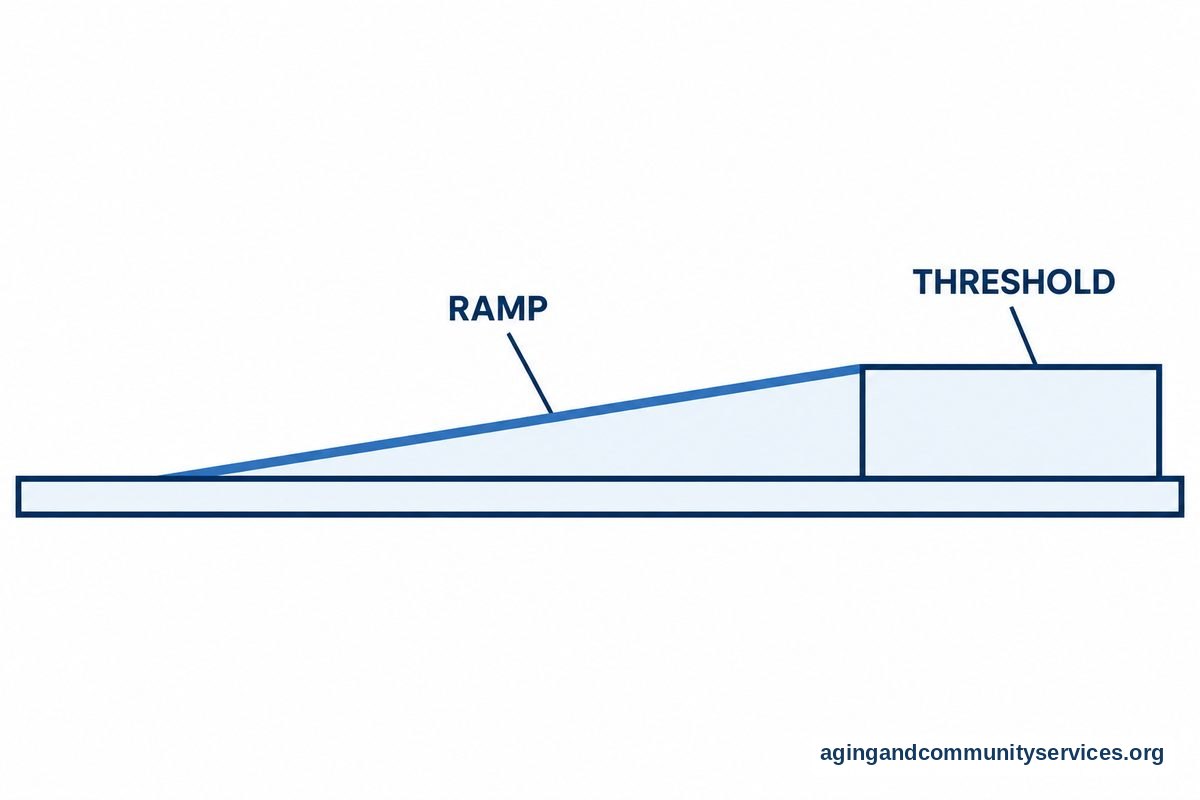
Stair lifts remove the barrier of multi-story living, carrying a rider smoothly along a track mounted to the staircase. For smaller level changes, modular ramps and threshold ramps provide smooth transitions over steps and raised doorways, making walker and wheelchair navigation smooth.
To explore more ways to adapt your living space, take time to learn about technology to help seniors age in place comfortably and safely over the years.
What to Do Next
Introducing new devices works best when taken one step at a time. Trying to change everything at once can feel overwhelming, so start with the most immediate need.
- Identify the single daily task that feels most frustrating or tiring right now, such as reaching for high switches, reading small pill bottles, or answering the door.
- Consult with a doctor, physical therapist, or occupational therapist to get professional guidance on which assistive tools fit your physical strengths and routine.
- Check your home internet connection to make sure Wi-Fi reaches all rooms where digital devices will be used.
- Reach out to the community via the Eldercare Locator to find regional programs, lending libraries, or assistive technology demonstrations near you.
- Start with one simple device, practice using it until it feels familiar, and add more tools only when you feel ready.
Frequently Asked Questions
What is assistive technology for daily living?
Assistive technology includes any device, tool, or software that helps a person complete daily tasks with greater ease and safety. This can range from low-tech jar openers and grab bars to high-tech voice assistants and emergency alert systems.
How do I choose the right device for my needs?
Start by focusing on your specific challenges rather than the newest gadgets. Speaking with an occupational therapist is often the best way to evaluate which items will provide real, practical benefits without adding unnecessary confusion.
Are smart home devices hard to learn?
Most modern smart home tools are designed for simple setup and use. Voice-activated devices are often very easy to adopt because they require only natural speech rather than typing on keyboards or navigating complex menus.
Can I get financial assistance for assistive devices?
Many community resources, veterans benefits, and local area agencies on aging offer loan programs, grants, or guidance for obtaining adaptive equipment. Contacting regional community organizations can help you discover available local support.